Learn how recruitment agencies can connect systems, reduce manual admin and automate lead to engagement with one tailored operating platform the business owns.
What software do recruitment agencies use: What Breaks Daily
What software do recruitment agencies use should connect bookings, people, communications and reporting in one reliable operating flow.
Recruitment agencies face constant operational interruptions. These disruptions often stem from disconnected systems, excessive manual administrative input, and overlapping software subscriptions. Consultants spend valuable hours sourcing candidates, managing vacancies, and progressing interviews, only to be stalled by outdated systems that don’t communicate or duplication of data entry.
Typical breakdowns include:
- Lost or inconsistent candidate information across databases.
- Delays in scheduling interviews due to fragmented calendars and communication tools.
- Manual progress tracking that's error-prone and time-consuming.
- Compliance risks arising from uncontrolled data handling.
- Over-reliance on disparate SaaS subscriptions that inflate costs and complicate workflows.
Each daily hiccup adds up to inefficiencies that undermine client trust and candidate experience.

The True Cost of Manual Work in Recruitment
Manual administration within recruitment workflows hits agencies in several ways:
- Time Waste: Recruitment professionals can lose up to two days per hire navigating administrative tasks instead of engaging candidates or clients.
- Error Rates: Manual data handling introduces errors, causing misplaced candidate profiles or mismatched vacancy details.
- Compliance Challenges: Without integrated controls, agencies risk non-adherence to data privacy laws and professional privilege obligations.
- Cashflow Drag: Unnecessary software licenses bloat overheads, and delayed placements impact billing and payments.
Efficient recruitment agencies must reduce reliance on manual processes to optimise productivity, maintain professional standards, and protect margins.
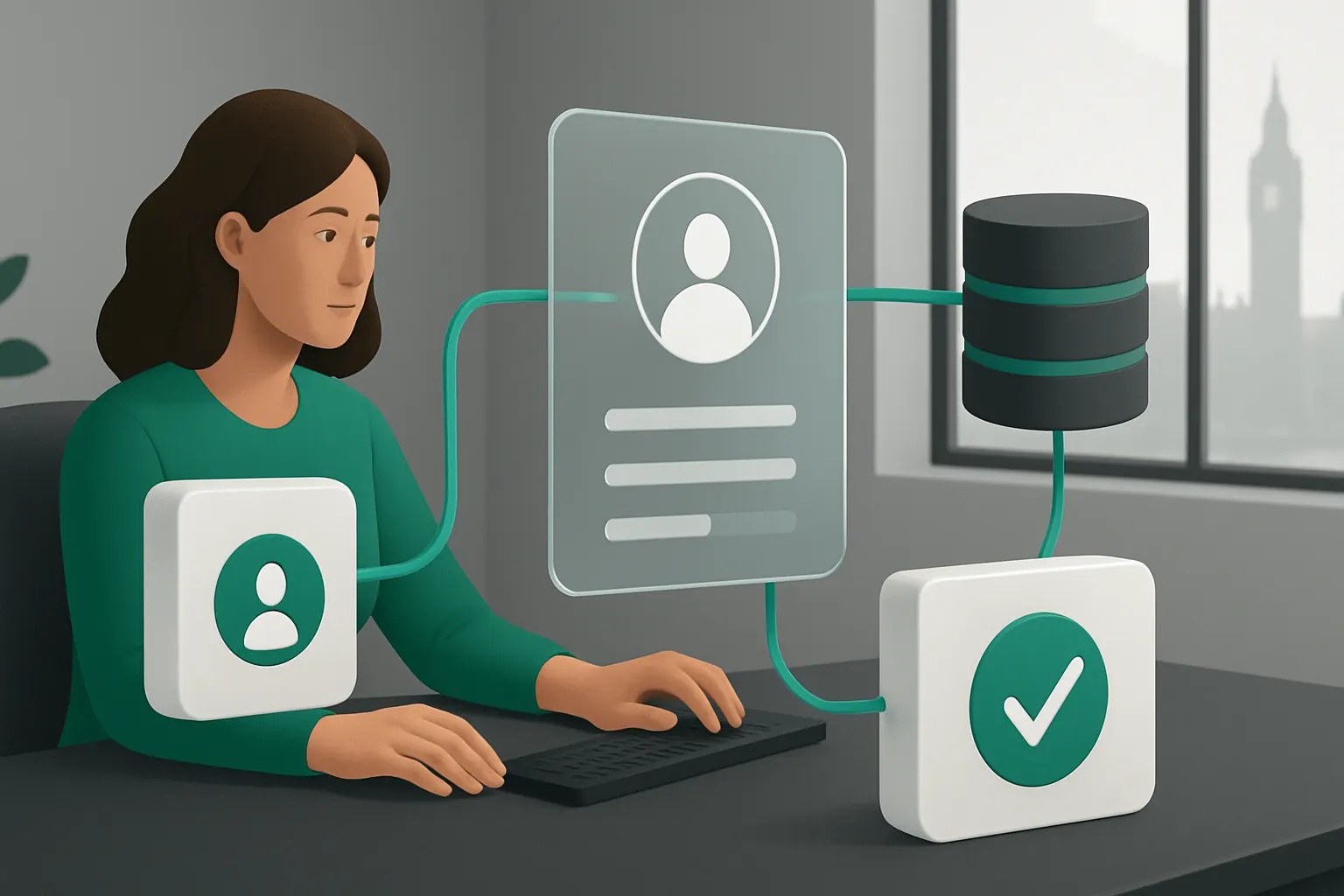
Candidate Sourcing and Lead Capture Integrated Seamlessly
Tackling Lead Fragmentation and Duplicate Profiles
Recruitment teams often gather candidates from multiple job boards, referrals, and social media, leading to scattered lead handling. Manual copying between tools breeds duplicate profiles and lost opportunities to engage.
Connecting Lead Capture to Candidate Records
A connected operating system consolidates candidate leads from existing sources into one owned system. This eliminates repetitive data entry and ensures a single, up-to-date candidate record is always available.
Useful Existing Integrations
Key integrations include:
- Job board feeds (e.g., Indeed, LinkedIn automated data exports).
- Email parsing to extract candidate information automatically.
- Web forms hosted by the agency website.
Real-World Example
Consider an agency harvesting candidates from LinkedIn jobs and website sign-ups. A connected workflow imports these leads directly to the owned candidate workspace, flagging duplicates and triggering an automatic welcome email without separate software.
Governance and Control
Built-in permission controls keep candidate data secure, with configurable workflows for handling candidate consent under GDPR and professional privilege monitoring.

Vacancy Management and Automated Matching
The Problem of Disconnected Vacancy Records
Vacancies often exist in separate spreadsheets, ATS systems, and emails. Matching suitable candidates requires manual cross-referencing that wastes time.
Shared Vacancy Records and AI-Enhanced Matching
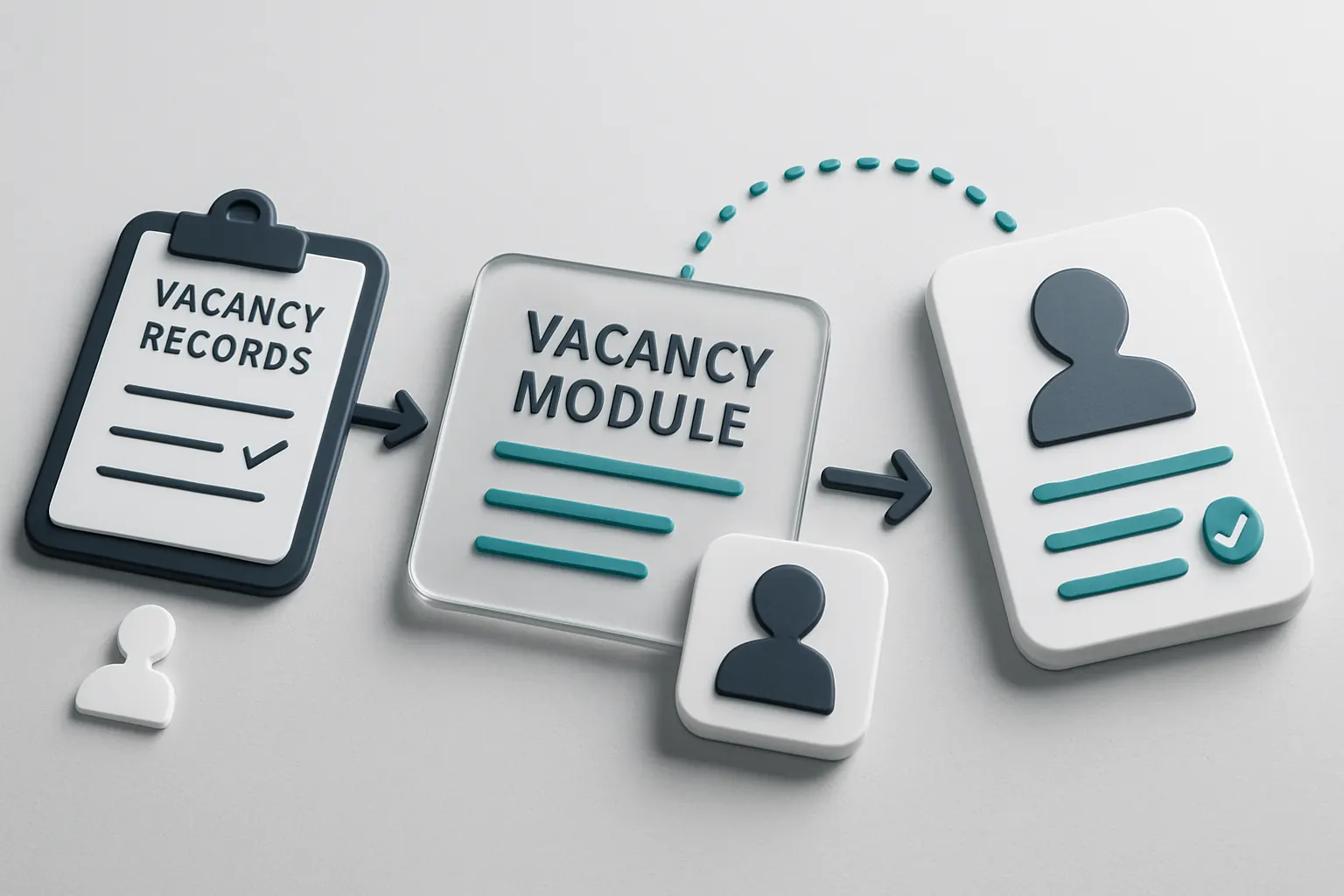
A central vacancy module allows recruiters to view all active assignments easily. Basic AI capabilities classify role requirements and match candidate skills using deterministic and learning algorithms, but human recruiters retain final approval to preserve expert judgement.
Useful Connectors to Consider
- Existing ATS exports/imports.
- Calendar and notification systems to schedule interviews.
- Document storage connectors for job descriptions and candidate profiles.
Concrete Example
An agency uses AI summarisation on job descriptions and candidate CVs to suggest top matches. Recruiters review suggested candidates, adjust selections, and update the vacancy record, maintaining full transparency.
Operational Controls
The system records match score rationales and flags exceptions requiring human review, supporting audit trails for compliance.
Interview Scheduling and Progression Workflows
Time Lost to Manual Interview Coordination
Recruiters typically spend hours sharing availability, confirming schedules, and sending reminders.
Coordinated Calendars and Automated Invitations
Integration of calendar tools with a recruitment operating workspace automates interview slot identification and candidate notifications. Workflow automation manages interview status updates centrally.
Integrations That Improve Efficiency
- Outlook or Google Calendar syncing.
- Communication tools (e.g., Teams, Zoom) for virtual interviews.
- SMS or email gateways for candidate reminders.
Example in Practice
Upon confirming match approval, recruiters trigger an interview invite workflow that cross-checks hiring managers’ and candidate availability. Confirmations and reminders are sent automatically, with progress tracked in a shared dashboard.
User Controls
Interview changes require recruiter or hiring manager sign-off before candidate notification, ensuring control over schedules and changes.

Document and Proposal Generation on Demand
Manual Proposal Drafting Drags Timelines
Drafting client proposals and candidate offer letters manually delays placements and introduces inconsistency.
Automated Document Assembly Tailored to Agency Processes
Document modules linked to candidate and vacancy records generate proposals from pre-approved templates. Workflow rules handle routing and approval steps.
Integration Patterns in Document Workflows
- CRM module for client details.
- Candidate profile and offer details.
- Digital signature tools when required.
Practical Example
A recruitment consultant triggers a proposal generation workflow that merges client data, role specifications, and candidate profiles into an editable draft. Notifications prompt expert approval before sending out.
Control Measures
Version control and approval logs ensure authorised documents only leave the system—key for maintaining professional standards.
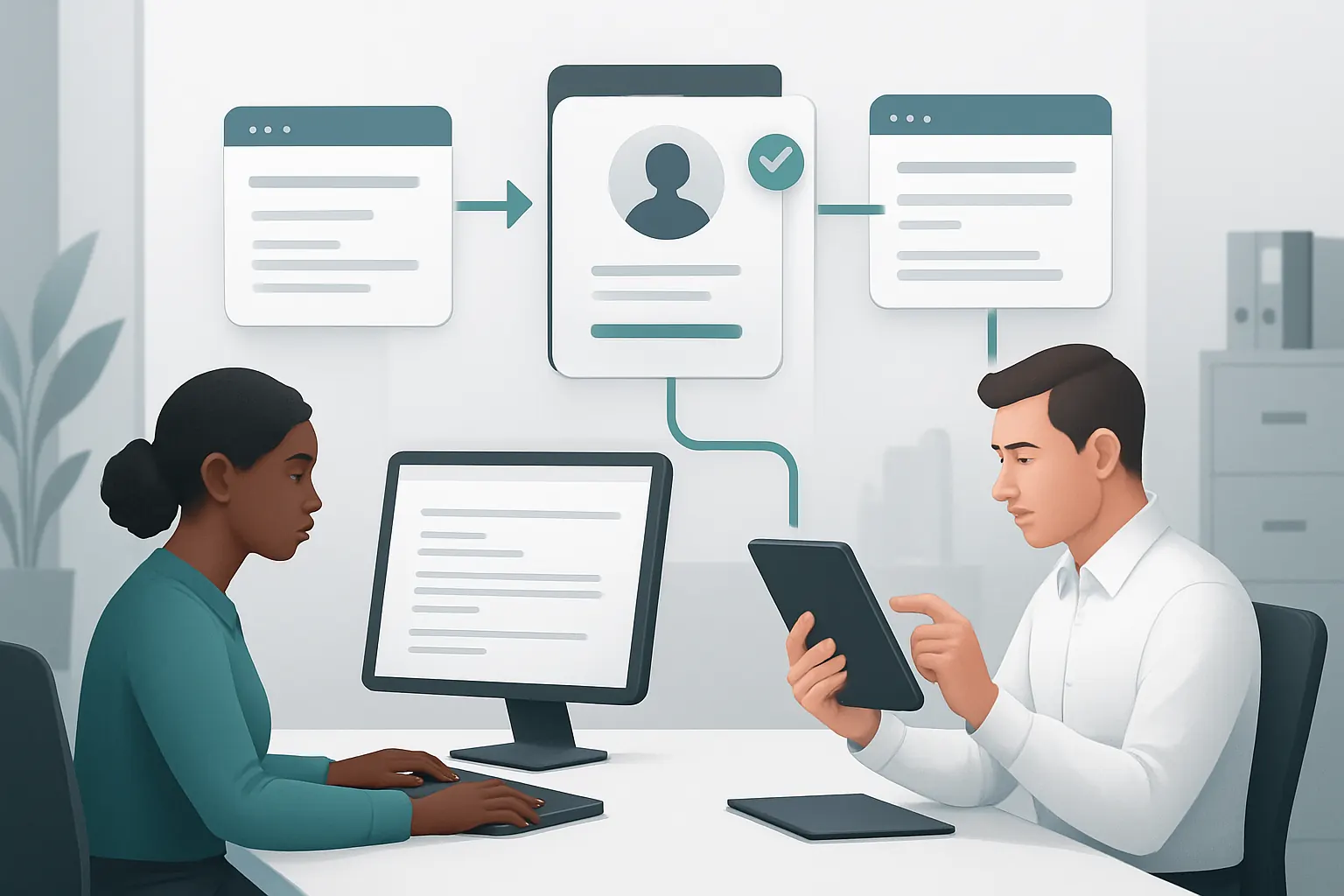
Time and Utilisation Tracking Made Simple
Poor Visibility on Consultant Effort Splits
Without integrated tools, managers struggle to track project hours and consultant utilisation in real-time.
Centralised Time Recording and Project Dashboards
Recruiters log time within the owned system, linking hours to assignments and clients. Managers monitor dashboards featuring utilisation rates, flagged exceptions, and project timelines.
Useful Connected Modules
- Resource bookings.
- Expense and time logging.
- Project budgeting tools.
Agency Scenario
A recruitment manager reviews utilisation dashboards weekly to identify over-allocated consultants or projects missing time entries, enabling prompt action to rebalance workloads.
Compliance and Accuracy Controls
Time entries undergo review and approval workflows. Automated alerts prompt corrections for late or missing logs.

Billing, Payments, and Cashflow Tracking Integrated Securely
Fragmented Financial Records Lead to Reconciliation Issues
Invoices issued separately to payments recorded elsewhere complicate cashflow forecasting.
Consolidated Billing Module with Payment Gateway Integration
Invoices generate automatically once placements are approved. Payment status updates synchronise with accounting systems and cashflow dashboards.
Common External Tools Integration
- PCI DSS compliant payment gateways for client card payments.
- Accounting software exports.
Concrete Illustration
An agency’s billing workflow automatically creates invoices from completed placement records. Payment receipts update the cashflow dashboard, triggering alerts for overdue accounts.
Financial Controls and Security
Role-based access to financial data limits exposure while payment processes comply with recognized security standards such as those outlined by the PCI Security Standards Council.

Compliance, Permissions, and Conflict Management
Risk of Unauthorised Access or Data Misuse
Recruitment deals with sensitive personal and client data requiring tight control.
Structured Permission Framework Built In
User roles and permissions restrict access by function and project. Conflict of interest flags prevent inappropriate candidate-client introductions.
Integrations Supporting Compliance Needs
- Identity and access management connectors.
- Audit logging modules.
Agency Example
A consultant can view only assigned candidates and vacancies. Conflict detection alerts management if a candidate or client has reported links elsewhere in the system, preventing privilege breaches.
Monitoring and Audit Trails
Configurable logging reports help agencies review data access patterns and support compliance with ICO guidelines on personal data handling.

AI-Supported Decision Assistance with Human Oversight
When to Use AI, When to Use Human Insight
AI excels at repetitive tasks like classification and summarisation but human experts validate critical decisions.
Selective AI Integration Within Defined Workflows
AI supports lead prioritisation, candidate summarisation, and document review. Recruiters retain decision rights on candidate selection and client proposals.
Specialised External AI Tools Where Needed
Supplementary AI tools may support language or market trend analytics but remain fully integrated to avoid fragmentation.
Example Use Case
An AI module highlights priority leads based on engagement patterns. Recruiters review AI findings alongside contextual knowledge before contacting the candidate.
Governance: Ensuring Responsible AI Use
The system documents AI outputs and flags human rejections or overrides, building transparency for all recruitment decisions consistent with GOV.UK’s Digital Service Standard.

A 90-Day Rollout Plan to Streamline Recruitment Operations
Weeks 1–2: Discovery and Foundations
- Map current workflows, data sources, and pain points.
- Identify existing useful systems to retain and connect.
- Define primary user roles and permissions.
Weeks 3–6: Platform Configuration and Integration
- Develop the operating workspace structured around agency processes.
- Integrate job board feeds, calendars, and communication tools.
- Set up candidate and vacancy modules with data import.
Weeks 7–12: Automation, AI, and Controls Deployment
- Configure workflow automations for interview scheduling, document generation, and billing.
- Implement selective AI capabilities for lead scoring and summarisation.
- Establish audit controls, security rules, and management dashboards.

How AI Implementation UK Empowers Recruitment Agencies to Own Their System
At AI Implementation UK, we help recruitment agencies move beyond fragmented software stacks towards one connected operating system tailored to their exact workflows. Unlike adopting multiple standalone SaaS products that increase costs and create integration headaches, our approach builds a single, streamlined workspace the agency owns outright.
Connecting and Retaining What Works
We integrate your proven candidate sourcing tools, communication apps, and client engagement systems into the owned system. There’s no need to abandon investments in functional software.
Replacing Avoidable Subscriptions with Owned Modules
Administrative functions like scheduling, document generation, and billing are brought in-house, removing recurrent subscription fees and data silos.
Bringing Data into a Single Source of Truth
Candidate, vacancy, and placement data merge into one reliable record. Custom dashboards reflect real-time progress, utilisation, and compliance metrics on demand.
Selective AI Supported by Rigorous Controls
Our platform uses AI where it adds value—such as classification and prioritisation—while preserving expert control for all nuanced decisions. Workflow rules enforce human approval for sensitive actions.
Next Steps for Recruitment Agencies
If you want to explore a no-nonsense way to automate lead to engagement workflows and cut days of admin per hire, our team can show you how to build the system you own, designed around your daily business realities. Discover how to unlock efficiency without surrendering control.
Learn more about how we integrate and automate recruitment workflows with controlled AI at AI Implementation UK’s process automation services. Start your journey to operational excellence today.