Learn how web design agencies can connect systems, reduce manual admin and automate lead to project with one tailored operating platform the business owns.
Web-design agencies lead qualification automation software: What Breaks Daily
Web-design agencies lead qualification automation software should connect bookings, people, communications and reporting in one reliable operating flow.
Web-design agencies routinely face repetitive, fragmented processes that slow down their operations. Manual lead qualification, content management delays, and disconnected approval chains cause delays and hurt client satisfaction. Multiple tools, scattered spreadsheets, and email threads create bottlenecks and increase chances of mistakes.
Leads arrive via different channels, but manual sorting and follow-up wastes time. Content pieces trickle in via email or cloud storage without integration. Project statuses are manually collated from different teams. Without one reliable operating system, teams repeat the same admin and often miscommunicate.
The real challenge is that these issues directly affect cash flow, client experience, and operational clarity. Agencies miss out on new projects or waste resources chasing fragmented information. What’s needed is an approach that connects existing systems where useful, reduces avoidable software spend, and brings all operational data into a single, traceable record tailored for the business.


Lead Capture Unification and Qualification
How Fragmented Lead Capture Breaks Momentum
Leads come from web forms, email inquiries, CRM systems, and referrals. Without central capture, leads get lost or delayed before qualification begins. Manual triage delays client contact and frustrates sales teams.
Centralising Lead Intake in a Single System
Connect existing web forms and email inboxes to capture all lead information into one owned record. Integrate CRM databases without replacing them, to keep useful data while avoiding duplicate entries.
Automating Qualification with Rules and AI Assistance
Use deterministic rules to flag priority leads based on budget, sector, or readiness. Apply AI selectively for classification and summarisation of free-text enquiries, supporting human review for final decisions.
Example: Qualified Lead Routing Without Delays
A UK web-design agency automated their lead capture from website forms and LinkedIn messages into one workspace. AI summarised client requirements; a rules engine prioritised and routed leads to the right project manager. Response time dropped from 24 hours to under 2 hours.
Controls for Quality and Compliance
Monitor lead qualification rules to avoid false positives or negatives. Retain human approval on lead prioritisation before proceeding. Ensure data handling complies with ICO guidelines.

Content Submission and Version Management
The Struggle of Receiving Client Content
Clients often email files or share links haphazardly. Designs, copy, logos and brand assets arrive in various formats and versions, causing confusion over what is final.
Connected Workspaces for Content Upload
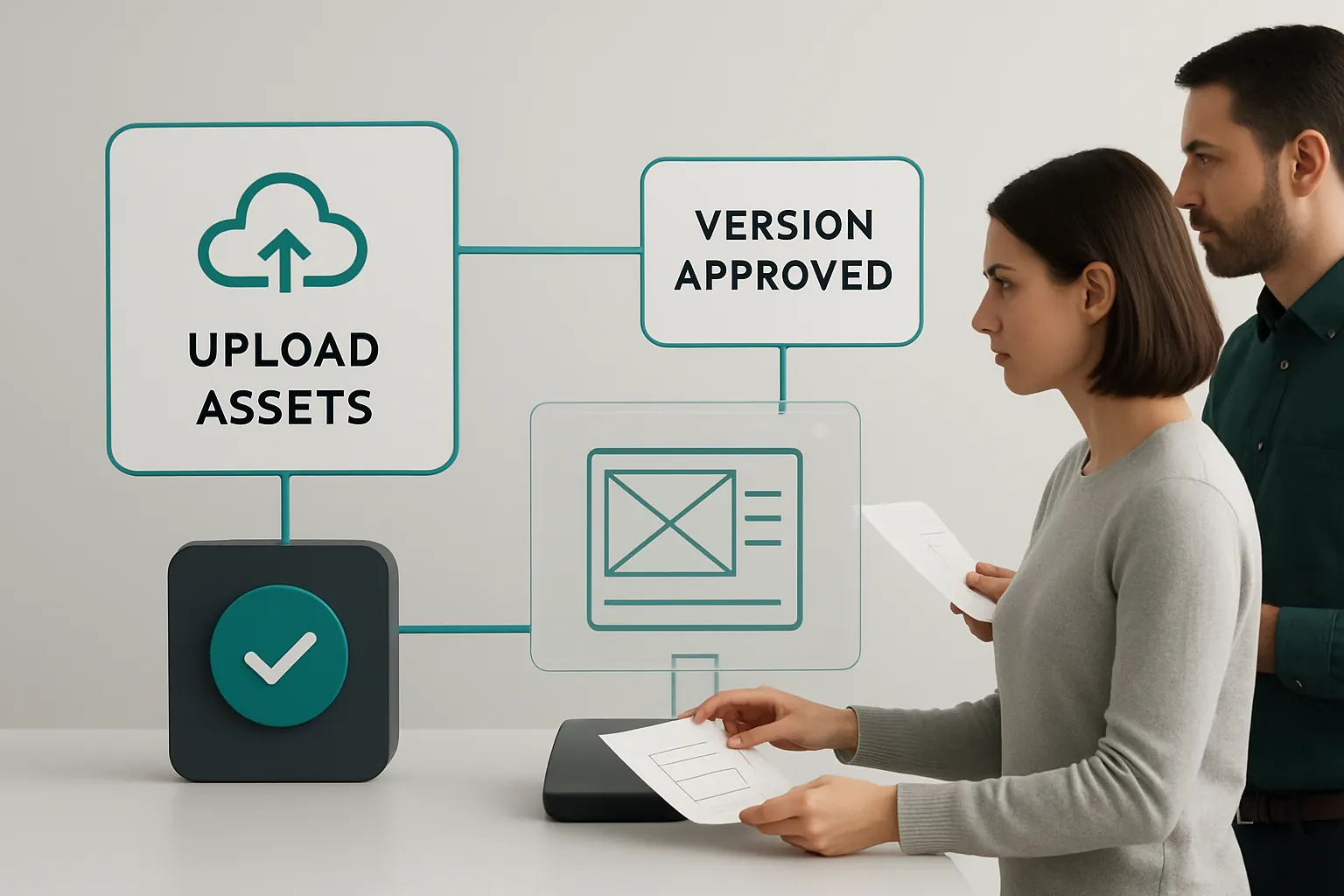
Create a secure portal or workspace where clients upload all assets directly. Connect this to project records for automatic versioning and status tracking.
Useful Integration Points
Link cloud storage providers clients already use, such as OneDrive or Google Drive, but sync copies into one agency-owned system. Avoid creating multiple external repositories.
Practical Outcome: Reducing Lost or Overwritten Files
One agency used custom upload forms tied to project records, notifying designers immediately when new assets arrived. Version control prevented accidental overwrites, reducing rework by 30%.
Safeguards for Intellectual Property
Keep client data strictly separated for each project. Apply role-based access and controlled publishing workflows to honour IP agreements.
Automated Proposal and Quote Preparation
Slow Quote Turnaround Losing Deals
Manual quote creation from fragmented project requirements delays client approvals and frustrates sales.
Template-Driven Owned Modules for Proposals
Build tailored quote generation modules that pull verified project scope and content directly from connected records. Use business rules to calculate pricing and timeline automatically.
Integration with Accounting or Payment Systems
Link quotations to the finance system for quick transition to purchase orders or invoicing without double entry. Integrate payment gateways like Stripe for deposits but keep other workflows internal.
Example: Proposal Time Slashed in Half
A mid-sized UK agency halved proposal production time by automating inputs from qualification and content records, enabling faster client approvals and securing projects quicker.
Controls Around Pricing Accuracy
Ensure pricing rules are kept current and visible. Require team lead approval before client submission to maintain financial oversight.

Project Status and Milestone Tracking
Manual Updates Creating Blind Spots
Project status updates collected via email or spreadsheets go out-of-date quickly. Managers lose visibility and cannot flag risks in advance.
Shared Dashboards with Real-Time Data
Use connected records to feed live dashboards showing project milestones, resource allocation and client sign-offs. Data flows automatically from daily task completions.
External Tool Integration Examples
Integrate specialist task tracking systems only where needed, but synchronise status data back to the owned dashboard for consolidated reporting.
Practical Impact: Early Problem Detection
One agency used live scores on milestones and flagged delays proactively, enabling corrective actions before projects missed deadlines.
Controls on Data Accuracy and Timeliness
Assign responsibility for status updates and set alerts for overdue entries. Keep audit logs for project progress transparency.

Collaborative Approval and Publishing Workflows
Bottlenecks from Email-Based Approvals
Approvals via email threads or chat apps risk versions getting lost or mixed messages causing delays.
Owned Automatic Routing and Notification
Design workflows that route content or design approvals through defined approvers automatically, with reminders and audit trails inside the owned system.
Supporting Multi-Level Review
For complex projects, workflows accommodate multi-stage approvals requiring sign-off at strategic, creative and client levels.
Client Example: 40% Faster Content Approval
A UK agency streamlined client feedback cycles via automated approval routing, trimming project timelines by nearly half.
Controls to Secure Final Release
Require explicit digital sign-off by authorised parties. Lock published versions from changes without new approvals, supporting version control.

Integrated Communication Management
Lost or Overlooked Messages
Clients and teams communicate via emails, calls, and chat tools leading to scattered information.
Connecting Communications into Project Records
Capture emails, notes, and scheduled calls inside the owned workspace linked to project and client records.
Specialist Tools for Calls and Payments
Continue using payment platforms like GoCardless or Stripe; schedule calls through Kalender or MS Bookings but synchronise event data for a single project view.
Practical Benefit: Complete Communication History
Managers rapidly retrieve full communications history when resolving queries, reducing duplicated conversations.
Controls for Data Privacy and Security
Ensure communication logs comply with GOV.UK data protection standards, with role-based access limits.

Resource & Task Scheduling Automation
Manual Rota Management Slowing Delivery
Scheduling design, dev, and content resources manually wastes time and does not adapt quickly to changing workloads.
Dynamic Scheduling Modules within Owned System
Use integrated scheduling tools to allocate tasks automatically based on workload, expertise and availability.
Example: Optimised Team Utilisation
One agency implemented task assignment rules that balance workloads while highlighting capacity gaps, improving on-time delivery.
Controls on Flexibility and Overrides
Managers retain discretion to override task assignments and adjust schedules with built-in logging to track changes.

Performance Reporting and Forecasting
Hours Lost to Data Compilation
Reporting requires team members to submit timesheets; managers consolidate data for client reporting or forecasting manually.
Real-Time Aggregated Metrics and Reporting
Capture task time and project spends automatically from connected workflows. Generate client-ready reports with a click.
Integration with Financial Systems
Link actuals and forecasts to accounting packages for more accurate cashflow models.
Concrete Result: Improved Predictability
Faster, data-driven reports enable agencies to forecast workloads and budgets better, reducing last-minute surprises.
Controls on Data Integrity
Validate time entries and reconcile with project statuses before report generation.

Selective AI Assistance for Variable Tasks
Avoid Overloading AI with Predictable Steps
AI excels in classification, summarisation and prioritisation but routine predictable tasks benefit from deterministic rules.
Where AI Adds Value
Use AI for summarising client emails, categorising leads or prioritising support tickets to reduce manual triage time.
Retaining Human Decision Control
Ensure decisions with financial, IP or legal implications receive human sign-off after AI recommendations. This maintains accountability.
Example: AI-Assisted Lead Scoring
An agency layered AI scoring atop rule-based qualification, enhancing lead prioritisation while maintaining team oversight.
Necessary Controls
Monitor AI model outputs regularly, log human overrides, and update training data to maintain fairness and accuracy.

Data Protection and Compliance Oversight
Risks from Distributed Data Handling
Client data and intellectual property are scattered across tools and personal devices, risking breaches and non-compliance.
Centralised Security and Access Control
Operate all core data within one secure system the agency owns. Apply encryption, two-factor authentication, and role-based access.
Working with Authoritative Guidance
Follow standards and advisories from the ICO and NCSC concerning client data protection and operational security.
Example: Securing Client IP
One agency implemented a workflow ensuring all project files are stored in encrypted areas with restricted access, reducing exposure risk.
Controls to Sustain Compliance
Conduct regular audits and ensure all team members follow established procedures with accountability records.

90-Day Rollout Plan for Connected Lead Qualification and Project Automation
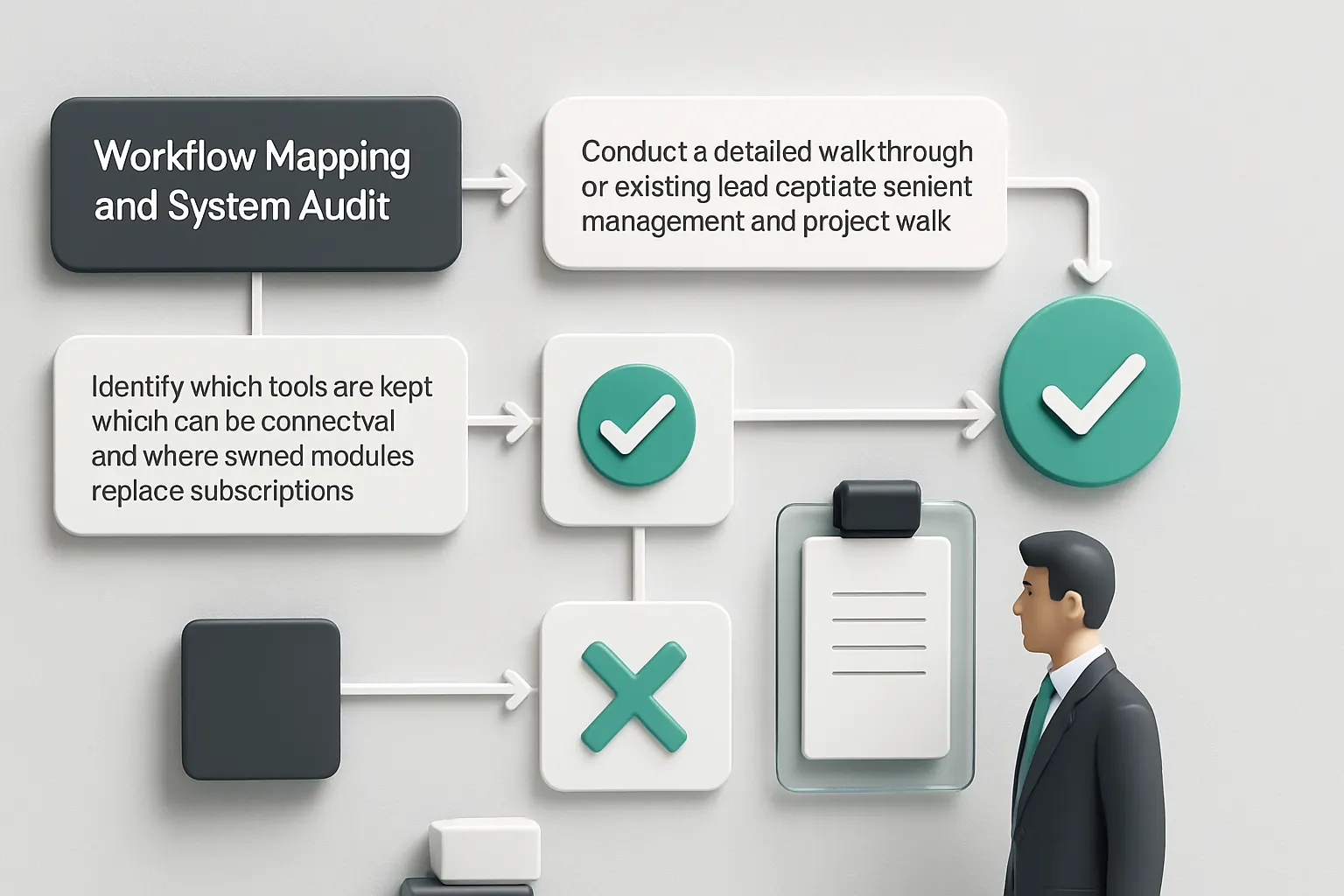
Weeks 1–2: Workflow Mapping and System Audit
- Conduct a detailed walkthrough of existing lead capture, content management and project workflows.
- Identify which tools are kept, which can be connected, and where owned modules replace subscriptions.
- Define core data records and key integrations (e.g., payment, communications).
Weeks 3–6: Platform Building and Integration
- Develop or implement the central operating system tailored to the agency’s workflows.
- Connect existing data sources and implement initial automation for lead capture and qualification.
- Build content upload workspace and proposal generation modules.
Weeks 7–12: Testing, User Training and Expansion
- Roll out project status tracking and approval workflows with staff and clients.
- Integrate scheduling and communication logging features.
- Add AI components selectively and establish review controls.
- Provide training and gather user feedback for continuous improvement.
How AI Implementation UK Connects, Replaces and Automates Your Web-design Workflows
At AI Implementation UK, we specialise in delivering one connected operating environment tailored precisely to your web-design agency’s ways of working. Our approach means you own the system — it’s not another SaaS subscription box to manage. This reduces costs, data fragmentation and compliance risk, while boosting operational clarity.
We begin by analysing your existing tools and workflows. Where systems are effective, we connect them; where duplication or gaps exist, we implement modules you control for key workflows such as lead qualification, content management, proposal automation, and project approvals.
Our selective use of AI offers practical assistance with variable tasks like lead classification, email summarisation and prioritisation — always supervised by deterministic rules and with human decisions intact.
You maintain complete control over project data, client content and intellectual property with embedded role-based access and audit trails aligned with UK regulations such as GDPR.
Our phased 90-day rollout plan ensures quick business value while allowing you to adapt gradually. Complex integrations with payments or communications use specialised third-party tools, but these remain fully synchronised with your owned workflow.
Discover how to move beyond manual handoffs and fragmented tools to a single, reliable operating record and dashboard for your entire lead-to-project cycle. Book a consultation via our plan-my-platform service or explore related services such as process automation and RPA and data infrastructure preparation.
With AI Implementation UK, web-design agencies gain a coherent, automated workflow environment that not only saves time and money but also safeguards compliance and improves client delivery.
This guide supports your investigation into the best web-design agencies workflow automation solutions, focusing on integrating what works and automating what slows you down—without the bloat of disconnected SaaS silos.
To turn these priorities into one coherent system, map the platform your business needs or explore our workflow automation approach.