Learn how supported living providers can connect systems, reduce manual admin and automate referral to appointment with one tailored operating platform the.
Supported living software for care providers: What Breaks Daily
Supported living software for care providers should connect bookings, people, communications and reporting in one reliable operating flow.
Supported-living providers face complex, multifaceted challenges balancing care delivery, staff management and admin. Each day, familiar breaking points emerge:
- Data silos between support plans, staff rotas and incident records force repeated manual entry.
- Referral information can be delayed or lost in transition, slowing appointment setups.
- Paper forms or legacy systems cause errors that require time-consuming follow-up.
- Compliance demands intensify while audit trails remain fragmented or incomplete.
- Staff are burdened by multiple subscriptions for overlapping software, increasing costs without simplifying workflows.
These recurring inefficiencies create friction in what should be smooth, person-centred care. Providers frequently ask: how can we automate referral to appointment workflows, manage support plans and coordinate staff rotas in one place – without scrambling between disconnected SaaS products?
In this article, we explore how one connected operating workspace the client owns can power supported-living providers’ daily work. It helps to keep useful existing systems, replace expensive subscriptions with owned modules and unify operational data for a reliable single record and tailored dashboards.

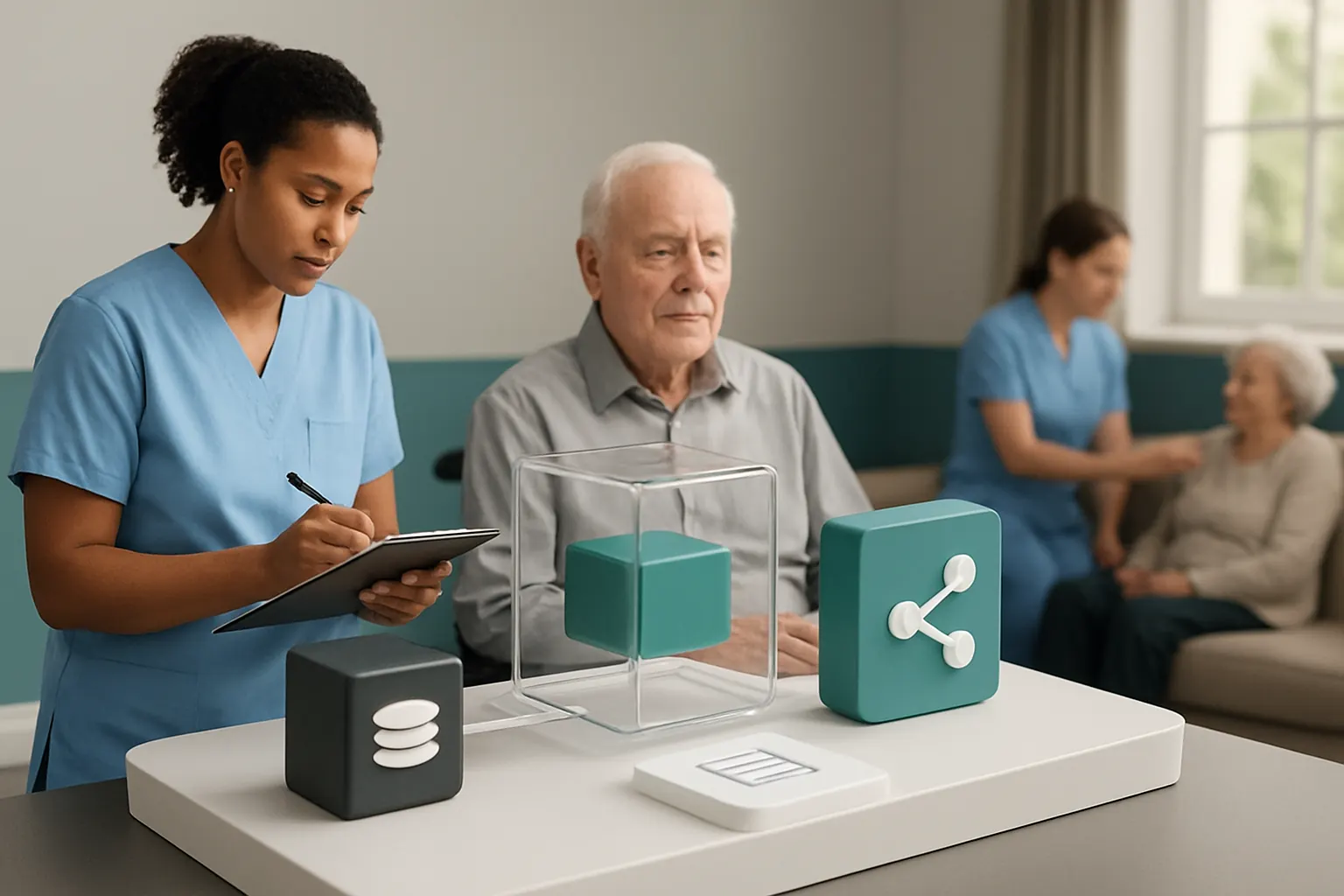
Connect referrals to appointments with streamlined triage and communication
Getting referral data into care workflows without delay or loss
New referrals typically arrive through varied channels—phone, email, or partner portals. This causes manual data entry, missed follow-ups or unclear prioritisation. A connected booking record designed to integrate incoming referral details ensures nothing is lost or delayed. It can pull key data from existing CRM or care management systems and centralise it without data duplication.
Integrating early-stage triage and prioritisation tools
AI can support referral triage by classifying cases, highlighting urgent needs and flagging missing information. Deterministic business rules based on referral criteria enforce mandatory steps and escalate exceptions for human review, avoiding inappropriate automation.
Example: Automatic referral intake triggers appointment scheduling prompts
When a suitable referral enters the owned system, notifications alert schedulers and care coordinators. Follow-up emails with appointment options and reminders can be automated, connected to communication tools like Microsoft Teams or Outlook.
Controls for accuracy and human oversight in referral handling
Clear audit trails show when referrals were received, triaged and responded to. Any AI classification or rule-based escalation is logged. Staff retain approval control over appointment offers to ensure care suitability and consent.
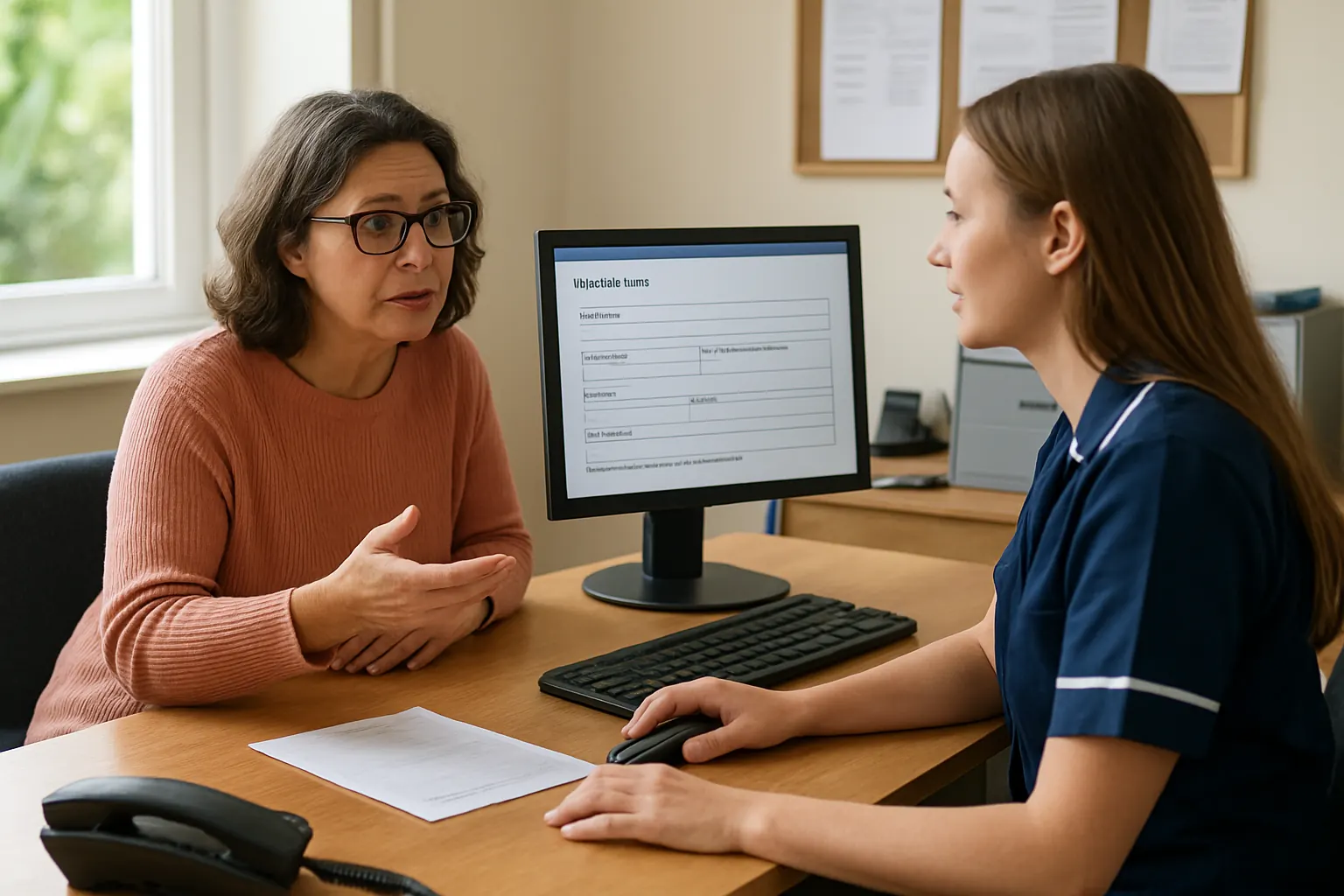
Replace multiple scheduling tools with an owned rota and appointment module
Manual rota creation undermines staff availability and care continuity
Many providers use standalone rostering software or spreadsheets that don’t sync with real-time appointments, training or unplanned absences. This causes scheduling conflicts, overtime costs and compliance risks.
Creating an integrated rota and appointment workspace
An owned rota module embedded in the operating system directly links staff availability, appointments and care plans. It provides a single source of truth, visible in dashboards tailored to managers and care workers.
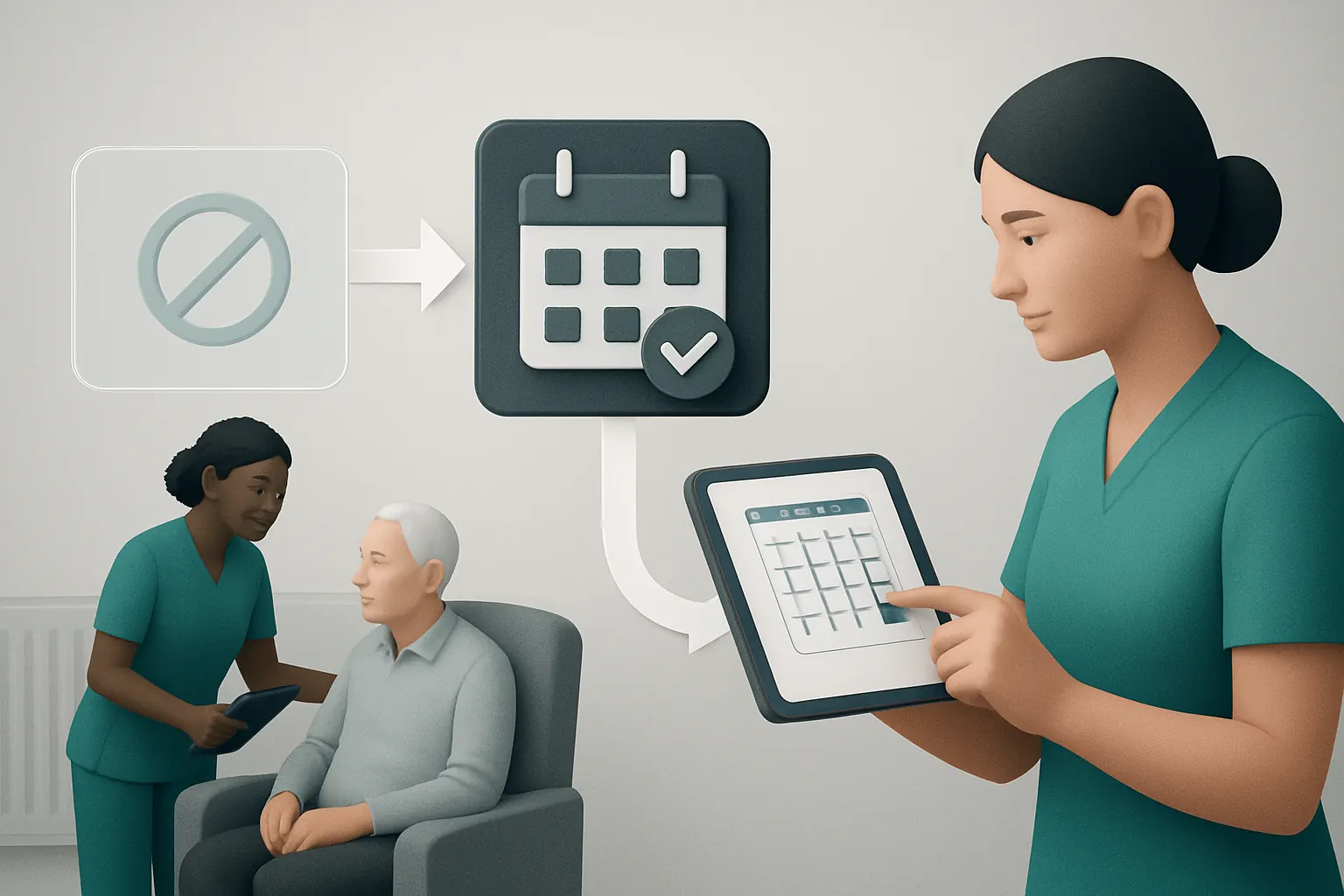
Example: Dynamic rota adjustment based on appointment status and incidents
When an appointment is rescheduled or cancelled, rota assignments update automatically. Incident follow-up tasks are assigned to available staff based on workload and qualifications, minimising delays.
Controls to manage overtime rules and compliance with care standards
Built-in rules govern maximum working hours, training requirements and necessary skills match for assigned shifts. Alerts flag potential non-compliance before rostering is finalised.
Bring support plan management into one owned, interactive record
Disconnected support plans hinder personalised care and compliance
Support plans stored in separate systems are often outdated or hard to access during delivery. Daily notes and incident reports may not feed back into the plan, inhibiting continuous improvement.
Building an interactive support plan within the operating system
The support plan becomes a living document, updated from care notes, medication logs, incidents and staff input. It respects privacy and special-category data needs, with role-based access and edit controls.
Example: Real-time support plan updates following incidents or care delivery
When a staff member logs an incident or completes a medication round, the system prompts relevant support plan sections for review or update. Managers can track version histories and sign-off changes with ease.
Controls for data privacy and audit trail requirements
Access permissions protect personal information in line with ICO guidelines. All changes and approvals are timestamped to support inspection and compliance monitoring.

Automate incident follow-up with task routing and decision support
Incident management is time-sensitive but often manual and fragmented
Following an incident, timely investigation, care review and regulatory reporting are critical. Yet tasks are assigned by email or phone, risking delays or forgetting key steps.
Connecting incident reports directly to automated task workflows
Submitted incident forms automatically trigger task routing to appropriate staff depending on incident type and severity. The system prioritises tasks and tracks progress in dashboards visible to supervisors.
Example: AI-supported summarisation and prioritisation of incident reports
Natural language processing summarises incident details and categorises risk level. Human reviewers validate critical reports, while non-critical cases generate routine checklists for follow-up visits.
Controls maintaining human judgement for critical decision points
Automation aids efficiency but never replaces required human oversight. Notifications highlight decisions requiring clinical or managerial approval before escalation or closure.
Replace unnecessary subscriptions with owned modules connected to specialist services
Multiple software subscriptions drive up cost and fragment workflows
Supported-living providers often pay for rostering, care planning, communications and finance tools separately. This redundancy wastes budget and complicates data reconciliation.
Owning modules tailored to supported living’s operational needs
Developing or configuring owned systems that replace duplicate subscriptions reduces vendor lock-in. Connected modules share data consistently and reduce manual admin.
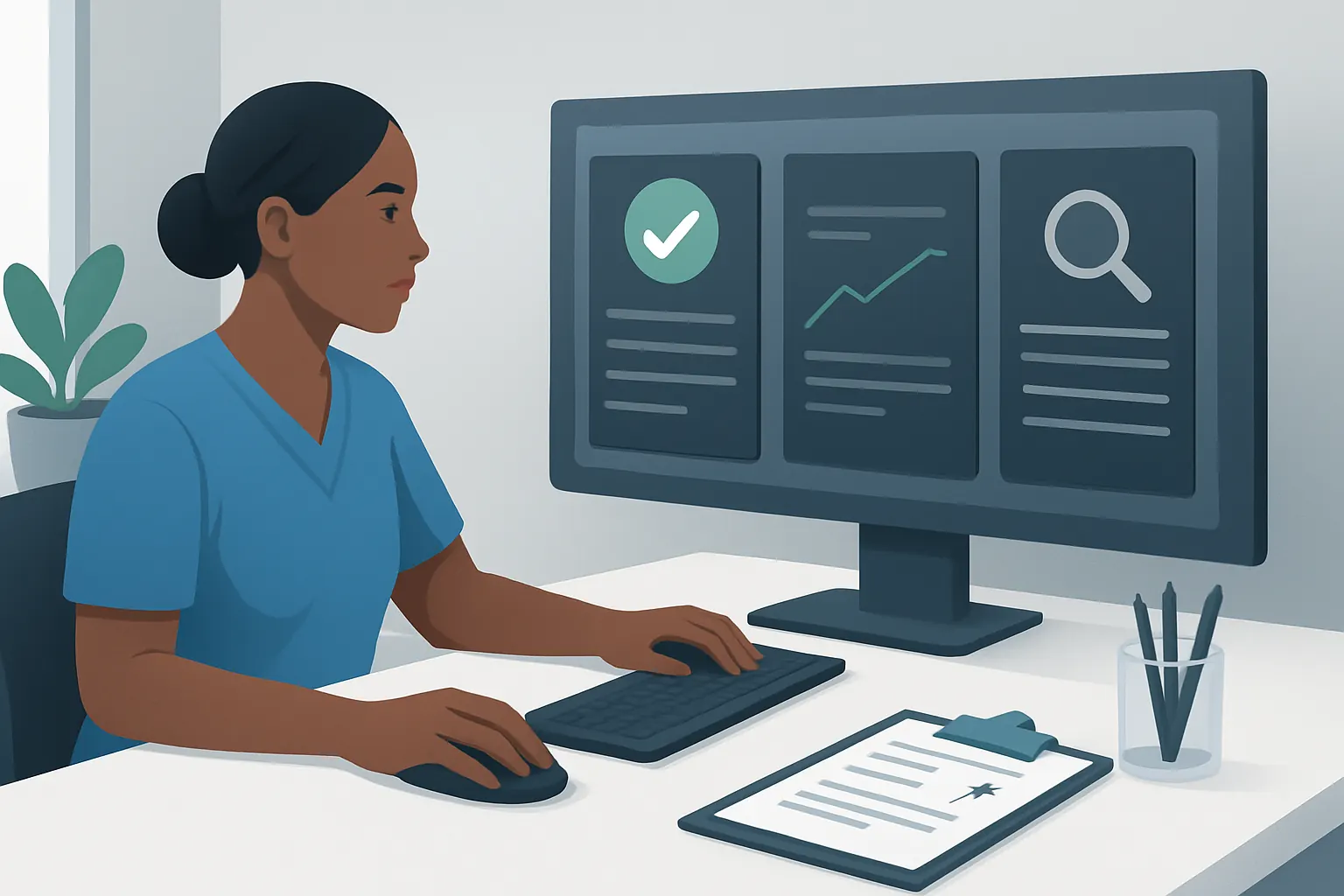
Example: Single dashboard integrating owned care, finance and communications with payment gateways
Providers track care activities, staff hours and billing on one workspace. Payments link to established services like Stripe or Worldpay, ensuring security and reliable settlement without losing integration.
Controls to maintain security and regulatory alignment
Payment modules comply with PCI Security Standards Council requirements. Data sovereignty is retained within the client’s own system. Privacy and audit controls remain enforced holistically.

A practical 90-day rollout plan for automation in supported-living care
Weeks 1–2: Discovery and connectivity assessment
- Map current support plan, referral, rota and incident workflows.
- Identify existing systems worth keeping and points of data fragmentation.
- Prioritise candidate integration points with specialist services like communications or payments.
Weeks 3–6: Build owned modules and workflow connections
- Develop referral intake and appointment booking records linked to real-time communication tools.
- Configure rota management module with workload rules and integration to support plans.
- Prepare an interactive digital support plan incorporating key data sources.
Weeks 7–12: Deploy incident workflow automation and subscription rationalisation
- Automate incident task routing with AI summarisation support and review controls.
- Connect owned finances, care and communications modules with secured payment gateways.
- Train staff and managers on workflow visibility, controls and audit features.
This phased rollout balances quick wins in automation with thorough compliance and usability checks. Providers avoid wholesale shocks by retaining familiar systems while unifying core information in the owned workspace.
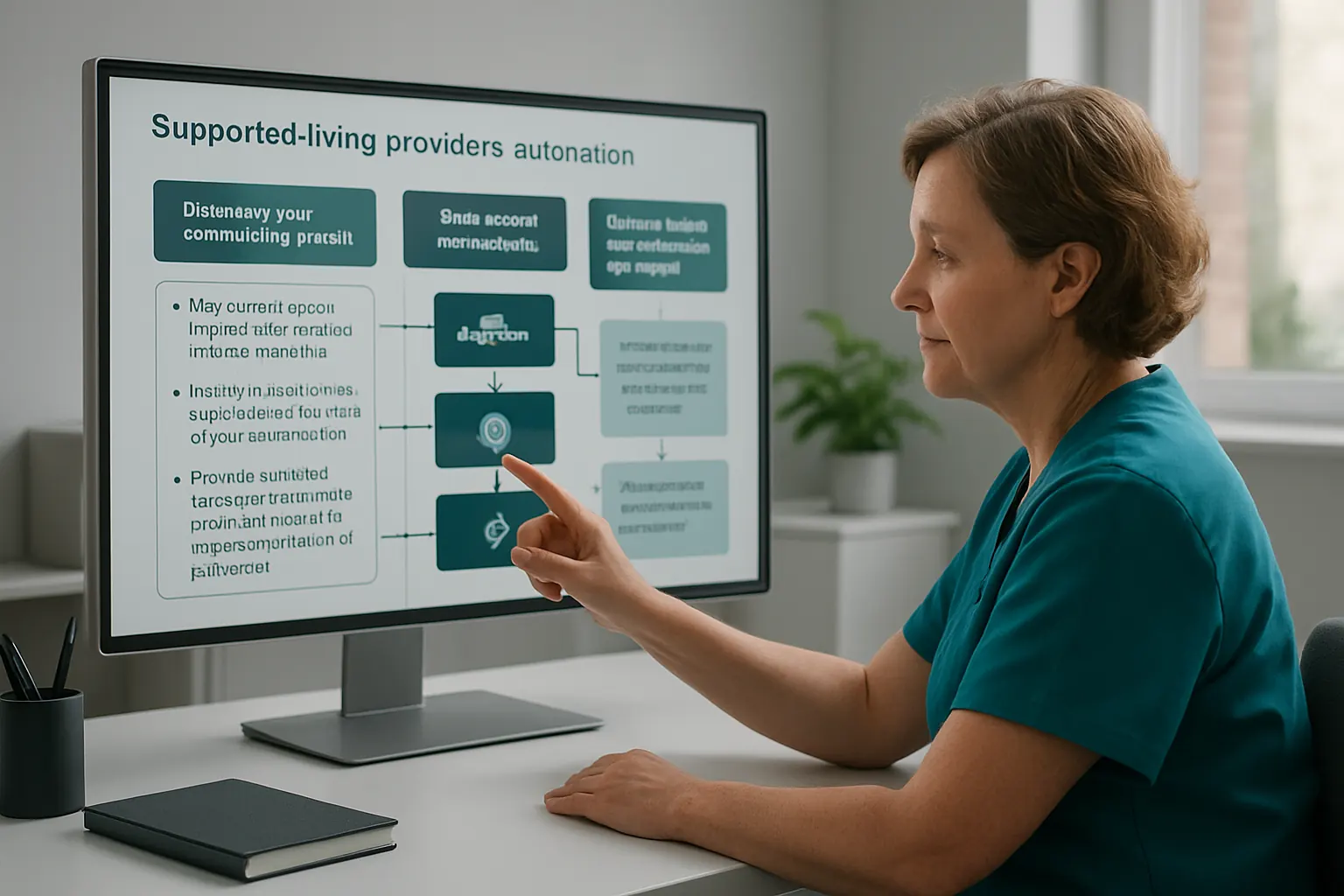
How AI Implementation UK connects, replaces and automates supported living care operations
AI Implementation UK specialises in delivering tailored operating workspaces suited to supported-living providers’ needs. We do not sell off-the-shelf SaaS that fragments workflows. Instead, we build and connect owned modules around how your business actually works.
- We integrate useful existing supported living software for care providers, avoiding data loss or rekeying.
- We replace overlapping subscription tools with modular, connected systems you own—support plans, rostering, incident tracking, finance and communication.
- We bring vital operational data into reliable single records, visible in dashboards personalised to roles and workflows.
- We apply AI judiciously—classification, summarisation, prioritisation and decision support augment human judgement without automating regulated or complex clinical decisions.
- We structure workflows to ensure staged human approvals and compliance with GDPR, ICO and care standards are preserved.
To explore how AI Implementation UK can remove manual admin, automate referral to appointment and simplify your supported living operations, start with a platform planning conversation. Our blend of bespoke automation and pragmatic integration delivers operational efficiency without trading control or compliance.
By owning your care operations system, you reduce risks from unpredictable subscriptions, improve care quality with unified information and free staff to focus on what matters: supporting people to live independently and well.
For further reading on how process automation enhances health and care workflows, see our process automation services and AI strategy roadmapping. For privacy best practices, consult the ICO guidance on health data. For secure payments, review PCI standards at the PCI Security Standards Council.