Learn how supported living providers can connect systems, reduce manual admin and automate referral to appointment with one tailored operating platform the.
Supported living software for care providers: What Breaks Daily
Supported-living providers face constant operational challenges. Care teams juggle numerous disconnected systems—referrals come via email, support plans on paper or siloed software, staff rotas managed in spreadsheets, and incident reports scattered across platforms. This daily fragmentation slows workflows, causes errors, and creates compliance risks.
Particularly in adult social care settings supporting individuals with complex needs, systems rarely talk to each other. Scheduling a care visit, updating a support plan, or providing timely incident follow-up can involve multiple manual steps and duplicated record-keeping. The result is care staff spending more time on administration than face-to-face support.
If this resonates with your organisation, understand that supported living software for care providers can remove these points of friction. However, not all digital tools are equal—simply adding more SaaS applications often complicates rather than simplifies workflows. Instead, a joined-up operational solution designed around how you work can improve efficiency, data quality, and decision-making.

The Real Cost of Manual Administration in Supported Living
Manual work is more than a time sink; it has tangible impacts on care quality and business health.
- Wasted Staff Hours: Care teams spend countless hours on data entry, chasing approvals, and converting referrals into appointments. Time lost to admin reduces capacity for direct support.
- Increased Risk of Errors: Manual transcription and multistep processes increase the chance of mistakes in care plans, medication records, or incident logs. Errors can have safety and compliance consequences.
- Compliance Burden: Controls such as GDPR, CQC requirements, and clinical oversight need reliable data and audit trails. Dispersed records make demonstrating compliance difficult and resource-intensive.
- Cash Flow Delays: Manual invoicing and billing from multiple systems delay payments. Lack of financial data integration also complicates budget tracking and forecasting.
A connected supported living care software not only reduces these costs but also creates a scalable foundation for growth and innovation.
Streamlined Referral to Appointment Workflow Automation
Reducing referral ambiguity and admin overload
Referrals often arrive by email or paper, requiring manual triage. This leads to errors, duplication, and hampered response times, which affect client experience and intake efficiency.
Connecting workflows across systems
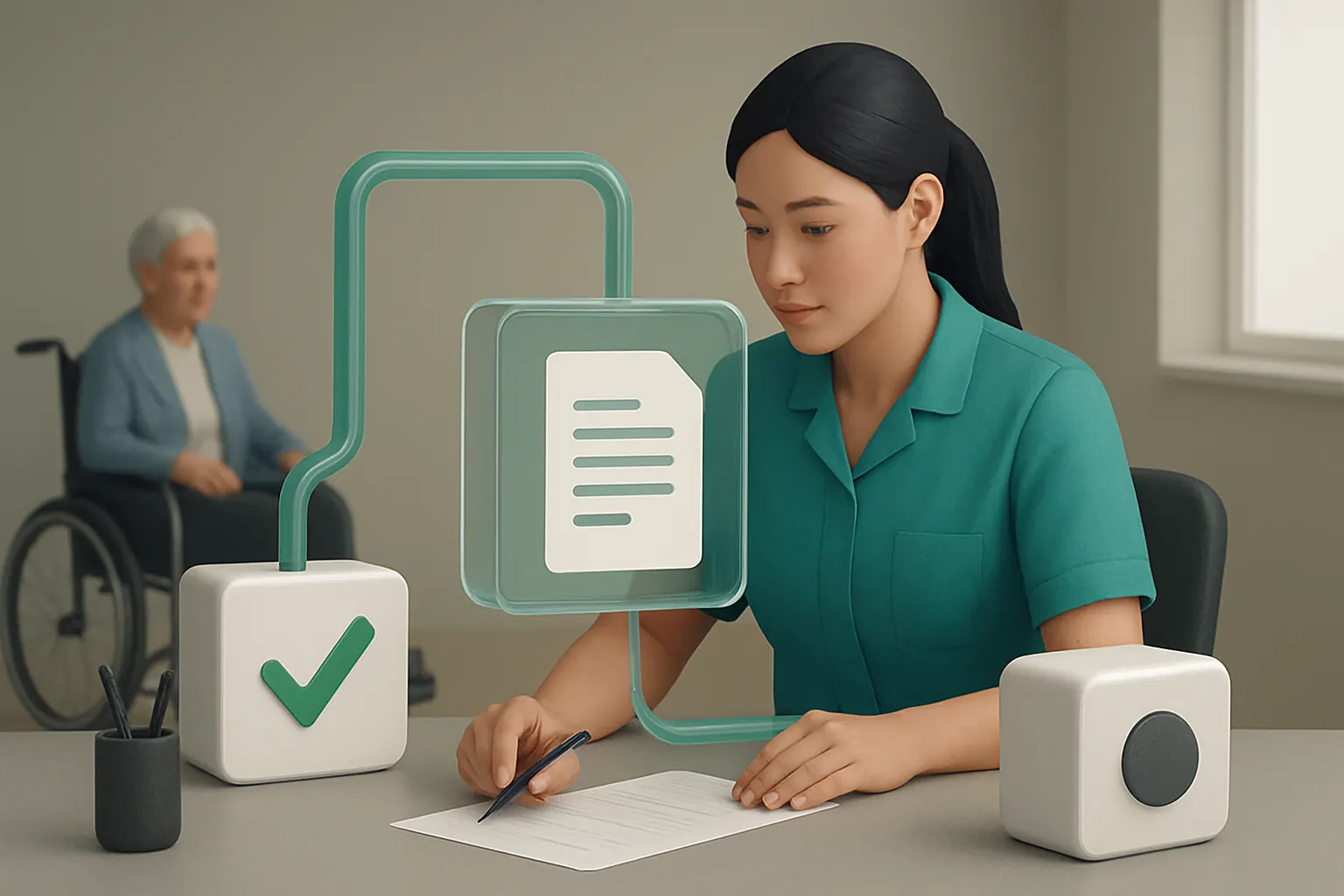
A cohesive workflow integrates referral intake, initial assessments, and appointment scheduling in one owned workspace. Referrals automatically populate a central record. AI services classify urgency or support type, then prompt appropriate staff intervention.
Useful integrations for smooth triage
External email gateways or CRM platforms can feed referrals directly into the workflow without losing details. Calendar systems ensure available slots are promptly offered. Communications tools like Microsoft Teams or dedicated SMS gateways handle appointment confirmations.
Practical example of scheduling with accuracy
When a referral arrives, the system categorises it by support required and flags urgent cases. A scheduler books the first available slot within defined rules, sends an automatic confirmation by SMS, and alerts staff. Follow-ups are tracked in the same record, reducing missed appointments.
Controls to maintain data quality and human oversight
Care managers retain final approval on high-priority referrals. Automated logging creates an audit trail. AI is limited to assistance and batch classification, while any exceptions trigger alerts for manual review.

Unified Support Plan and Care Record Management
Challenges with multiple unconnected documents
Support plans and care records are often duplicated in various formats—paper, spreadsheets, and standalone software—which risks inconsistent information and overlap.
Connected workspace for personalised support plans
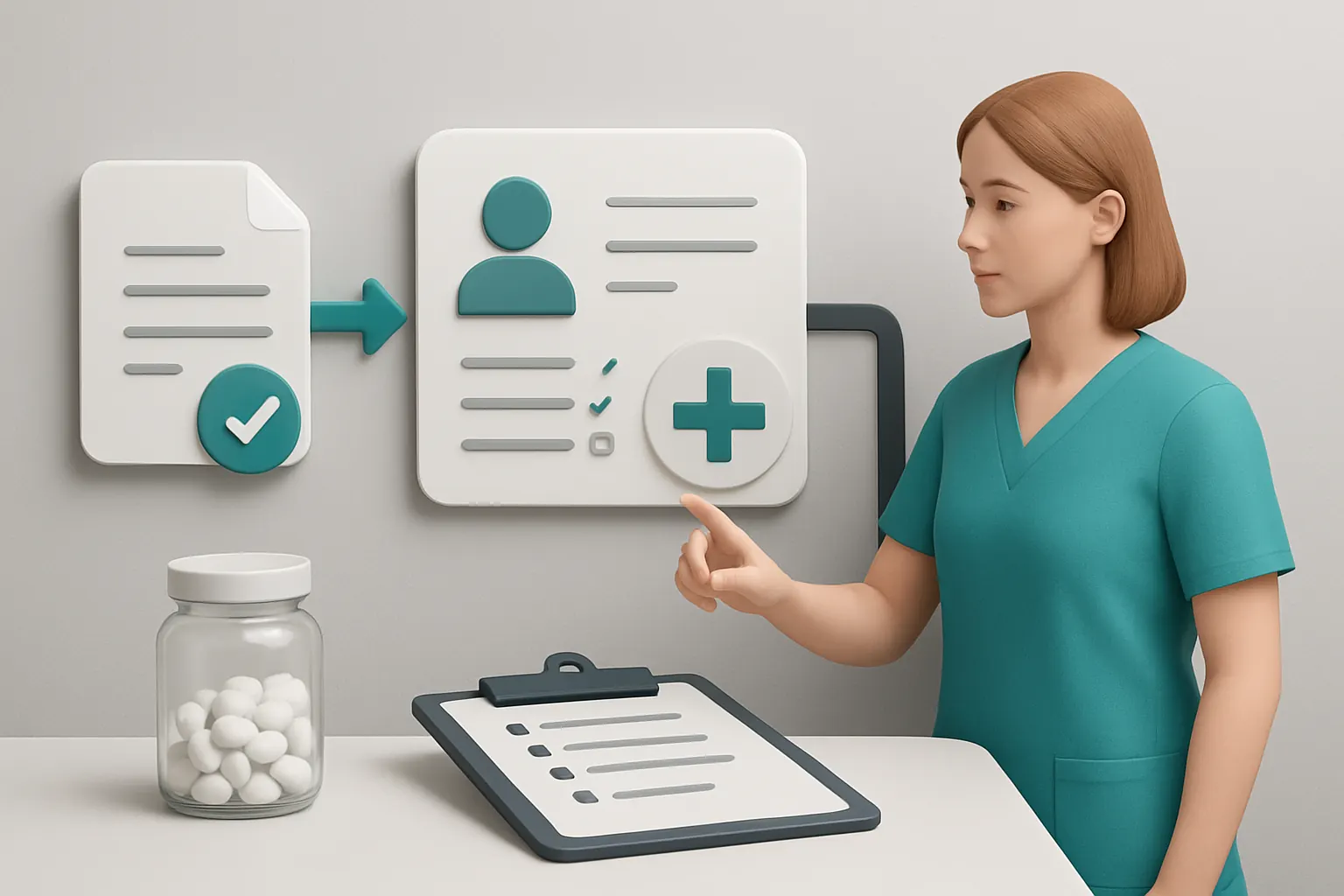
An owned record consolidates all data related to an individual’s support plans, daily notes, medication, and incidents. Updates reflect in real time across the system, so teams work from one reliable source.
Leveraging existing software and data
Current clinical or care recording software can remain integrated. Data connectors bring these into the unified system, avoiding costly rip-and-replace. Proprietary modules replace expensive third-party subscriptions.
Concrete example: managing complex care needs
A provider supporting adults with learning disabilities can track evolving needs in a single record, accessible to care staff, nurses, and managers. Changes to medication or daily routines update instantly, reducing communication gaps.
Controls to preserve data integrity
Role-based access ensures sensitive information is protected. Human review steps confirm updates before finalising changes to critical parts of support plans.
Automated Staff Rota and Shift Management
Labour-intensive rota scheduling pain points
Using spreadsheets or disconnected rota software complicates managing availability, shift swapping, and compliance with working time regulations.
Integrated rota module tied to support demand
Rota management is embedded within the owned operating system, linked to support plans and care needs. Automated scheduling proposes rotas based on client requirements, staff availability, and regulatory rules.
Useful specialist payroll and HR software connections
Where payroll or HR software handles pay and annual leave, the rota system shares attendance data automatically, reducing double entry.
Example: optimising rota for weekend cover
The system identifies gaps and suggests available, qualified staff. Managers validate recommended rotas, which are then communicated directly to employees’ calendars and via SMS.
Controls ensuring legal compliance and fairness
Configured rules prevent overtime breaches or unauthorised shift assignments. Audit logs and exception reports highlight potential breaches prompting managerial review.

Incident Reporting and Follow-Up Automation
Problematic manual incident logs and delayed responses
Incident management often involves paper forms or separate tools, slowing investigation and resolution.
Connected incident records with workflow triggers
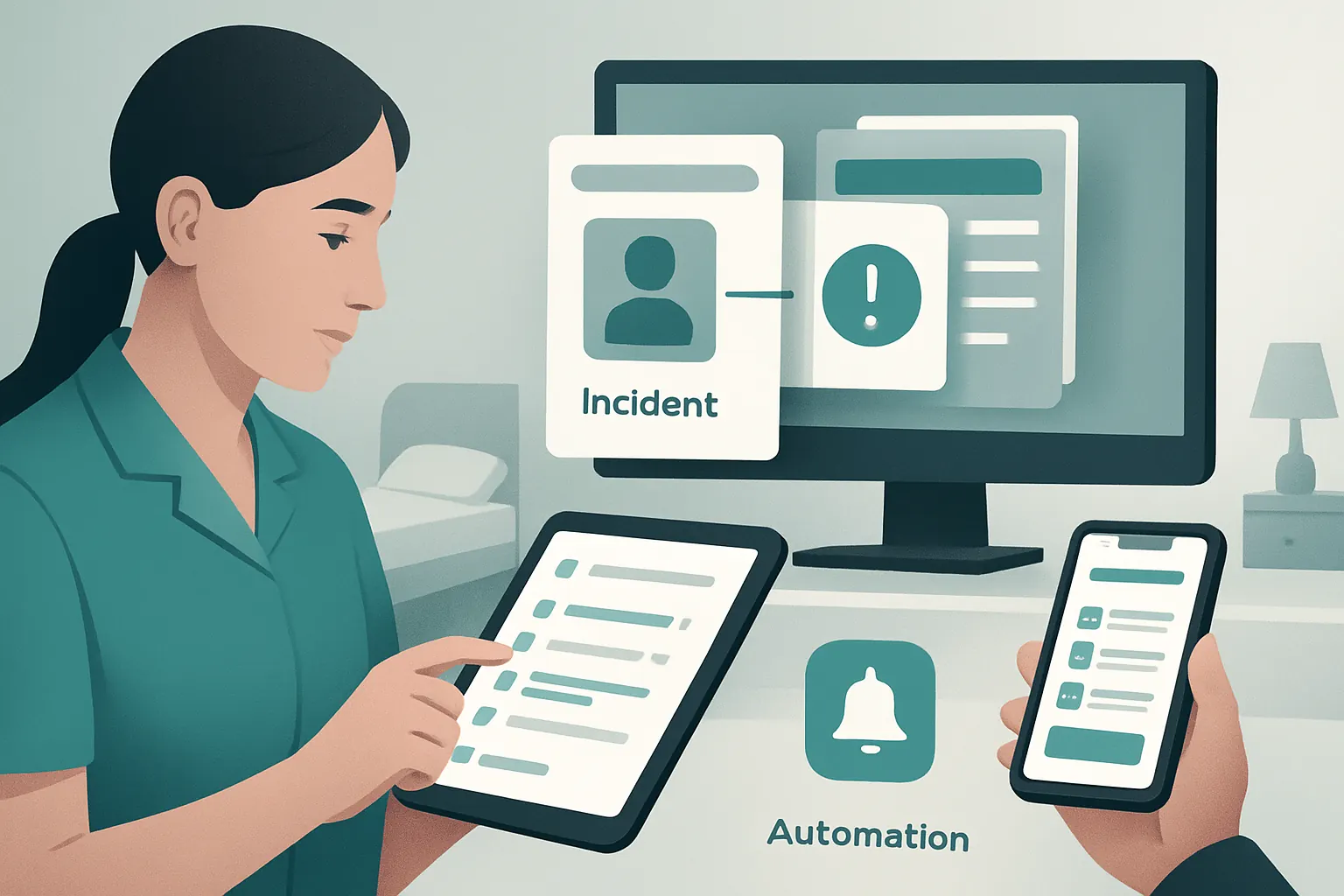
Incidents link automatically to individual support plans and staff profiles. Alerts prompt responsible managers for follow-up actions and update task lists accordingly.
Integration with mobile entry devices
Mobile forms let staff record incidents immediately at the point of care. This detail feeds back into the main system, improving accuracy.
Example: swift response to medication error
A medication error is logged via a tablet app, automatically notifying clinical leads and triggering a risk assessment workflow. Follow-up tasks are assigned with deadlines, and resolution updates are tracked in the same record.
Controls to ensure accountability and audit readiness
Incident workflows include mandatory sign-offs by senior staff. Timestamped entries and change histories support inspection and regulation.
Centralised Medication Administration Tracking
Risks of fragmented medication records
Medication logs spread across paper and software increase administration errors and complicate audits.
Single medication module linked to support data
Medication administration records are integrated with care records for each individual. Alerts remind staff of dosage times and updates to prescriptions propagate to affected records automatically.
Useful integration with pharmacy and clinical systems
Where available, medication data can be imported from pharmacy systems to reduce manual entry.
Practical use case: reducing missed doses
Care staff receive task lists with medication prompts on mobile devices, flagging exceptions for follow-up. This central logging improves safety and regulatory reporting.
Controls through double-check workflows and human approvals
Clinical staff verify any medication changes. Audit trails track administration history to protect both clients and providers.

Owned Task Routing and Workforce Notifications
Fragmented messaging causing missed or duplicated tasks
Without integrated task management, care and operations staff rely on emails, phone calls, and informal notes, increasing risk.
Automated task assignment linked to care events
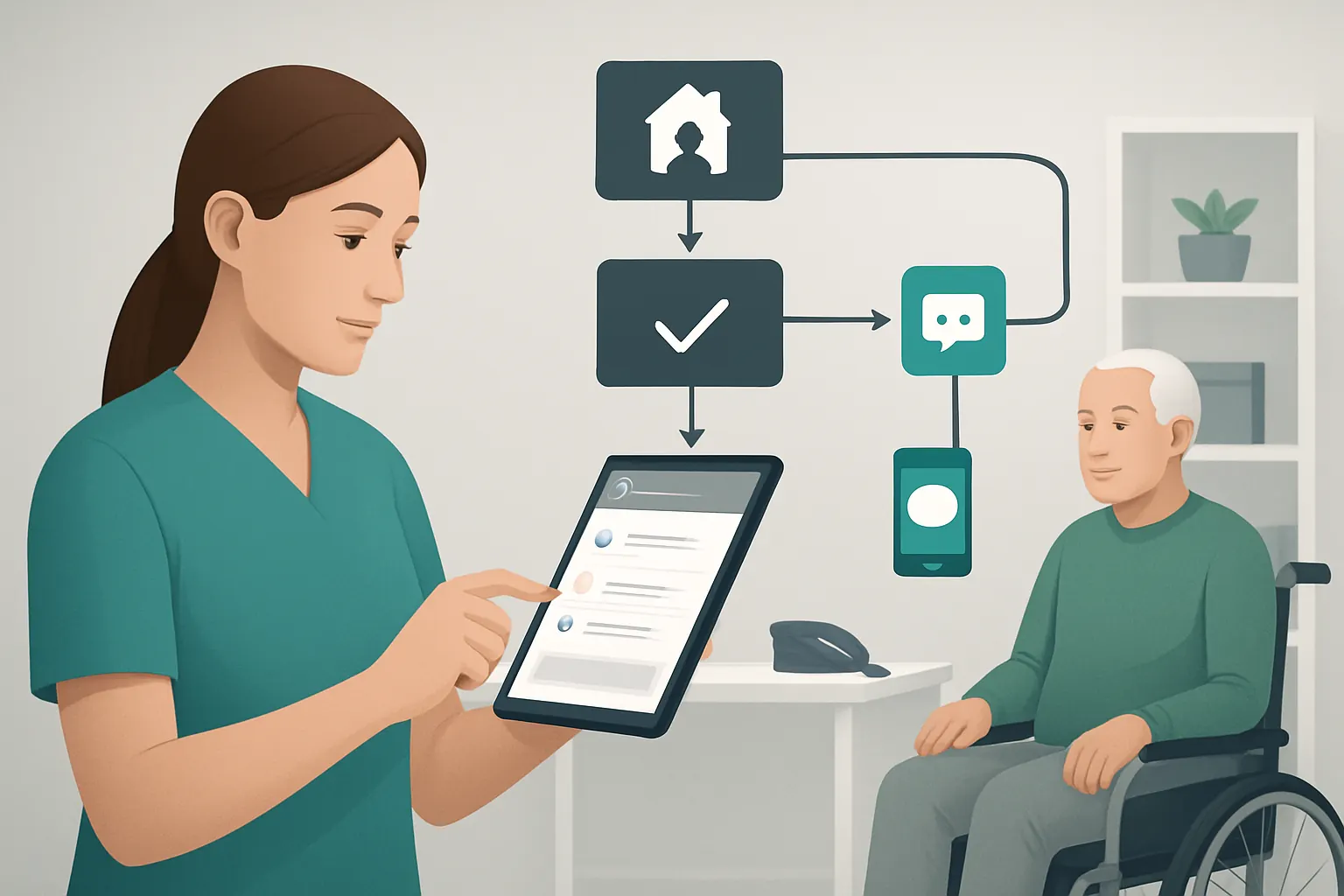
Task routing is built into the system so that tasks created by support plan updates, incidents or referrals automatically reach the right team members.
Communication tools integration for timely alerts
Tools like Teams, SMS gateways or secure messaging apps ensure notifications are timely and traceable.
Example: follow-up tasks after hospital discharge
A hospital discharge triggers a task for updating support plans and arranging transport. Notifications alert relevant staff with deadlines, improving continuity.
Controls supporting transparency and task ownership
Tasks are assigned with clear owners and due dates; overdue alerts escalate. Managers have overview dashboards to monitor progress.
Reporting and Compliance Dashboard Consolidation
Struggles compiling data from multiple sources
Care providers spend hours collating audits, operational metrics and compliance reports from diverse systems.
Unified dashboard with tailored views
A single dashboard aggregates data from care records, staffing, incidents and finance, giving live insights customised by role.
Useful integration with regulator portals and document repositories
Reports can be prepared for CQC or internal audit using data extracts linked directly to source records.
Real-world benefit: faster CQC inspection readiness
Managers can demonstrate compliance trends and exceptions on demand without hunting for files or reformatting spreadsheets.
Controls to maintain data validity and audit trails
Report configurations require managerial sign-offs before sharing. Historical snapshots record what was reported and when.

Financial Management Integrated with Care Delivery
Payment delays and lack of financial insight
Financial data siloed from care and staffing systems hinders billing accuracy and cash flow forecasting.
Replacing multiple subscriptions with owned financial modules
Invoicing, client payments and budget tracking integrate with core workflows, creating a single source of truth.
External payment gateway for secure transactions
PCI-compliant payment processors handle credit/debit card transactions, maintaining security standards as outlined by the PCI Security Standards Council.
Example: timely billing linked to service delivery
Completed visits update invoicing records automatically. Alerts notify finance teams of overdue payments, speeding cash flow.
Controls preserving financial integrity and transparency
Payment approvals require authorised personnel. System logs all transactions with timestamps and user details.
Data Integration Preserving Existing Systems and Investments
Avoiding costly and disruptive IT overhauls
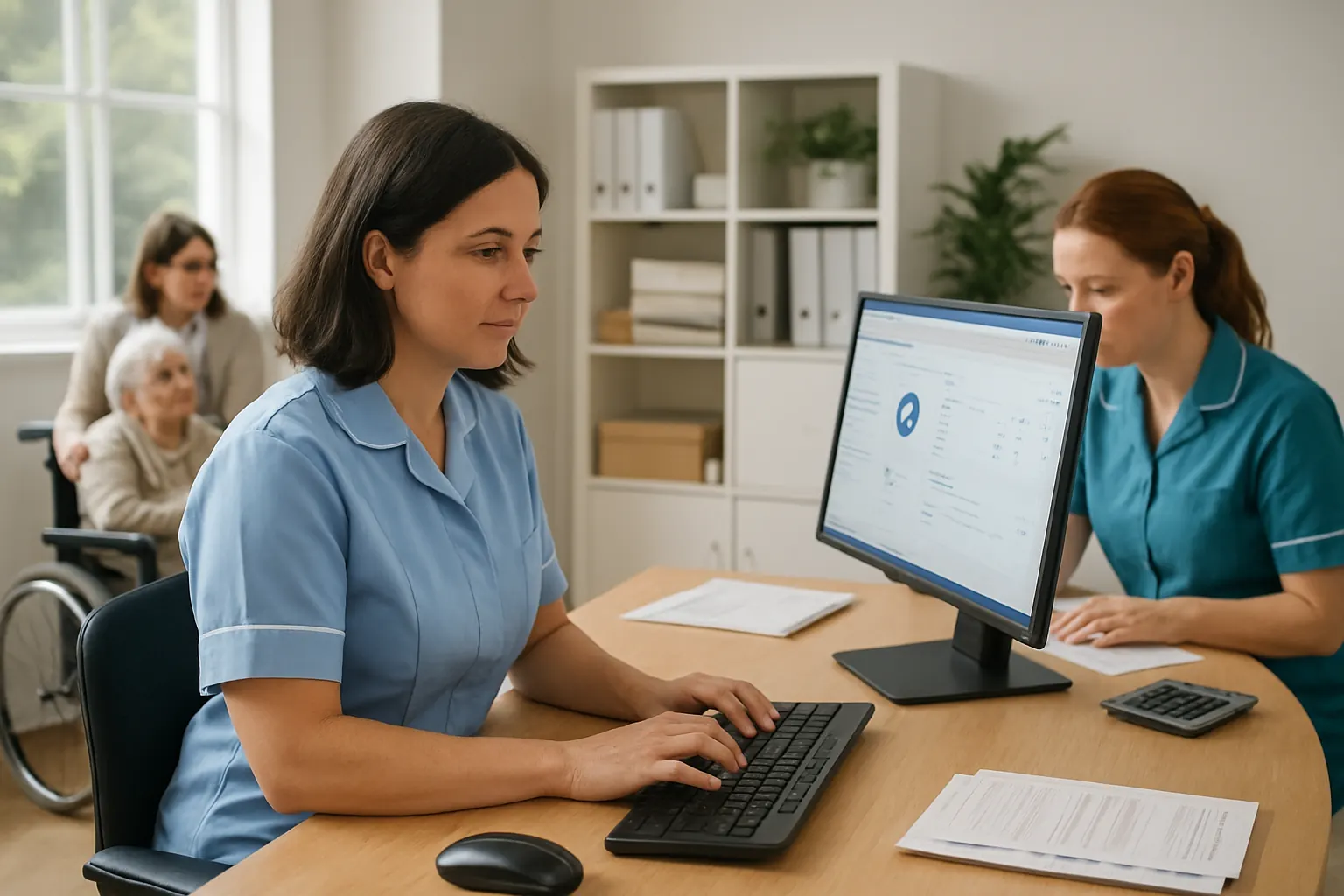
Complete replacement of all existing software is costly and risks staff resistance.
Building around what works and adding connectors
Key clinical or HR systems stay in place with automated data flows into the owned operating system, maintaining continuity.
External tools retained for specialist services
Payments, communications, and clinical applications are integrated as stable, specialist services without disrupting core workflows.
Case in point: keeping payroll software connected
Payroll runs on existing software while rota and attendance data flow automatically from the supported living system.
Controls for data security and compliance
Data transfers use encrypted channels. Privacy safeguards align with ICO guidance on handling special category data in health and social care.
Selective AI for Task Prioritisation and Decision Support
Avoiding overreliance on automated decisions in care
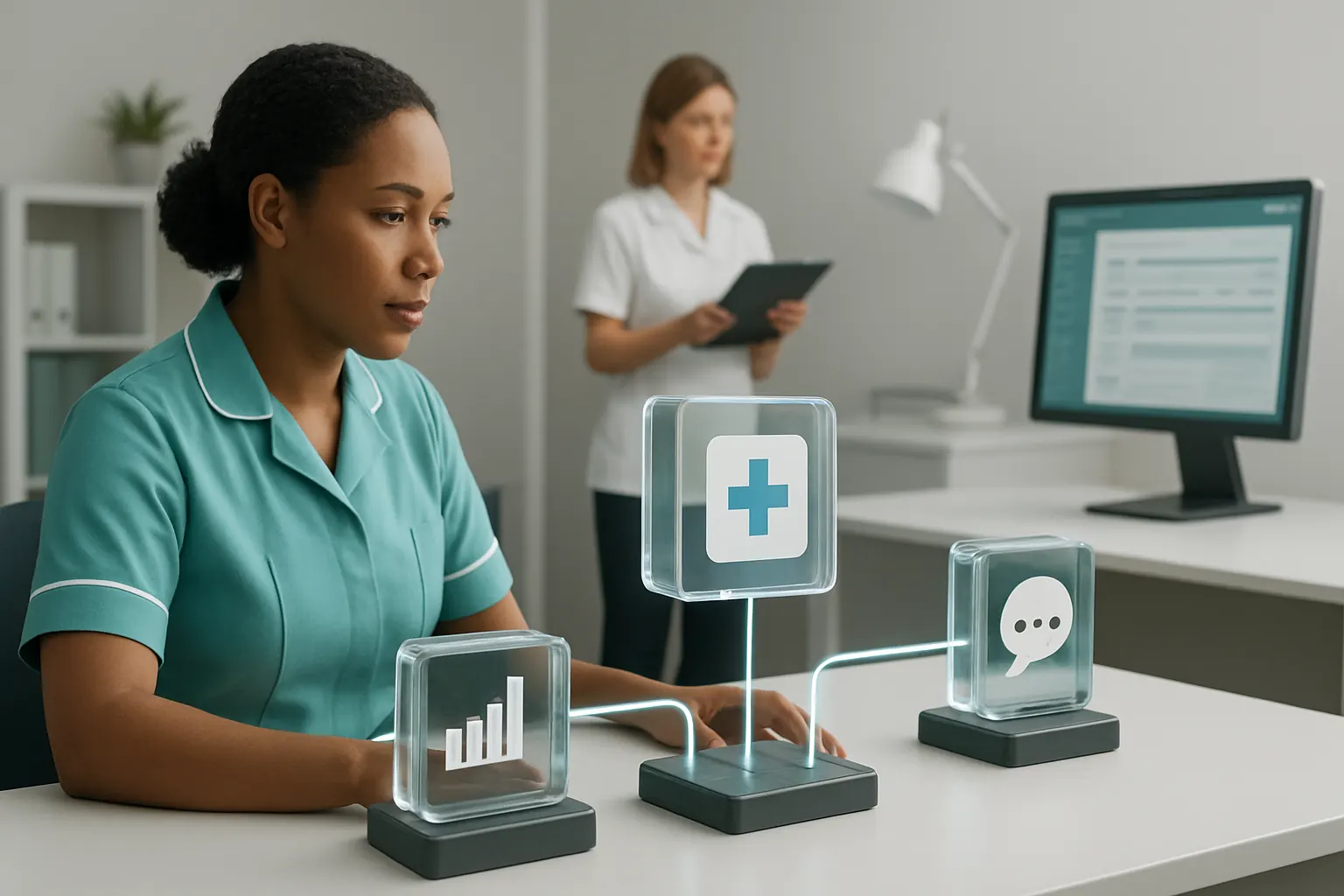
AI augments rather than replaces human judgement across care operations, respecting clinical oversight needs.
Using AI capabilities for classification and summaries
AI supports referral triage by classifying urgency, summarising incident reports, and prioritising follow-ups based on pre-set business rules.
Deterministic rules to handle predictable tasks
Rule-based engines automate predictable workflows such as scheduling follow-ups or flagging compliance deadlines.
Example: decision support with human approval
AI suggests next steps in complex cases, but final decisions and approvals stay with clinical or managerial staff, maintaining accountability.
Controls to enable audit trails and override function
All AI-driven suggestions include explanatory data and can be overridden by authorised users. Activity is logged for transparency.

A Practical 90-Day Rollout Plan for Supported Living Software
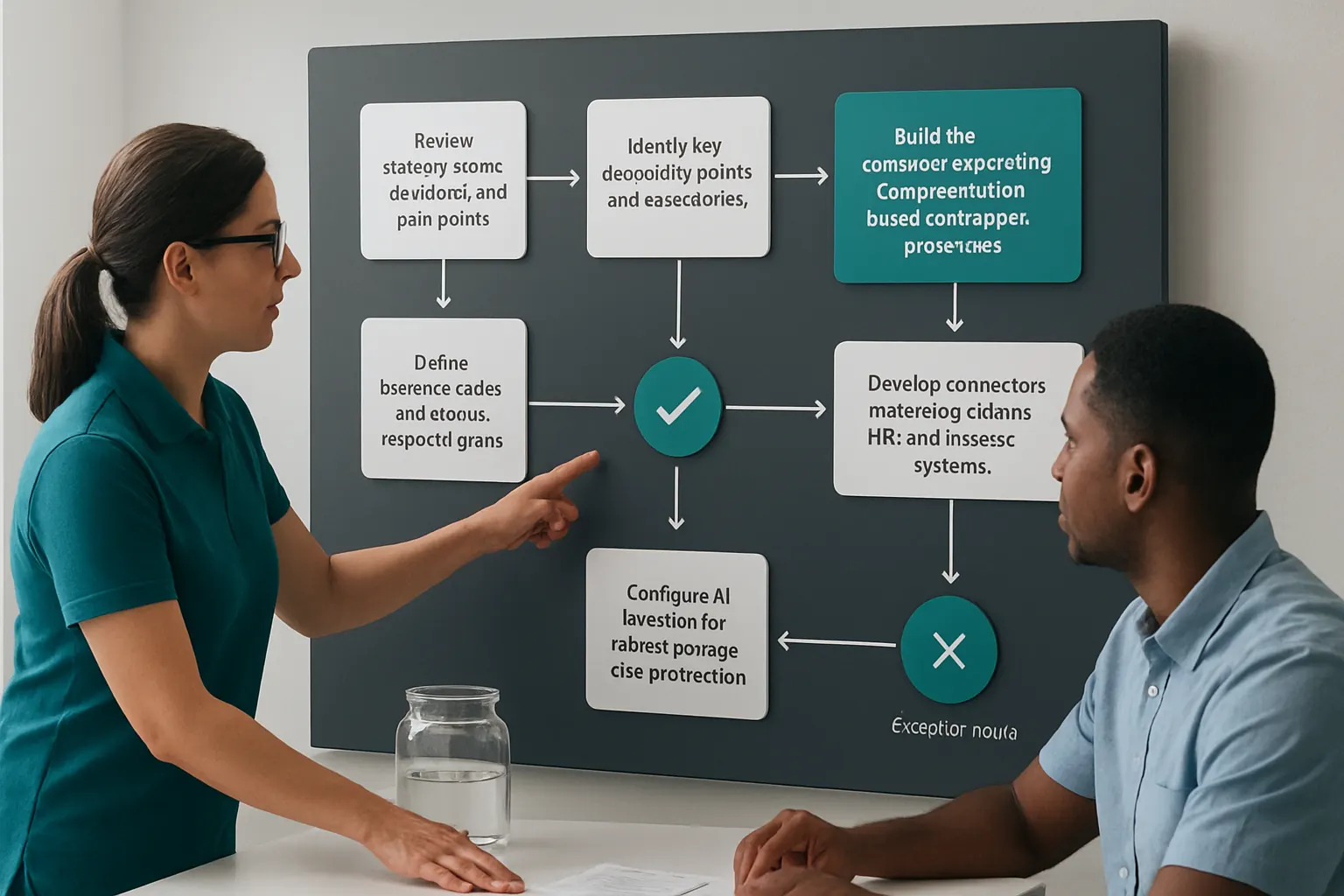
Weeks 1–2: Discovery and Mapping
- Review existing systems, workflows, and pain points.
- Identify key integration points and data sources.
- Engage frontline staff and managers for input.
- Define business rules and human approval gates.
Weeks 3–6: Platform Configuration and Integration
- Build the owned operating system structure based on mapped processes.
- Develop connectors to existing clinical, HR, and finance systems.
- Configure AI modules for referral triage and task prioritisation.
- Set up user roles, permissions, and controls.
- Pilot referral to appointment automation.
Weeks 7–12: Phased User Adoption and Refinement
- Extend automation to support plan management, rotas, and incident workflows.
- Train staff and managers on new modules and dashboards.
- Monitor system performance, user feedback, and compliance audit readiness.
- Adjust AI thresholds and workflow rules as needed.
- Finalise financial and reporting integration.
How AI Implementation UK Ensures a Connected, Owned Operating Environment
We work with supported-living providers to build one connected operating environment they own, tailored precisely to their unique workflows. Our methodology centres on:
- Preserving proven existing systems through seamless integration.
- Replacing costly and overlapping software subscriptions with modular, owned components.
- Bringing operational data—referrals, care records, rotas, finance—into one reliable record and tailored dashboard.
- Embedding selective AI capabilities to augment, not replace, human expertise in classification, summarisation, prioritisation, and decision support.
- Automating predictable tasks using configurable deterministic rules.
- Ensuring all clinical and compliance decisions retain human approval with robust audit trails.
- Integrating specialist external services—such as payments and secure communications—where these are best maintained.
- Deploying solutions aligned with ICO and NCSC guidance on privacy and security, and PCI standards for payment handling.
This delivers supported living software for care providers that transforms fragmented daily workflows into connected, efficient, and transparent operations.
Explore how to streamline your care service automation with our tailored process automation services or improve your data readiness with data infrastructure preparation. Discover client stories in our case studies and plan your own connected system with our platform planning service.
By choosing an owned connected system rather than a patchwork of SaaS tools, supported-living providers can cut unnecessary admin, reduce errors, and support better, safer care delivery. Your organisation controls its technology, data, and workflows—empowering effective and compliant service growth in a demanding sector.