Learn how occupational health providers can connect systems, reduce manual admin and automate referral to appointment with one tailored operating platform the.
Software for occupational health providers - e-clinic: What Breaks Daily
Software for occupational health providers - e-clinic should connect bookings, people, communications and reporting in one reliable operating flow.
Occupational-health providers face persistent challenges managing employer referrals, appointments, fitness reports, and care delivery workflows. Daily operations involve juggling multiple software tools, paper forms, manual telephone bookings, and disconnected data records. This patchwork leads to bottlenecks in scheduling, errors in records, and frustrations for clinicians, administrators, employers, and employees alike.
For example, managing referrals manually from employers to clinicians, tracking employee appointments, and consolidating fitness assessments can create complex workflows prone to human error and delay. Healthcare providers require well-orchestrated, seamless processes to meet compliance and clinical oversight requirements while improving service speed and accuracy.
The promise of “workflow automation” is often misapplied via layering of disconnected SaaS tools that fragment rather than unify work. Occupational-health providers in the UK need a practical, owned, connected operating system tailored to their workflows, integrating existing systems and selectively applying AI where appropriate.

The Real Cost of Manual Work in Occupational Health
Manual operations lead to measurable but often invisible costs for occupational-health providers:
- Time wasted on repetitive data entry, telephone scheduling, chasing incomplete forms and correcting errors.
- Compliance risks due to inconsistent record keeping, missing approvals, or audit trail gaps for special-category data.
- Data silos and errors as information becomes fragmented across unconnected tools or duplicated in multiple spreadsheets or folders.
- Delayed cashflow from slow referral triage, appointment booking, report generation, and employer invoicing.
- Staff burnout from administrative overload, restricting clinicians’ time with patients and increasing turnover.
An integrated, connected solution that simplifies and automates workflows without fragmenting operational data is vital. Occupational-health providers can keep valuable existing software that supports their niche needs while replacing subscriptions to avoidable, redundant modules.
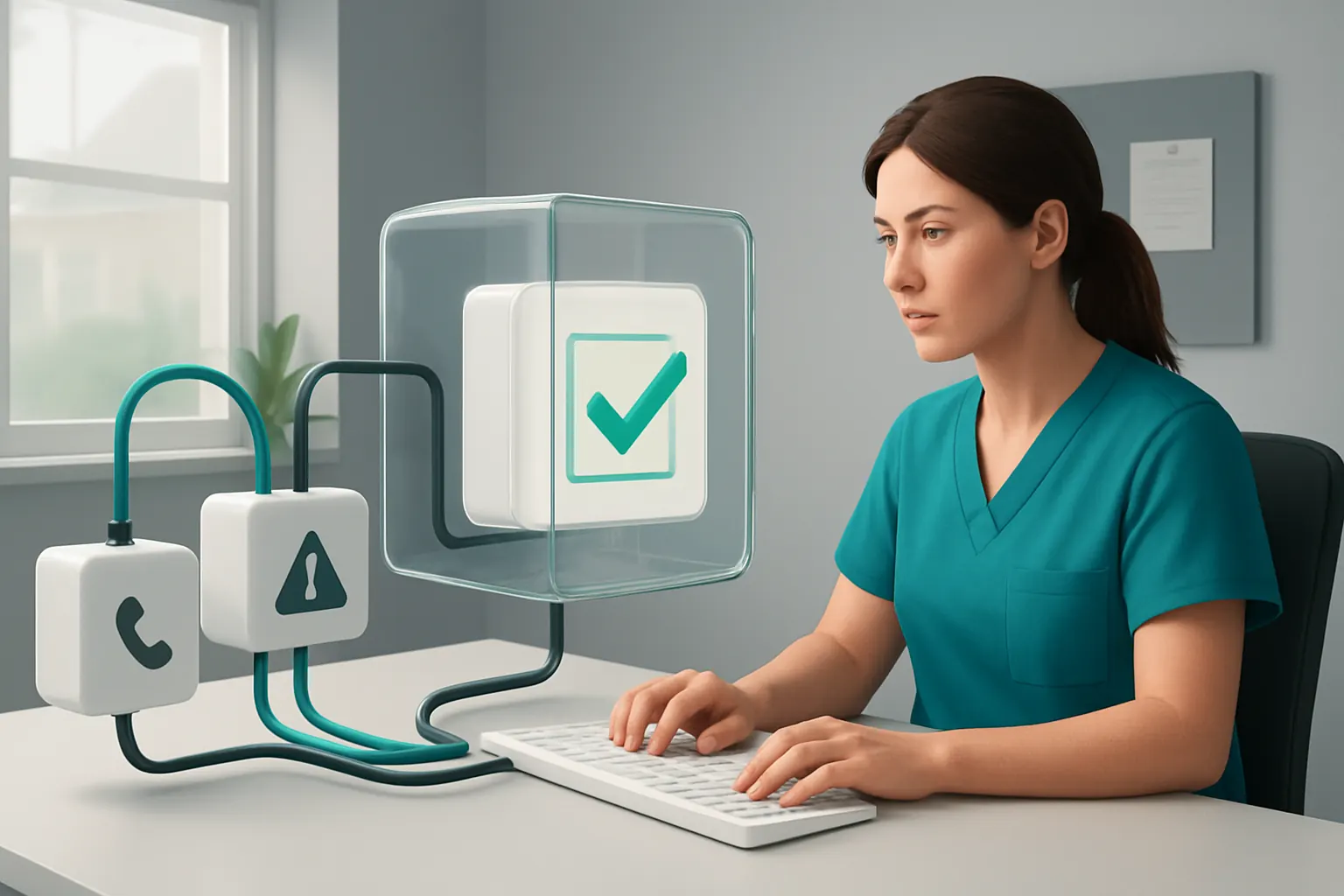
Streamlining Employer Referrals with Automated Workflow Routing
Referral Handling Complexity in Practice
Referrals from employers vary in format and completeness. Manually managing these inbound requests involves extraction, triage, assignment, and approval steps prone to delay.
A Tailored Workflow That Connects Referrals to Clinicians
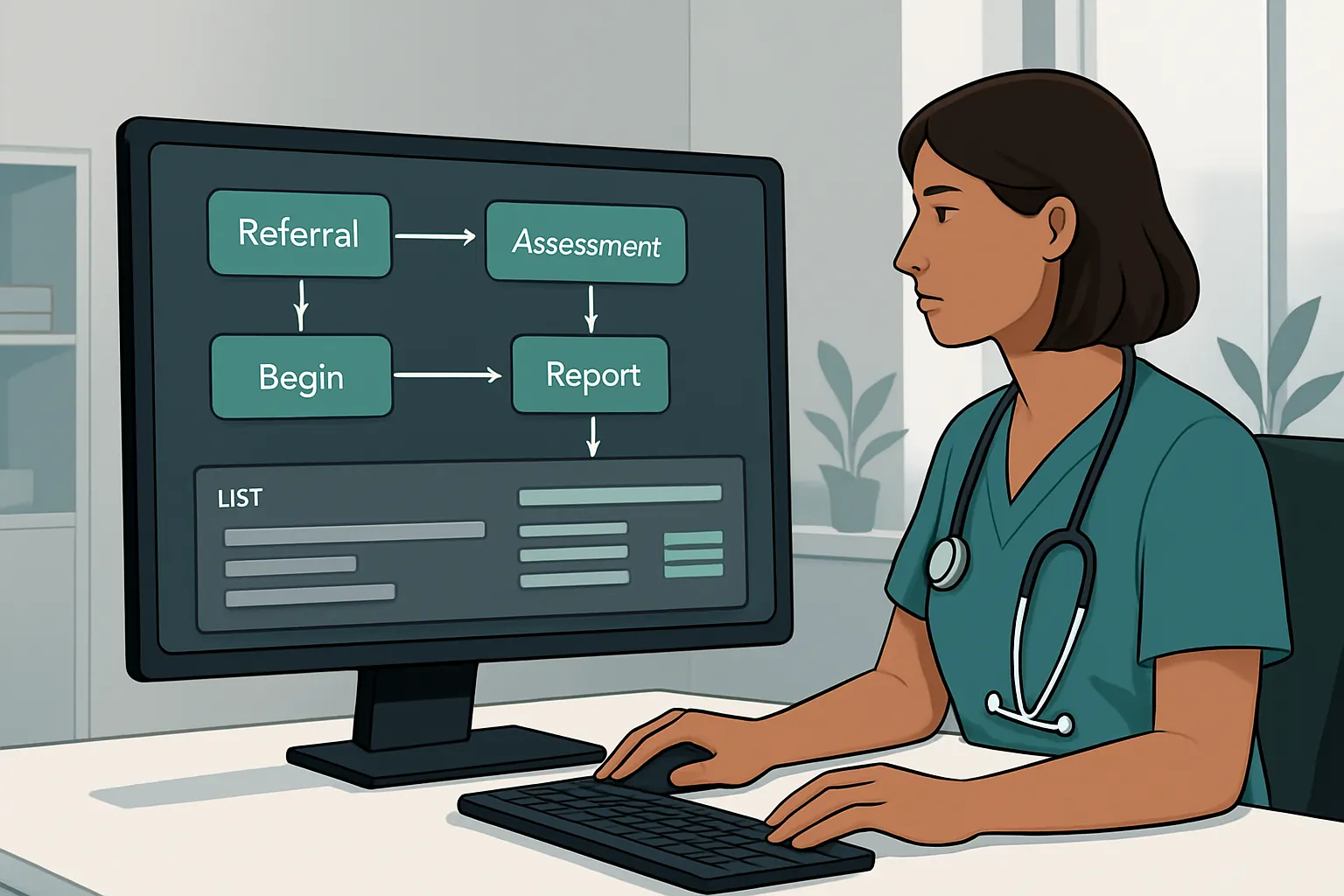
E-clinic’s operating system links employer portals, email, or API intake with internal worklists. Automated triage flags incomplete forms for rapid correction. Rules determine referral type and allocate the right clinician team member. Human oversight remains for complex cases or exceptions.
Useful Integrations That Work Together
This workflow connects with existing employer HR software and secure communication channels. For example, email forms from Pensions or HR systems are parsed, logged, and tracked reliably inside the owned system.
Practical Example: B-safe Occupational Health Management System
E-clinic can interoperate with modules like the b-safe occupational health management system for worker health surveillance records, while operating referral triage transparently within one owned workspace.
Control Measures for Safe Automation
Clear audit trails show referral origination, triage decisions, and manual overrides, supporting compliance with GDPR and clinical governance.
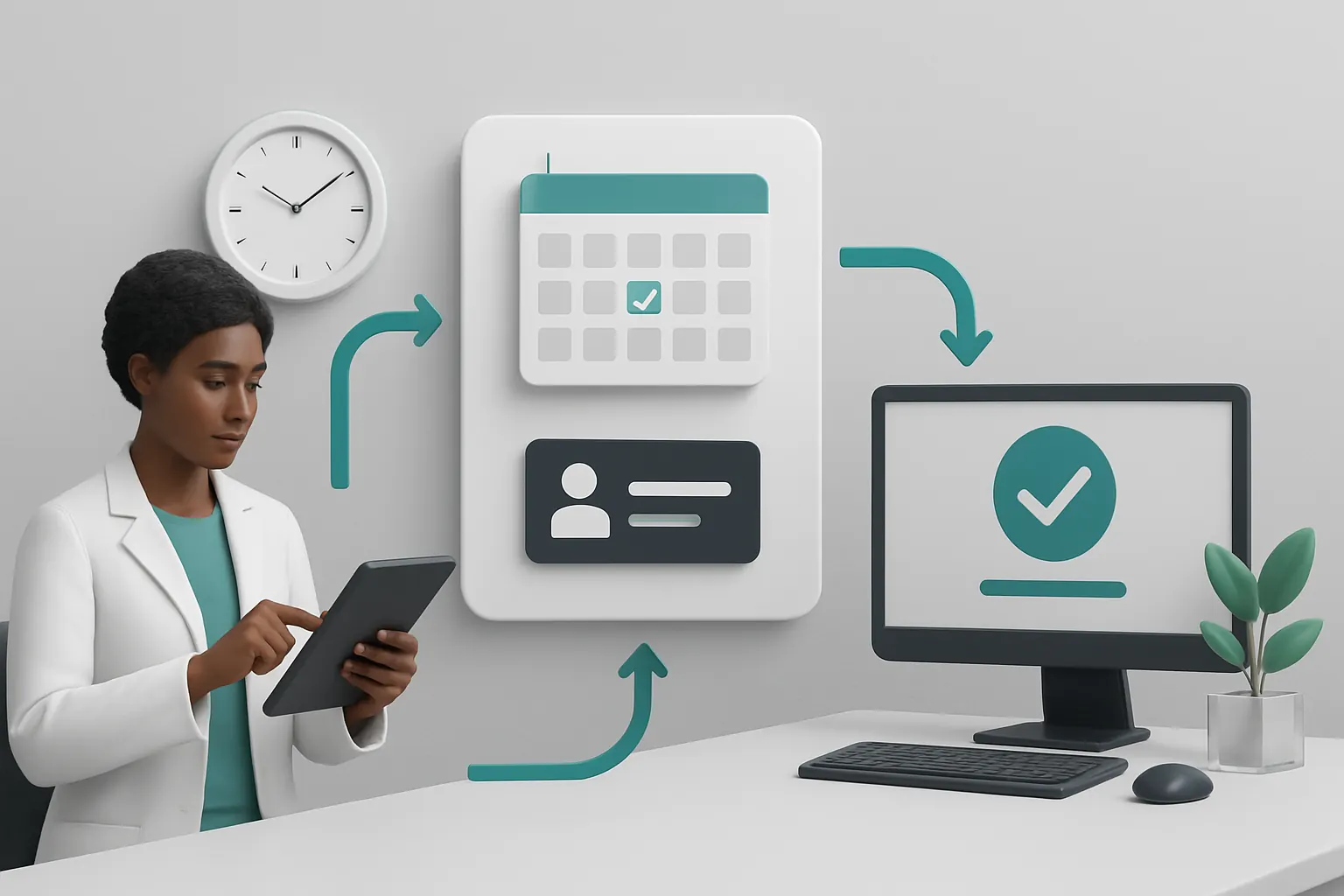
Appointment Scheduling that Reduces Double-Booking and No-Shows
Scheduling Errors Cost Time and Trust
Double-booked or missed appointments disrupt patient flow and present avoidable administrative work rebooking patients.
A Single Booking Record with Integrated Reminders
Using an owned appointment module linked with calendars, the system assigns appointment slots based on clinician availability and referral priority. Automated SMS and email reminders reduce no-shows and allow employees to manage their booking status via a secure portal.
Integration with Specialist External Tools Where Needed
Payments or secure communication functions integrate through trusted vendors (e.g., payment gateways aligned to PCI standards), while core appointment logic remains owned and configurable in-house.
Concrete Setup: Civica Occupational Health Software Automation
The platform can supersede fragmented Civica-like tools by centralising booking and patient workflow while selectively linking clinical record modules and employer dashboards.
Controls that Safeguard Appointment Integrity
Live dashboards provide appointment status and flag delays. Escalation protocols alert human staff when workflows stall to ensure proactive intervention.
Automating Occupational Health Assessments and Fitness Reporting
Manual Report Generation is Time-Consuming and Error-Prone
Duplicating information into standardised fitness reports wastes clinician time and risks discrepancies.
Consistent, Tailored Report Templates Linked to Patient Records
The system holds assessment data in structured fields and generates reports using configurable templates that employers recognise. Changes in patient status automatically trigger report updates.
Keeping Specialist Clinical Systems but Avoiding Duplication
Assessment data may be fed from specialised clinical tools for physical or mental health screening but centralised here for consistent reporting and follow-up workflow.
An Example Scenario: Standardising Across Providers
E-clinic supports harmonisation across multiple provider sites or subcontractors by standardising forms and output while retaining individual provider practices.
Safeguards for Clinical Oversight on Reports
Reports are issued only after authorised clinician approval steps are confirmed. All changes are logged to preserve audit trails.

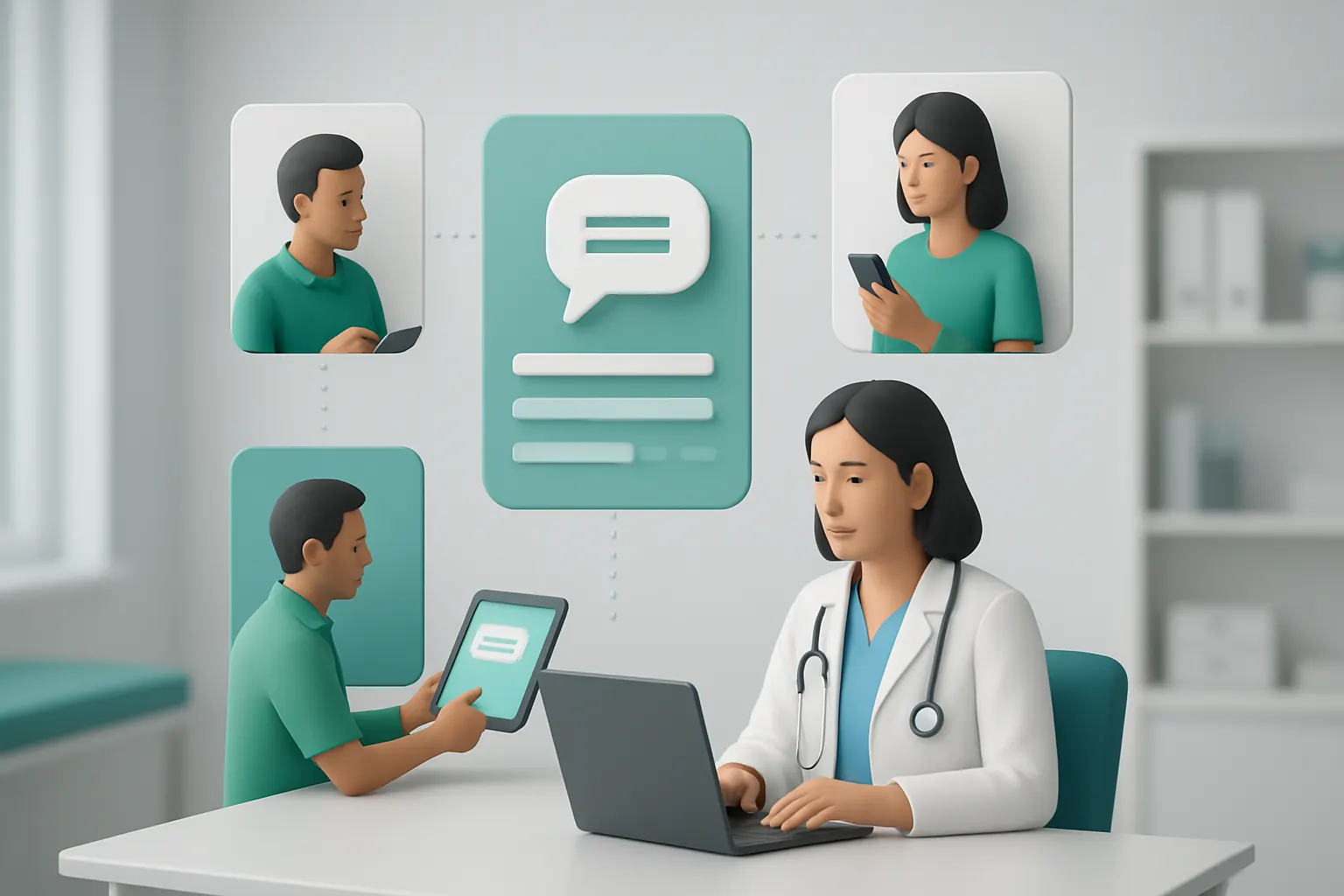
Simplifying Communication Between Employers, Employees and Clinicians
Miscommunication Adds Delay and Staff Time
Fragmented communication channels lead to lost messages and unhappy employers and employees.
Integrated Messaging Workspace Within the Owned System
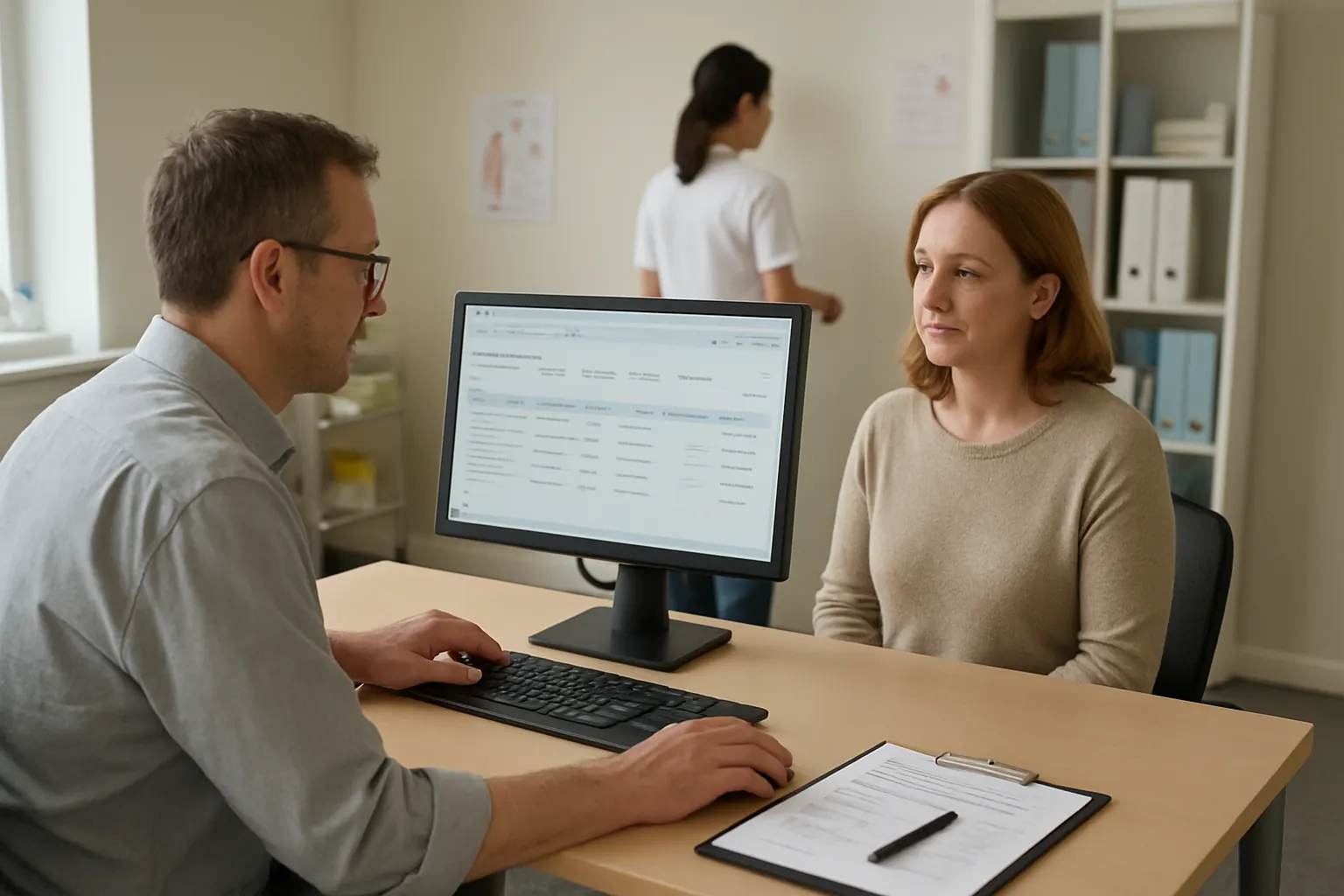
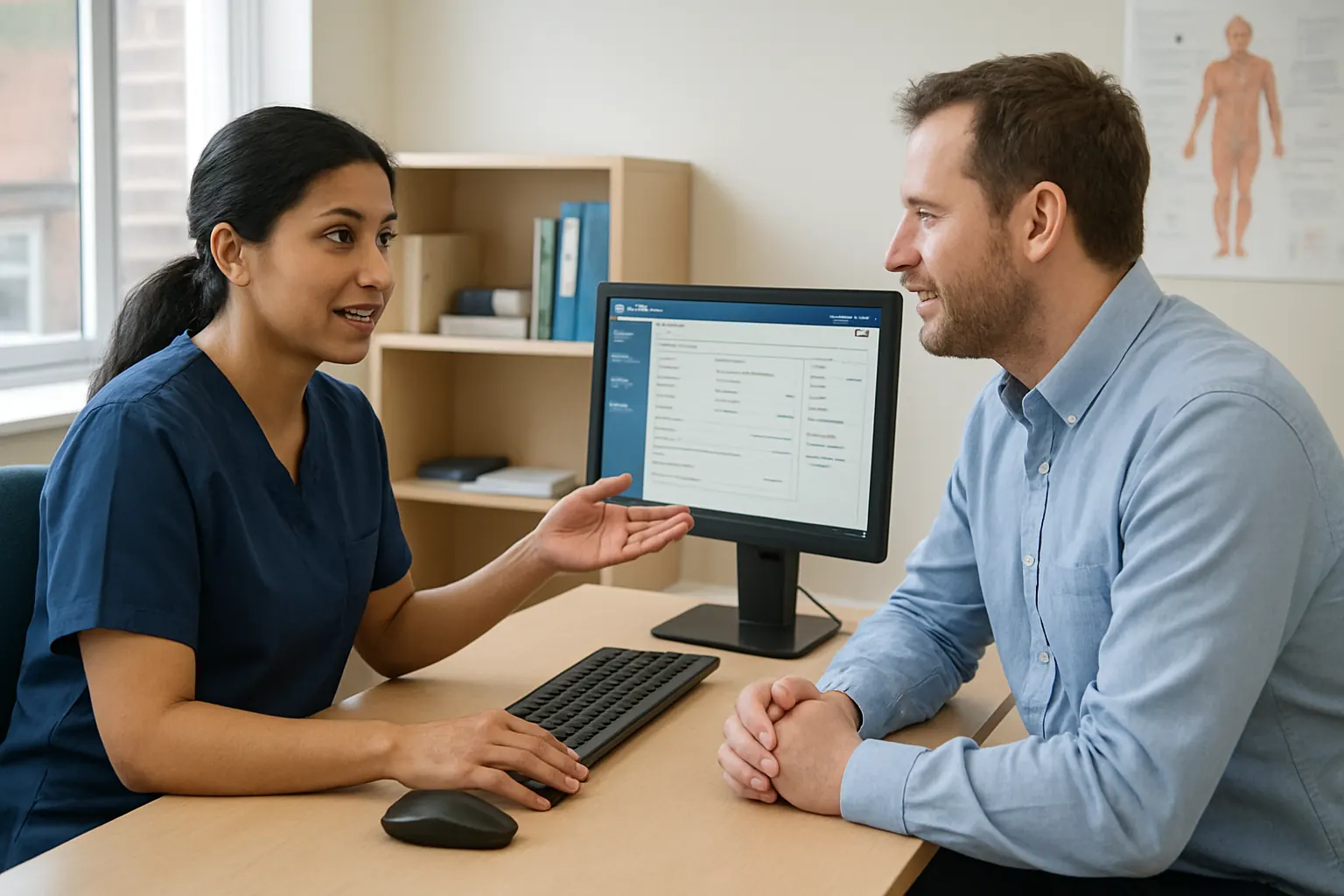
A secure message centre connects employers and employees to clinicians, preserving referral context and appointment status. Templates for common queries automate responses without sacrificing human review for complex issues.
Allowed External Communication Channels
Integration with industry-standard email systems, SMS gateways, or secure portals supports compliance work with data protection requirements in communication.
Use Case: After-Hours Access for Employee Queries
Employees can leave messages outside office hours, which trigger AI summarisation and prioritisation for next-day clinician review. This supports continuity without overloading staff.
Controls for Privacy and Data Sensitivity
Access the messaging workspace under strict roles and permissions, ensuring special-category data are viewed only by authorised staff.
Bringing Operational Data Into a Single Reliable Record
Disconnected Systems Cause Data Confusion
Multiple separate spreadsheets or tools cause discrepancies and time-consuming reconciliation.
One Owned System as a Single Source of Truth
All referrals, appointments, assessments, communications, and reports connect in one database tailored to occupational health workflows. This reduces errors and the need to cross-check data manually.
Integrating Existing Systems Without Full Replacement
Legacy systems that hold specialist clinical data or employer HR lists can be linked via secure APIs or data connectors, retaining investment while unifying operational data.
Real-World Example: Combining Civica Data with Employer Records
E-clinic's data infrastructure module can ingest Civica occupational health software outputs alongside employer referral lists and clinic schedules to maintain one reliable trusted record.
Controls to Maintain Data Integrity
Built-in versioning, staff-level audit logs, and exception flags support data traceability required for compliance and clinical governance.

Routing and Escalation for Worklist Management
Challenge of Managing Diverse Work Priorities
Clinicians need to handle multiple referrals, assessments, and reports, balancing urgent cases and routine tasks.
Dynamic Worklists Tailored to Role, Priority and Status
The operating system automates case routing using deterministic rules for predictable tasks, while AI supports classification and task prioritisation. Clinicians only see relevant work with clear escalation paths for urgent jobs.
Avoid Over-Reliance on External Task Tools
The workflow module replaces multiple task trackers by organising and automating task assignment inside the owned environment aligned with business needs.
Example: Referral Triage Supporting Return-to-Work Acceleration
Priority worklists keep cases moving promptly through referral to clearance, helping reduce delays in return-to-work processing.
Controls to Ensure Human Oversight
Exception reports highlight any AI or auto-routing misclassifications for prompt manual review.
Selective AI Use for Time-Variable Tasks
Where Automation Meets Judgement
AI performs classification, summarisation, prioritisation, and decision-support on inbound communications and records but does not replace human clinical decision-making.
Complementing Deterministic Rules with AI Capabilities
The system uses rule-based workflows for repetitive, predictable tasks and triggers AI assistance when variability or text analysis is needed, such as summarising free-text referrals.
Specialist AI Integration Choices
AI is embedded inside the owned system or linked via API for specialised NLP or classification services, avoiding black-box SaaS tools with no data control.
Application: AI Summarises Employer Referral Notes for Clinician Review
AI extracts the main points from employer referral notes to support rapid triage while all final decisions and report issuance remain human-approved.
Controls for Compliance and Safety
Visibility of AI workflow outputs, audit trails on human overrides, and decision checkpoints preserve governance over special-category clinical data.

Reducing Avoidable Software Subscriptions with Owned Modules
Fragmented Systems Increase Cost and Complexity
Multiple SaaS vendor subscriptions add licensing, training, and integration overhead.
Owned Modules Replace Common SaaS Functions
Modules for booking, document generation, messaging, dashboards, and task routing reduce dependency on external subscriptions without limiting specialist needs (e.g., payment processing).
Integrations Retained for True Specialised Services
Payments gateways or secure communication platforms remain external but are integrated so the core workflow stays unified and under client ownership.
Example: Replacing Standalone Scheduling Tools with Owned Booking Logic
E-clinic’s owned appointment scheduling replaces costly standalone tools, while integrating with trusted payment processors for clinic invoices.
Controls for Cost Transparency and Security
Ownership avoids vendor lock-in and hidden cost escalations. Security settings control data shared externally.
Dynamic Dashboards Tailored to Clinicians and Employers
Information Overload or Data Desert?
Static reports fail to deliver actionable insights or require manual compilation.
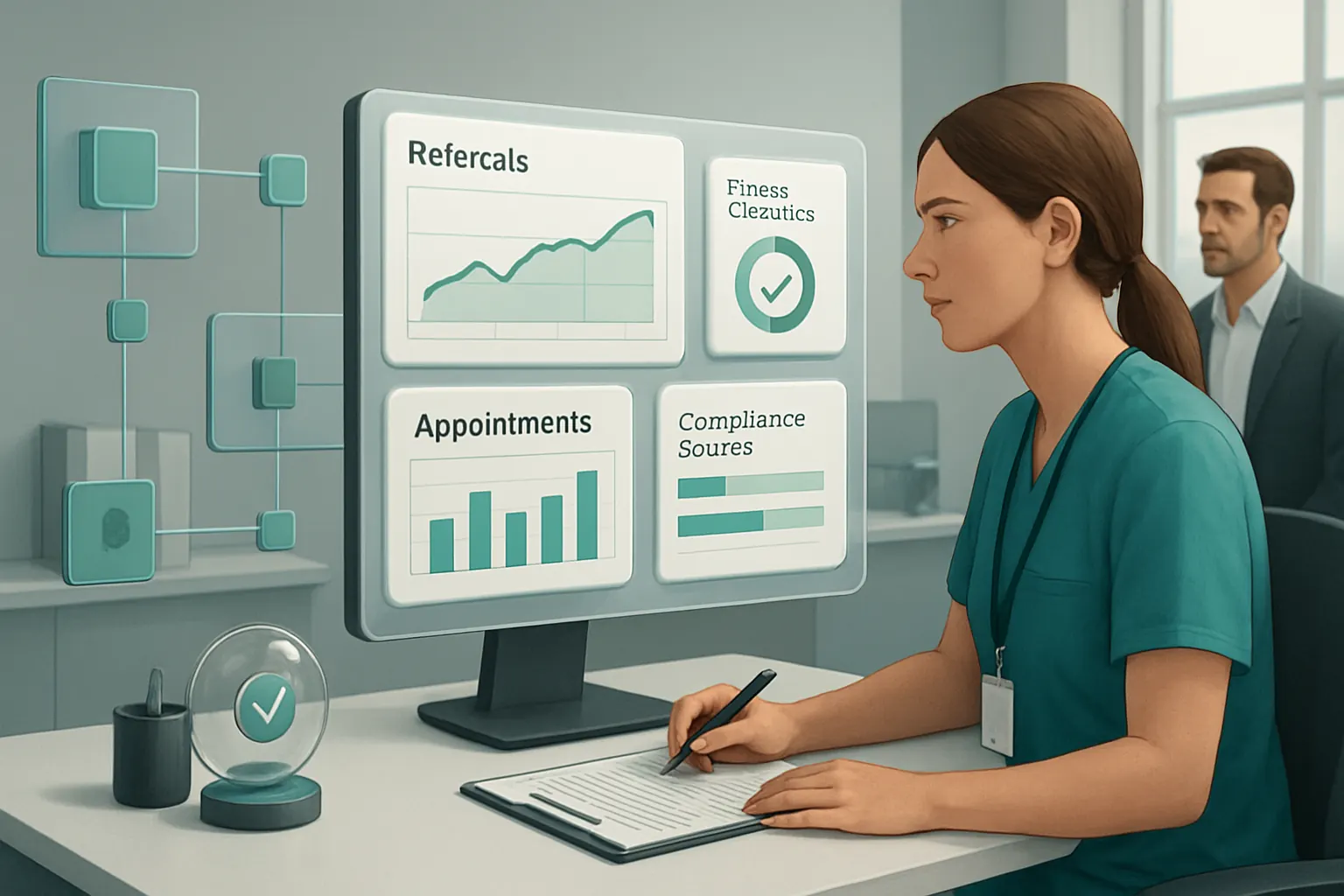
Tailored Dashboards Bringing Key Metrics and Statuses Together
Real-time views of referrals, appointments, fitness clearances, and compliance status help clinicians and employers manage workloads and obligations effectively.
Keeping Employer and Employee Access Clear and Secure
Employers see dashboards reflecting referral progress and workforce health metrics while individual employees access personal appointments securely.
Example: Compliance Status Updates across Multiple Clients
Dashboards give occupational-health providers a central view of employer health clearance compliance, supporting proactive interventions.
Controls to Protect Sensitive Data
Role-based access ensures dashboards only expose authorised data subsets, maintaining GDPR-aligned controls.
Tracking Audit Trails and Compliance Effectively
Critical Need for Traceability in Healthcare
Audit logs ensure clinical decision justifications, data accuracy, and compliance with healthcare standards and data protection regulations.
Embedded Audit Trails in All Operational Steps
Every referral, appointment booking, report generation, and message exchange records who did what and when inside the owned system.
Supplementing with Automated Compliance Alerts
Custom alerts remind staff of upcoming reviews, expiring clearances, or incomplete data, reducing human oversight failures.
Real-World Application: Meeting NHS and ICO Guidelines
The system supports provider audit processes in response to data access or quality enquiries, aligned with ICO’s records management guidance. ICO Records management guidance
Controls to Validate Audit Completeness
Automated checks detect missing approvals or delayed processing to highlight compliance risks promptly.
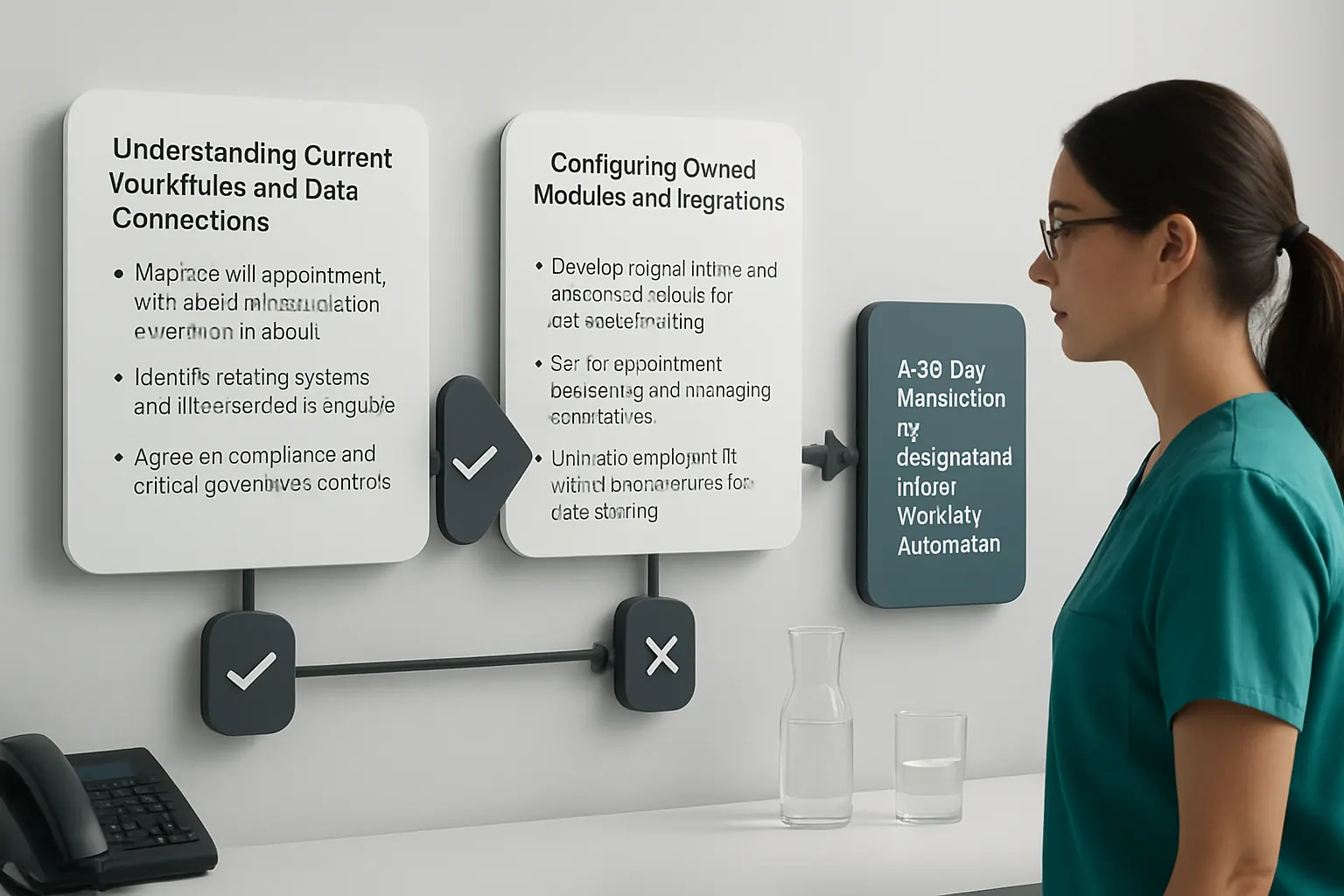
A 90-Day Rollout Plan for Occupational Health Workflow Automation
Weeks 1–2: Understanding Current Workflows and Data Connections
- Map referral, appointment, report and communication workflows in detail
- Identify existing systems and data sources to integrate
- Agree on compliance and clinical governance controls
Weeks 3–6: Configuring Owned Modules and Integrations
- Develop referral intake and triage workflows with rule-based routing
- Set up appointment scheduling and messaging workspaces
- Link with employer HR and clinical systems for data sharing
Weeks 7–12: Deploying AI Supports and Custom Dashboards
- Activate AI-assisted classification and summarisation features selectively
- Create tailored dashboards for clinicians and employers
- Train staff on system use and compliance control checks
- Monitor usage and hand over ongoing support
How AI Implementation UK Connects, Replaces, and Automates Occupational Health Operations
AI Implementation UK specialises in delivering a single connected operating system tailored around your occupational-health provider workflows. Unlike assembling disconnected SaaS tools, we build an owned workspace that federates your existing clinical and employer systems while eliminating redundant subscriptions.
Our approach preserves your current IT ecosystem’s best elements by securely linking data sources with deterministic workflows augmented by AI where prudent—classification, summarisation, and decision-support under human oversight. This reduces manual administration, accelerates patient throughput, and strengthens compliance governance with detailed audit capabilities.
Through modular design, your organisation owns its entire operational record and tailored dashboards that reflect your priorities, avoiding vendor lock-in or costly software sprawl. Specialist external integrations—for example, payments or secure messaging gateways—remain embedded but aligned to your operation.
Start your process automation journey with a clear plan, expert delivery, and practical controls. Visit our process automation service page to learn how we help occupational-health providers modernise operations. For data readiness, explore our data infrastructure preparation.
With AI Implementation UK, transition from fragmented systems to one connected solution that empowers your clinical teams, satisfies employers, and improves your operational efficiency in healthcare and care.
This practical guide highlighted how occupational-health providers can move beyond manual workflows, disconnected tools, and costly subscriptions by adopting a tailored, connected operating system. E-clinic’s approach focuses on owned workflows and selective AI—a strategy that balances automation efficiency with human oversight and compliance needs for healthcare excellence.