Learn how plumbing and heating contractors can connect systems, reduce manual admin and automate enquiry to estimate with one tailored operating platform the.
Plumbing and heating contractor workflow automation: What Breaks Daily
Plumbing and heating contractor workflow automation should connect bookings, people, communications and reporting in one reliable operating flow.
Plumbing and heating contractors face constant operational challenges. High volumes of emergency call-outs, fluctuating workforce availability, and the pressure to meet strict compliance standards mean day-to-day work is complex. Manual scheduling, paper-based records, and disconnected software tools often result in duplicated effort, errors, delayed payments, and missed upsell opportunities.
The sector’s legacy IT landscape contributes to this friction. Multiple standalone systems—ranging from spreadsheets for job tracking to niche quoting tools—slow workflows and cloud costs mount. Contractors frequently juggle invoicing software not tailored for contractors with customer communication platforms and compliance checklists.
Fixing these problems by bolt-on SaaS apps risks adding to complexity. Plumbing and heating contractors need a connected, end-to-end operational system that owns their key workflows and adapts to how they work—cleaning up data silos and reducing reliance on one-off software subscriptions.

Automating Enquiry to Estimate Without Disjointed Tools
Tackling the Overload of Manual Quote Preparation
Handling inbound enquiries varies widely—calls, emails, or website forms funnel requests. Manually converting these into estimates wastes time. Many operators track these in spreadsheets or basic CRM tools that don't sync with scheduling or parts ordering.
Building a Seamless Workflow From Enquiry to Job Brief
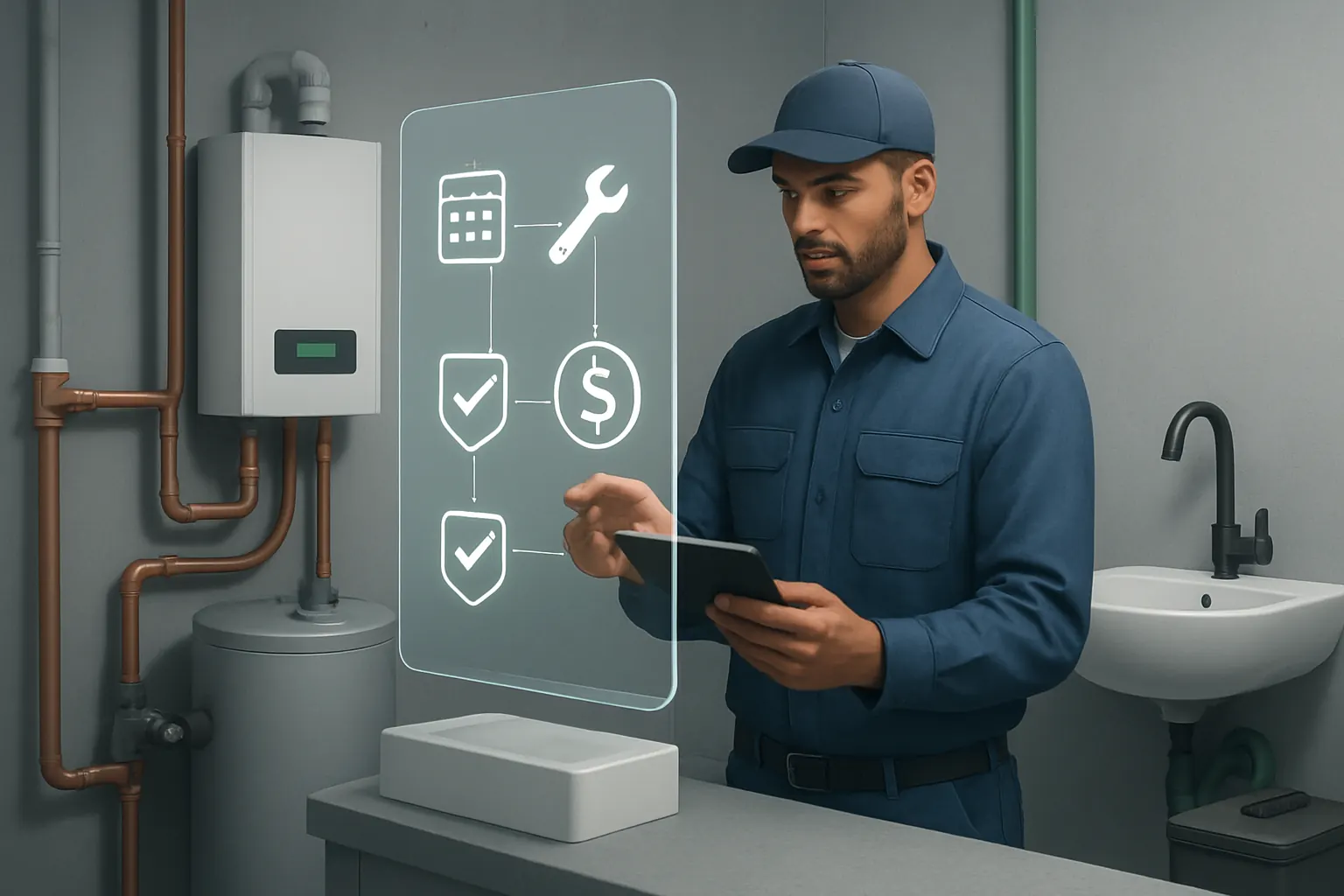
A connected enquiry to estimate workspace captures data at source, pulls standard pricing and historical data automatically, and allows fast, consistent quote generation. The system links quotes to available engineers and part stock to check feasibility early.
Integrations That Save Time but Don’t Multiply Licenses
Local pricing lookups, customer history from existing CRM tools, and parts inventory data can be integrated. Specialist finance tools handling deposits or payment collection remain external but embedded in workflow.
Practical Example
A plumbing firm receives a heating system replacement enquiry via its website. The enquiry populates a new job estimate screen pre-filled with customer and past service data. System checks engineer competency and stock; a quote is emailed for approval without manual intervention.
Maintaining Control with Human Oversight
Rules flag exceptions such as low stock or unusual prices for review. Automatic reminders prompt sales follow-up while approvals remain with the estimator to support compliance work and service quality.

Scheduling and Dispatch Automation Without Overbooking
The Daily Pressure on Dispatchers and Engineers
Manual rota planning often leads to double bookings or missed appointments. Excel-based schedules do not communicate effectively to mobile engineers, creating gaps and unproductive travel time.
A Connected Rota Module Synced to Job History and Location
A single booking record coordinates jobs, engineer skills, and geographic routing. Dispatch updates instantly on mobile devices with built-in alerts for delays or changes.
Useful Integrations for Productivity
Text and email communication tools such as Twilio or SendGrid support customer updates without leaving the system. GPS tracking can be layered for planning but not replace job records.
Concrete Illustration
Dispatch sees a last-minute call-out and uses the system’s map view to allocate a nearby qualified engineer. The engineer gets notification on their device with all job details and confirms arrival electronically.
Built-in Controls Preserve Accuracy
Shift rules and safety limits prevent operators from assigning engineers beyond their contracted hours or competencies, ensuring legal and health and safety compliance.
Parts Inventory and Procurement Tied to Jobs
Preventing Delays From Stock Oversights
Lack of integration between stock and job management leads to wastage and last-minute sourcing. Manual logs do not inform procurement teams of stock dips or urgent needs.
Connecting Job Records with Inventory Monitoring
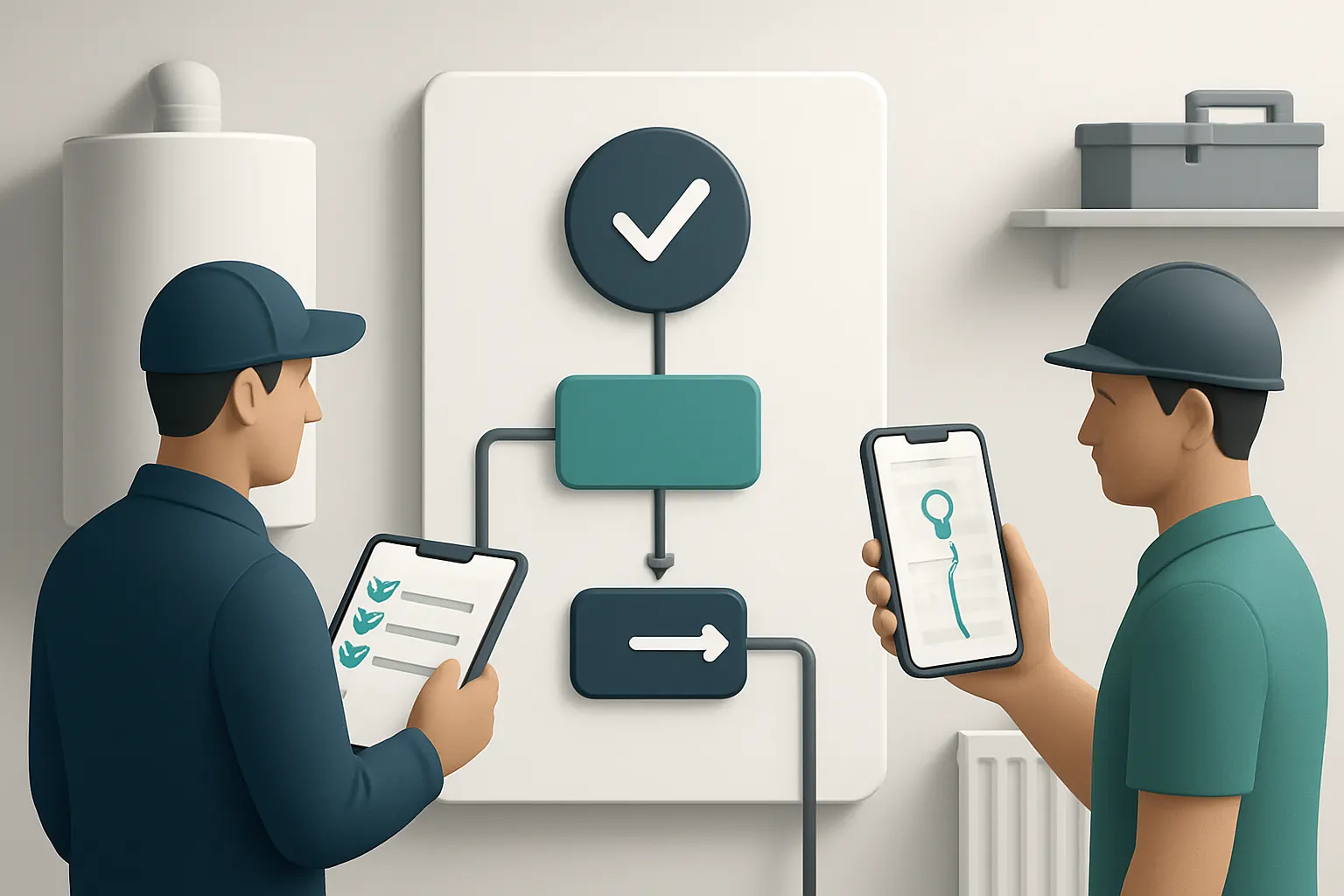
Parts usage across booked jobs automatically updates stock levels and triggers procurement workflows for reorder based on agreed thresholds.
Integrations That Enhance Rather Than Fragment
Stock management specialist services may remain separate but sync relevant procurement data for unified reporting.
Example Scenario
An engineer assigned to a boiler repair confirms parts used via mobile input. The main system adjusts stock and emails suppliers of depleted items set for auto-reorder.
Safety and Compliance Controls
Only approved suppliers and parts that meet safety standards are authorised in the procurement module, with human review on exceptions.

Service Certification Workflow Embedded in Job Completion
Administrative Challenges with Certification Production
Producing gas safety certificates and service reports often involves juggling multiple platforms, leading to delays or compliance gaps.
Centralised Job Completion with Certification Triggers
Once engineers close a job, the system prompts certificate generation using recorded data, linked directly to customer records and job files.
Streamlined Integration Opportunities
Specialist templates provided in-house replace third-party apps. Digital signing tools may integrate for customer approvals without breaking workflow.
Practical Use Case
After a heating system service, the engineer uploads test results. The system auto-fills compliance certificates and emails the customer for signature.
Compliance Checks and Audit Trails
Certificates locked within the system maintain a verifiable audit trail. Alerts flag missing documentation or expiry approaching.

Follow-Up Automation to Secure Repeat Business
Manual Follow-Up Bottlenecks
Forgetting to chase quotes, check service feedback, or remind customers of service renewals causes lost business.
Automated Touchpoints from the Owned System
Preconfigured workflows send personalised reminders or feedback requests at key intervals, adjusting content based on customer response.
Integration with Customer Communication Channels
Email and SMS integration ensure high delivery rates; CRM info enables tailored messaging.
Real Example
System schedules reminder one year after boiler service for compliance check, prompting customer to book the next appointment with one-click confirmation.
Human Review Safeguards
Automated sequences balance outreach with options for manual override or escalations on non-response.

Invoice Generation and Payment Tracking Unified
The Expense of Disjointed Billing
Using separate invoicing software disconnected from job data means frequent errors and payment delays.
Owned Modules Producing Accurate Invoices
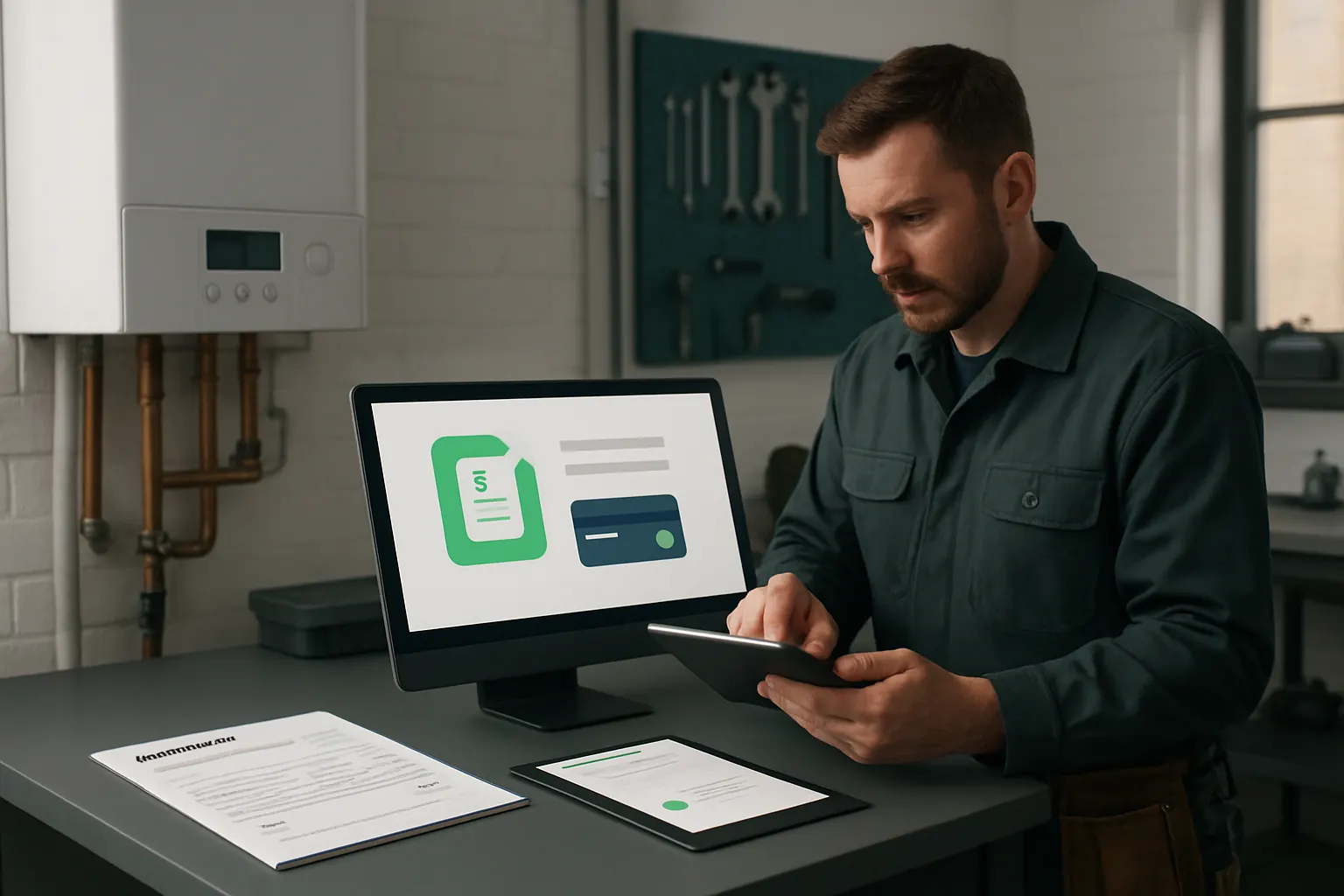
Invoices generated directly from approved job records ensure consistency. Payment terms and discounts apply automatically.
Integration with Payment Gateways
PCI-compliant payment services like Stripe or GoCardless process receipts seamlessly within workflow.
Example
Upon job completion and certificate issue, invoice is auto-created, sent, and link provided to customer for online payment.
Controls for Compliance and Accuracy
Invoice adjustments require manager approval; exceptions trigger alerts on the dashboard.
Workforce Management Tailored to Contractor Needs
Coordinating Multiple Roles and Shifts
Manual payroll and shift declarations risk errors in hours claimed and compliance with working time regulations.
Connected Employee Rostering and Payroll Input
Timesheets reflect actual job attendance recorded via system check-ins. Payroll interfaces receive verified hours directly.
Selective Integrations for Specialist Payroll
Payroll providers remain upstream, receiving clean data feeds for quick processing without double keying.
Application in Practice
A heating engineer clocks job start and finish in the app; hours flow automatically to payroll. Absence and holiday entries are managed in the same workspace.
Controls to Meet Legal Requirements
Working hour limits and qualification checks built-in prevent breaches and maintain audit trails for inspectors.

Real-Time Operational Dashboard for Managers
Fragmented Data Obscuring Business Health
Data scattered across multiple solutions mean decision makers rely on outdated or incomplete reports.
Aggregation Into One Trusted Source of Truth
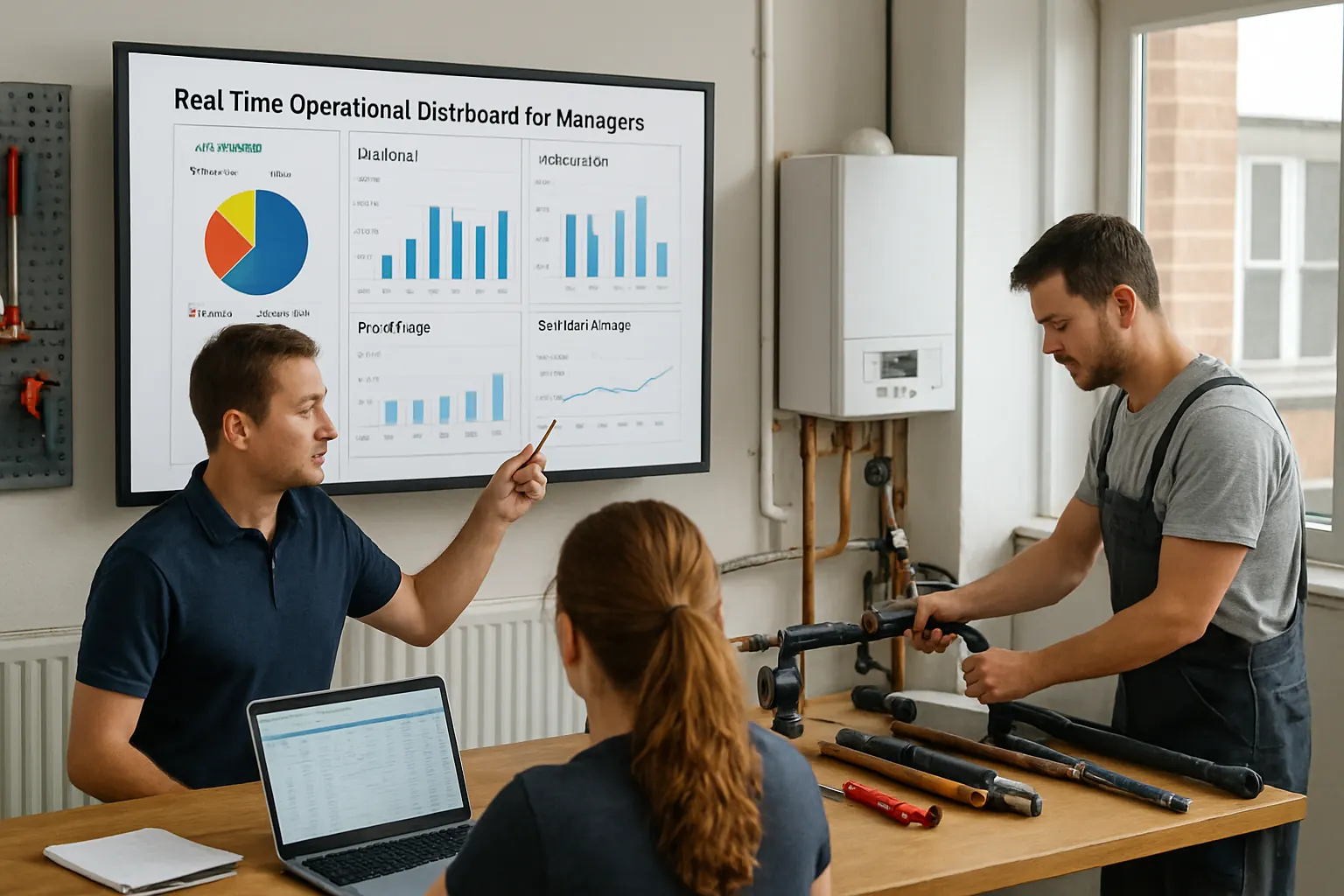
Dashboards pull live data from all own system modules presenting KPIs like job status, call-outs, parts usage, and cashflow forecasts.
Integration Enablement for Specialist Analytics
BI tools may connect to the underlying database for deeper analytics without disrupting operational workflows.
Example Use
Weekly management review with dashboards showing engineer utilisation rates, overdue certificates, and outstanding payments, all in one place.
Controls for Data Integrity and Access
Role-based access controls safeguard sensitive data and ensure decision-makers see relevant insights only.
Site Safety and Competence Records Tied to Jobs
The Challenge of Verifying on-Site Mindfulness
Ensuring engineers hold required certifications and compliance with site safety protocol are critical yet administratively painful.
Automation for Competency Checks Before Job Allocation
Engineers’ qualifications and safety records are linked to job booking workflows, preventing dispatch if gaps exist.
Integration with Certification Systems
Training providers or national registers can be referenced or synced for automatic updates.
Practical Example
Before scheduling gas work, system verifies engineer licence status in real time, aborting booking if expired.
Controls to Protect Compliance
Mandatory human sign-off on exceptions plus daily compliance reports ensure safety commitments remain front and centre.
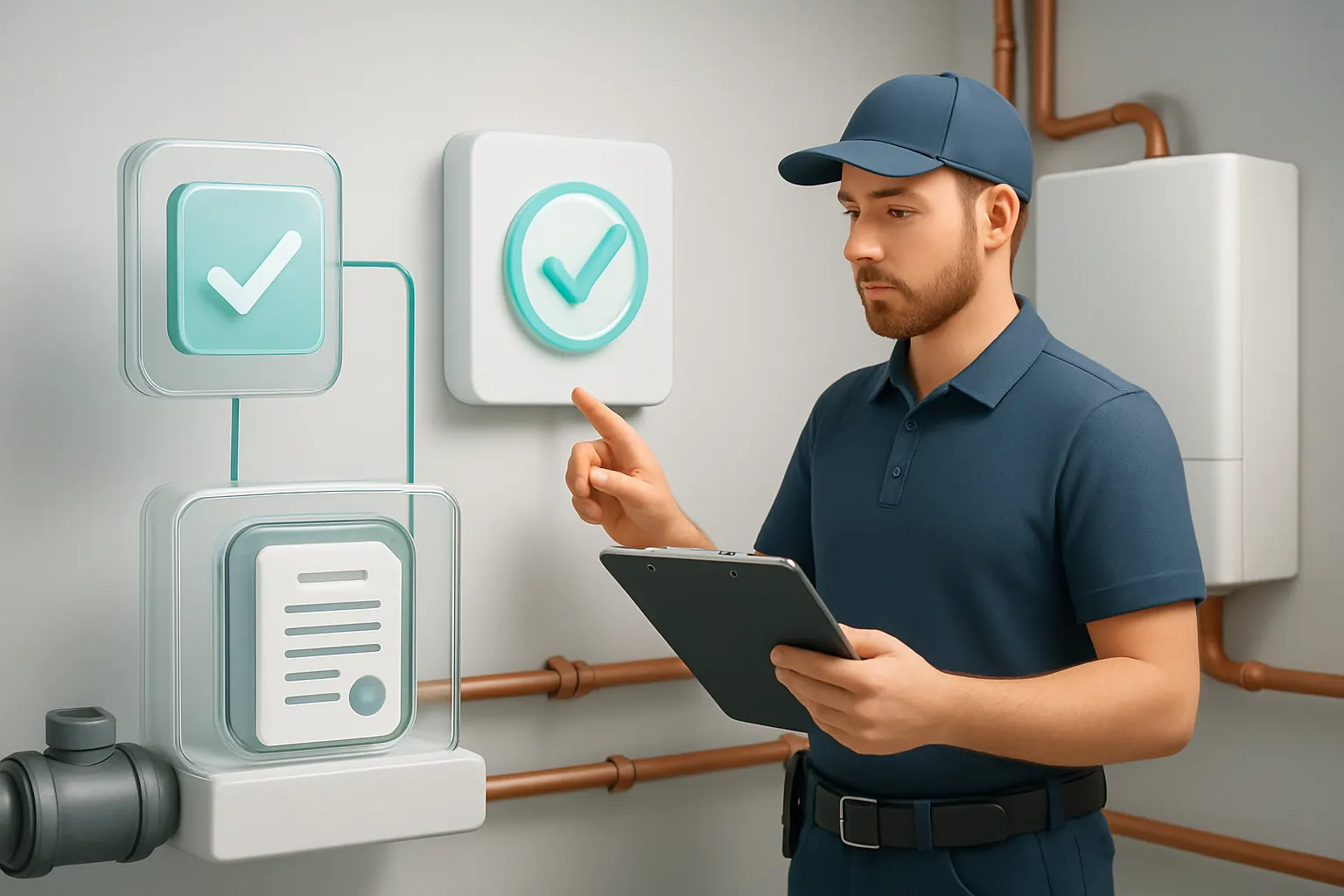
Controlled AI Use in Operational Tasks
Where AI Adds Value in Plumbing Workflows
AI supports variable work such as email classification, summarisation of call notes, job prioritisation, and decision support—reducing routine load without replacing human judgement.
Deterministic Rules Retain Predictability
Predictable processes rely on fixed logic and clear thresholds. AI flags unusual patterns but leaves important decisions to authorised staff.
Integration of AI Within the Owned System
AI services can be embedded into modules without connecting separate apps, preserving audit trails and data security.
Practical Scenario
AI scans incoming enquiry emails, classifies urgency, summarises job details for estimator, and prioritises dispatch queues.
Human Controls on AI Recommendations
Operators review AI suggestions with override options; audit logs track AI’s role in workflow decisions.

Rolling Out a Plumbing and Heating Contractor Automation in 90 Days
Weeks 1–2: Process Mapping and Data Connections
- Audit existing systems and workflows.
- Define key automation targets.
- Connect critical data sources, ensuring security and privacy compliance following ICO guidelines.
Weeks 3–6: Platform Build and Core Modules Deployment
- Develop enquiry to estimate and scheduling workspaces.
- Replace overlapping subscriptions with owned modules.
- Integrate parts and certification workflows.
Weeks 7–12: Testing, Training, and Dashboard Launch
- Pilot automation modules with selected teams.
- Train staff on new workflows and compliance controls.
- Launch real-time dashboards and AI-assisted prioritisation.
- Iterate based on operational feedback.
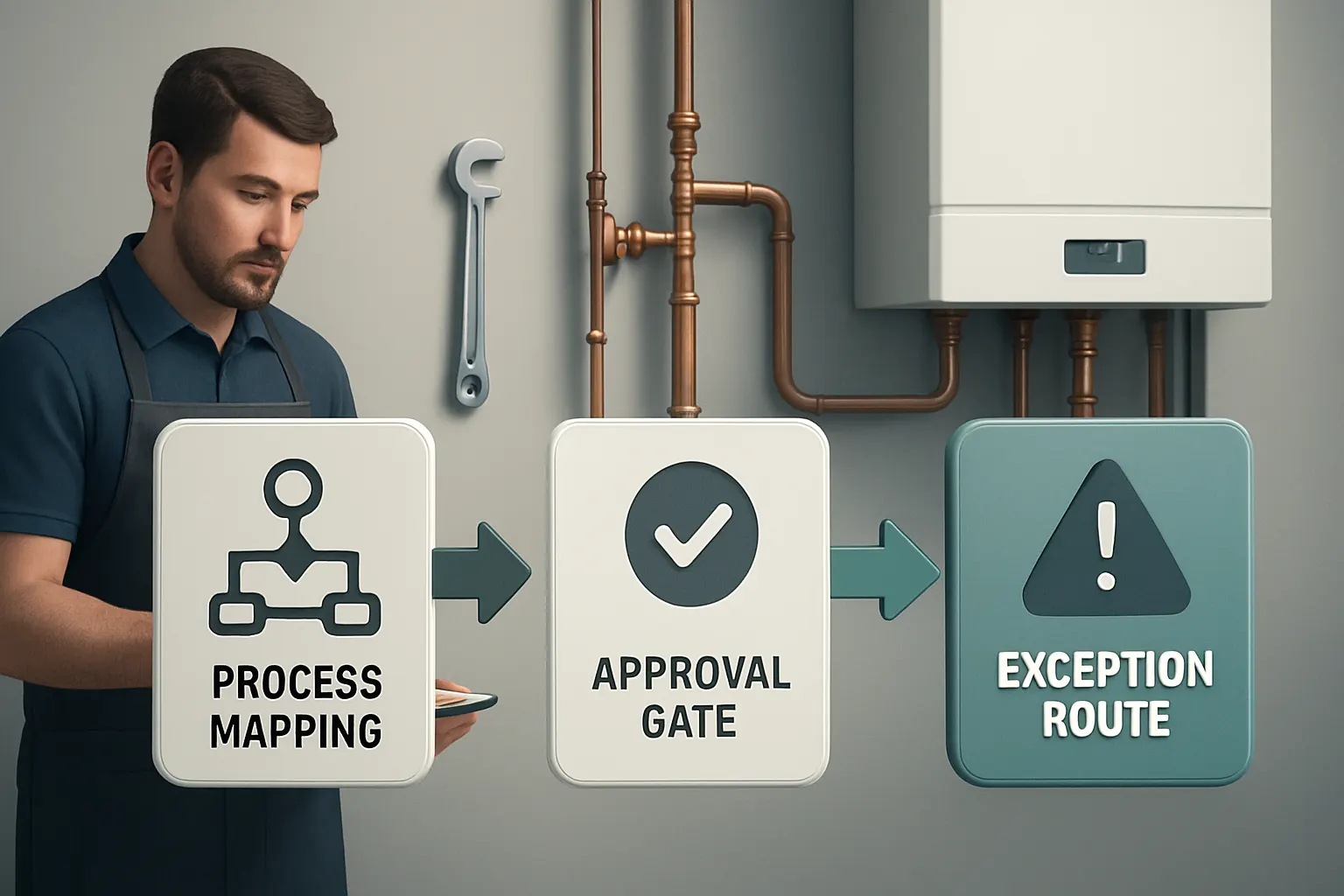
How AI Implementation UK Connects, Replaces, and Automates Your Plumbing Operations
AI Implementation UK specialises in crafting one connected operating system owned by contractors themselves—tailored to how they actually work. We:
- Integrate useful existing software and data into a coherent workflow.
- Replace avoidable subscriptions with modular tools designed for contractors’ operational realities.
- Assemble a single customer, job, and inventory record that feeds into a reliable, custom dashboard visible to key stakeholders.
- Deploy AI selectively for classification, summarisation, and prioritisation while keeping human control over critical compliance and financial decisions.
- Ensure integrations with specialist external services such as secure payment processing or customer communication remain embedded yet managed centrally.
Our approach avoids compounding complexity through standalone SaaS tools. Instead, we help you own your digital workflow—turning daily chaos into consistent, scalable efficiency.
Explore our process automation and data infrastructure preparation services, or start your tailored workflow upgrade with our platform planning.
Plumbing and heating contractor workflow automation is achievable without multiplying disconnected apps or risking compliance. By orchestrating your core systems into an owned operational ecosystem, you boost productivity, compliance, and cashflow—making your business truly future ready.
To turn these priorities into one coherent system, map the platform your business needs or explore our workflow automation approach.