Learn how civil engineering firms can connect systems, reduce manual admin and automate enquiry to estimate with one tailored operating platform the business owns.
What’s Breaking Daily in Civil Engineering Firms?
Civil engineering firm workflow automation should connect bookings, people, communications and reporting in one reliable operating flow.
Civil engineering firms face constant disruption from fragmented workflows, manual administrative tasks, and disconnected systems across project controls, site records, and plant allocation. Daily obstacles include juggling multiple software tools, repeated data entry, and chasing incomplete or inconsistent operational information. This disjointed environment slows down enquiry to estimate cycles, complicates job scheduling, and makes compliance with site safety and competency records harder to track.
These challenges divert valuable time from frontline engineers and project managers. The lack of a connected technology environment means poor visibility across job packs, site evidence, and certification workflows. Delays in decision-making and error risk increase. Without owning an integrated operating system, firms are often tied into recurring subscriptions for multiple SaaS products, providing only piecemeal automation without a coherent data backbone.

The Cost of Manual Work in Civil Engineering Firms
Manual and disconnected processes manifest in a variety of costly consequences:
- Time lost on repetitive entry, chasing approvals, and error rectification detracts from billable activities and strategic focus.
- Data gaps and inaccuracies impede accurate project controls, making schedule quality, progress tracking and cost analysis less reliable.
- Compliance risks increase where competency records, site safety evidence and customer approvals are maintained across several systems or offline.
- Cashflow pressures arise when enquiry to estimate workflows lag, leading to delayed bids and slower order-to-cash cycles.
- Software bloat from maintaining multiple overlapping SaaS subscriptions inflates IT budgets without delivering one clear source of truth.
The prospect of a unified, owned operating system that connects existing tools and replaces redundant software modules is becoming critical for civil engineering firm automation software strategy.

Centralising Enquiry to Estimate Workflows for Faster Response
Common delays in enquiry handling and estimation precision
Civil engineering firms often rely on disconnected spreadsheets, email threads and general-purpose project management tools during sales enquiry and estimate preparation. This creates bottlenecks and data duplication.
Building a connected enquiry workspace
A tailored operating system can centralise entry points for new enquiries, automatically collect project specs and client details, and connect these records to estimating engines. This reduces manual data inputs and eases audit trails.
Integrations with existing CRM and estimating tools
Continuing to use preferred estimating software as a module within the connected workflow preserves investment. Integrations with client contact platforms ensure seamless data flow.
Example: Automating quote follow-up and version control
The system prompts timely follow-ups and tracks quote versions with alerts, helping maintain client engagement and accelerating bid acceptance.
Controls to maintain commercial governance
Pricing rules and margin checks can be enforced before estimate submission, with human approval flags for exceptions supporting compliance work with company policies.

Scheduling and Dispatch Automation Without Losing Control
Dispatch chaos and manual scheduling pitfalls
Manually allocating engineers and plant to jobs leads to clashes, inefficiencies and responsiveness issues to site changes.
A live scheduling module connected to operational data
An owned rota system tied to plant availability, engineer skills, and site locations provides a dynamic overview, minimising idle time and improving utilisation.
Integrating communications and timesheets
Two-way links with communication apps keep staff informed with job updates. Timesheet data integrates back, enabling payroll and cost controls.
Example: Rapid engineer dispatch for urgent site issues
When emergencies arise, the system identifies the nearest competent engineer with available plant and sends a task notification immediately, speeding resolution.
Controls to safeguard competency and safety records
Dispatch workflows include automated competency verification and site safety brief confirmations, requiring manager signoff before allocation.
Real-Time Site Evidence Capture and Record Keeping
The challenge: slow, inconsistent site record updates
Site teams spend hours compiling evidence photos, safety checks, and progress notes after visits, causing delays in certification and reporting.
A unified mobile evidence and certification workspace
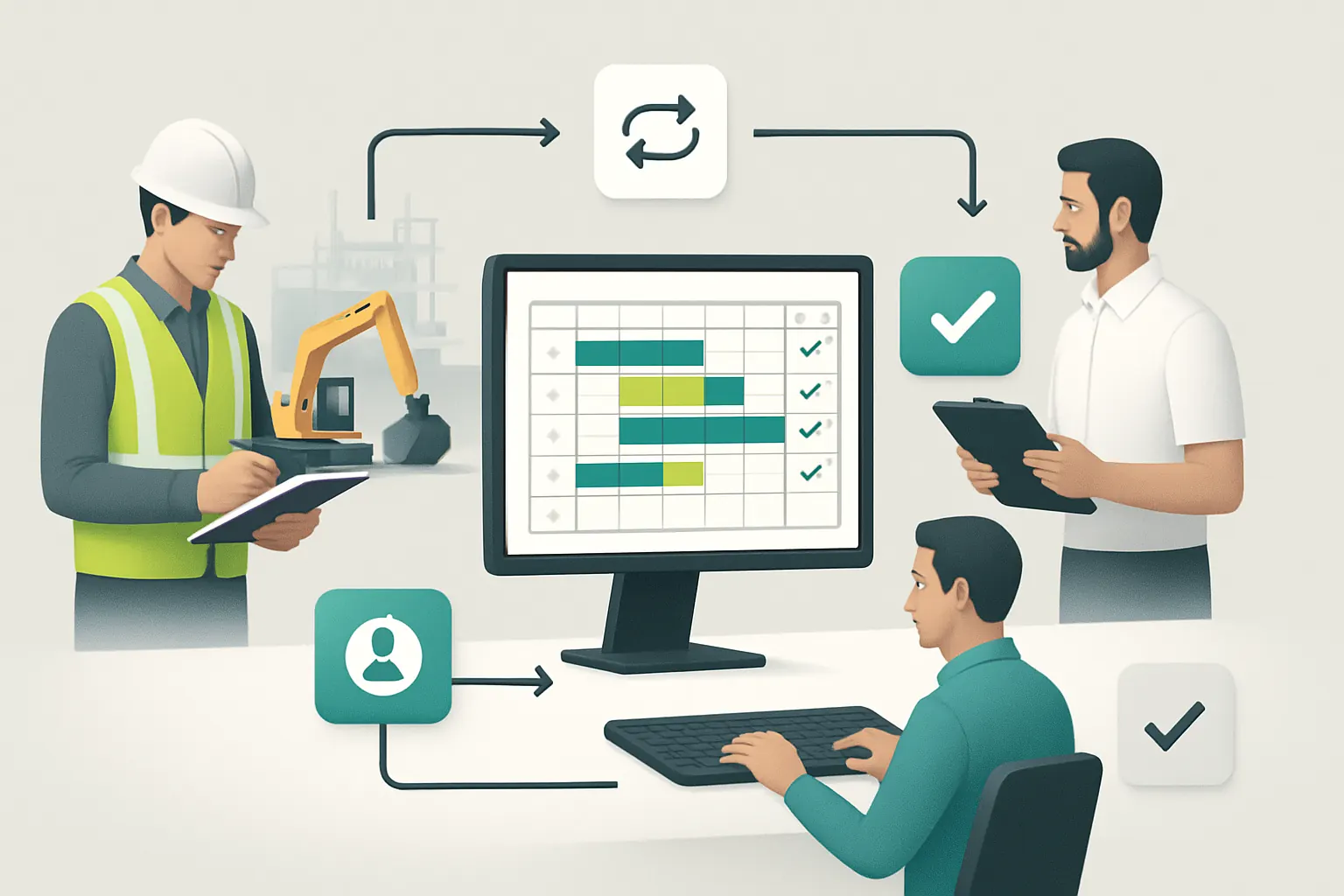
An app integrated with the owned system enables direct capture of photos, forms and notes, uploading in real-time to one reliable record.
Interoperability with compliance and HR systems
Linking to competency databases and safety document management lets site evidence be cross-checked automatically.
Example: Automated job pack and certificate generation
Upon completion of evidence collection, the system assembles job packs and drafts certificates, ready for manager review and approval.
Controls preserving audit trails and human review
Each record is timestamped with user ID and geo-location. Automated flags highlight incomplete evidence for intervention.

Replacing Redundant Software with Tailored Owned Modules
Costly sprawl of overlapping subscriptions
Many firms subscribe to multiple tools for scheduling, estimating, CRM, and document management, leading to inefficiency and data silos.
Tailoring owned modules aligned to business needs
Replicating core SaaS features in owned systems eliminates recurring fees and gives greater control over data and workflows.
Hybrid approach keeping specialist services
Payments, communications and niche compliance tools remain best run externally to ensure ongoing integration and software updates.
Example: Reducing subscription overhead by 30% with module replacement
Consolidating scheduling and quoting modules in a single owned system cut software costs without sacrificing functionality or user experience.
Controls to monitor usage and avoid shadow IT
Tracking licenses and system accesses prevents unauthorised SaaS procurement or parallel processes developing.

Integrating Plant Allocation into the Operational Backbone
Plant scheduling clashes and manual allocation risks
Without integration, plant usage is often double-booked or underutilised, impacting project timelines and costs.
Connection between plant records, schedule and site activity
The operating system maintains live plant availability and links allocation with job progress and resource consumption data.
Example: Automated alerts for maintenance and certification expiry
Proactive notifications reduce unplanned downtime and support compliance work with operational safety records.
Controls maintaining plant competency and usage logs
Only authorised personnel can allocate plant within compliance limits, with usage tracked for reporting.

Intelligent Prioritisation of Engineering Tasks Using AI
Overwhelming task queues and responsiveness challenges
Site changes, safety issues and client queries create task overload impacting critical work prioritisation.
Selective AI capability focusing on classification and scheduling
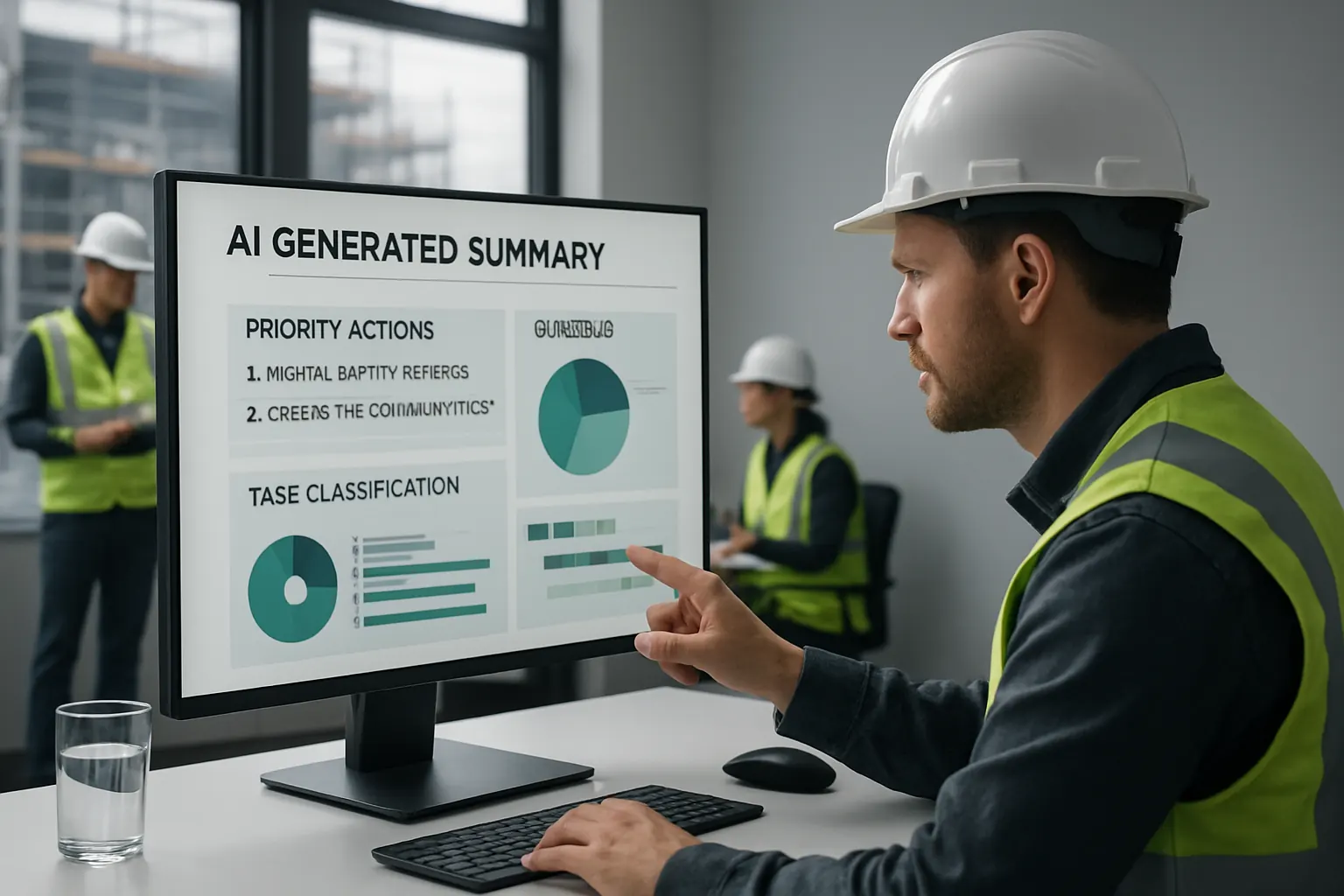
AI modules classify incoming requests by urgency and type, summarise details, and suggest optimal prioritisation.
Example: AI summarising daily site report highlights
Engineers receive AI-generated summaries outlining priority actions, accelerating decision support.
Controls keeping human approval for safety-critical decisions
AI recommendations remain advisory; managers retain control over approving high-impact actions to manage risk.
Improving Project Controls with One Reliable Data Record
Fragmented data undermines schedule and budget tracking
Different tools and manual inputs cause discrepancies in measuring progress, cost, and delay analysis.
Consolidated project data record and monitoring dashboard
An owned system integrates project milestones, cost control, and schedule quality indicators into a trusted single source of truth.
Example: Real-time dashboard showing site progress and risk flags
Project teams access live insights, identifying delays early and focusing resources on mitigation.
Controls supporting regulatory and client reporting needs
Data controls maintain transparency and traceability to support audit and client governance without automated decision-making.

Automating Quote Follow-Up and Client Communication
Lost opportunities from slow follow-ups
Manual follow-up emails and calls after quotes risk missing deadlines and losing projects.
Workflow automation linking estimates to communication records
Automatic reminders trigger timed follow-ups and record all client interactions in one place.
Integrating external email and messaging platforms
Direct sync with Outlook or Teams ensures timely responses without switching tools.
Example: AI drafting tailored follow-up messages for approval
AI suggests message drafts personalised by project data, which staff approve and send.
Controls ensuring customer data privacy and communication compliance
Message templates and recipient controls prevent data breaches in accordance with ICO guidance.

Streamlining Job Pack Creation and Site Certificate Generation
Time-intensive manual job pack assembly
Collecting and collating drawings, methods statements, and certifications delays site handovers and final invoicing.
Automated assembly from connected documents and site records
Rules combine relevant files and evidence into job packs ready for client or regulator submission.
Example: Auto-generation of safety certificates following site evidence approval
Trigger-based workflows produce certificates once all safety evidence and approvals are recorded.
Controls with signoff workflows and document version tracking
Final packs require manager approval with version history retained to support accountability.

Enhancing Competency and Site Safety Record Automation
Ensuring qualifications and safety documentation are current
Manual tracking may miss expiry dates or new training requirements, risking compliance.
Automated alerts and record linkage within workflows
The operating record tracks competency expiry, links safety briefings to jobs and issues renewal reminders.
Example: System preventing job allocation unless safety conditions met
Dispatch workflows enforce completion of mandatory site safety steps before assignment.
Controls maintaining clear audit trails and human override options
Compliance reports with exception flags enable proactive management while preserving managerial judgement.

A 90-Day Rollout Plan for Civil Engineering Firm Workflow Automation
Weeks 1–2: Discovery and Process Mapping
- Conduct a detailed review of existing workflows and pain points.
- Identify key systems to integrate or replace.
- Engage stakeholders to define priorities and compliance requirements.
- Prepare the data infrastructure for connection and migration considerations (see our data infrastructure preparation).
Weeks 3–6: System Configuration and Integration
- Develop tailored modules reflecting enquiry-to-estimate, scheduling, and site workflows.
- Connect existing specialised tools like payments or communications platforms.
- Build AI capabilities for classification and summarisation in lower-risk workflows.
- Implement controls for compliance and approval processes.
Weeks 7–12: Testing, Training and Go-Live
- Pilot workflows with frontline teams, gather feedback and adjust.
- Provide comprehensive user training and documentation.
- Deploy dashboards and reporting tools for project controls visibility.
- Monitor task automation efficiency and compliance adherence.
- Plan phased expansion to further workflows based on results.

How AI Implementation UK Can Help Civil Engineering Firms Connect, Replace and Automate
We design one connected operating system your firm owns, built precisely around how your business works rather than fitting you into generic SaaS tools. Our approach retains your valuable existing systems, connecting them securely to:
- Replace avoidable software subscriptions with tailored owned modules aligned to your specific workflows.
- Bring project and operational data into one reliable record, surfaced through custom dashboards to improve project controls and decision-making.
- Selectively deploy AI for classification, summarisation, prioritisation and decision support, always with human oversight to meet your safety and compliance standards.
- Integrate specialist external services only where they remain essential and stable, such as payment gateways or communication tools.
Our practical implementation empowers you to optimise civil engineering workflows across enquiry to estimate automation, job scheduling, site evidence capture, and certification generation — all in a seamless operating workspace that puts you in control.
To explore how a connected solution can drive efficiency, reduce errors and increase cashflow for your firm, contact us for a tailored process automation and AI strategy roadmapping consultation or review some of our successful case studies.
By owning your automation system and workflows you avoid the cost, complexity, and inflexibility of vendor lock-in. Your teams gain the tools and visibility to focus on delivery, with confidence that critical decisions are safeguarded by appropriate rules and human approvals.
Achieving real end-to-end automation in civil engineering workflows — without increasing software sprawl — is fully achievable with the right connected approach. AI Implementation UK is here to guide your firm on that path.