Learn how pest control companies can connect systems, reduce manual admin and automate enquiry to contract with one tailored operating platform the business owns.
What breaks daily in pest-control companies
Pest-control company business process automation should connect bookings, people, communications and reporting in one reliable operating flow.
Pest-control companies operate in a demanding environment where rapid response and reliable service delivery are critical. Yet, many still rely on fragmented software systems, manual data entry, and paper-based records to handle bookings, technician scheduling, treatment documentation, and invoicing. These disjointed processes lead to common daily breakdowns such as:
- Delayed or lost enquiries slipping through the cracks
- Confusion over technician routes and schedules
- Errors or omissions in treatment records causing compliance risks
- Bottlenecks in generating and chasing invoices
- Lack of a single source of truth for operational data
These issues cost time and money and jeopardise customer satisfaction. Typical pest-control company automation software options often add complexity with multiple disconnected subscriptions. Meanwhile, in-house legacy systems remain siloed and hard to evolve. The solution lies in one cohesive operating system, owned by the business, built around its existing workflows and data.
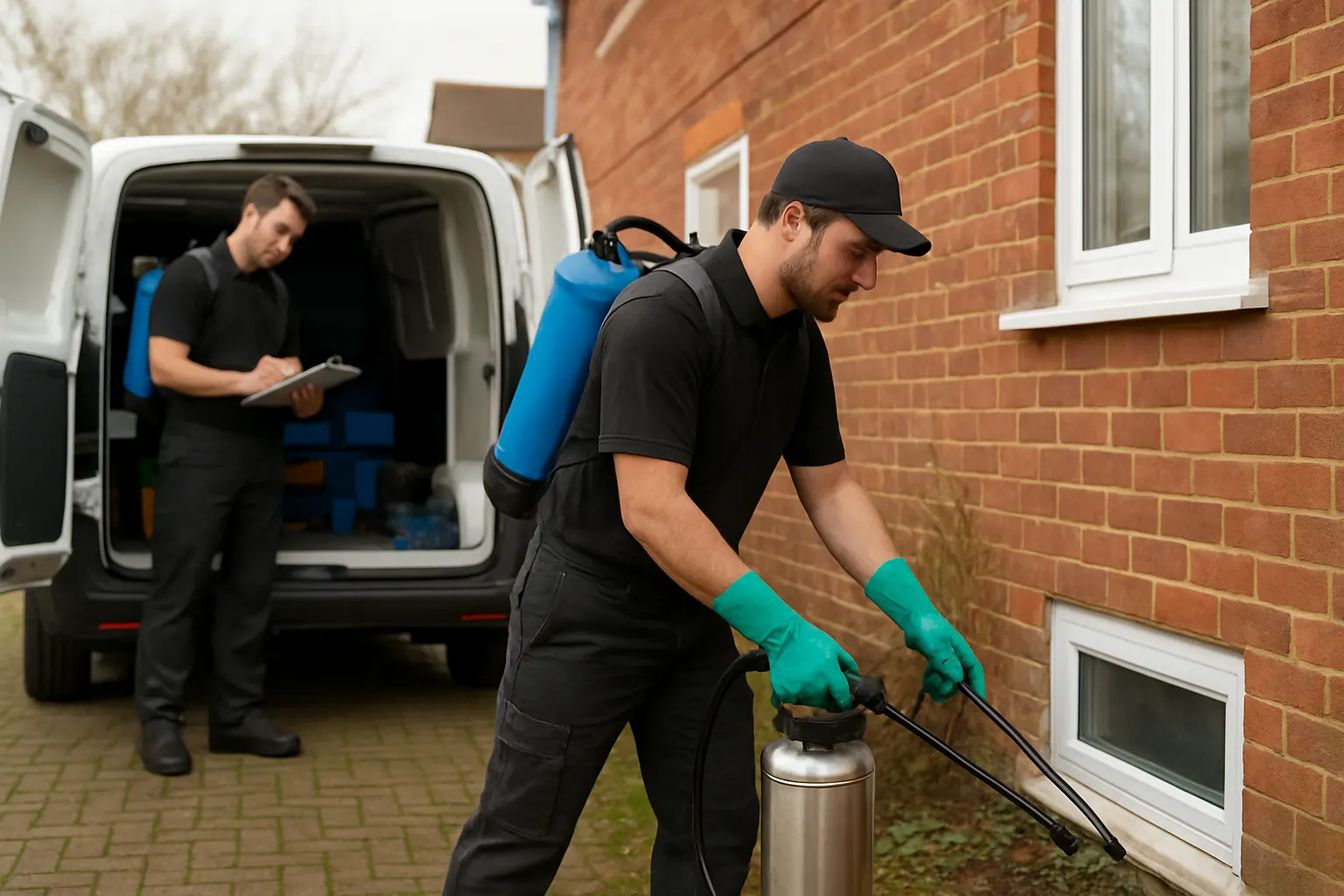
The cost of manual work for pest-control companies
Manual processes in pest control increase operational costs in multiple ways:
- Wasted time: Staff spend hours on repetitive admin tasks such as data re-entry, chasing up info, and manual scheduling
- Increased errors: Miscommunication and double-handling cause booking mistakes, incorrect treatment details and billing errors
- Compliance exposure: Incomplete or inconsistent treatment records risk failing hygiene and safety audits
- Cashflow delays: Paper or email-based invoicing slows down payment cycles and adds reconciliation challenges
These inefficiencies erode profit margins and limit the ability to scale. By automating the key workflows, pest-control companies can reduce errors, accelerate service delivery and improve data visibility.
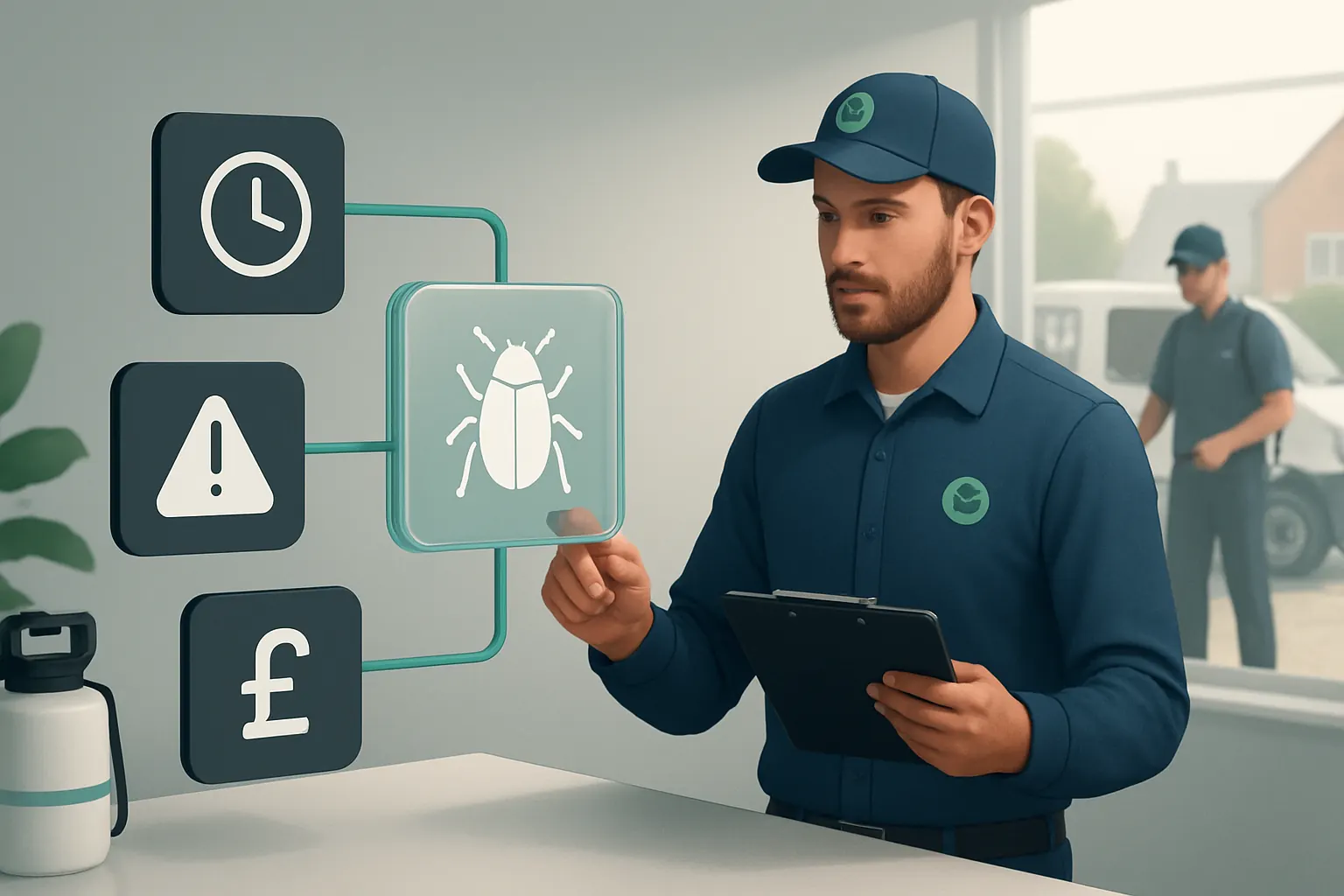
Automated Enquiry to Contract Conversion
Fragmented enquiry handling disrupts workflows
Pest-control enquiries arrive through multiple channels—phone, website forms, email—and often require manual input to create bookings. This leads to lost details and delays in contract confirmation.
Workflow integration of enquiry data capture
Link enquiry capture directly to your booking system with owned, configurable enquiry modules. Incoming details feed automatically into a single booking record, which progresses through defined workflow stages.
Integrations with communications tools
Wherever specialist communication is needed, such as SMS reminders or email quotes, integrate trusted services like Twilio or SendGrid. Their use remains controlled and embedded in your system, not externalised.
Example: Enquiry form auto-generates a quotation and contract
A webpage enquiry form triggers auto-calculation based on site size and pest type. The system generates a quote and creates a contract record that a manager can approve, replacing manual quote creation.
Controls maintain compliance and approval checkpoints
Automated workflows include validation rules to check customer data completeness and require manager sign-off before contract finalisation. This safeguards audit trails and contract authenticity.

Technician Workforce Scheduling and Route Planning
Manual rota creation wastes time and fuels errors
Scheduling techs and planning efficient routes are central to pest control but remain manual or semi-automated in many companies. This causes inefficiency and missed appointments.
Centralised, owned rota system with route optimisation
Your system holds workforce availability, skill sets and territory data. It automates job allocation and builds optimised routes using deterministic rules whilst allowing human override for last-minute changes.
Integration with GPS and mobile access
Connect routes to a mobile app accessible by technicians. Real-time tracking and updates improve operational visibility and allow timely SLA alerts to clients.
Example: System reschedules jobs automatically when a technician calls in sick
On receiving a sickness report, the rota module reallocates jobs to available technicians in the same area and recalculates routes, notifying affected customers with SMS.
Control via visibility and audit trail on modifications
All schedule changes are recorded with annotated reasons. Access levels restrict who can override allocations, maintaining operational control and responsibility.
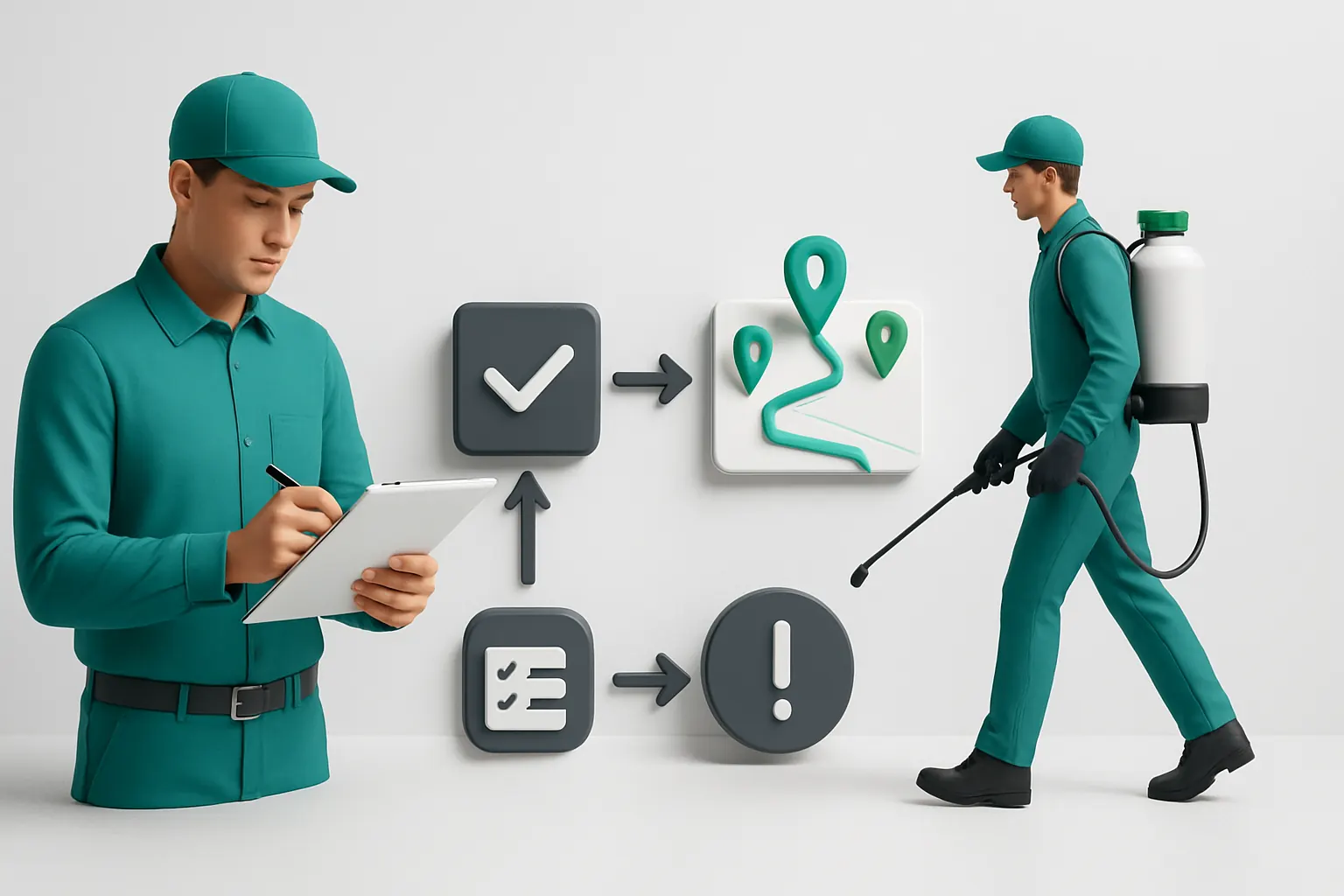
Mobile Digital Treatment Records
Paper-based recording fails to capture consistent data
Technicians working onsite often rely on handwritten treatment records, leading to illegible or incomplete documentation and audit risks.
Tailored, mobile-friendly treatment recording module
Built specifically for pest control tasks, this module enables technicians to log actions, chemicals used, and site conditions via a structured form on mobile devices, synchronised with the owned system.
Specialist integration where needed
Where relevant, integrate barcode scanning for chemical containers or image capture to verify treated areas. These specialist tools remain part of your digital workspace.
Example: Technician completes treatment forms in real time with photo evidence
On-site, the tech uploads photos of treated points, records chemical batch numbers, and digitally signs the record. This data uploads instantly for review by managers.
Control through data validation and human review
Required fields and logical checks prevent incomplete submissions. Supervisors review entries before records are locked for compliance and reporting.
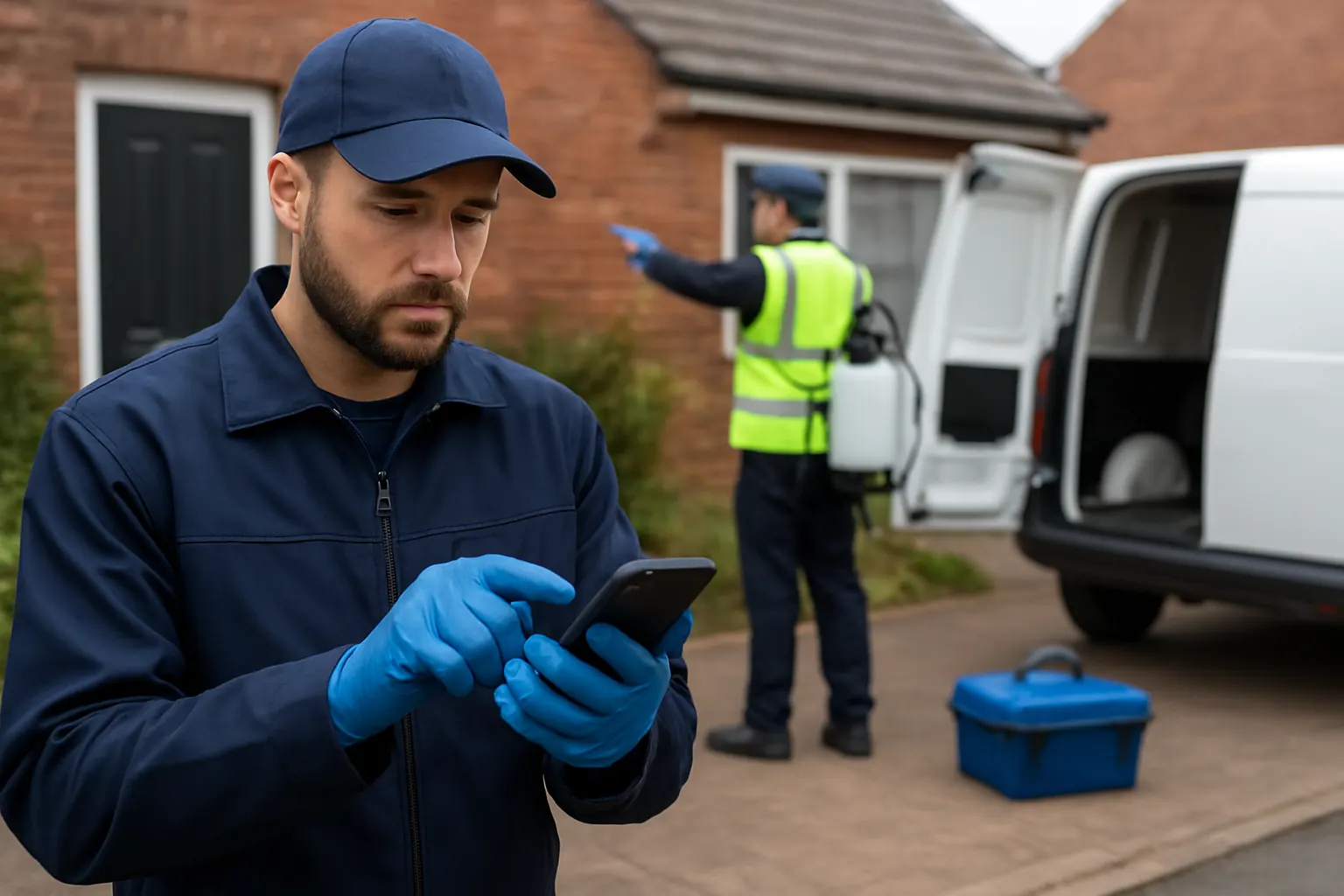
Automated Job Status and SLA Alerts
Work progress visibility is often delayed or informal
Without automated alerts, operations teams struggle to ensure jobs progress on time, risking SLA breaches and customer dissatisfaction.
Connected status tracking and alert workflows
Each job’s status—from booking to completion—is updated in the system. The workflow sends automated alerts to managers and clients for delays or approaching SLAs.
Useful integrations for client notifications
Integrate email or SMS gateways maintained within the system to keep clients informed without exporting data to external marketing tools.
Example: SLA alert triggers follow-up call to customer service team
If a treatment isn’t confirmed complete by the due date, an automatic email alert prompts the service team to investigate and update the job status.
Controls offering accountability and escalation paths
Automated alerts can be escalated if unresolved, with timestamps and responsible user records stored to support operational reviews.
Centralised Invoicing and Payment Processing
Manual invoicing introduces delays and errors
Invoicing often follows treatment records and may be generated through separate software, causing duplication, missed charges or slow payments.
Single invoicing module connected to treatment and contract data
Invoices are generated from treatment records linked directly to contracts and client details held in your owned system. Pricing and discounts follow configured business rules.
Controlled payment integrations with PCI-compliant processors
Payments may link to specialist gateways such as GoCardless or Stripe. Integration ensures secure transaction capture while your system maintains the records.
Example: Invoice auto-generated post-treatment and sent for payment
Once treatment records are approved, invoices generate automatically and customers receive an electronic copy with payment instructions.
Control mechanisms include invoice validation and exceptions flags
Invoicing rules alert users to discrepancies or missing data. Managers must review flagged invoices before sending.

Operational Data Consolidation and Custom Dashboards
Dispersed data prevents a single operational view
When data sits in separate booking, rota, treatment, and invoicing tools, leadership lacks timely insights to inform decisions.
Unified data model with tailored dashboards
Your owned system consolidates operational data into one reliable record. Custom dashboards track KPIs such as job completion rates, revenue by technician, and compliance status.
Integration options for environmental data modelling
Where applicable, data from environmental modelling software or reporting journals can enrich operational insights. These remain specialist external services integrated via APIs.
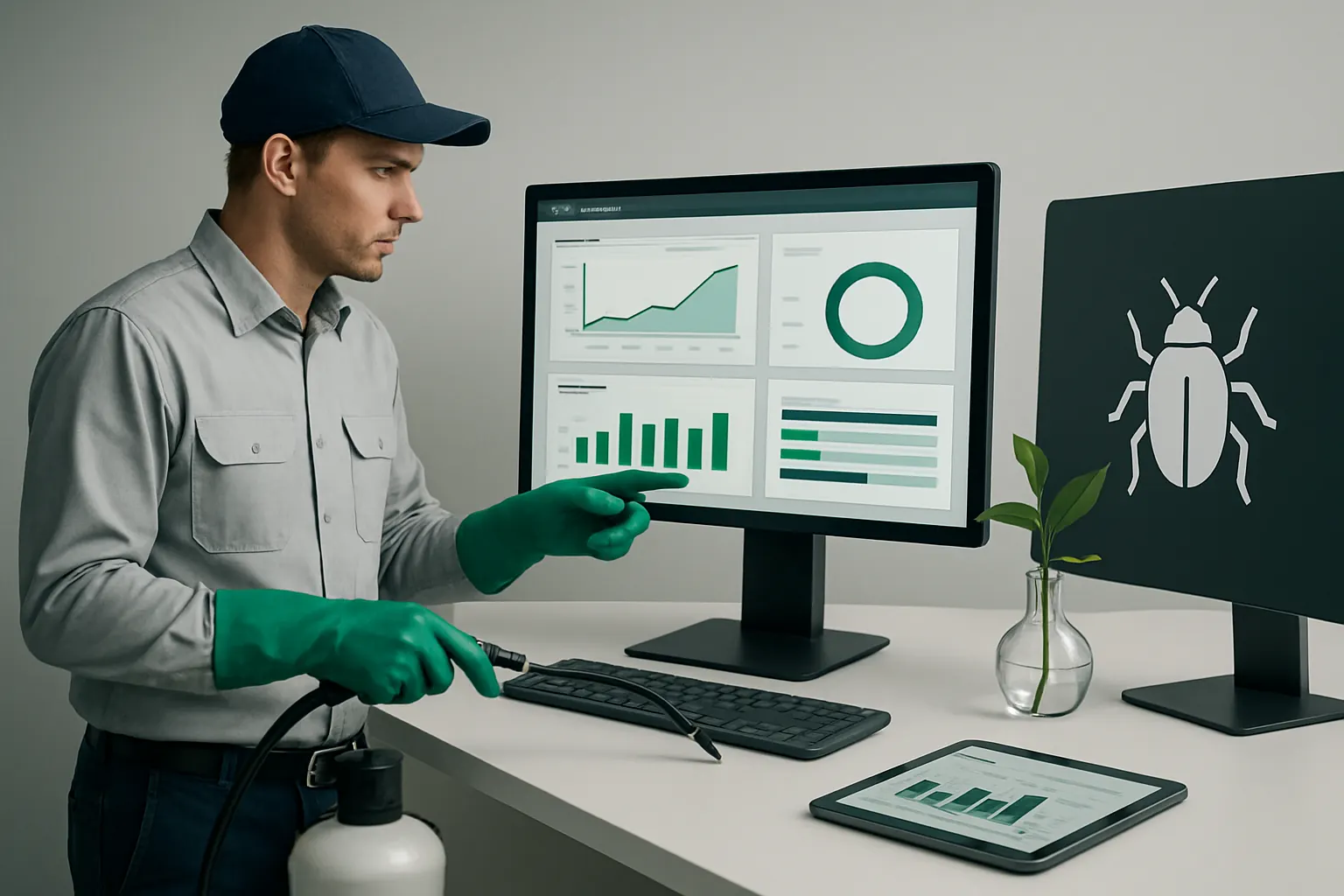
Example: Manager reviews daily dashboard highlighting overdue jobs and cashflow trends
The dashboard provides a live view allowing swift operational adjustments and financial forecasting.
Controls on data access and refresh frequency
Dashboards are role-specific with configurable refresh settings to balance timeliness and data loads.
Selective AI for Variable Task Automation
Manual review burdens repetitive yet variable tasks
Some tasks, such as classifying enquiry types or summarising treatment notes, benefit from AI without replacing human judgement.
Focused AI modules with deterministic rule baseline
Use AI selectively for classification, summarisation, prioritisation, and decision support. Routine predictable work relies on deterministic rules, while important decisions remain under human approval.
Seamless human-in-the-loop workflows
AI-generated suggestions await verification by authorised staff, preserving compliance and operational control.
Example: AI suggesting enquiry priority to accelerate urgent contract creation
AI analyses enquiry data and flags urgent jobs for immediate attention, but team leads confirm priority before booking.
Control through transparency and audit trails on AI decisions
AI inputs and outputs are logged for review, avoiding opaque decision-making.
Security and Access Controls in Field Operations
Worker access often unsecured or untracked
Technicians need appropriate access to treatment data and clients’ sites, but weak controls risk data breaches and site security issues.
Role-based access and secure mobile authentication
The system enforces role-specific permissions and requires secure login for field apps. Sensitive data visibility is limited accordingly.
Integration with site security checks and verification
Integrate digital checklists for site access and treatment verification, supported by electronic signatures and time stamps.
Example: Technician access revoked automatically after job completion
Once a treatment is complete and verified, mobile access to that job’s data is restricted, preserving client confidentiality.
Continuous control through monitoring and audit logging
All access and modifications are recorded. Anomalies trigger alerts for investigation.
90-Day Rollout Plan for Pest-control Company Business Process Automation
Weeks 1–2: Discovery and System Design
- Analyse current workflows and pain points across enquiry handling, scheduling, treatment, and invoicing
- Identify existing software and data sources to connect or replace
- Define requirements for the owned operating system tailored to your pest control business
- Establish regulatory and compliance control checkpoints to embed
Weeks 3–6: Core System Build and Integration
- Develop enquiry, booking, rota, and treatment modules within the connected operating environment
- Integrate communications (SMS, email) and payment gateways as specialist external services
- Configure role-based access controls and mobile app for field teams
- Begin training key staff on new workflows and controls
Weeks 7–12: Testing, AI Enablement, and Dashboard Deployment
- Pilot job status alerts and SLA monitoring with feedback from service and operations teams
- Activate selective AI capabilities for enquiry classification and summarisation with human oversight
- Build and customise operational dashboards for management reporting
- Complete data migration and cut-over planning for full adoption
Connect, Replace and Automate with AI Implementation UK’s Operating System
AI Implementation UK specialises in delivering one connected operating environment your pest-control company fully owns and controls. Unlike a patchwork of disconnected SaaS products, our system is configured around your actual workflows and integrates existing systems where valuable. This approach means:
- Keep valuable current systems: Integrate your trusted software to maintain investments while connecting data centrally.
- Replace avoidable subscriptions: Swap out costly or redundant software with owned modules customised to your needs.
- Unify operations data: Bring bookings, treatment records, workforce schedules, billing and compliance into a single reliable record.
- Apply AI where it adds value: Use AI capabilities selectively for variable tasks such as classification and summarisation, keeping human control over important decisions.
- Maintain compliance and security: Embedded controls support regulatory obligations with visible exceptions and audit trails.
- Enable scalable workflows: Streamlined, automated routines reduce manual workload and improve client satisfaction.
For a demonstration of how AI Implementation UK’s approach can transform your pest-control workflows, visit our process automation services or explore data infrastructure preparation. To plan the right solution roadmap for your business, start with our consultation at plan my platform.
Adopting business process automation based on connected, owned technology is not just a project—it is a strategic investment to future-proof your pest-control operations, reduce costs, and improve service quality in a competitive market.
For security and data privacy considerations, refer to the Information Commissioner’s Office guidelines at ICO data protection guidance and the National Cyber Security Centre’s advice at https://www.ncsc.gov.uk. For payment handling, use PCI DSS-compliant providers listed at PCI Security Standards Council guidance.