Learn how civil engineering firms can connect systems, reduce manual admin and automate enquiry to estimate with one tailored operating platform the business owns.
Civil engineering firm automation software: What Breaks Daily
Civil engineering firm automation software should connect bookings, people, communications and reporting in one reliable operating flow.
Civil engineering firms juggle multiple complex, interlinked tasks daily. Project teams wrestle with fragmented systems for managing enquiries, estimates, scheduling, site evidence, compliance, and resource allocation. Legacy software, spreadsheets, emails, and disconnected SaaS apps create friction. This fragmentation causes delays, lost data, compliance risks, and inefficient handovers between teams. Misaligned project controls too often mean overlooked deadlines or costly rework.
The reality: many firms lack one reliable record and a connected workflow designed precisely for their operational needs. Disparate components breed manual work, hindering project progress and quality. Civil engineering firms need a solution built around their unique ways of working—not a patchwork of one-size-fits-all tools.

The Cost of Manual Work on Civil Engineering Projects
Manual work, duplicated effort and switching between systems take their toll:
- Time lost in administration: Staff spend hours rekeying data between software or resolving conflicting records.
- Errors and omissions: Manual data entry and disconnected systems allow mistakes that risk site safety, competency checks, and project quality.
- Compliance challenges: Without integrated controls, maintaining evidence for regulatory standards becomes cumbersome and unreliable.
- Cashflow impact: Invoice delays or incorrect estimates can lead to slower payments or budget overruns.
Automating workflows with one connected operating system tailored to civil engineering firms can reduce these costs. The following eight steps show how automation replaces complexity with simplicity while retaining human control over critical decisions.

Streamlined Enquiry to Estimate Automation for Civil Engineering Firms
Enquiry Tracking and Workflow Integration
Enquiries start the project pipeline but often live in separate email, CRM, or spreadsheet silos. Automation captures enquiry details as structured data within your owned system, triggering standard workflows for qualification and pricing.
Connecting Existing Pricing and CAD Tools
Rather than replacing existing design or cost-estimate software, the connected record pulls data directly from these tools, consolidating key figures into one trusted record.
Case Example: Automated Quote Follow-ups
When an enquiry is logged, automated reminders prompt the sales team to send quotes and follow up. AI-powered summarisation highlights customer priorities, helping prioritise rapid turnaround.
Human Review Guards Decision Quality
AI supports estimate review with suggested revisions but does not replace expert appraisal. Alerts highlight quote exceptions requiring manual approval.

Project Controls Automated with Alive Progress Tracking
Real-Time Schedule and Resource Sync
Project timelines shift constantly. Automation integrates scheduling tools with plant, personnel allocation, and progress updates, creating a live project snapshot.
Site Data Feeding Back In
Site teams submit daily reports, time logs, and safety compliance records via mobile interfaces feeding directly into the single project workspace.
Example Integration: Sage Construction Management
Systems like Sage can provide schedule data, which is normalised and consolidated with operational records within your owned platform.
Alerts & Dashboards to Control Risks
Custom dashboards display bottlenecks, resource shortages, or safety lapses, with configurable alerts to prompt fast corrective actions.

Field Operations Digitally Managed and Connected
Automatic Engineer Dispatch and Plant Allocation
Automated workflows match available plant and skilled engineers to scheduled jobs based on competency records and availability.
Integrating Competency and Safety Documentation
Systems pull site worker certifications and compliance evidence into job records to validate site eligibility automatically.
Practical Use: Job Pack Generation
Before dispatch, job packs consolidate drawings, risk assessments, and customer instructions into a single document assembled automatically.
Supervisory Approval Controls
Site leads approve job packs before dispatch, supporting compliance work and operational readiness.

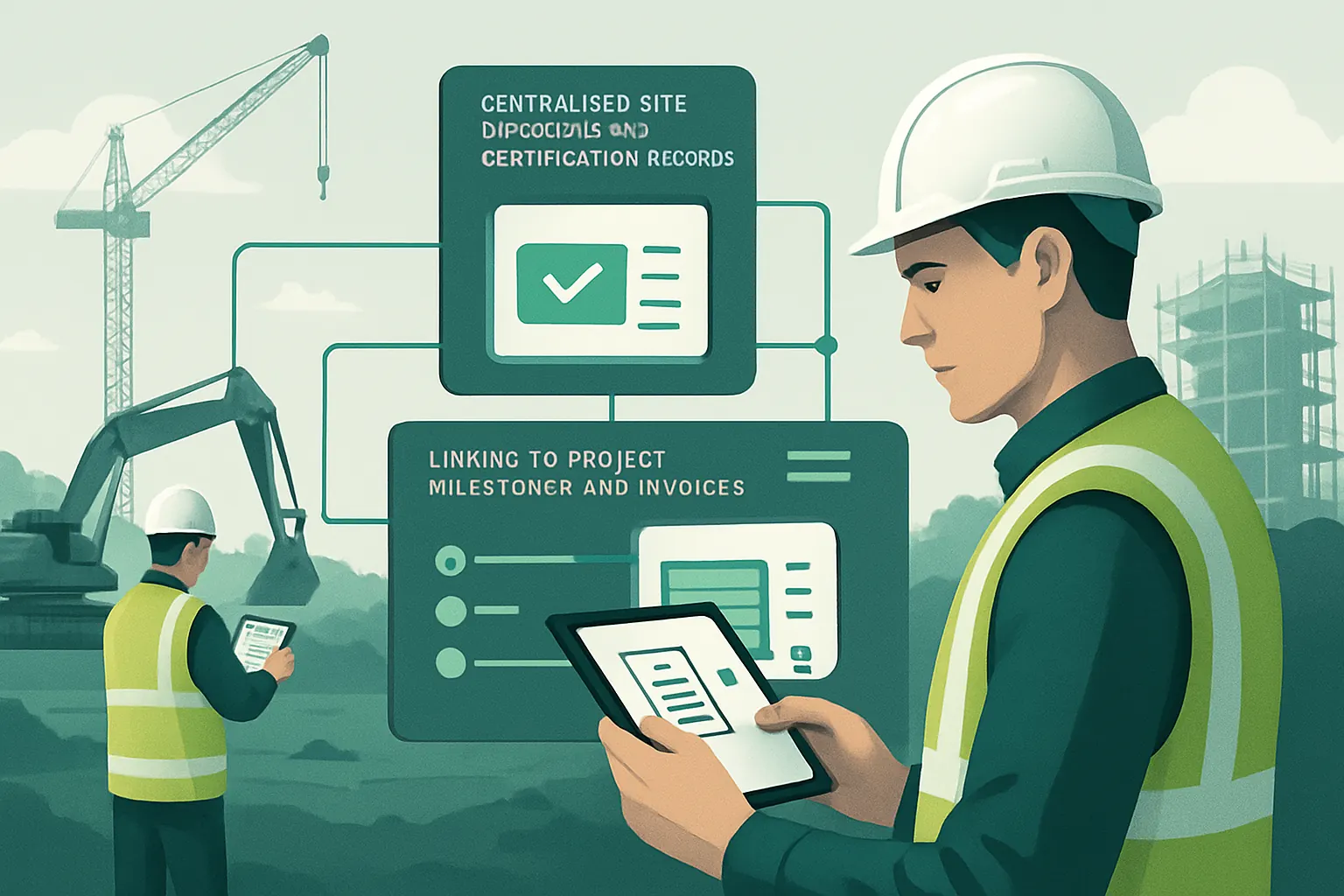
Centralised Site Evidence and Certification Records
Single Source of Truth for Project Documentation
Site photos, surveys, certification, and safety checks upload directly to a connected record that stays updated in real time.
Linking to Project Milestones and Invoices
Certification data integrates with financial workflows, enabling milestone-linked payments supported by validated site evidence.
Example Workflow: Automated Certificate Generation
Upon completion of quality assurance checks, certificates are drafted automatically, ready for review and client approval.
Controls for Quality Assurance and Sign-Off
Automated generation is monitored by responsible engineers before certificates issue, preserving accountability.
Avoiding Redundant Subscriptions by Owning Core Software Modules
Replacing Fragmented SaaS with Owned Workspaces
Many civil engineering firms pay monthly fees for multiple overlapping SaaS tools. Switching to an owned system built around your workflow eliminates these costs by incorporating key functions modularly.
Retaining Specialist Integrations
Payment processing or communication tools that require ongoing service may remain integrated as external systems.
Real Example: Subscription Savings Calculation
Firms replacing multiple quoting, scheduling, and document management subscriptions reduce ongoing spend and consolidate vendor management.
Process Controls for Module Updates
Customised workflows allow safe updates and new feature additions without disrupting business continuity.

Operational Data Unified into One Reliable Record
Breaking Down Data Silos
Current systems generate valuable data trapped in their own workflows. Consolidating plant logs, workforce timesheets, site reports, and cost estimates into one database creates operational clarity.
Transforming Data Into Actionable Insights
Live dashboards tailor information by department or project role, highlighting exceptions and workflow status in real time.
Example: Root Cause Analysis Through Linked Records
When a project slips behind schedule, linked cause codes and timeline data help identify root causes quickly, improving corrective planning.
Data Integrity Controls
Workflow engines flag inconsistent data automatically, prompting remedial action and audit trails.

Selective AI as a Supportive Capability in Workflows
AI for Classification, Summarisation and Prioritisation
Instead of delivering blanket AI automation, the system applies AI tools tactically—for example, categorising incoming enquiries, summarising site reports, or prioritising safety issues.
Decision Support, Not Decision Replacement
AI flags key risks and options, leaving all important decisions under human review with clear explanations.
Smart Email and Document Handling
Machine learning automates routine document classification, reducing administrative overhead.
Controls to Retain Human Oversight
AI actions include recommended next steps, requiring explicit user confirmation before execution.

Agile Task Routing and Exception Management
Workflow Engines for Predictable Tasks
Routine project workflows—scheduling, invoice approvals, resource reassignments—run via deterministic rule sets, minimising delays.
Escalation Paths for Exceptions
When unusual conditions arise, workflows route tasks to the appropriate manager for review.
Example: Automated Engineer Dispatch with Safety Checks
Tasks get routed through multiple approval layers if site safety certificates are missing, supporting compliance work before dispatch.
Control Panels for Monitoring Workflow Health
Managers track job status, approval backlogs, and alerts in real time via configurable consoles.

Your 90-Day Rollout Plan for Civil Engineering Automation
Weeks 1–2: Initial Assessment and Data Preparation
- Map current workflows and identify key automation opportunities.
- Inventory existing systems and data sources.
- Establish integration points for critical tools and legacy software, preserving investment.
- Prioritise modules to replace redundant SaaS subscriptions.
Weeks 3–6: Core System Build and Integration
- Deploy connected workspaces tailored to enquiry-to-estimate and project control milestones.
- Integrate plant allocation and workforce competency records.
- Migrate data into unified operational records.
- Implement essential AI capabilities for enquiry classification and summarisation.
Weeks 7–12: Workflow Automation, User Training and Scaling
- Automate job pack and certificate generation workflows.
- Finalise dashboards and operational alerts tuned to user roles.
- Conduct detailed staff training on new workflows and controls.
- Phase out redundant systems, monitor adoption, and refine based on user feedback.

How AI Implementation UK Helps Civil Engineering Firms Connect, Replace, and Automate
At AI Implementation UK, we understand civil engineering firms’ unique operational challenges. Our approach centres on delivering one connected operating system the business owns—built around your existing workflow and team expertise.
We start by integrating current useful software, safeguarding your investment. Redundant subscriptions are rationalised through modules that your firm controls, offering cost savings and operational continuity. Our platform consolidates operational data into a single source of truth with tailor-made dashboards and actionable workflows.
AI is deployed as a focused tool, enhancing classification, summarisation, prioritisation, and decision support without replacing human judgment. Deterministic rules automate predictable tasks while preserving workflows for safety, compliance, and sign-off approvals.
The result? A single, reliable, and owned workspace that makes project controls seamless, cuts delays, reduces errors, and supports total transparency. Get in touch to explore how our civil engineering firm automation software can transform your operations. Visit our workflow automation services and data infrastructure preparation pages to learn more about how automation reshapes project delivery.
For legal guidance on data privacy and operational security, consult the ICO and NCSC. For financial workflows involving payments, refer to PCI Security Standards Council guidelines.
Empower your firm with automation — owned, connected, and custom-built for civil engineering workflows.
To turn these priorities into one coherent system, map the platform your business needs or explore our workflow automation approach.