Learn how payroll bureaux can connect systems, reduce manual admin and automate client onboarding with one tailored operating platform the business owns.
Daily Breakdowns in Payroll Bureaux Operations
Payroll bureaux face constant disruptions in their day-to-day tasks. Common problems include inconsistent input data from diverse clients, delayed payslip approvals, and the juggling of multiple systems that do not communicate well. These disruptions ripple through every stage of processing—from client onboarding to final payroll submission—creating bottlenecks and frustrations.
Fragmented IT environments with varied software tools lead to fragmented workflows. Time-consuming manual data entry, deadline pressures, and exception handling become daily sources of operational stress. Client communications suffer due to inadequate visibility on progress and status updates. Without a connected workflow, error rates rise and audit trails become unreliable.
These challenges accumulate to impact staff productivity, customer satisfaction, and overall profitability. Business leaders seeking payroll bureaux workflow automation look for a unified solution that preserves their existing investments yet integrates all data and processes seamlessly.

The High Cost of Manual Payroll Work
Manual payroll processing exacts a high operational price, visible in four main areas:
- Time wasted on repetitive data entry and cross-checks: These tasks consume staff hours that could be redirected to value-added client consultancy or exception resolution.
- Error risk and compliance pitfalls: Manual mistakes in tax codes, payment values or deadlines may trigger HMRC penalties or reputational damage.
- Cashflow unpredictability: Delayed payslip approval and payment instructions can disrupt client payroll cycles and cash management.
- Software sprawl and subscription costs: Multiple disconnected SaaS subscriptions inflate IT costs while increasing complexity and security risk.
The consequence is a vicious cycle of firefighting and workarounds rather than proactive management, reinforced by disjointed technology. A connected, owned operating system rather than a patchwork of tools is vital to reduce manual admin without sacrificing control or quality.

System Integration for Consistent Payroll Inputs
Real-world Data Silos Stall Accuracy and Speed
Payroll bureaux typically receive inputs from numerous clients in multiple formats. Spreadsheet uploads, emails, portal entries and scanned documents co-exist. These data silos cause duplication, errors, and missed deadlines.
Unified Data Intake Tailored to Your Workflow
Automating the intake via connected forms and document extraction modules unifies formats into a single record the bureau owns. Existing finance or HR systems feed directly in, reducing error-prone manual typing.
Practical Integrations That Save Time
Systems like BrightPay or Staffology, often already in use, can connect as modules for data updates while capturing exceptions for bureau review.
Daily Example: Automated Timesheet Extraction
Clients submit timesheet PDFs which are parsed automatically. Data uploads into the workflow for entry checks. Anomalies prompt a human review task, cutting clerical work and speeding input by up to 70%.
Built-in Controls for Data Quality
Rules check for completeness and format compliance before records lock for processing. Audit logs detail every edit and approval step, supporting internal control and client transparency.

Client Onboarding Automation Without Added Subscriptions
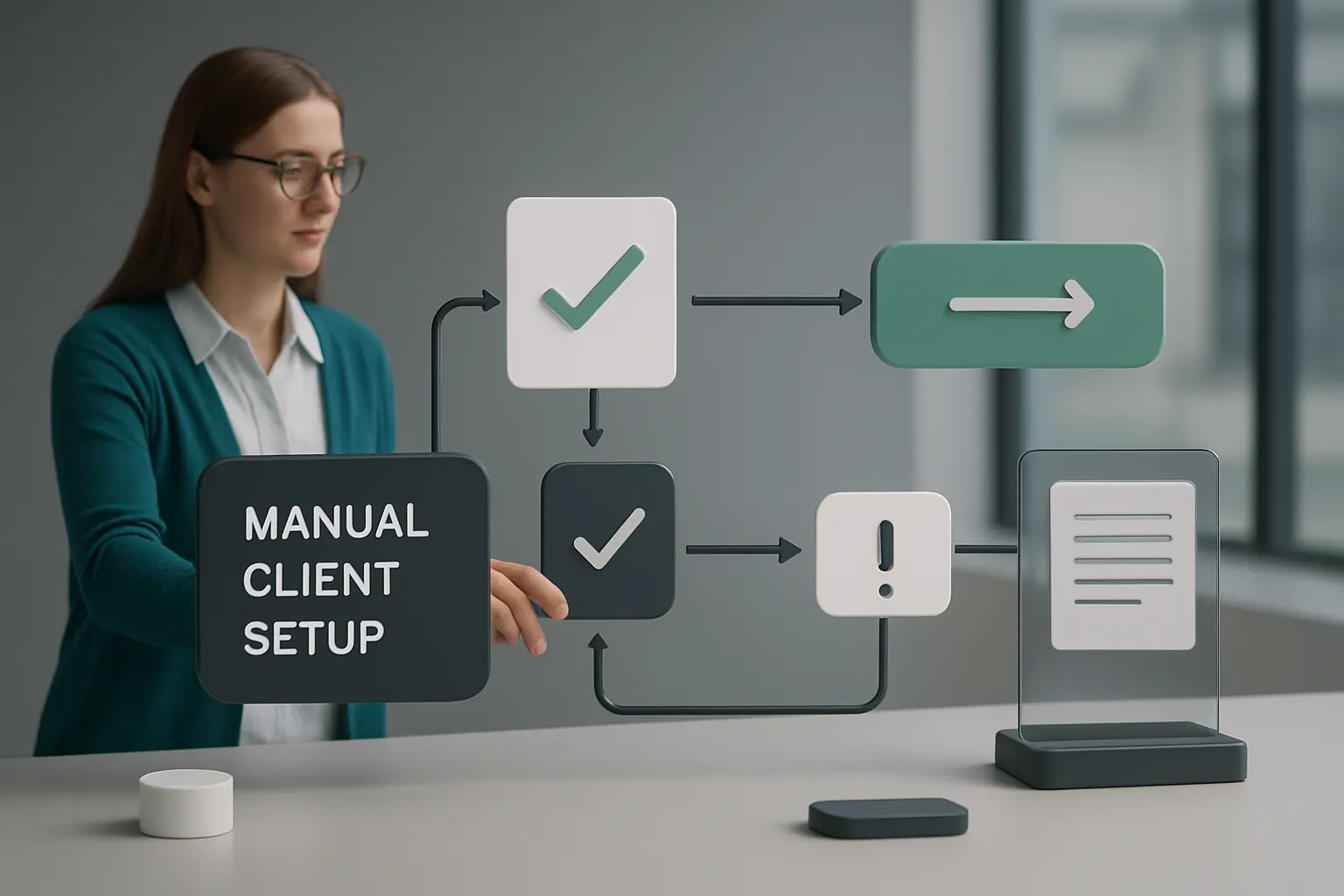
Manual Client Setup Slows Growth and Increases Errors
New client data onboarding is fraught with repeated form filling, inconsistent contract management and misaligned tax settings.
Owned Modules Replace Expensive SaaS Add-ons
Rather than overlapping client portals and onboarding tools, automation workflows within one owned system capture and verify client data, perform initial compliance checks, and generate contract documents.
Linking Existing CRMs and Document Repositories
Many bureaux use CRMs or contract management software. These link to the owned onboarding workspace, preserving familiar tools and avoiding double handling.
Example: Approval Flow for Pension Staging Dates
Automated rule checks flag missing pension registration dates to the onboarding manager before payroll starts. Auto-generated contracts are sent for client e-signature without third-party portals.
Human Oversight Maintains Client Confidence
Final onboarding approvals fall to designated staff with a full audit trail, preserving regulatory and contractual governance.
Automated Exception Handling with Audit Trails
Payroll Exceptions Break Manual Processes
Manual payroll inputs often mismatch hours, tax codes, or bank details. Tracking exceptions across emails and spreadsheets is inefficient and error-prone.
One Workflow to Capture, Assign and Resolve Issues
A single exception management module tracks flagged anomalies with deadlines, priority tags, and notes. Task owners receive notifications and record decisions.
Interfacing with Accounting Software for Corrections
Corrections needed in client accounting systems sync back seamlessly, avoiding re-entry and maintaining financial consistency.
Example: Real-Time Overtime Alert in Dashboard
Unexpected overtime hours trigger an alert visible in the dashboard alongside required pay code changes. Payroll processors confirm adjustments or escalate cases.
Full Transparency and Historical Analytics
Every exception and resolution step is timestamped and retained for audit and continuous improvement reviews.

Streamlined Payslip Preparation and Delivery
Disjointed Payslip Generation Adds Complexity
Generating payslips from multiple systems or manually assembling files wastes time and risks data leakage during emailing.
Consolidated Payslip Module within the Owned Workflow
An integrated payslip generation component creates personalised PDFs using unified payroll data. Payslip delivery schedules and client preferences are managed centrally.
Useful Third-Party Integration for Secure Communications
Secure email gateways or client portals from specialist providers can be linked solely for confidential delivery while the underlying payslip data remains controlled by the bureau.
Example: Scheduled Payslip Batch Processing
Payslips compile overnight, with automated pre-checks ensuring no missing approvals. Delivery runs trigger client notifications and receipt confirmations in the dashboard.
Controls Over Data Access and Retention
Payslip access expiry and reissue workflows protect client confidentiality in line with ICO guidance.

Custom Dashboards for Real-Time Payroll Insights
Fragmented Data Impedes Timely Management Decisions
Managers struggle to get consistent overviews of payroll status and financial metrics as data offloads across systems.
Tailored Dashboards Collate Data Into One Workspace
A dashboard module pulls operational data into customised views by team, client or task. Key performance indicators, exception backlogs and approval rates update live.
Visualization Tools Align Team Priorities and Client Updates
Visual alerts highlight pending tasks or approaching deadlines, feed into daily stand-ups, and form the basis for weekly client reports.
Example: Clocking Overtime Trends Across Clients in One View
Payroll managers track overtime spikes by client or department without extracting data to Excel, enabling proactive pay code review.
Privacy and Data Protection by Design
Access rights restrict dashboard visibility per user role, preserving client confidentiality consistent with ICO standards.

Policy-Driven Automation and AI for Variable Work
Not All Payroll Tasks Benefit From AI Equally
Certain predictable tasks, such as tax code application or payment file generation, suit deterministic rules. AI is better reserved for handling variable work like document classification or anomaly detection.
Integrating AI Selectively Into Owned Automation
Embedded AI modules analyse transaction notes or emails, summarise client queries, prioritise urgent matters and suggest decision support options to human staff.
Keeping Human Control in the Loop
All AI recommendations require human review before any regulatory or financial action. Rules govern when exceptions escalate for approval.
Example: AI-Powered Timesheet Prioritisation
AI flags missing manager approvals or unusual hours for immediate attention while routine entries proceed without delay.
Audit Capability and Governance
AI usage logs preserve decision trails supporting compliance with record-keeping duties.

Scheduled Approvals and Alert Notifications
Missing Deadlines or Approvals Disrupt Payroll Cycles
Manual chasing of signatures or payment confirmation consumes significant time and risks last-minute rushes.
Central Workflow Enforces Deadline Awareness
Automatic alerts notify staff and clients of pending approvals, payroll cut-offs and document requirements aligned with bureau SLAs.
Linkages to Calendars and Communication Tools
Calendar integrations and communication modules ensure reminders fit everyday tools like Microsoft Teams or Outlook.
Example: Payment File Approval Reminder with Instant Escalation
If a payment file approval misses deadline, the system escalates notification to a supervisor while alerting the client contact.
Controls to Avoid Unintended Payroll Execution
Approval gates and system locks prevent release until authorised payments and tax filings are reviewed and confirmed.

Integrated Reporting with Clients and Regulators
Producing Reports Is Labour-Intensive and Error-Prone
Client payroll summary reports and regulatory filings are often collated manually from multiple systems, risking data inconsistencies.
Automated Report Generation from Unified Data Sources
Reports combine payroll, tax, pension and compliance data in formats ready for client review or submission to HMRC.
Specialist Tools for Regulatory Filings Paired With Owned Data
When regulatory declarations require specialist HMRC-compliant software, the operating system integrates to push validated data directly.
Example: Auto-Generated RTI Reports Ready for Client Sign-Off
Real-time RTI submission-ready summaries reduce errors and accelerate deadline compliance.
Transparent Reports with Full Audit Trails
Reports store version histories with approval stamps for compliance and dispute resolution.

90-Day Rollout Plan for Payroll Bureaux Workflow Automation
Weeks 1–2: Discovery and Audit
- Map existing workflows and identify primary pain points
- Catalogue current software, data sources and manual processes
- Agree scope of system integration and owned modules to develop
Weeks 3–6: Core Integration and Intake
- Develop unified data intake and client onboarding workflows
- Connect key existing systems for seamless data flow
- Pilot initial automated timesheet and exception handling on sample clients
Weeks 7–12: Full Automation and Dashboard Rollout
- Deploy automated payslip preparation, approval chains and alerts
- Configure AI capabilities for document classification and prioritisation
- Launch customised dashboards and reporting modules
- Conduct staff training and establish ongoing support processes

How AI Implementation UK Connects and Automates Your Payroll Operation
AI Implementation UK specialises in building one connected operating system tailored to how your payroll bureaux works. We integrate your useful existing tools—whether payroll packages like Xero Payroll and BrightPay or CRM systems—into owned modules you control.
Our approach replaces avoidable SaaS subscriptions with configurable units embedded in your workflow. This cuts subscription costs and reduces security risks. Operational data consolidates into one reliable record, powering customised dashboards that give you real-time control and insight without fragmenting your IT estate.
AI technology is deployed selectively to assist with variable complexity tasks such as classification and prioritisation. Deterministic rules handle predictable payroll processing securely. Human approvals remain mandatory at key decision points to preserve compliance, confidentiality and audit readiness.
By partnering with AI Implementation UK, your bureau gains a future-proof solution that automates client onboarding, document handling, payroll processing and reporting—saving time, cutting errors, and enhancing client satisfaction. Learn more about how we can help you modernise payroll bureaux workflow automation with a platform your business owns and controls at our process automation service and data infrastructure preparation.
For guidance on strategic AI benefits and rollout, visit our AI strategy roadmapping page.
For data protection and regulatory considerations in payroll automation, refer to the ICO’s guidance on data security and HMRC’s RTI payroll reporting standards, ensuring your automation supports your compliance obligations responsibly.
To turn these priorities into one coherent system, map the platform your business needs or explore our workflow automation approach.