Learn how import and export businesses can connect systems, reduce manual admin and automate order to dispatch with one tailored operating platform the business.
Import and export business workflow automation: What Breaks Daily
Import and export business workflow automation should connect bookings, people, communications and reporting in one reliable operating flow.
Import and export businesses operate in a fast-moving, detail-heavy environment. Every shipment depends on precise coordination between orders, customs documentation, supplier communication, and dispatch. Yet daily, many businesses face breakdowns in their workflows: duplicate data entry, delayed shipment updates, missing paperwork, and communication gaps with partners.
The reliance on spreadsheets, email chains, and disconnected software tools creates silos and manual bottlenecks. This leads to delays in clearance, late deliveries, frustrated customers, and inflated costs. When an order is placed, this can cascade through the supply chain unless operational data flows seamlessly and actions are tracked reliably.
Business process automation—specifically designed for import and export workflows—offers a way to connect existing systems and replace costly subscriptions with an owned approach. The key is to build one connected operating environment where your business processes and data live, tailored to your unique requirements. This article examines how to choose and implement such automation effectively.

The Real Price of Manual Processes: Errors, Time, and Cashflow Strain
The costs incurred from manual handling and fractured digital tools are often hidden but substantial:
-
Time wastage: Teams spend hours updating spreadsheets, chasing documents, or answering routine queries that automation could handle.
-
Increased errors: Manual data entry is prone to mistakes in supplier orders, shipment instructions or accounting entries.
-
Compliance risks: Incomplete or inconsistent customs documents can delay border clearance, leading to fines or lost shipments.
-
Cashflow uncertainties: Errors or delays in invoicing and payment processes reduce business predictability.
-
Duplicate software fees: Multiple SaaS subscriptions overlap functionalities, bloating IT costs without integrating data insights.
An integrated, owned operating environment optimises workflows end-to-end, improving accuracy, efficiency, and oversight.
Centralised Supplier Order Management to Eliminate Redundancy
Managing the Supplier Orders Headache
Import businesses often juggle incoming purchase orders on emails, spreadsheets, and legacy tools. Manual reconciliation between documents and order records consumes time and risks mistakes.
Automating with a Connected Order Workspace
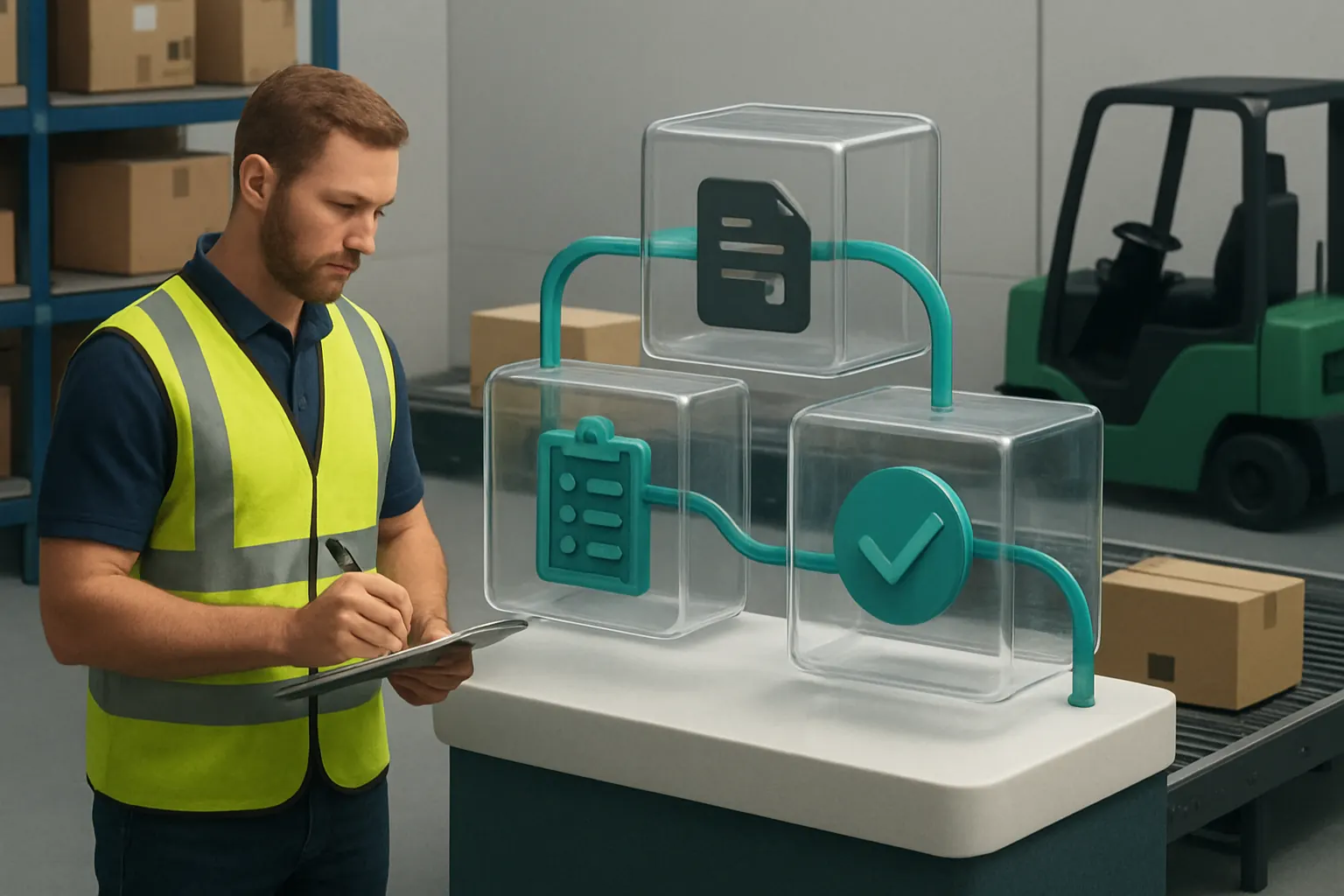
A centralised order management workspace holds every purchase order linked to supplier profiles. Each order’s status updates automatically as the shipment progresses, removing the need for duplicate data entry.
Compatible Existing Integrations
Your current ERP or accounting system can be integrated to share supplier details and financial information. External tools like payments gateways (e.g., Stripe or GoCardless) remain connected for financial transactions.
Real-World Example:
When a UK wholesaler receives a purchase order, it’s automatically logged and matched with supplier contract terms, generating a digital order confirmation and triggering follow-up communications.
Control and Oversight
Users configure validation rules to flag missing order details or discrepancies. Humans review flagged orders before approval, combining automation with essential quality control.

Streamlined Export Documentation with Automated Data Capture
The Complexity of Export Paperwork
Export documentation requires numerous details to comply with customs and shipping requirements. Entering data manually into Word or Excel templates is slow and error-prone.
Building Owned Document Modules
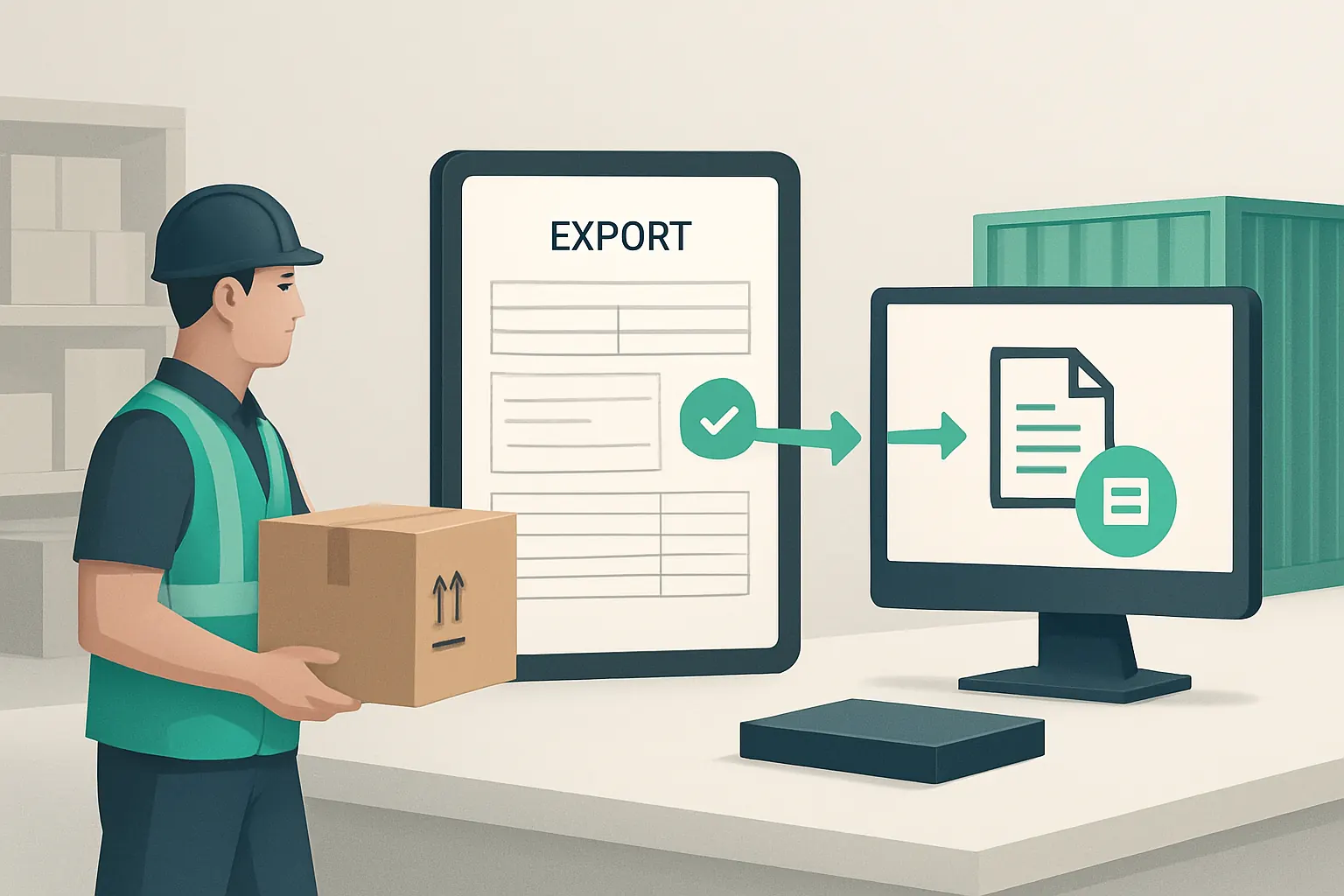
Replacing manual document creation with an owned export document module speeds up completion by auto-populating recurring fields from order and shipment records.
Integrate Specialist Export Tools
Link specialist export documentation services such as IncoDocs for up-to-date templates while keeping all data inside your operating workspace.
Practical Scenario:
An export business automates the generation of customs declarations and commercial invoices directly from the shipment record, reducing paperwork time tenfold.
Staying in Control
Users retain final review rights on sensitive export documents, ensuring all compliance conditions are met before release.
Cross-System Inventory and Accounting Reconciliation
Inventory Discrepancies Drain Resources
Importers often find inventory records drifting apart from accounting ledgers, especially when data is scattered across multiple applications.
One Trusted System of Record
By linking inventory tracking directly with accounting ledgers within your owned system, data flows update in real time, providing a single version of the truth.
Harmonising with Legacy Software
Existing inventory or accounting software packages can be maintained via secure API connections, ensuring business continuity while avoiding duplicate tasks.
Illustrative Use Case:
The inventory module automatically adjusts stock levels on receipt and dispatch, triggering purchase invoice updates in the accounting ledger without manual intervention.
Configurable Controls
Configurable reconciliation rules detect mismatches or anomalies, alerting managers to investigate before financial reporting.

Intelligent Route and Capacity Planning for Efficient Dispatch
Operational Challenges in Planning
Route and vehicle capacity planning involve complex optimisation decisions, often relying on experience and manual spreadsheets.
Automating Dispatch Orchestration
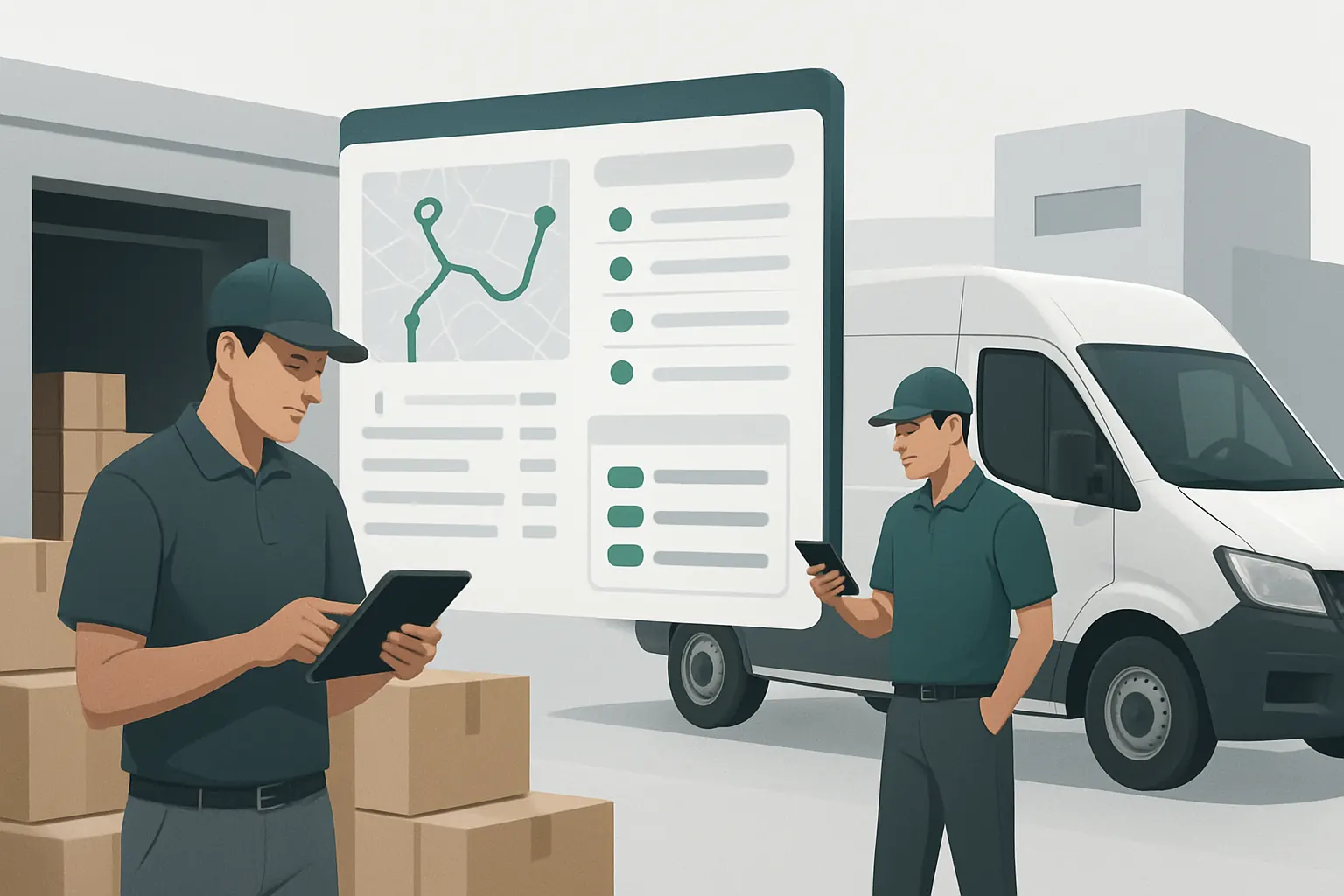
An owned route planning module matches delivery requirements against vehicle loads and driver availability. This operational orchestration reduces scheduling conflicts and late deliveries.
Seamless Integrations
Driver access and route instructions can be connected with in-field mobile applications to capture proof of delivery and status updates.
Typical Business Impact:
A logistics firm assigns shipments to trucks dynamically, avoiding overbooking while optimising fuel and time usage.
Human Oversight Required
Dispatchers review proposed routes incorporating deterministic rules, with authority to modify allocations based on exceptions or priority orders.
Customer Enquiries and Lead Management Automation
Daily Customer Service Bottlenecks
Handling repetitive customer queries about shipments, invoices or order status wastes time and risks inconsistent responses.
Workflow Automation for Communication
A built-in customer engagement workspace automates classification and routing of enquiries, summarising key information to assist staff.
Integration with Communication Tools
Email and messaging gateways (e.g., Microsoft Outlook, Twilio) connect to centralise communication logs alongside order and dispatch data.
Business Example:
A customer enquiry about delivery status triggers a workflow that pulls current shipment location and estimated arrival times into a customer-facing dashboard.
Maintaining Personal Touch
AI assists with prioritisation and draft replies, but staff retain final responsibility for communications.

Automated Compliance Milestone Tracking for Customs and Regulation
Compliance Failures Cause Delays and Fines
Keeping track of customs milestones, documentation submissions, and regulated goods status manually increases risks of non-compliance.
Implementing Digital Checklists and Alerts
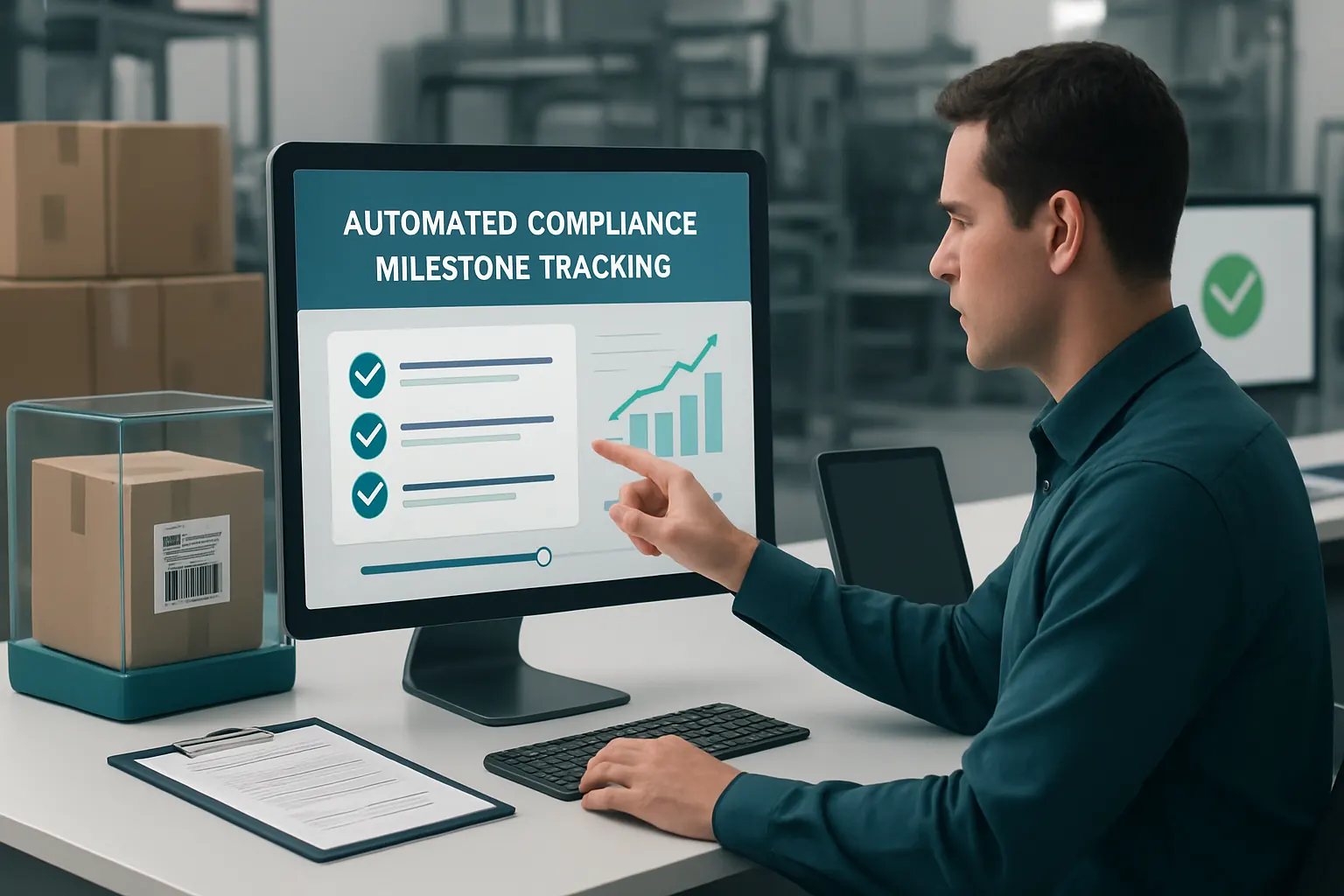
Your owned system embeds milestone tracking with configurable alerts for upcoming customs deadlines, document submissions, and chain of custody controls.
Specialist Governance Tools
Links to trusted external compliance databases can verify product classification or regulatory updates, feeding back into your workflows.
Concrete Use Case:
A delay alert notifies the operations team when a shipment is pending customs clearance beyond agreed SLA, prompting escalation.
Control Mechanisms Emphasised
Clear visibility of compliance checkpoints with mandated human approvals preserves regulatory accountability.
Proof of Delivery Capture and Exception Handling Automation
Proof of Delivery Issues Impact Payment Terms
Manual proof collection slows invoice processing. Lost or delayed POD data increases disputes and cashflow pressure.
In-Field Mobile Access to Delivery Records
Driver mobile apps integrated with your owned system allow POD capture with photos, signatures, and timestamped logs.
Interfacing with External Communication Tools
Notifications for delivery issues or exceptions immediately inform office staff and customers.
Example from Practice
When a delivery exception occurs, an automated workflow triggers customer notification, driver feedback capture, and exception resolution steps.
Control Points to Protect Accuracy
Human review of exceptions ensures correct handling before finalising delivery confirmation.

Prioritisation and Decision Support for Variable Workloads
Managing Fluctuating Workloads
Some tasks, such as order classification or exception investigation, require selective AI assistance to triage and prioritise.
AI as a Selective Capability
Within the owned system, AI modules classify incoming requests or documents, summarise content, and propose priority rankings.
Integration with Custom Business Rules
Deterministic rules execute predictable checks. Humans retain final approval for important decisions affected by AI insights.
Business Illustration
An AI engine summarises hundreds of inbound emails daily, flagging critical customer issues for immediate attention.
Preserving Human Accountability
Operators always see AI recommendations but control final actions.

Avoiding Overlap: Replacing Unnecessary Software Subscriptions
The Cost of Multiple SaaS Tools
Many import and export teams subscribe to overlapping SaaS bundles—inventory, accounting, CRM—without integration, inflating costs and fragmenting data.
Consolidation into Owned Modules
Replacing redundant services with built-in modules, customised to your workflows, reduces subscription fees and unifies data management.
Curated External Tool Use
Only specialist expert systems for payments or communications remain linked externally to maintain best-in-class service while centralising your business data.
Concrete Savings Example
A wholesaler discontinued two SaaS subscriptions after switching to an owned order and inventory system connected to their accounting software.
Controls for Safe Transition
Phased data migration and user training are critical to ensure system integrity and confidence.
Real-Time Tailored Dashboards for Operation Visibility and Control
Blind Spots in Operational Data Slow Decisions
Scattered data across departments and tools mean management lacks reliable, timely insight into operational performance.
Owned Workspace with Custom Dashboards
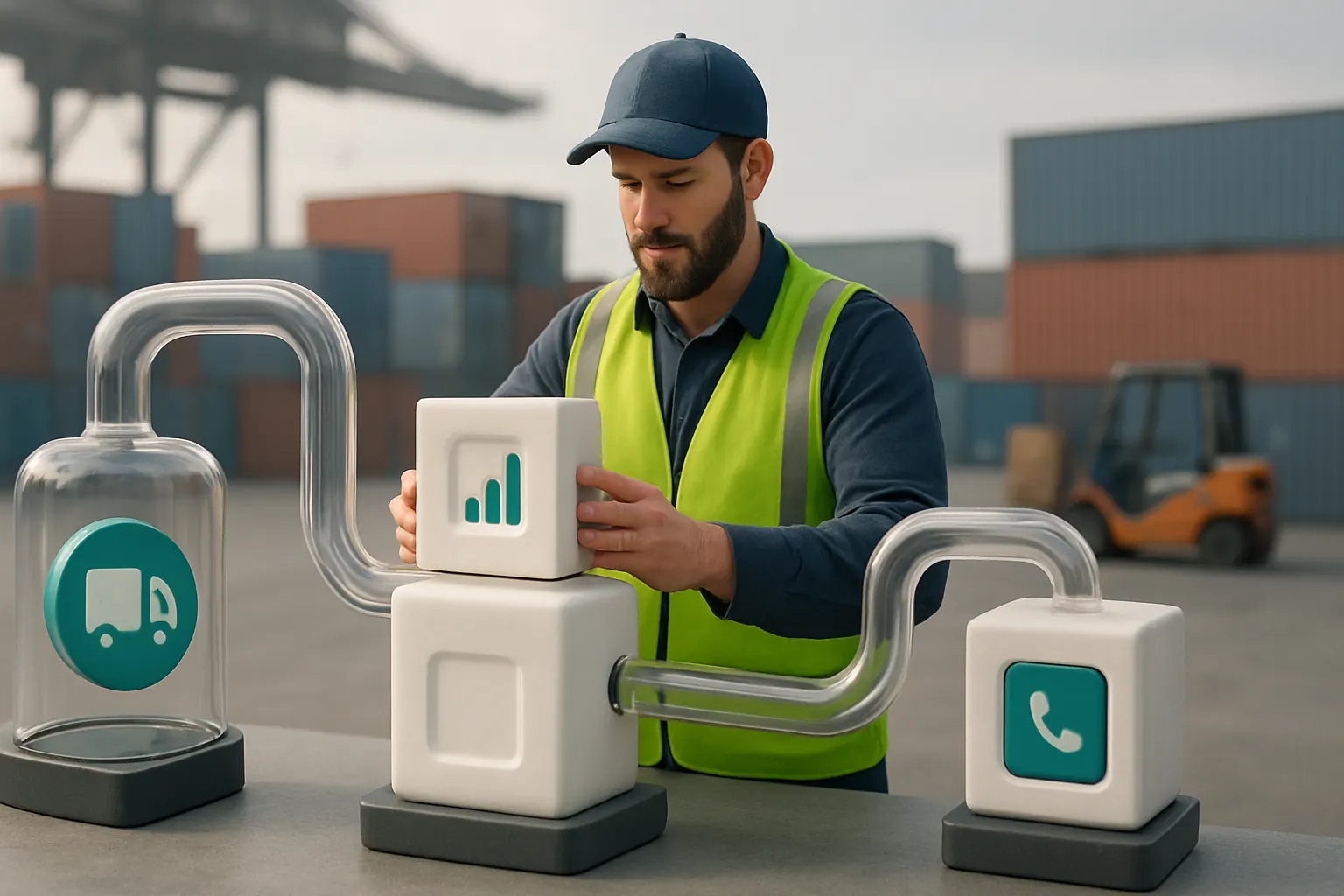
A single workspace aggregates data from orders, shipments, finances, and compliance into customised dashboards showing KPIs and alerts.
Integration with Existing Data Sources
Legacy systems feed data streams securely, offering real-time visibility without requiring wholesale system replacement.
Practical Use Case
Operations managers monitor inbound shipment status, customs milestones, driver locations, and exceptions on one screen.
User Configurable Alerts and Reports
Dashboards feature role-based access and configurable alerts to spotlight key concerns while preserving data security and privacy standards outlined by the ICO and NCSC.

A Practical 90-Day Rollout Plan to Automate Your Import and Export Workflows
Weeks 1–2: Assessment and Design
- Map current workflows and data sources
- Identify key manual tasks and software overlaps
- Define automation priorities and compliance controls
- Design connected operating workspace and integration points
Weeks 3–6: Development and Integration
- Build owned system modules for supplier orders and export documents
- Integrate existing inventory and accounting software via APIs
- Develop route planning and customer enquiry workflows
- Configure AI modules for classification and summarisation
Weeks 7–12: Testing and Deployment
- Migrate data and onboard users progressively
- Test document automation, dispatch orchestration, and milestone alerts
- Implement in-field mobile tools for proof of delivery capture
- Train teams on new controls, dashboards, and exception handling
- Monitor performance and optimise workflows

How AI Implementation UK Helps You Connect, Replace and Own Your Workflow Automation
Import and export business workflow automation only delivers long-term value when it is built around your unique operational needs — not through a patchwork of disconnected SaaS products.
AI Implementation UK specialises in developing one connected operating environment tailored to how your business works. We integrate your current systems, replacing unnecessary software subscriptions with owned modules customised for your workflows. Our approach consolidates operational data into one reliable record and tailored dashboards, improving real-time visibility and control.
Selective AI capabilities augment your teams to handle variable workloads like document classification and prioritisation while deterministic rules automate predictable tasks. Importantly, control stays with your people to approve key decisions and maintain compliance with UK regulatory frameworks such as those outlined by the ICO and the NCSC.
Whether it’s supplier order automation, export document digitisation, route planning, or proof of delivery workflows, we deliver a phased, sustainable automation strategy. Learn about our approach to process automation and RPA or get support in preparing your data infrastructure with data infrastructure preparation. To explore how a connected owned system can be rolled out to your teams, visit plan my platform.
The result is a streamlined, efficient import and export operation built on ownership, control, and measurable business improvements.
This practical, owned automation journey gives you the agility to scale, adapt and control your import and export workflows — keeping your business competitive in a demanding, complex market.