See how hotels can connect reservations, housekeeping, guest requests and staffing, reduce manual admin and own one tailored operating system.
Hotel workflow automation: what breaks daily
Hotel operations revolve around seamless guest experience—from booking through stay to checkout. Yet, daily struggles persist. Reservations get duplicated or lost between disconnected systems. Housekeeping is delayed due to poor communication about room status. Staff rotas clash with guest requests and supplier deliveries. Front desk teams manually re-key booking details across multiple platforms, risking errors and frustration.
Behind these daily breakdowns lies a familiar pattern: disparate software systems designed for specific functions but not talking fluently to each other. Many hotels juggle several subscriptions, each with its own data silos, interfaces and workflows. This fragmentation wastes time and increases the chance of mistakes in pricing, availability, or guest preferences.
Hotel workflow automation addresses these breaks by connecting processes end-to-end—bringing reservations, housekeeping, guest services, rota planning, and supplier management into one owned operating system. Instead of stitching SaaS apps with fragile integrations, the business gains a single source of truth, tailored to its way of working, and flexible enough to evolve.

The Cost of Manual Work in Hotel Operations
Manual data entry, chasing updates, cross-checking records and re-keying information add up quickly—not just in hours but in actual risk and expense.
- Time wasted: Re-keying reservations, chasing room updates and reconciling separate records consumes time that staff could spend on guest care.
- Errors and poor data: Manual input mistakes can affect reservations, pricing, room status and recorded guest preferences or allergies.
- Data-handling risks: Moving personal and payment information between disconnected tools makes access control, retention and audit work harder.
- Cashflow impact: Slow check-ins, billing errors, and poor housekeeping turnaround reduce room availability and revenue.
- Frustration and morale: Staff juggling multiple platforms and repetitive tasks suffer burnout and leave.
The solution is not adding yet more fragmented SaaS products but owning one connected system that can link current software, replace subscriptions no longer needed, and aggregate operational data into reliable dashboards.
Streamline Booking Management into One Owned Workspace
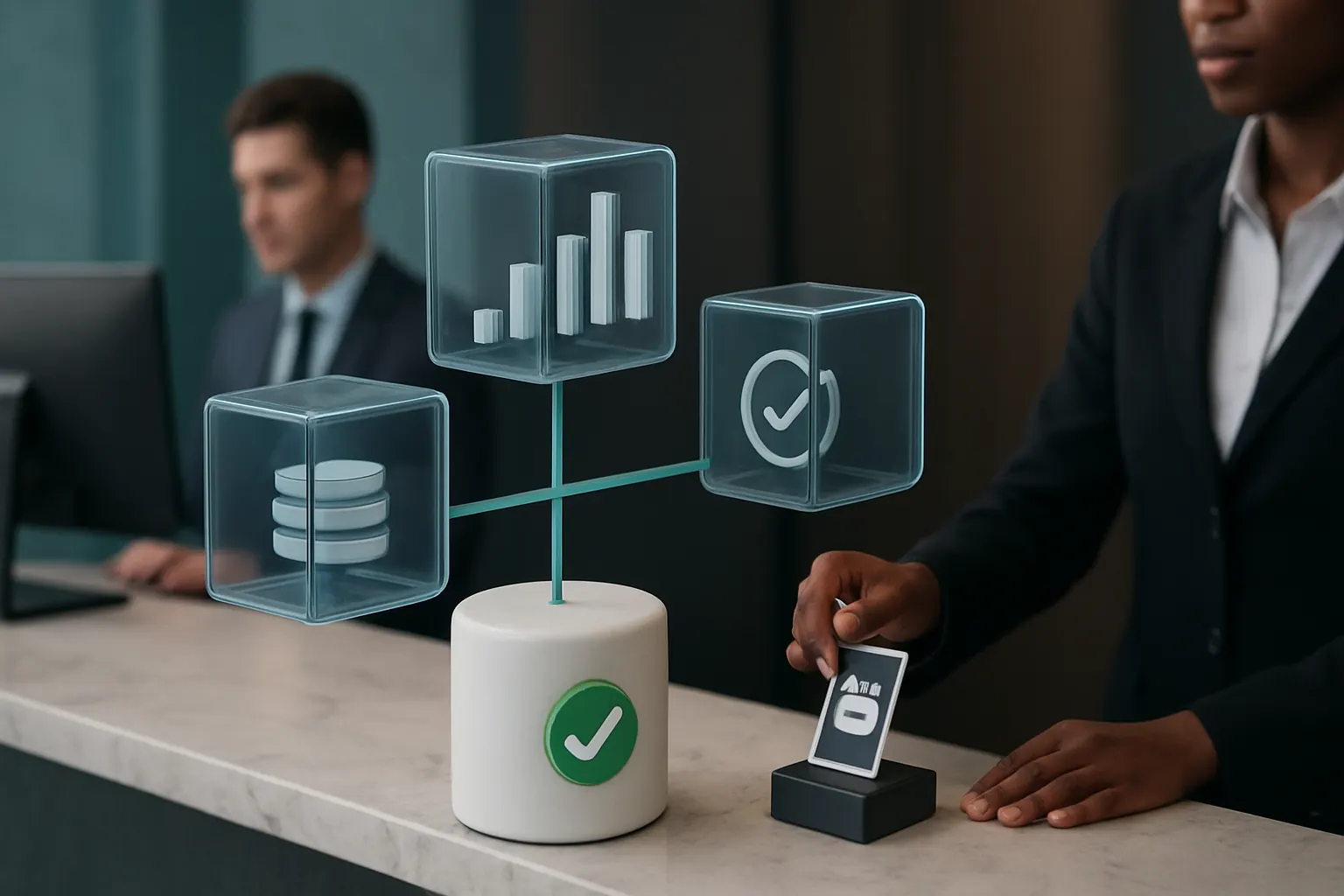
The daily booking data disconnect
Hotels often use separate tools for reservations, channel management and pricing. This creates duplicated manual data handling and delays in confirmation.
Connect workflows by owning your booking record
Keep critical current systems for channel distribution if needed but funnel booking records into an owned system built around your business’s booking workflow.
Integrate specialist services without fragmenting
Link payment providers like Stripe or communications platforms such as Twilio, but centralise key guest, booking and pricing data for integrity.
Example: Automated booking follow-ups
Once a reservation is made, the system triggers tailored pre-arrival emails, upsell offers, and request forms. Manual reminders vanish.
Controls and compliance safeguards
Configure role-based access for staff and keep card data inside appropriately validated payment services. The hotel remains responsible for confirming its PCI DSS scope and controls.

Automate Housekeeping and Room Status Updates
Operational bottleneck in cleaning schedules
Housekeeping teams depend on manual updates passed from front desk or digital logs. This delays room turnover and impacts guest arrivals.
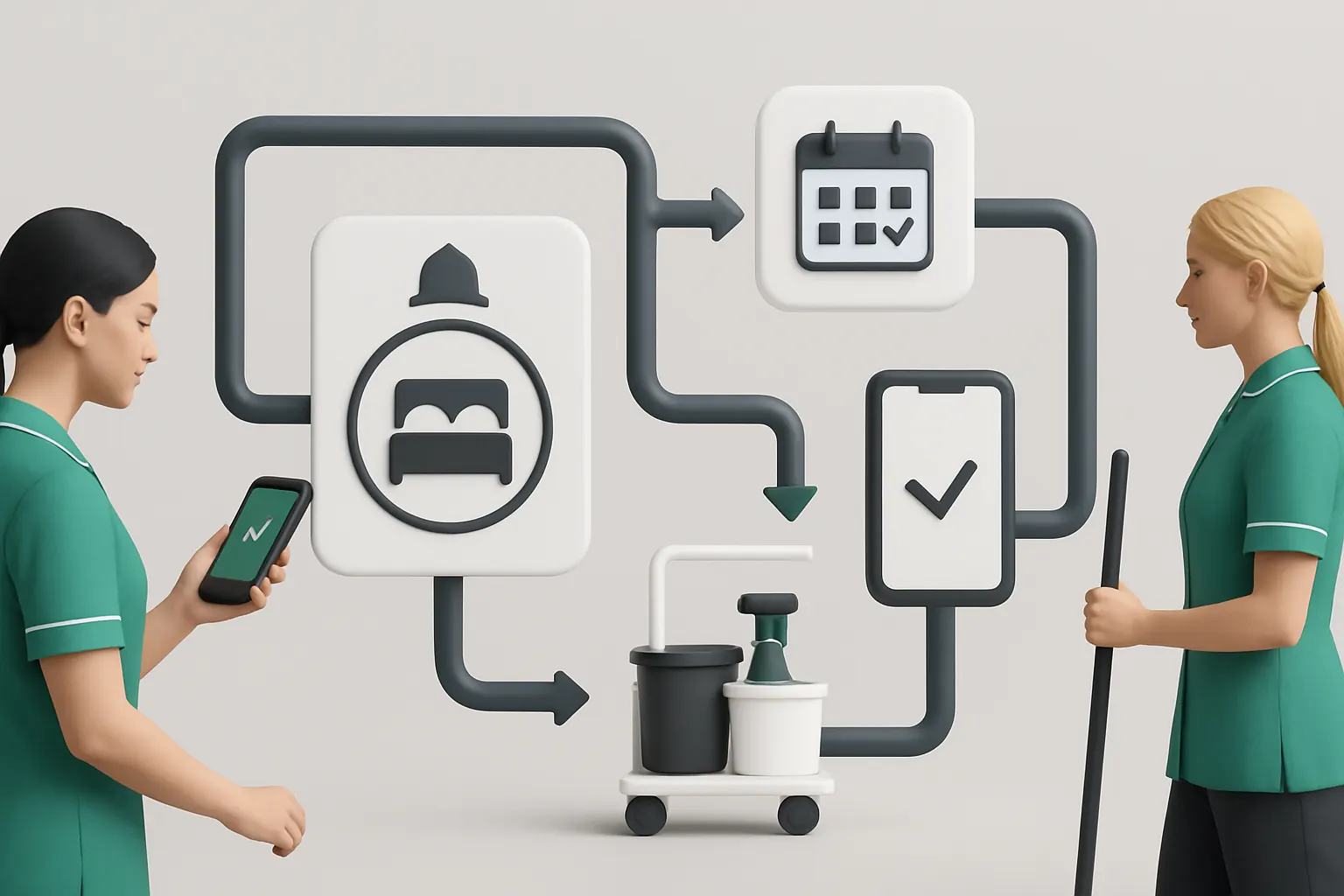
Connected workflow from booking to cleaning
Use your owned operating system to capture stays and check-outs, automatically triggering housekeeping rotas and timely status updates via notifications.
Integrate mobile tools for housekeeping
Equip cleaners with a mobile app linked to the system for real-time room updates, requests, or service recovery.
Example: Automatic room ready alerts
When cleaning completes and passes quality checks, a notification updates the booking record and informs reception for on-time check-in.
Controls to safeguard guest safety
Include checklist workflows for food safety, fire safety and cleaning schedules. Records can support management review, but authorised staff remain responsible for the checks and any required action.
Centralise Guest Requests and Service Recovery Workflows
Fragmented guest service interactions
Guest requests arrive via phone, messaging apps, or reception notes, prone to slow or lost responses.
Build a unified guest communication and tracking system
Capture all requests in one trusted record accessible to service teams, automating task assignments and follow-up reminders.
Integrate messaging platforms securely
Continue using WhatsApp or SMS through APIs but funnel conversations into the owned system for prioritisation and response logging.
Example: Prioritised lost item follow-up
Guest reports a lost item via messaging, system classifies case priority, assigns to lost property team with deadlines and manager notifications if unresolved.
Controls for data privacy
Limit guest contacts and messages to authorised staff, record relevant permissions, and configure retention around the hotel’s documented data-protection process.

Own Rota Planning and Shift Notifications
Complications in manual rota scheduling
Rota spreadsheets or standalone apps often lack integration with bookings or guest demand data, causing over or understaffing.
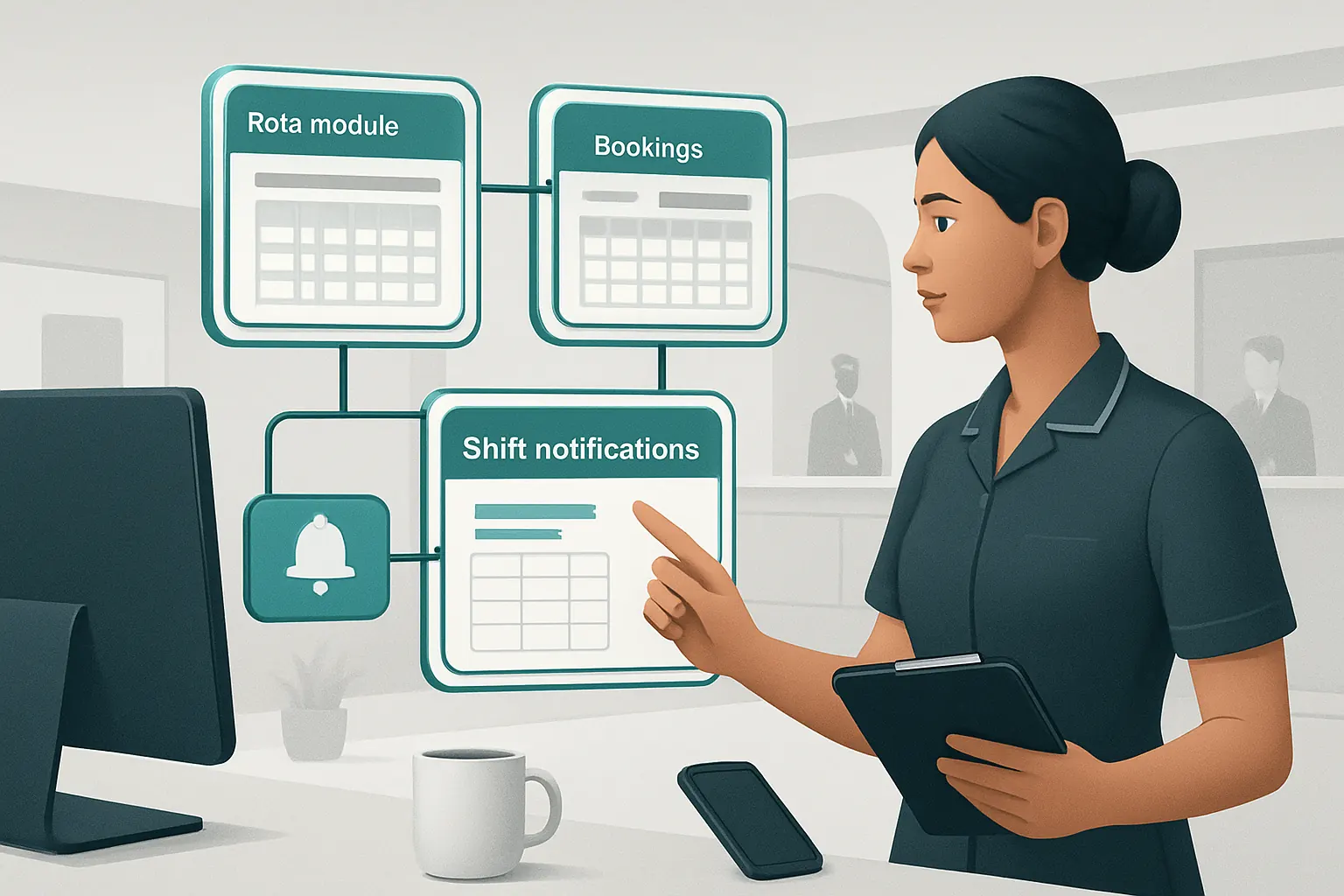
Build your rota module integrated with bookings
Link staffing plans directly to occupancy forecasts derived from your booking data, automatically adjusting shift allocations.
Notify staff with workflow-triggered alerts
Send shift reminders, change notifications, or overtime requests via SMS or email integrated into your owned system.
Example: Dynamic rota adjustment
System detects a sudden group booking, triggers rota review and sends quick notifications to available part-timers for additional shifts.
Controls for labour compliance
Use configurable rules to flag potential working-time or rest-period issues for an authorised manager to review before publishing the rota.
Connect Supplier Management and Purchasing Workflows
Supplier coordination pain points
Manual supplier ordering and status chasing invite delays, stockouts, or waste.
Centralised purchasing linked to occupancy and service levels
Generate purchase orders based on predicted guest numbers and daily service needs, tracking delivery within the same system.
Useful external integrations
Allow integration with logistics providers or invoicing systems but retain purchasing data as single source of truth.
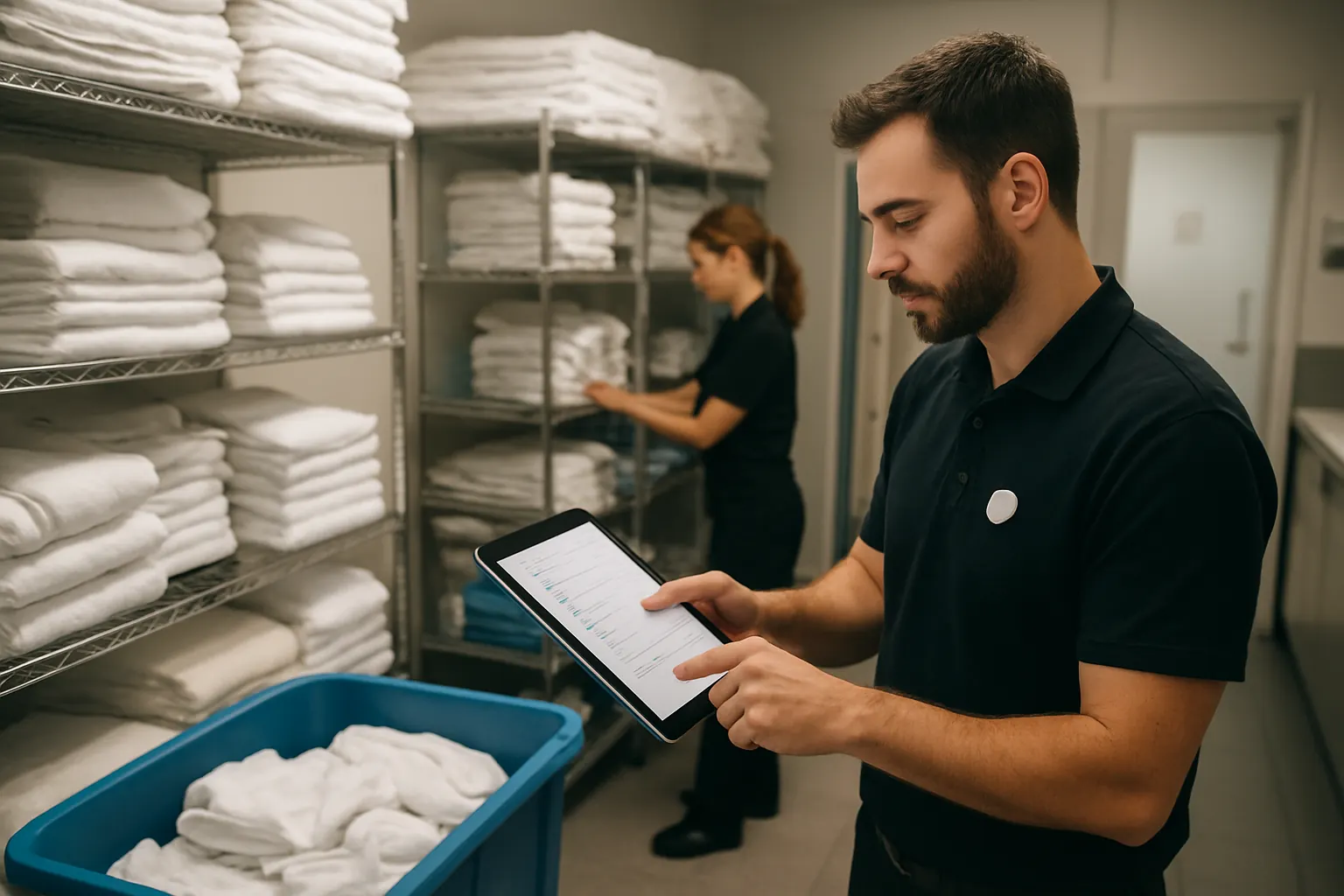
Example: Automated linen and consumables reorder
When linen stock drops below threshold, system raises a purchase order automatically and tracks supplier delivery status.
Controls for budget oversight
Set spending limits and approval workflows within purchasing modules to control expenses.
Tailor Real-Time Dashboards with Unified Operational Data
Data fragmentation dilutes decision-making
Reports pulled separately from multiple software obscure room utilisation, revenue leakage and service bottlenecks.
Create a single dashboard with reliable data
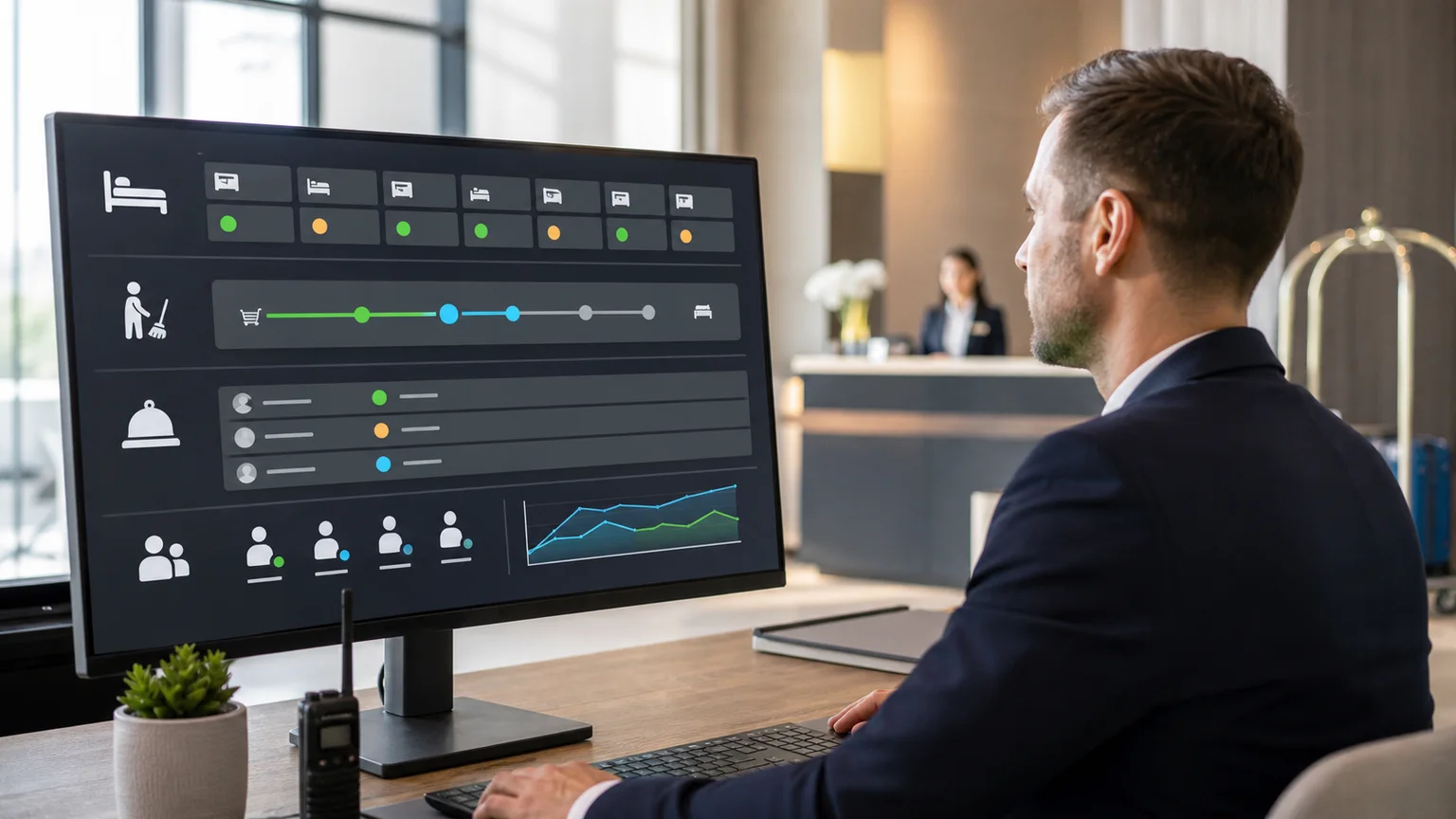
Aggregate booking, housekeeping, guest requests, staff rotas and supplier data into dynamic reports tailored to your operational priorities.
Automate alert workflows
Configure KPIs triggers—such as low occupancy, delayed housekeeping or unresolved guest complaints—that initiate follow-up tasks.
Example: Occupancy and revenue dashboard
Managers view live room availability, pricing variances, and service metrics to spot trends or bottlenecks in time.
Controls for data integrity
Validate automated data feeds, surface mismatches as exceptions, and give dashboard access only to appropriate staff.
Apply AI Selectively for Support without Losing Human Oversight
Avoid hype-driven AI replacing judgement
Use AI capabilities as selective helpers—not black boxes—to improve classification, summarisation or prioritisation of tasks.
Leverage deterministic rules for predictable jobs
Establish clear conditional logic for workflows where outcomes follow known patterns—e.g., auto-assigning guest requests or scheduling reminders.
Example: AI-driven classification of guest messages
AI sorts incoming guest communications by urgency; however, human supervisors approve escalation for unresolved or sensitive cases.
Controls to retain responsible review
Embed checkpoints where human approvals are mandatory for pricing changes, refund decisions or complaints handling.
Replace Avoidable Subscriptions with Owned Modules
Subscription proliferation drains budgets
Multiple SaaS products with overlapping functionality multiply costs and data silos.
Build owned modules that fit your processes
Repurpose or build modules inside your connected operating system to replace generic or single-purpose external apps.
Focus external tools on niche functions
Keep specialist services like payment gateways or communication APIs integrated on a stable basis.
Example: Swap multiple small solutions for one booking & communication system
Replacing separate booking, messaging, and task management subscriptions with one custom system lowers cost and simplifies training.
Controls ensure controlled rollouts
Test new owned modules parallel to existing tools before switching fully to reduce operational risk.

A practical 90-day hotel rollout
Weeks 1–2: Discovery and Mapping Workflows
Assess current systems and workflows with key staff. Identify where manual effort and data silos break workflow continuity. Prioritise workflows to automate first based on manual time and error impact.
Weeks 3–6: Platform Design and Integration
Begin building your owned booking record and housekeeping modules. Connect existing reservation or channel management systems. Start automating notifications and task assignments.
Weeks 7–12: Pilot and Scale
Roll out guest requests and rota planning modules to a pilot hotel or team. Gather user feedback and tune workflows. Deploy dashboards and add AI-assisted classification selectively.
Throughout the rollout, map personal-data and payment flows, configure the agreed controls, test exceptions and train staff. These technical controls support the hotel’s obligations; they do not replace legal, security or payment-compliance review.
How AI Implementation UK Delivers a Connected Platform You Own
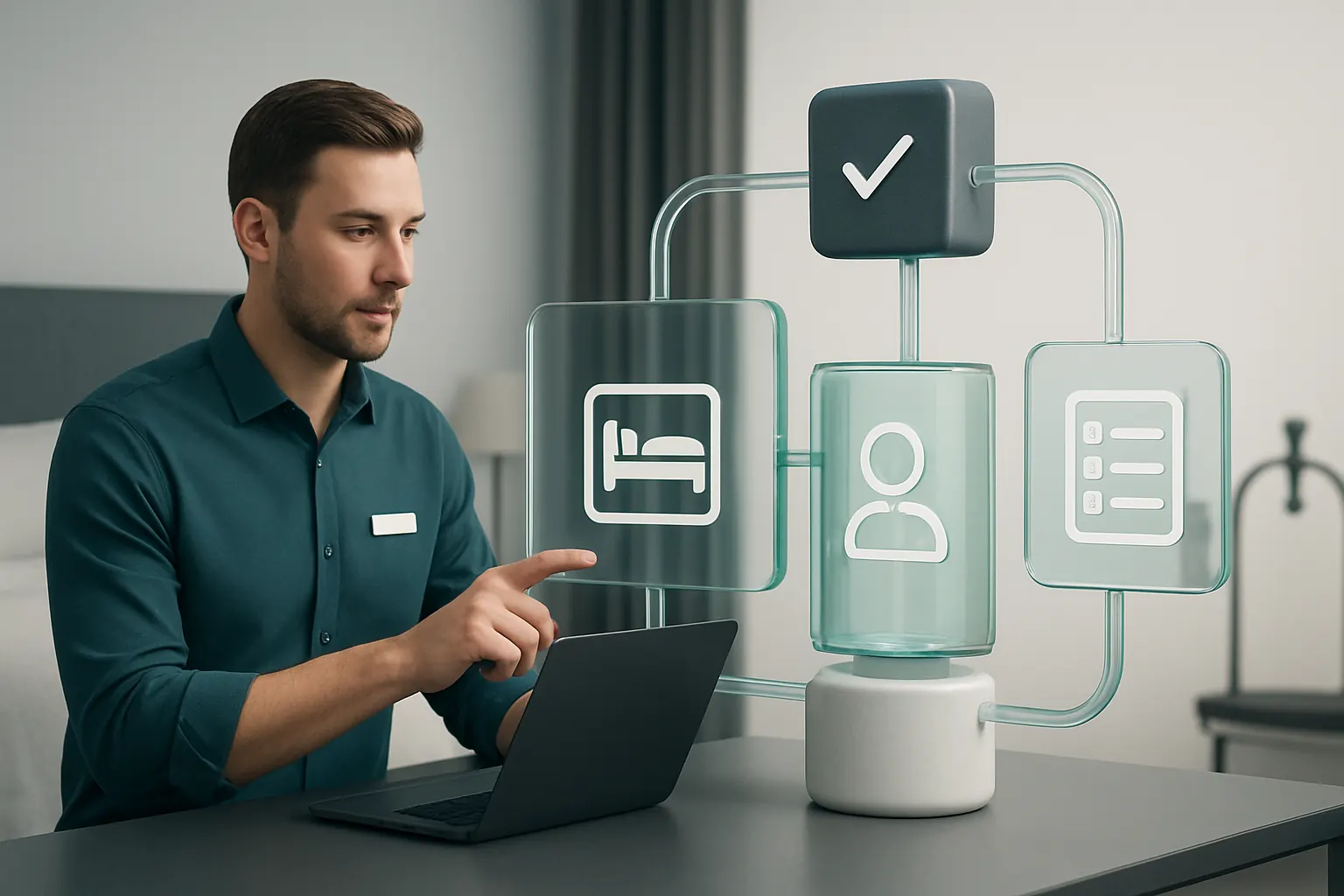
At AI Implementation UK, we build one connected operating system around your actual hotel workflows. We do not add disconnected SaaS. Instead, we:
- Connect your critical current systems and specialist services (payments, communications) through stable APIs.
- Replace redundant subscriptions with bespoke modules you own, cutting costs and complexity.
- Automate repetitive, rule-based workflows that focus your staff where human input matters most.
- Design dashboards that unify your operational data into actionable, reliable insights—not just isolated reports.
- Apply AI selectively to assist with classification, summarisation, and prioritisation but always preserve human approval for key decisions.
- Build controls that support your GDPR, PCI DSS, health and safety, and employment processes, with audit trails, access rules and human review.
Our practical, phased approach means you see measurable benefits quickly—reduced errors, less manual data entry, faster guest servicing—and gain a scalable system designed around how your hotels really operate.
To explore how we can help your hotel group move from manual overload to connected automation, visit our process automation services, learn about data infrastructure preparation, or start planning your owned operating system with us at plan my platform.
For privacy and security guidance, see the UK Information Commissioner’s Office security guidance and the PCI Security Standards Council. The hotel and its payment provider should confirm the controls and validation requirements that apply to their own card-data environment.
Hotel workflow automation is not about replacing people. It gives teams connected tools, clearer hand-offs and visible exceptions while keeping sensitive decisions with authorised staff—so the focus stays on delivering a consistent guest experience.