Learn how event venues can connect systems, reduce manual admin and automate booking to service with one tailored operating platform the business owns.
Event venues automation software: What Breaks Daily
Event venues juggle countless moving parts every day: enquiry tracking, package creation, supplier coordination, staffing, guest communications, and compliance checks. The challenge is that these activities often operate in disconnected silos—spreadsheets here, email threads there, booking systems separate from staff schedules. This fragmentation leads to manual data re-entry, information delays, and frequent errors.
The typical daily struggle includes tracking multiple event enquiries from first contact through to billing, managing staff rotas as requirements shift, chasing suppliers for timely deliveries, and securing guest data privacy—all while aiming to deliver seamless, memorable events. Without a connected system built around how the venue actually works, staff spend valuable time firefighting instead of focusing on customer experience and revenue growth.
This chaos is precisely where event venues automation software, designed to unite workflows on one owned and tailored operating system, offers practical, measurable impact.

The Cost of Manual Work in Event Venues
Manual processes in event venues lead to significant hidden costs:
- Lost Time: Staff manually copying details across systems can waste hours daily, delaying confirmations and decision-making.
- Errors: Data entry mistakes cascade into booking issues, incorrect invoicing, or missed regulatory tasks.
- Compliance Risks: Fragmented record keeping makes it harder to demonstrate adherence to guest privacy, payment security, and health and safety regulations.
- Cashflow Strain: Disconnected payment systems slow revenue capture and complicate financial oversight.
- Supplier and Staff Overruns: Without reliable triggers and alerts, deliveries and rotas are prone to mix-ups and last-minute changes.
Addressing these challenges requires a systematic approach that connects existing technology and replaces unnecessary subscriptions with modules the business owns and can control. The result is a single source of truth, enabling consistent workflows from booking to service.

Booking Enquiries to Package Creation: One Record to Rule Them All
Daily Challenge: Duplicate Data and Lost Details
Event enquiries start in many forms—phone calls, emails, website forms—and are manually logged into disparate systems. This results in inconsistent information and delays responding with tailored packages.
Connecting Workflow Steps for Improved Efficiency
A single owned booking record captures enquiry details, preferences, and communications. The record feeds into a guided wizard that helps build event packages, including itineraries, budgets, and compliance checklists, ensuring no detail is missed.
Useful Integrations with Existing Tools
- Keep your website enquiry form and CRM but route data automatically into the booking record.
- Connect invoicing software for seamless billing from the same system.
- Integrate email for automated follow-up based on enquiry status.
Concrete Example
A venue receives a conference enquiry via its website form. Once captured, the booking record triggers a package wizard that builds an all-inclusive proposal with venue space, catering, and equipment hire—all linked in the same record. Final quotes and schedules can be emailed directly without manual re-entry.
Controls and Approvals
Set rules for mandatory fields, such as guest numbers and dietary requirements. Exceptions prompt staff review before sending proposals or confirming bookings, ensuring options remain flexible and human-approved.
Streamlined Staff Rota Management with Automation
Daily Pain Point: Last-Minute Changes and Confusion
Rotas are traditionally managed on spreadsheets or standalone apps, disconnected from event bookings. Staff find out late about schedule changes, causing coverage gaps that affect event delivery.
Associating Staffing with Events Directly
Link staff rotas with confirmed bookings on the owned system. Automate notifications when shifts are added, changed, or cancelled, tracking approvals and availability in one workspace.
Keeping Existing HR and Payroll
Continue using your HR/payroll software but export approved rota data automatically from the connected system to reduce admin.
Practical Scenario
A large wedding is confirmed, requiring additional wait staff and kitchen team. The rota module assigns shifts based on staff availability, and automated notifications confirm schedules. Changes are logged with timestamps for management audit.
User Controls
Staff can accept or request shift swaps via the system, requiring managerial sign-off for transparency and compliance with labour regulations.
Supplier Coordination and Compliance Tracking
Typical Problem: Chasing Suppliers and Missing Deadlines
Manual follow-ups with caterers, AV hires, and decorators are error-prone, risking event disruptions and incomplete documentation for health and safety compliance.
A Connected Workflow from Booking to Supplier Management
The owned system links supplier order details directly with event records, triggering automated reminders for confirmation deadlines and delivery schedules.
Integrations with Specialist Services
Continue using niche specialist tools for catering or audio systems while maintaining central records and communication logs in one system.
Concrete Use Case
A corporate event requires hired lighting and live streaming equipment. The system issues supplier alerts 7 days before, and suppliers upload delivery notes into the booking record accessible to venue managers.
Controls
Exception alerts notify managers if confirmations or delivery updates are overdue, ensuring corrective action can be taken before the event.
Guest Communication Automation with Personalisation
Where Communication Breaks Down
Inconsistency in guest messaging causes confusion about event details, safety guidelines, or dietary queries. Manual email and call follow-up are inefficient and hard to track.
Workflow Transparency Across Teams and Guests
Create personalised communication templates linked to booking stages. Automate reminders, update requests, and thank-you notes from one controlled system, logged for compliance and continuity.
Useful Integrations
Integrate with trusted email services or SMS gateways to maintain contact channels without losing control of guest data.
Example in Practice
The system automatically sends tailored pre-event reminders to guests with Covid-19 protocols, parking info, and special offers, reducing staff queries and enhancing guest confidence.
Approval and Privacy Oversight
All communications include audit trails and opt-out mechanisms to meet ICO guidelines on data privacy Information Commissioner’s Office. Human review governs messaging lists and content for quality.
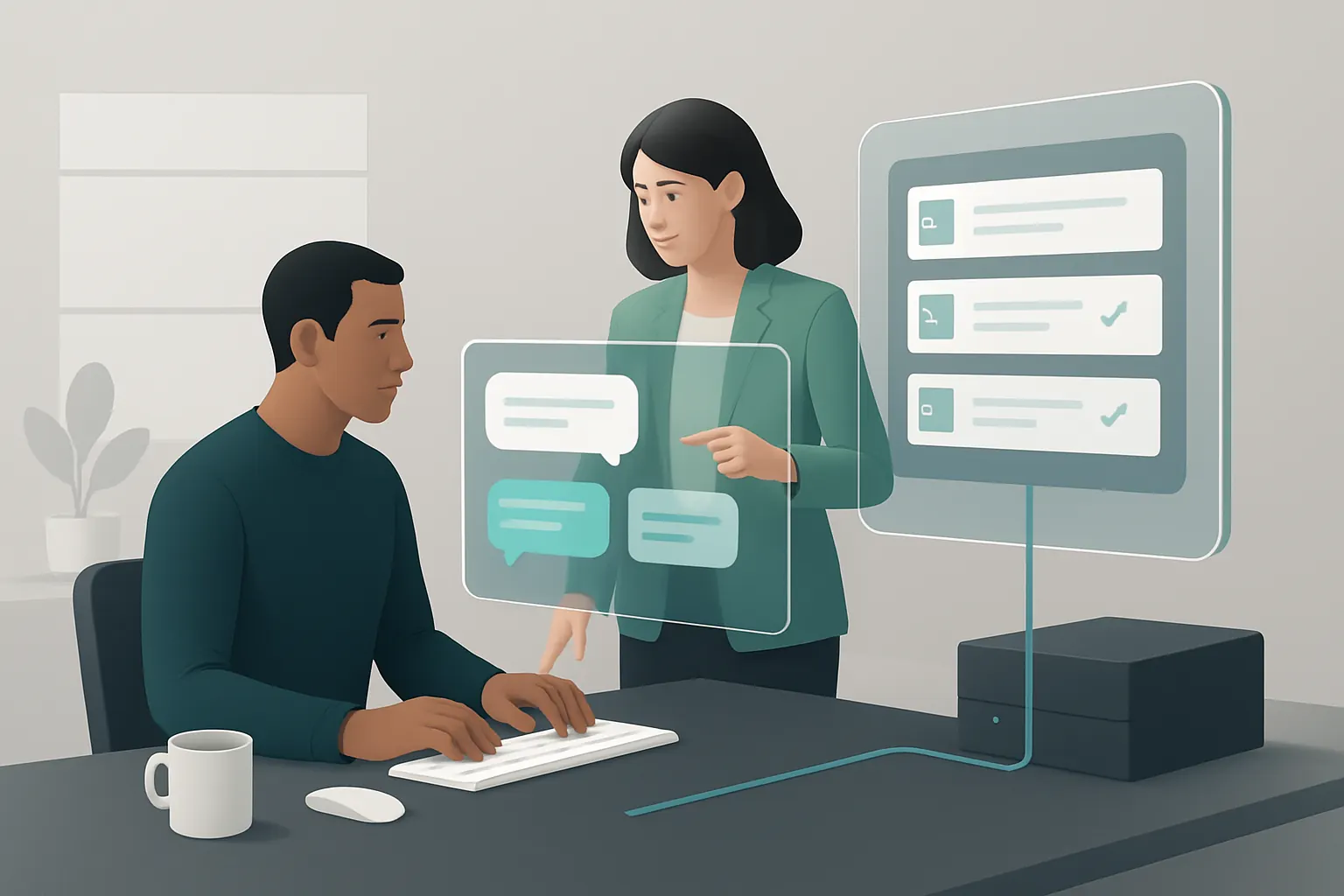
Centralised Financial Management and Payment Tracking
Issue: Fragmented Invoicing and Payment Collection
Multiple payment and invoicing tools cause reconciliation headaches and cashflow unpredictability.
Unified Financial Records
Consolidate invoices, deposits, payments, and refunds within the owned booking record. Automated alerts flag outstanding balances aligned with the venue’s policies.
Specialist Payment Gateway Integration
Retain specialist payment processors (e.g., Stripe, Worldpay) that can integrate securely, while keeping transaction data linked to the event record.
Real Scenario
Once a deposit is paid, the system triggers final invoicing and reconciles payments against bookings. Alerting finance teams if payments fall outside agreed terms supports cashflow stability.
Controls and Compliance
Configurable rules prevent invoicing before approving key event details and safeguard payment data handling consistent with PCI DSS standards PCI Security Standards Council.
Real-Time Dashboard for Event Status and Operational Oversight
Challenge: Lack of Holistic Visibility
Managers juggle spreadsheets, emails, and manual reports, leading to reactive decisions and oversight gaps.
Building a Single Source of Truth
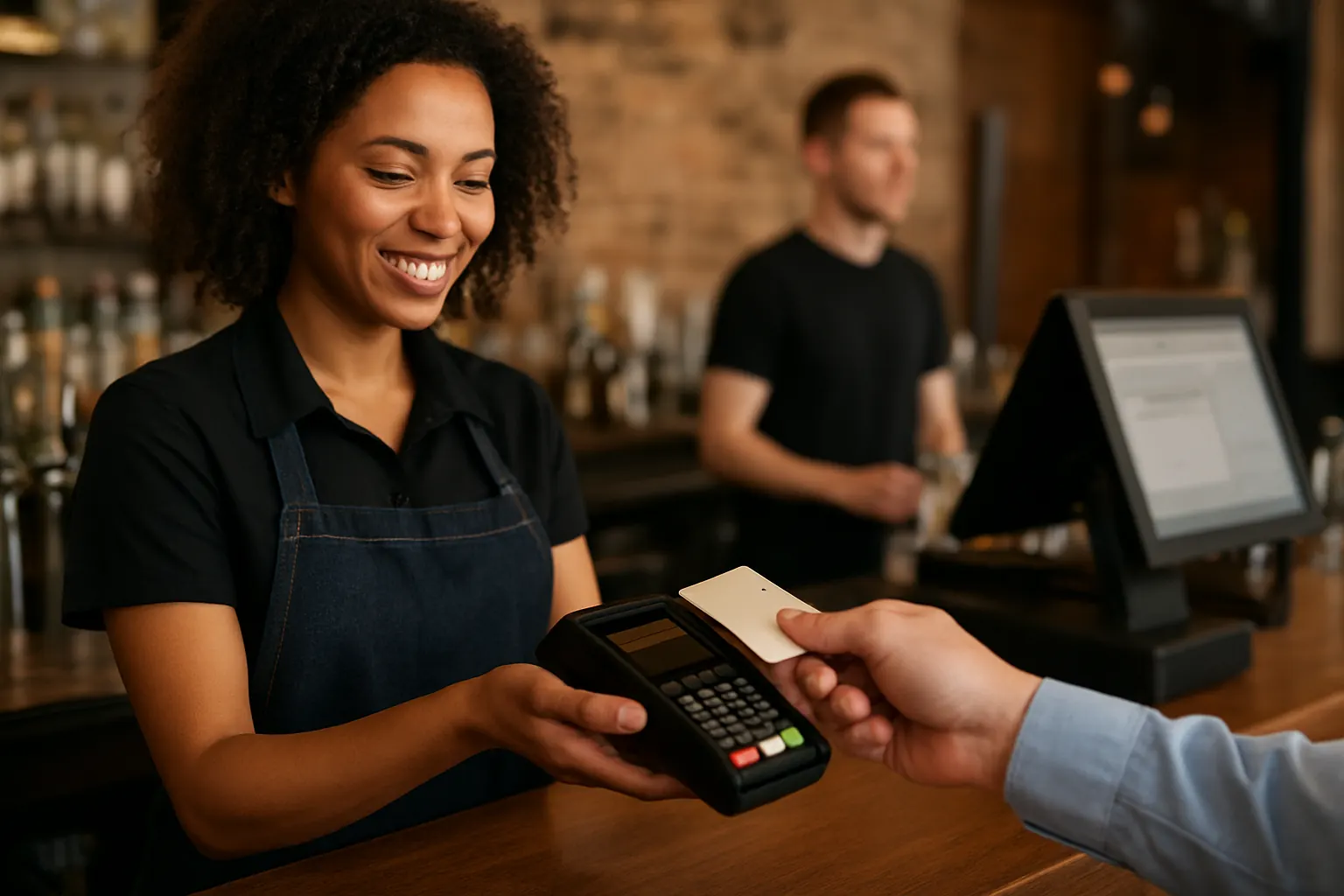
A tailored dashboard reflects the status of bookings, staffing, supplier readiness, guest communications, and finance in real time. Configurable views allow teams to focus on relevant KPIs.
Combining Legacy Data and Live Updates
Existing systems feed data into the dashboard, providing historical context and actionable insights on current events.
Example Use
Managers see at a glance upcoming confirmed events, staffing gaps, and unpaid accounts, prioritising urgent tasks without wading through multiple systems.
User Controls
Access rights ensure sensitive financial and guest data is visible only to authorised personnel, supporting internal compliance policies.
Selective AI to Support Decision-Making and Task Prioritisation
When Automation Reaches Its Limits
Repetitive and predictable tasks benefit from deterministic rules, while variable and complex decisions require human oversight.
Applying AI Selectively
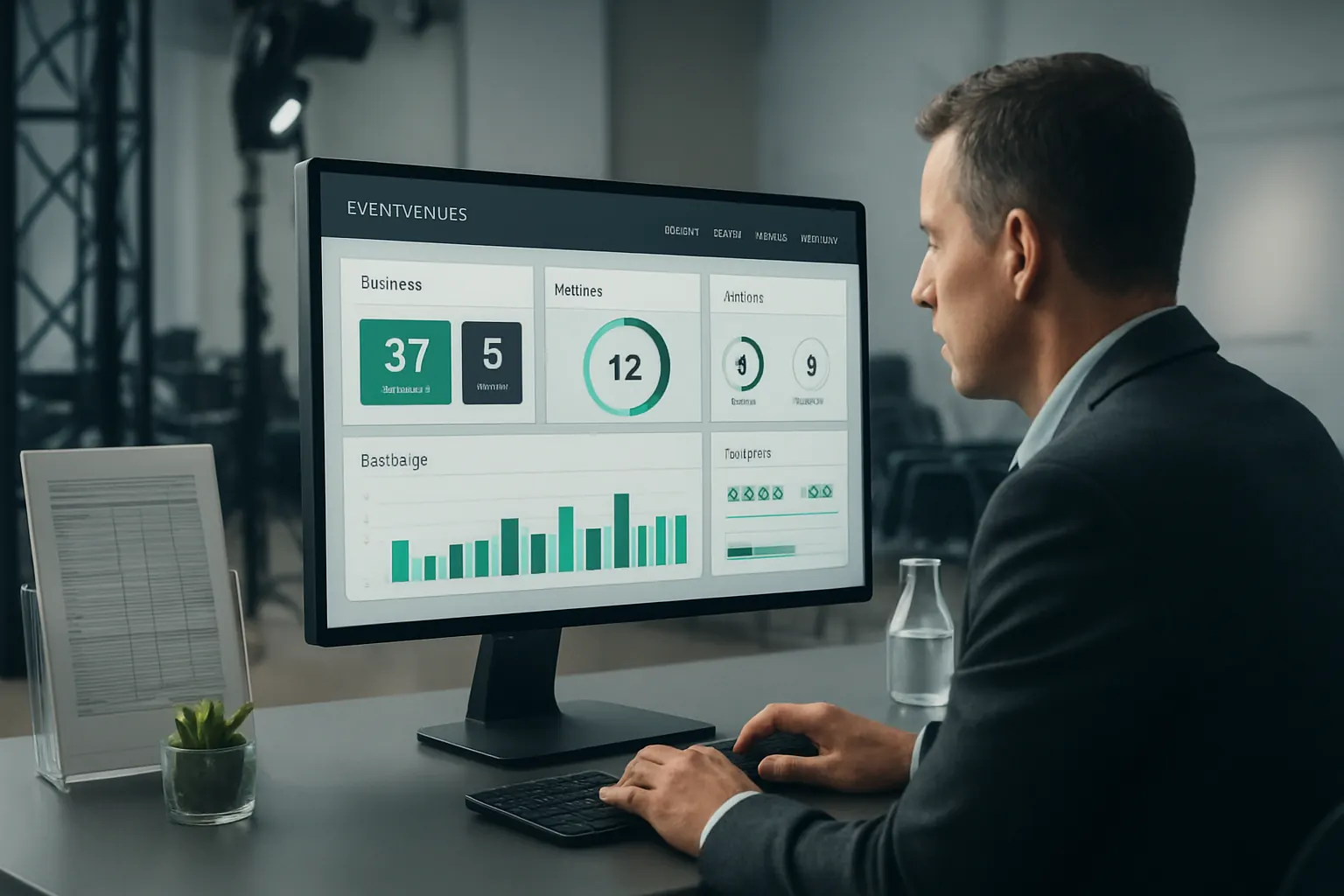
Use AI-powered classification to triage enquiries, summarise lengthy emails, prioritise task lists, and suggest next steps. All AI outputs come with clear confidence scores for human review.
Specialist Tools Only Where Necessary
Avoid over-automating sensitive approvals or guest service decisions. AI supports but does not replace humans.
Practical Application
Incoming venue enquiries are initially categorised by event type and urgency using machine learning. Follow-up tasks are prepared but require event managers’ sign-off before sending offers.
Approval Mechanisms
Configured workflows mandate human review on flagged exceptions and significant exceptions, preserving accountability in accordance with sector best practices.

Simplifying Compliance Tasks and Audit Trails
Manual Compliance Tracking Risks Overlooked Tasks
Separately managed checklists for food safety, insurance, GDPR, and health & safety lead to gaps that could risk licence breaches or fines.
Integrated Compliance Workflow
Build structured compliance modules tailored to the venue’s business, linked directly to event delivery timelines.
Useful External References
Link reminders and document uploads to compliance regulations found on GOV.UK, NCSC, and the ICO.
Case Example
A compliance checklist evolves automatically as the event progresses, triggering hazard assessments and sign-offs by authorised personnel before service commencement.
Controls and Visibility
Audit logs capture task status changes, with escalation alerts for overdue items to prevent last-minute compliance failures.

90-Day Rollout Plan to Transform Event Venue Operations
Weeks 1–2: Assessment and Planning
- Audit current systems and workflows across bookings, staffing, suppliers, communications, finance, and compliance.
- Identify key points for integration and modules to replace.
- Define requirements for data privacy, payment handling, and compliance monitoring.
Weeks 3–6: Core System Build and Integration
- Develop central booking record and package builder tailored to event workflows.
- Integrate enquiry forms and email communications into the record.
- Connect rota management and supplier coordination modules.
- Establish payment gateways and invoicing links.
Weeks 7–12: Testing, Staff Training and Dashboard Launch
- Perform comprehensive user acceptance testing addressing exceptions and controls.
- Train venue staff on new workflows emphasizing control points and approvals.
- Deploy real-time operational dashboard with live event data.
- Roll out selective AI features for enquiry triage and task prioritisation with manual oversight.

How AI Implementation UK Connects, Replaces and Automates Your Venue Operation
AI Implementation UK specialises in designing one connected operating system that your venue owns outright. We start by mapping your existing event venues workflow automation needs. Our approach retains valuable current systems by integrating them into a single trusted record that generates clear, actionable dashboards and automated workflows.
We replace avoidable software subscriptions with modules built specifically around how your venue works—from enquiry to service delivery, supplier management to safety compliance, finance to rota planning. This avoids the pitfalls of disconnected SaaS apps, keeping you in control of your data and operation.
Selective AI capabilities are embedded to support your team’s variable tasks—classifying event enquiries, summarising complex documents, prioritising workloads, and aiding decision-support—always combined with deterministic rules for predictable tasks and mandatory human approvals on important decisions.
Our proven methodology includes practical rollout plans and ongoing support, ensuring your system meets both operational efficiency and regulatory requirements aligned with ICO, PCI DSS, and UK government standards.
To explore how AI Implementation UK can streamline your event venues business process automation, improve booking to service workflows, and connect your event planning software for venues on a platform you own, visit our process automation services page or book a personalised consultation at plan my platform.
Learn more about our data preparation and AI strategy offerings at data infrastructure preparation and AI strategy roadmapping.
Get in touch to make your venue operations simpler, more reliable, and ready for future growth.