Learn how hair and beauty salons can connect systems, reduce manual admin and automate enquiry to booking with one tailored operating platform the business owns.
Enquiry to booking automation for hair and beauty salons: What Breaks Daily
Enquiry to booking automation for hair and beauty salons should connect bookings, people, communications and reporting in one reliable operating flow.
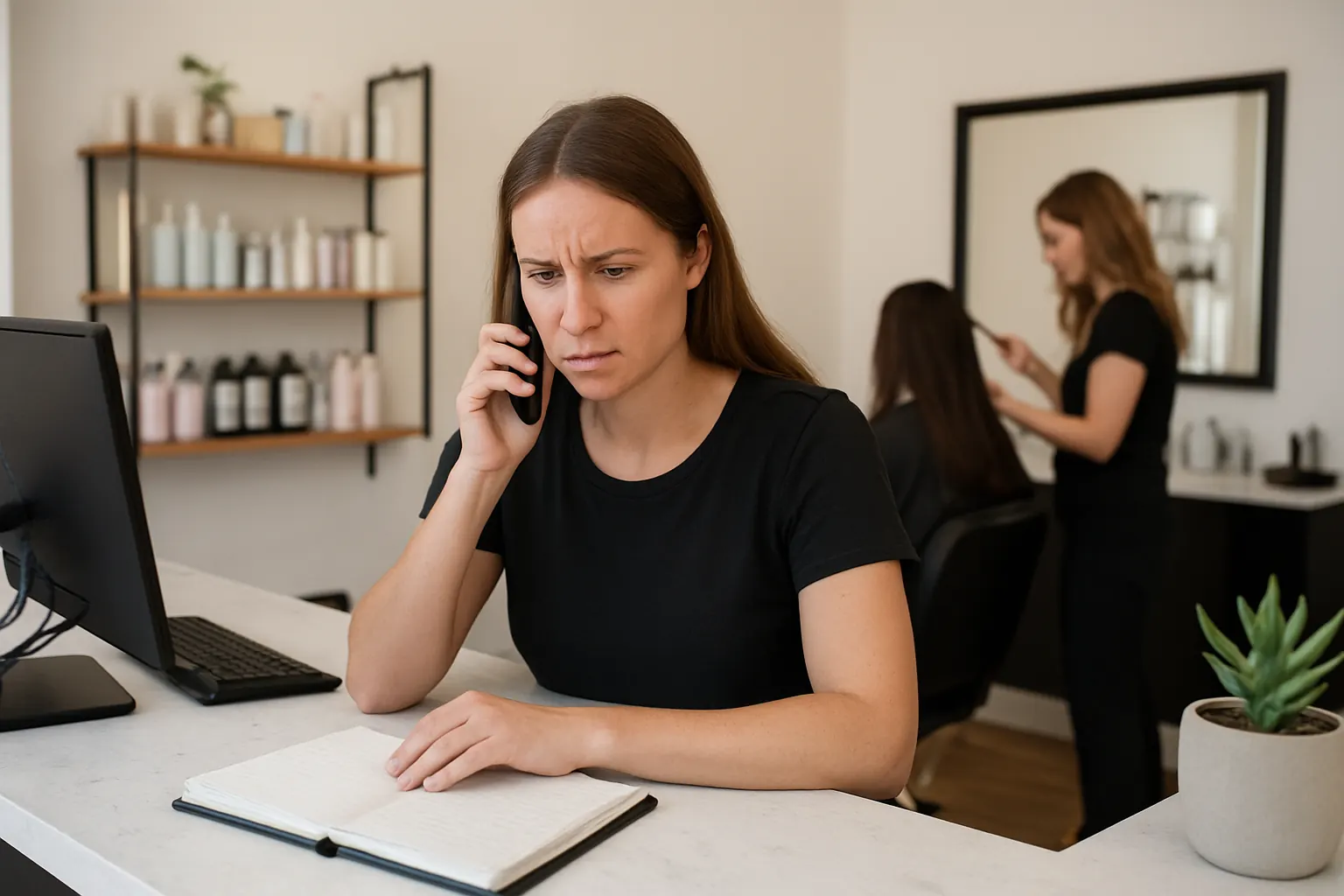
Hair and beauty salons rely on smooth customer interactions from initial enquiry through booking and service delivery. Yet, daily operations often face repeated breakpoints: missed calls, conflicting appointment times, incomplete customer records and forgotten follow-ups.
These issues arise from fragmented booking systems, separate staff scheduling tools, and marketing programs that don’t “talk” to each other. Front-desk staff juggle multiple platforms while managing clients’ expectations. Staff rotas clash with booking calendars, creating overtime or understaffing. Cancellations and no-shows disrupt cash flow unpredictably.
These persistent fractures in the booking journey cause friction for customers and reduce staff efficiency, costing salons valuable time and revenue every day. Automating enquiry to booking workflows with an integrated system can transform how salons operate — if done correctly.
Streamlined Enquiry Capture Tailored to Salon Workflows
Current Challenge in Capturing Enquiries Efficiently
Enquiries come from multiple channels: phone, online forms, social media and in-person. Handling them inconsistently leads to lost potential bookings and duplicated admin work.
Creating a Connected Workflow for Enquiries
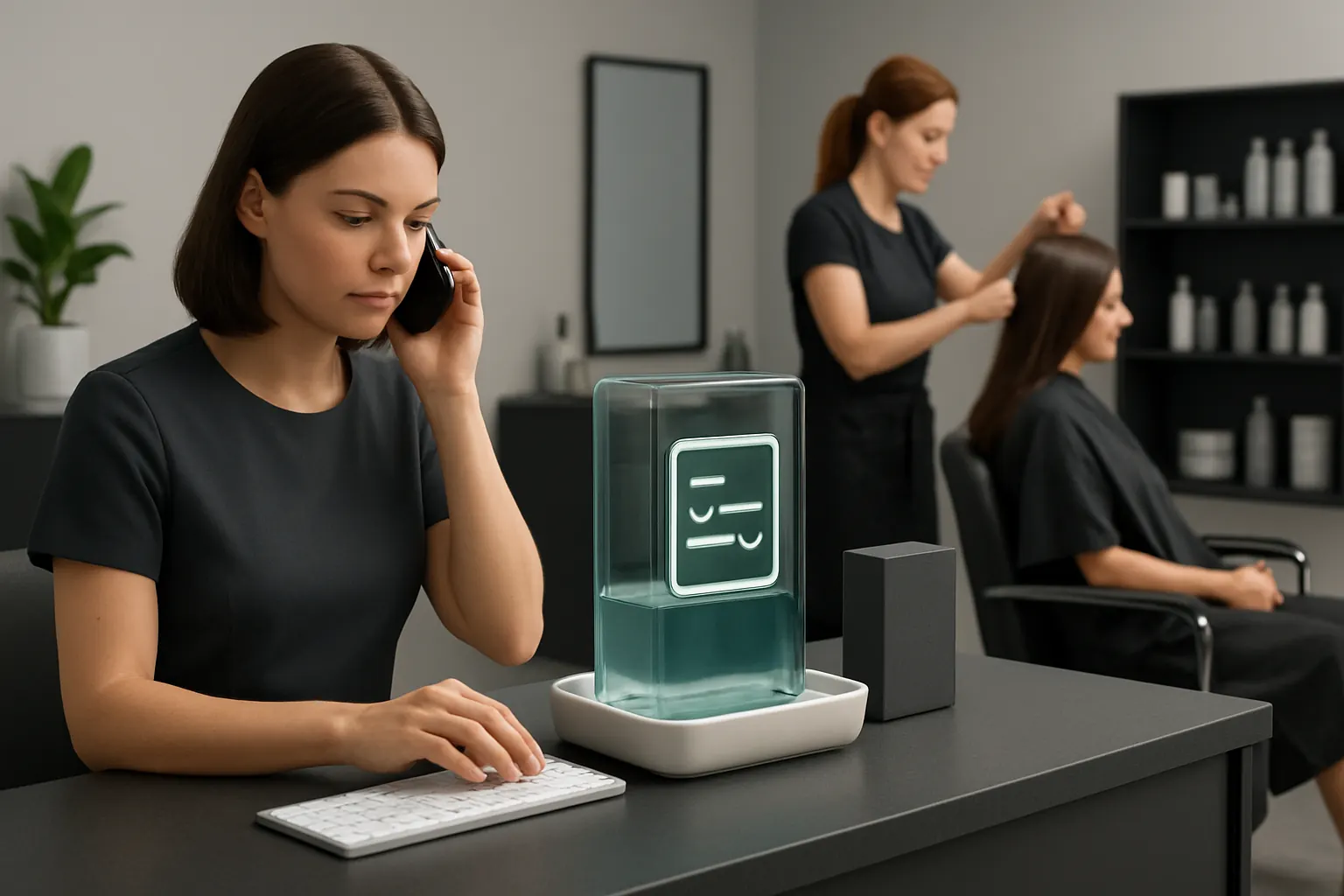
An owned enquiry capture module integrates with the salon’s main workspace. Phone and online enquiries feed directly into a shared booking pipeline with customer records created or updated automatically. Incoming messages are prioritised and routed to the right staff.
Useful Integrations to Extend Functionality
- Call tracking or VOIP systems for automatic call logging
- Web chat bots with AI summarisation of enquiry details
- Social media APIs to collect direct messages and comments
Practical Example
A client enquires via Facebook; the message auto-creates a new record in the booking workspace with key details captured. The receptionist sees this in the daily task list and promptly contacts the client to confirm availability, reducing missed leads.
Controls and Safeguards
Internal audit logs and data permission settings ensure that only authorised users handle personal data. Rules govern how enquiries are escalated to avoid neglect or duplicate contact.

Automated Appointment Booking with Real-Time Availability
Booking Friction from Manual or Disconnected Scheduling
Multiple calendars managed separately cause double bookings, confusion and last-minute rescheduling. Manual matching of appointment slots to staff expertise is inefficient.
Enabling a Single View of Availability and Booking
A unified booking record combines staff rotas, holiday and training schedules with client preferences and membership levels. Customers can book online, selecting services aligned with the right professional’s skills.
Integrations to Improve Accuracy
- Staff calendar synchronisation tools like Google Calendar or Outlook
- Payment gateways to secure deposits at booking
- SMS and email notification systems for instant confirmation
Example Scenario
A customer requests a colouring appointment online. The system cross-references staff rotas to offer available slots with qualified stylists, confirming the booking immediately with a deposit taken by integrated payment processing.
Controls to Prevent Overbooking
Configured business rules prevent booking outside working hours or overstaffed time. Any exceptions trigger alerts for manual review, preserving service quality.
Intelligent Client Data Management and Retention Workflows
Fragmented Customer Records Cause Lost Opportunities
Client information scattered across systems makes personalised marketing and effective rebooking difficult, reducing loyalty.
Building a Single, Reliable Customer Record
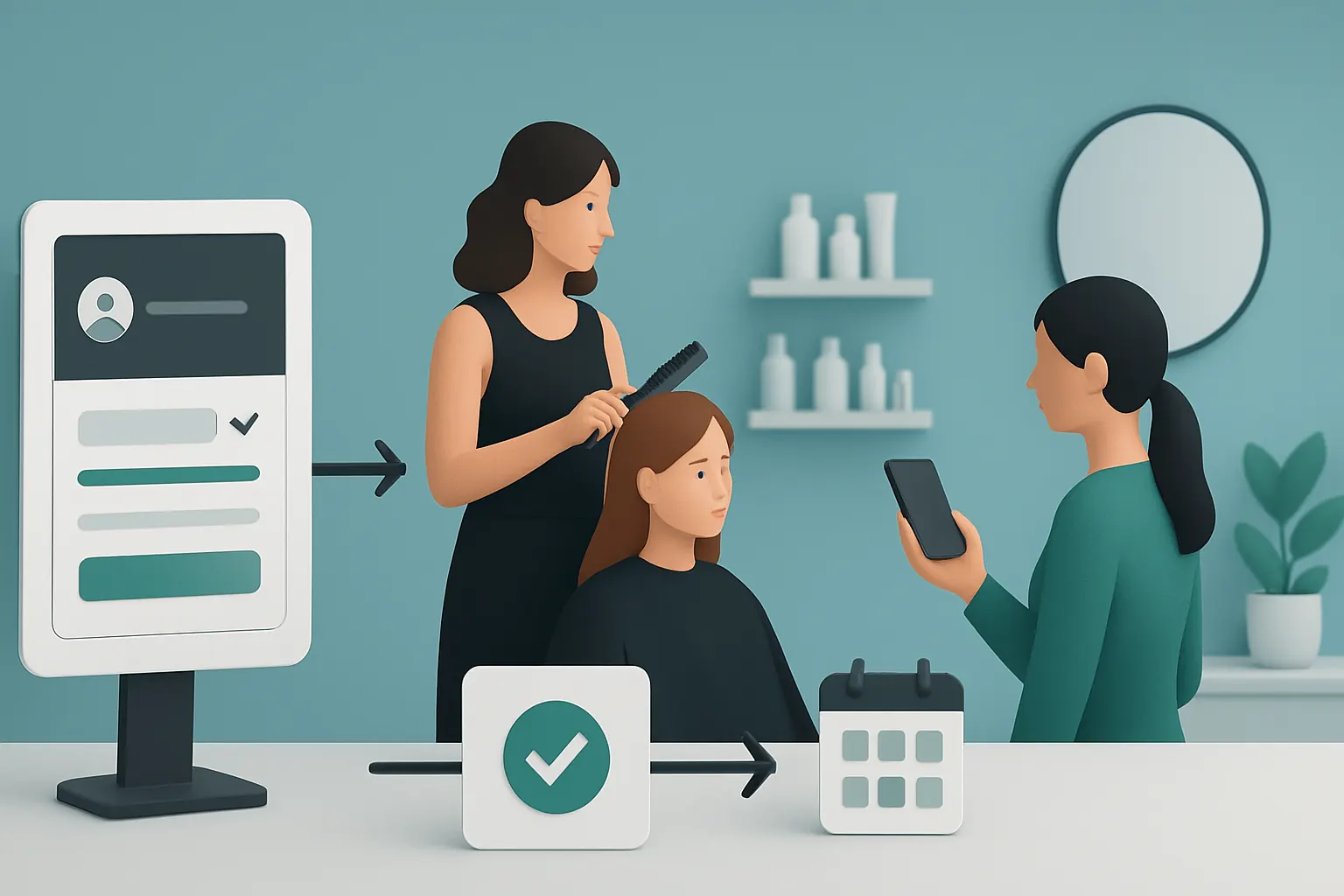
All client interactions, history, preferences and membership status are stored centrally and updated in real time. Follow-up campaigns and membership renewals trigger automatically based on business rules.
Useful Integration Points
- CRM modules customised for salon needs
- Marketing automation tools integrated as owned workflows, avoiding external subscriptions where possible
Real-World Application
A client completes a facial treatment and the owned system schedules a follow-up appointment reminder, customised based on past preferences and latest offers, increasing rebooking rates without manual effort.
Data Privacy and Usage Controls
Explicit opt-in mechanisms and data retention policies safeguard customer privacy. Staff access is limited by role with transparent consent management consistent with ICO guidance.

Automated Booking Confirmation and Reminder Notifications
The Administrative Burden of Booking Communications
Reception desks spend significant time confirming appointments and sending reminders by phone or email manually.
Creating an Automated Communication Workflow
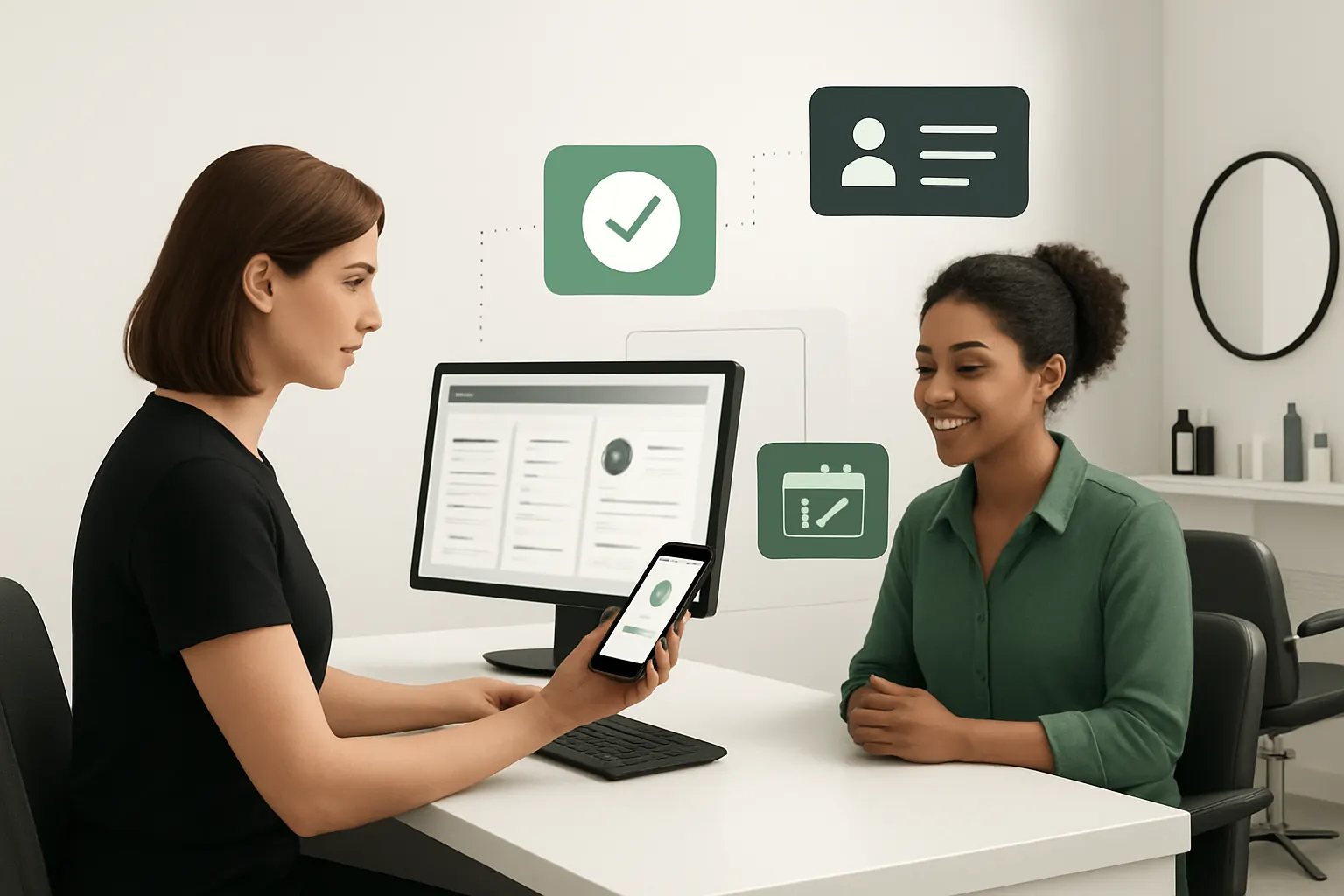
Owned modules send personalised, branded confirmations instantly upon booking. Automated SMS or email reminders reduce no-shows and cancellations by reminding clients to reconfirm or reschedule easily.
Suitable External Tools
Use integration with robust, scalable SMS gateways or email services compliant with UK data laws such as Twilio or SendGrid. These remain connected within the owned system rather than a separate SaaS.
Case Example
A client receives an SMS reminder 24 hours before a hair appointment with a prompt to confirm or cancel online, reducing waiting list idle times and last-minute gaps.
Options to Control Message Frequency
Administrators set rules to balance reminders frequency and customer satisfaction, with easy opt-out controls for clients.
Staff Rota Management Aligned with Booking Demand
Common Scheduling Conflicts and Inefficient Staff Utilisation
Staff rotas often misalign with customer bookings, causing understaffing or idle time. Manually adjusted schedules are prone to errors.
Synchronising Staff Availability and Bookings
An owned rota module updates dynamically based on confirmed appointments. Managers can adjust availability within the same system, ensuring coverage meets demand forecasts.
Integration Considerations
- Payroll systems to streamline wage calculations for booked hours
- Workforce compliance alerts for working hour limits and rest breaks
Example in Practice
As bookings increase before a weekend, the rota automatically highlights staffing gaps, prompting managers to allocate additional hours or shifts without guesswork.
Operational Controls
Role-based access limits changes to rota scheduling, with alerts for compliance breaches sent to supervisors.

Payment Processing with Secure Authorisation and Reconciliation
Manual Payment Handling Creates Reconciliation and Compliance Challenges
Handling payments separately risks errors in cash flow and delays revenue updates, with PCI-DSS risks if card details are stored improperly.
Improved Workflow through Integrated Payment Modules
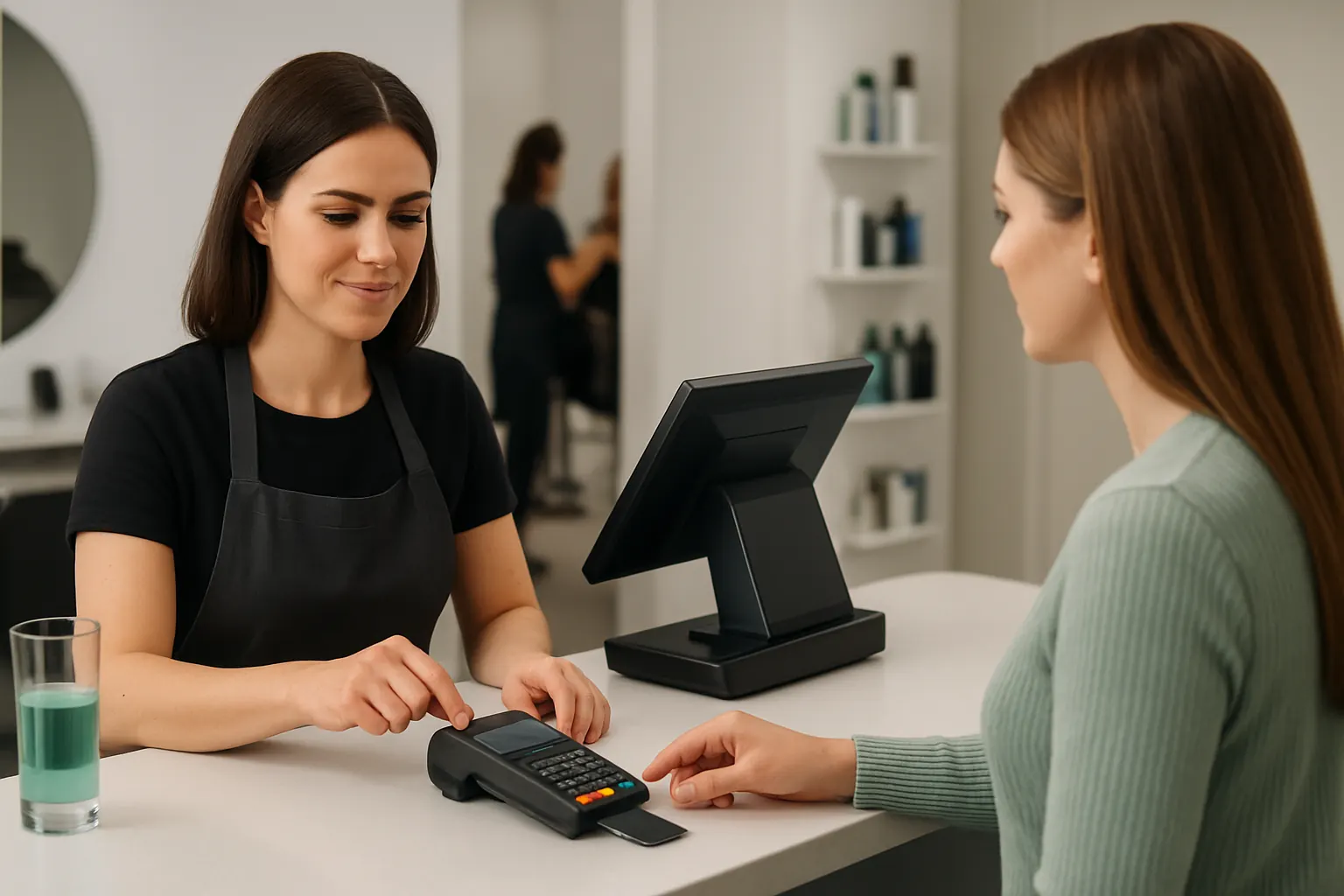
Payment authorisations can be captured at booking or on-site using secure, authorised gateways integrated into the booking record. End-of-day reconciliation automatically matches payments to bookings.
Supported Payment Providers
Identify payment partners complying with UK security standards such as PCI DSS that remain integrated rather than introducing separate payment apps.
Concrete Example
Clients prepay deposits online for high-ticket treatments; these are held securely, reducing no-shows, while full payments can be processed in person seamlessly and recorded within the owned system.
Controls on Payment Permissions and Refunds
Strict user roles govern refund approvals and access to financial data, preserving auditability and financial control.
Client Follow-Up and Loyalty Workflows Automated by Rules and AI
Manual Follow-ups Limit Customer Engagement and Repeat Business
Staff may forget to send personalised offers or membership reminders, missing opportunities to boost loyalty.
Using AI Selectively for Classification and Prioritisation
AI summarises client engagement patterns and prioritises valuable customers for targeted outreach. Deterministic rules define when loyalty messages or offers are sent, keeping automation transparent and human-supervised.
Integration with Marketing and CRM Functions
Owned modules support tailored follow-ups based on service history combined with AI insights to boost reopening rates without flooding customers with generic messaging.
Practical Illustration
AI tags a long-time client who has not booked in over six months; the system drafts a personalised re-engagement email for manager approval before sending.
Regulation and Approval Controls
Human oversight ensures marketing communications comply with consent and frequency rules, avoiding breaches of TCPA or PECR rules.
Real-Time Dashboard Visibility for Complete Operational Control
Lack of a Single Source of Truth Hampers Decision-Making
Managers juggle spreadsheets, reports and system exports to understand booking status, revenues and staff utilisation, slowing response times.
A Customisable, Connected Dashboard Where Data Meets Insight
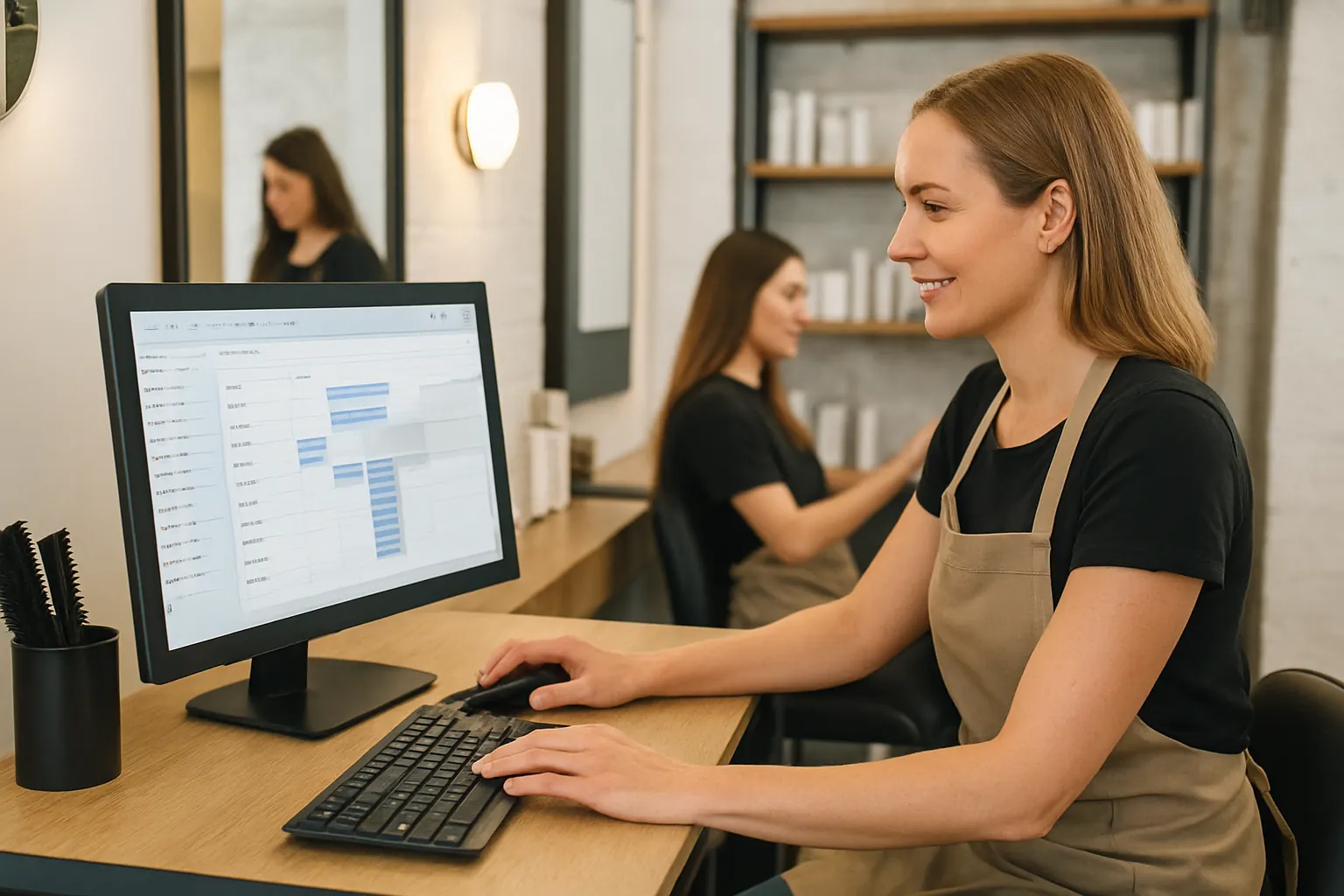
All operational data from booking to payments, staff rotas and customer activity is displayed live in one secure dashboard. KPIs and alerts are tailored to the salon’s priorities.
Useful Features for Salon Managers
- Visualisation of daily booking patterns and cancellations
- Revenue tracking by service and loyalty programme
- Staff performance indicators and rota adherence
Real Example
A salon manager sees a drop in bookings for nail services and launches a targeted last-minute online promotion within the same system, adjusting staff rotas accordingly.
Controls Over Data Access
Role-based dashboards ensure sensitive revenue and payroll data is only visible to authorised personnel, maintaining data governance standards.

90-Day Rollout Plan for Enquiry to Booking Automation
Weeks 1–2: Assessment and Planning
- Identify current enquiry channels and booking systems in use
- Map existing workflows and pain points
- Finalise which components to keep, connect or replace with owned modules
- Set clear data security, compliance and operational goals
Weeks 3–6: Development and Integration
- Build or configure enquiry capture and booking modules tailored to salon workflows
- Connect legacy systems for calendar and client data synchronization
- Integrate payment and communication services carefully to avoid introducing silos
- Develop initial dashboards for live operational insight
Weeks 7–12: Testing, Training and Go-Live
- Pilot booking and communication automation on a limited scale
- Train staff on new workflows with focus on manual overrides and controls
- Gradually onboard full client base to the new system
- Monitor operations daily, adjust business rules and permissions as needed
How AI Implementation UK Brings Salon Booking Automation Under Your Control
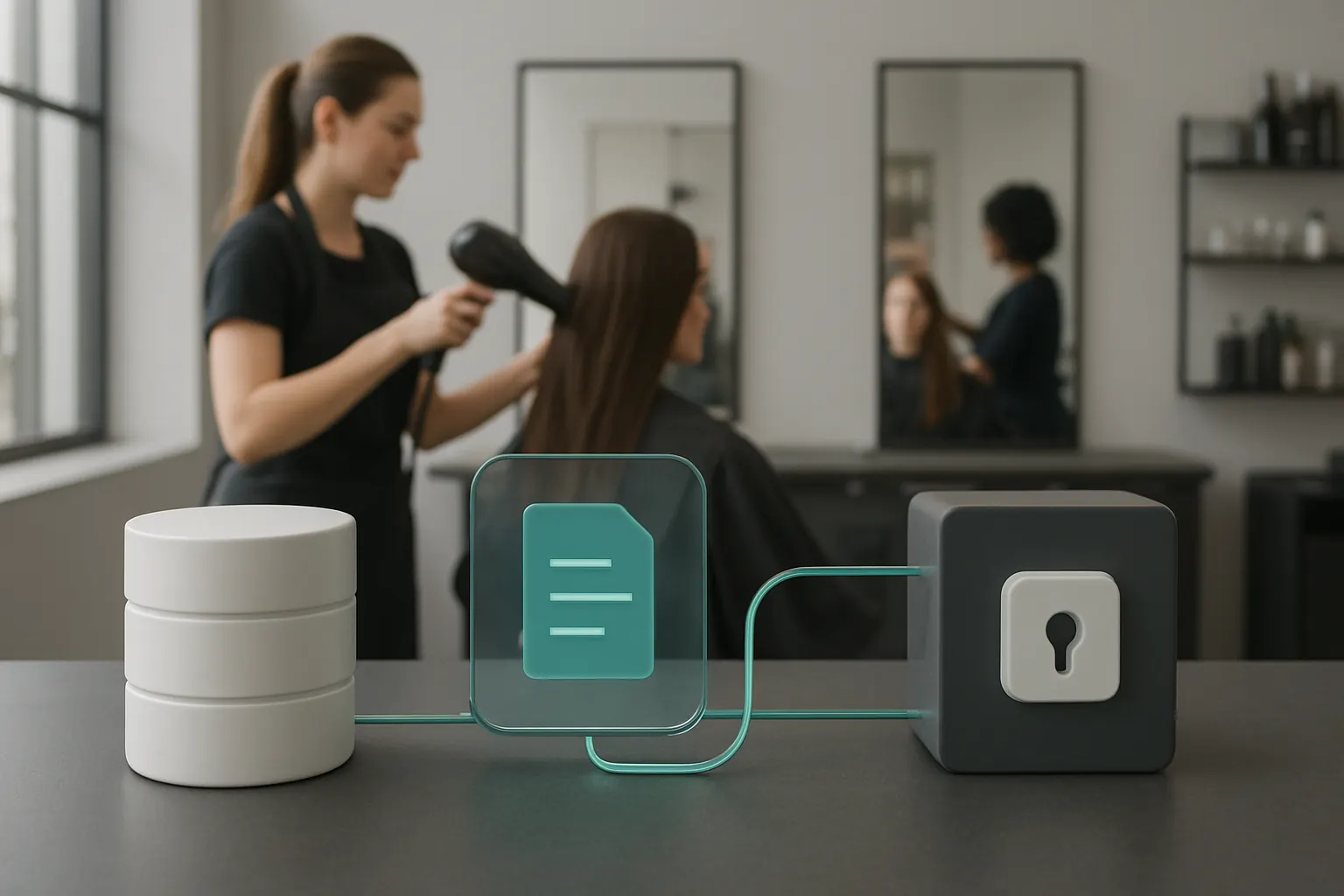
At AI Implementation UK, we deliver one connected operating system that you own and customise around the way your hair and beauty salon works. Rather than layering dozens of disconnected SaaS subscriptions, our approach integrates your existing trusted systems and selectively replaces software with modules owned by you.
We create a reliable, central booking record that brings together enquiries, appointments, staff rotas, payments and customer data. Smart automation handles classification, summarisation, message prioritisation and decision support where variability demands AI. Predictable processes run on deterministic rules with visible exceptions and human approval maintained throughout the system.
Our system connects with specialist external services where necessary—payments and messaging—keeping these tightly integrated rather than chaotic add-ons. The result is a tailored, end-to-end enquiry to booking workflow that reduces manual admin, cuts errors and improves customer satisfaction.
Explore more about how we connect your workflows and create operational control in salon automation through our process automation services and data infrastructure preparation. More information on AI strategy and practical implementation is available at AI Implementation UK’s AI strategy roadmapping.
Transform your hair and beauty salon’s enquiry to booking automation. Own the system that works for you—not one dictated by disconnected apps.