Learn how software development companies can connect systems, reduce manual admin and automate lead to project with one tailored operating platform the business.
Software-development company workflow automation: What Breaks Daily
Software-development company workflow automation should connect bookings, people, communications and reporting in one reliable operating flow.
Software-development companies operate in a fast-paced, detail-oriented environment where multiple workflows intersect daily. Sales teams chase leads; developers juggle changing priorities; project managers manage approvals and client expectations; and support teams handle queries and bug reports. Often, these activities involve disparate systems, manual data transfers, and redundant data entry. Without a unified workflow approach, teams struggle to maintain operational clarity.
Inefficient handovers, delayed approvals, disconnected data, and excessive manual work cause bottlenecks and increase exposure to costly errors. This fragmentation hits every stage of the lead to project cycle—from initial sales discovery and scoping through to development delivery and post-launch support. Technology teams frequently find themselves managing multiple subscriptions for sales automation, project management, communication tools, and reporting dashboards that do not ‘talk’ to one another.
The daily struggle is to tie together these processes and information flows so the company knows the actual status of each client engagement without lengthy email threads or consoling multiple tools. When workflows aren’t automated and integrated, businesses pay the price in time lost, slower client responsiveness, and reduced predictability of delivery.

The Cost of Manual Work in Software Development
Manual workflows cost software-development companies significantly, yet the impact goes beyond obvious frustrations:
- Time waste: Staff spend valuable hours transferring data from one system to another or chasing approvals unnecessarily.
- Human error: Manual entry and uncoordinated updates lead to discrepancies in project scopes, client records, and timesheets.
- Compliance risk: Mixing client data without clear separation or mishandling intellectual property undermines security policies and contractual obligations.
- Cashflow delays: Inaccurate or incomplete data disrupts billing workflows and slows invoice generation, impacting revenue realisation.
- Inefficient resource use: Developers and project managers spend excessive bandwidth on administration rather than value delivery.
Automation promises to alleviate these issues, but off-the-shelf, disconnected SaaS tools risk adding complexity rather than simplifying it. The solution is automation designed around how the business actually operates, building one connected operating system that the company owns, integrates existing systems, avoids unnecessary extra software subscriptions, and brings operational data into a single trusted source.

Lead Capture and Qualification Connected Across Sales Teams
Managing Disparate Lead Sources in Software Sales Discovery
Software companies often rely on multiple lead generation channels — email, web forms, CRM systems, inbound calls — which produce fragmented leads. Lack of integration leads to lost opportunities and inconsistent follow-up.
Streamlining Lead Capture into One Record
A connected workflow captures leads from all sources into a single owned system, where qualification criteria can be applied automatically. CRM modules can be custom-built around the company’s discovery process, replacing expensive external sales automation subscriptions.
Practical Integration Example
Instead of subscribing separately to marketing automation and a CRM, capture web form leads directly and link them to qualification workflows. For example, priority leads are automatically assigned to sales reps for immediate follow-up, with human override and notes.
Controls for Data Privacy and Client Segmentation
The system enforces data separation for different prospects and sectors according to internal privacy policies and GDPR standards — see ICO guidance.

Automatic Proposal Generation with Role-Based Approval Flows
Proposal Preparation Bottlenecks and Version Confusion
Proposals for bespoke software projects often rely on manual drafting, spreadsheet pricing, and multi-step internal reviews that slow sales cycles.
Connected Workflow Automates Document Generation
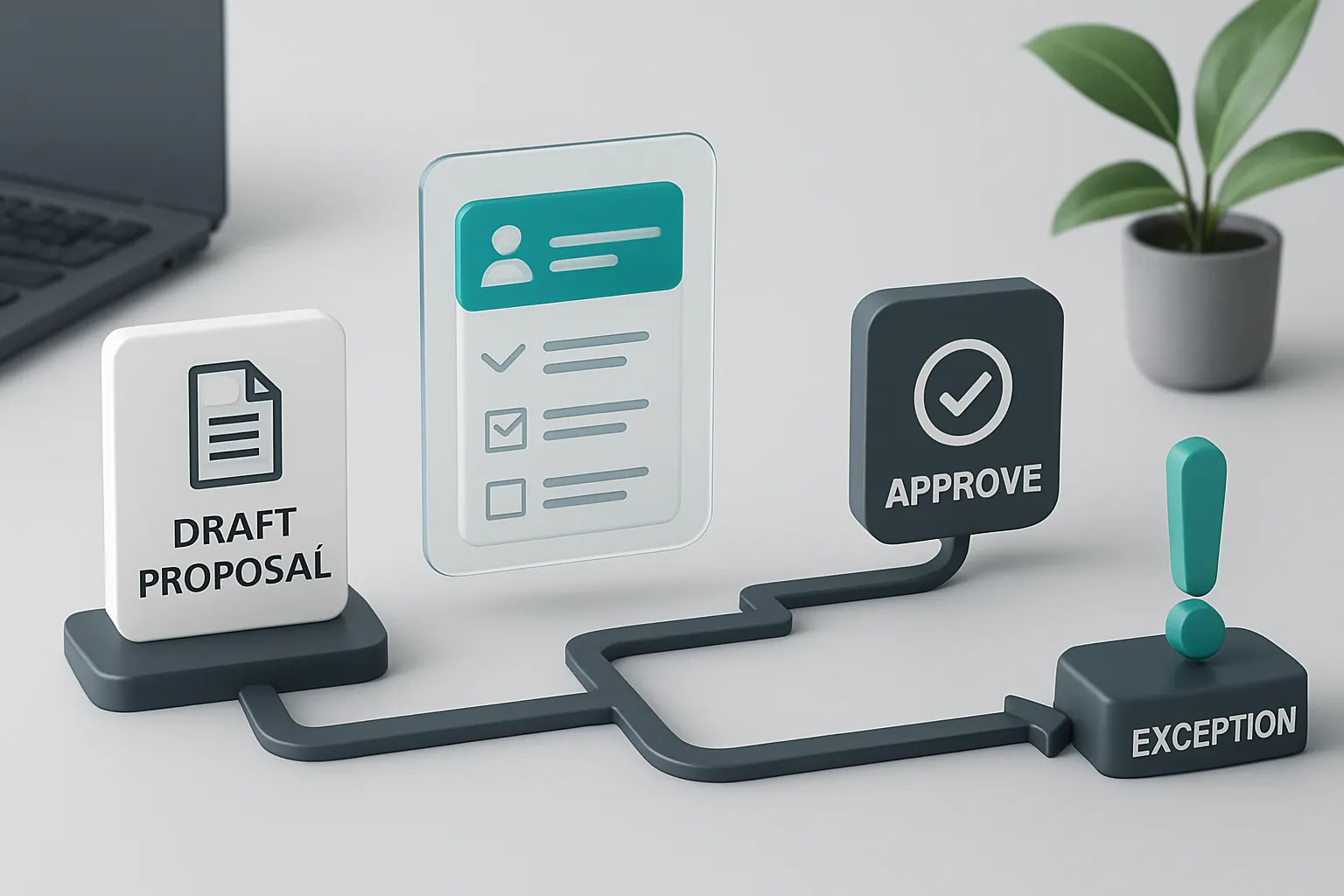
Using owned modules, generate draft proposals from project scopes and client profiles stored on the system. Automated approval routes notify relevant managers and capture feedback in one place.
Example of Replacement of Subscription Tools
An owned document management and approval system can replace third-party document workflow tools, keeping control internal and customised to unique contract terms.
Maintaining Audit Trails During Approvals
Each change and approval is logged for compliance and quality assurance. Approval rules can include mandatory human sign-off for high-value or complex deals.
Integrated Project Kick-Off Scheduling and Resource Allocation
Difficulty Synchronising Team Availability and Client Timelines
Assigning developers and arranging project start dates is complex when separate calendar systems or spreadsheets are used.
Connected Scheduling Module with Conditional Rules
An owned rota module integrates developers’ calendars, project deadlines, and client availability to propose feasible start dates automatically.
Linking With External Calendars and Communication Tools
Where specialist services like MS Outlook or Slack are already in use for communication, these can be synchronised as external integrations without fragmenting the ownership of the core scheduling data.
Ensuring Visibility and Control
Managers can override automated assignments with full visibility of alternatives and impact on delivery.

Development Task Tracking with Real-Time Status Dashboards
Task and Bug Tracking Disconnected from Operational Data
Multiple ticketing tools or isolated spreadsheets make reporting on project progress and resource utilisation cumbersome.
Customised Owned Workflow Workspace for Developers
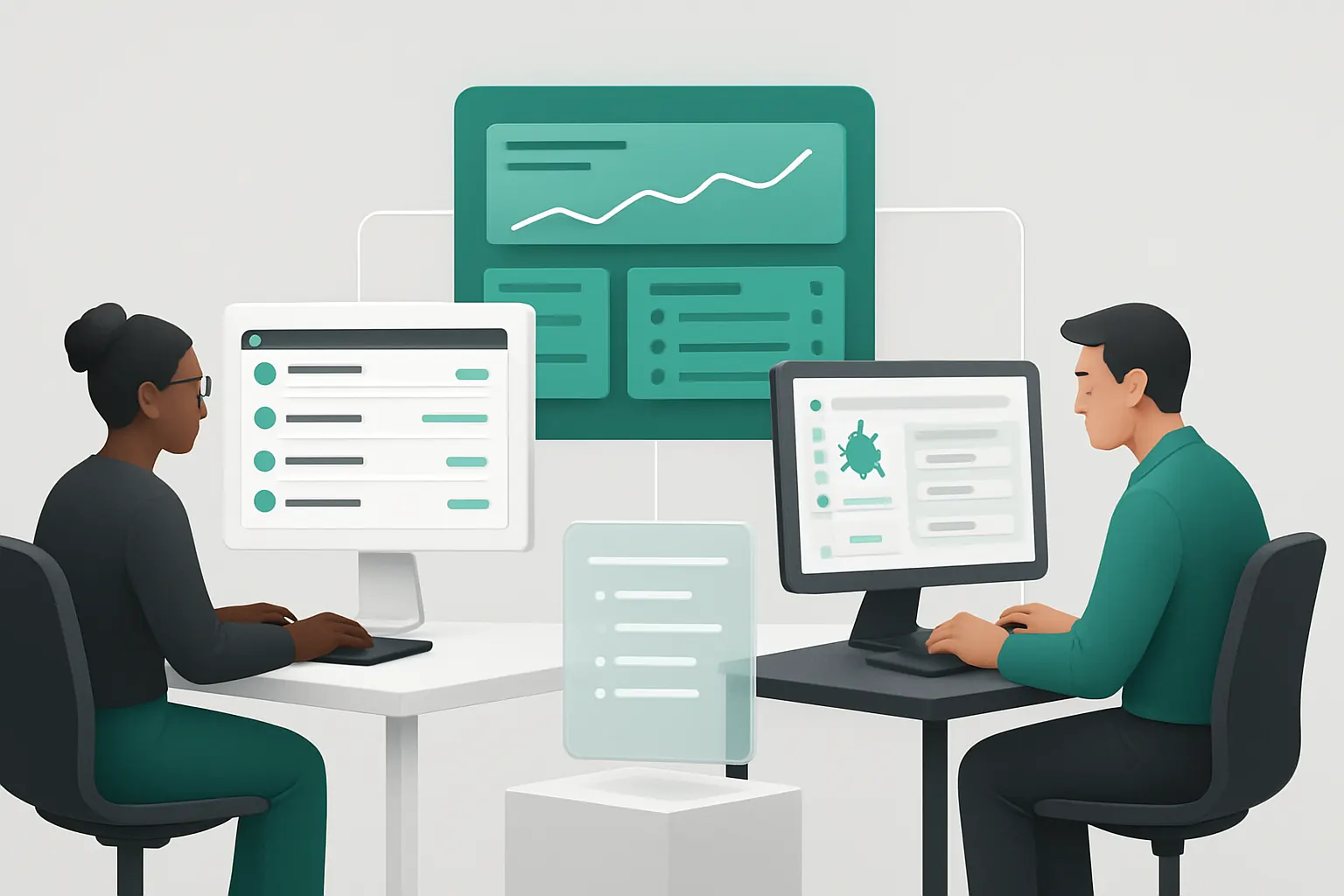
A unified task tracking system tailored to the company’s development methodology integrates updates directly into one operational dashboard reflecting real-time project health.
Example Public APIs for Specialist Bug Tracking Integration
External tools like Jira may be integrated where they provide specialist agile board capabilities but operate under data ownership constraints ensuring operational consistency.
User Controls on Status Updates and Work Logs
Developers enter task progress each day with rules enforcing data completeness; supervisors approve timesheets before payroll triggers.
Automated Client Feedback Collection and Prioritisation
Manual Follow-Up for Client Review Causes Delays and Lost Insights
Waiting for client feedback by email or calls delays issue identification and resolution.
Selective Use of AI for Classification and Summarisation
Client feedback entered through owned portals is automatically categorised and summarised using AI capabilities within the system, prioritising urgent bugs or change requests for human review.
Integration with Support Ticketing and Development Workflows
Prioritised feedback triggers automatic tickets in the task tracking system, maintaining a connected workflow from reception through resolution.
Controls for Review Accuracy and Human Overrides
Results of AI classification remain suggestions requiring approval or adjustment by client services teams before escalation.

Contract and IP Documentation Management Centralisation
Risk of Misplaced, Outdated or Uncontrolled Legal Documents
Project contracts, NDAs, and IP agreements are often stored separately, risking confusion or non-compliance.
Owned Documentation Module with Version Control and Access Restrictions
Centralise all contracts with strict controls over access and versioning, ensuring the latest approved documents are used.
Example Integration with External E-Signature Services
For legally binding e-signatures, third-party systems like DocuSign integrate seamlessly while document storage and workflows remain in-house.
Visibility for Compliance and Audit Readiness
Management has an overview dashboard highlighting contract status and approaching renewal or review dates.

Invoicing Triggered by Project Milestones and Time Tracking
Cashflow Impact from Delayed or Incorrect Invoices
Manual preparation and validation of invoices often causes billing delays and errors.
Owned Workflow Triggers Invoices Based on Approved Data
Invoices generate automatically using approved resource timesheets and milestone completions recorded in the system, ensuring accurate client billing.
External Payment Gateway Integration for Convenience
Payment processing is securely handled via specialist external services (e.g., Stripe), integrated into the workflow for ease of client payment without affecting core data ownership.
Controls for Finance Compliance and Audit
Invoices require human approval with exception reports highlighting any discrepancies before dispatch.

Post-Project Support Ticket Automation with Priority Routing
Support Requests Flood and Manual Triage Pressure
Untidy support inboxes and manual categorisation delay response and resolution times.
Automated Ticket Classification and Routing Using AI
AI modules within the owned support system pre-classify tickets by type and severity, forwarding urgent issues to development teams while routine requests go to service desk staff.
Useful Integrations with Communication Channels
Tickets can be created from emails, web forms, or client portals and linked back to project data within the owned system for full traceability.
Human Oversight of Automation Outcomes
Support coordinators review AI classifications daily, adjusting priorities in sensitive or ambiguous cases.

Global Visibility Through a Tailored Executive Dashboard
Lack of Holistic View Impedes Strategic Decisions
Executives managing multiple projects or sales pipelines often rely on scattered reports and manual KPI compilation.
Real-Time Operational Dashboard Integrating All Workflows
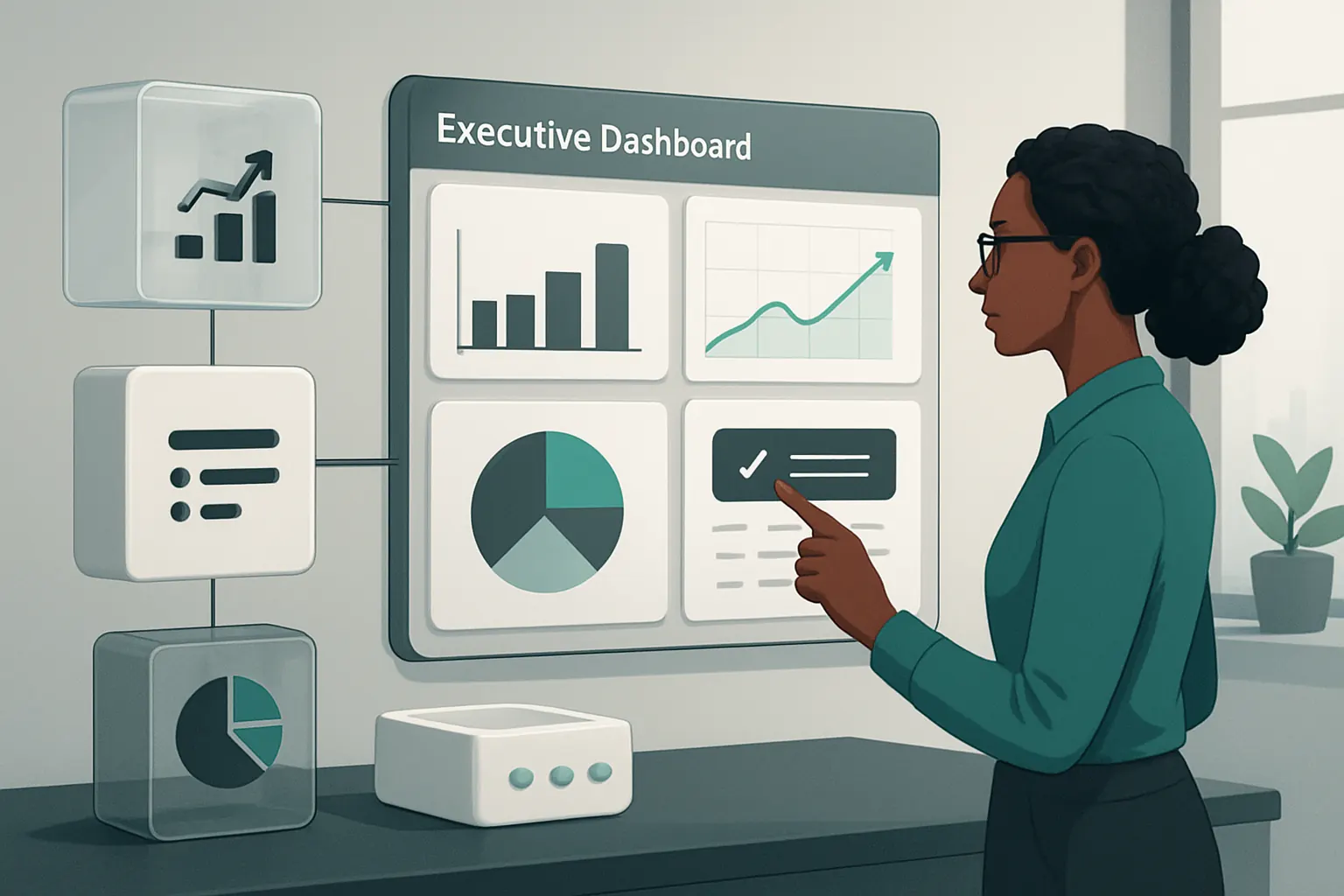
A comprehensive dashboard consolidates sales leads, project statuses, finance, and support metrics into a single interface reflecting business health.
Customisable Views and Alert Rules
Executives can configure alerts for exception reporting on critical deadlines, resource overloads, or billing variances.
Data Integrity Controls and User Access Rights
Dashboard data pulls from the owned operational record, guaranteeing consistency; sensitive metrics are limited to authorised roles.
Continuous Improvement Cycle Enabled by Data-Driven Insights
Difficulty Tracking Workflow Effectiveness and Bottlenecks
Lack of transparent process data hinders operational optimisation efforts.
Embedded Analytics Modules Tracking Key Performance Indicators
The owned system analyses workflow stages, lead conversion rates, delivery times, and support resolution intervals to highlight improvement areas.
Specialists Access Data for Targeted Interventions
Project managers and process owners use these insights for process tuning, resource adjustment, or staff training.
Data Governance to Protect Client and IP Information
All analytics functions anonymise sensitive data, support compliance obligations and enable oversight with audit logs.

A 90-Day Rollout Plan for Software-Development Workflow Automation
Weeks 1–2: Assessment and Strategy Definition
- Map existing workflows and identify key integration points.
- Inventory current software tools, subscriptions, and data silos.
- Define automation goals aligned with business priorities.
- Conduct data privacy and IP protection assessments.
Weeks 3–6: Building the Core Connected Operating System
- Develop or customise owned modules for lead capture, proposal generation, and scheduling.
- Integrate critical existing systems (e.g., communications, payment gateways).
- Implement data governance and access controls.
- Begin user training on new workflows and dashboards.
Weeks 7–12: Expansion and AI Capability Deployment
- Deploy AI features for classification, summarisation, and prioritisation in support and sales workflows.
- Establish invoicing and contract management automation.
- Roll out real-time dashboards and analytics.
- Collect user feedback, refine automations, and ensure full operational acceptance.

How AI Implementation UK Connects and Automates Your Operations
AI Implementation UK delivers one connected, tailored operating system that your business owns. We focus on automating software-development workflows by linking your existing useful systems, replacing avoidable software subscriptions with owned modules aligned to your unique processes, and unifying your operational data in a single trusted record.
Our approach avoids adding disconnected SaaS tools that fragment your data and complicate oversight. Instead, we selectively use AI capabilities—such as document classification, summarisation, and prioritisation—to enhance workflows where variability exists. Predictable tasks run on deterministic business rules, and critical decisions always retain human approval to maintain compliance and quality controls.
From sales discovery through development delivery and client support, we craft workflows that connect leads, contracts, project schedules, timesheets, invoicing, support tickets, and executive dashboards. Specialist external tools remain integrated only where their services are essential and stable, such as payment gateways or communication platforms.
To learn more about how we can design integrated software-development company business process automation that aligns with your operational goals, explore our process automation and RPA services and data infrastructure preparation. For strategic insights on using AI effectively, our AI strategy and roadmapping can guide your next steps.
Together, we’ll replace repetitive manual admin with connected, transparent workflows that empower your teams, improve accuracy, enhance compliance, and speed up your lead-to-project cycle.
For guidance on data protection obligations referenced here, review the UK Information Commissioner’s Office at ICO data protection guidance. For secure electronic payments, consult the PCI Security Standards Council at PCI Security Standards Council guidance.