Learn how day nurseries and preschools can connect systems, reduce manual admin and automate enquiry to enrolment with one tailored operating platform the business.
Day nurseries and preschools workflow automation: What Breaks Daily
Day nurseries and preschools workflow automation should connect bookings, people, communications and reporting in one reliable operating flow.
Managing a day nursery or preschool is a constant juggling act. From handling enquiries and enrolments to tracking attendance and safeguarding records, staff are swamped with administrative tasks. These activities often rely on multiple disconnected systems and manual processes. Such fragmentation creates error-prone workflows, delays communication with parents, and strains regulatory compliance efforts. Staff time is consumed by repetitive data entry and chasing paperwork instead of focusing on early years education and care.
Without a coherent, connected approach, data lives in silos. Parents may submit multiple forms, staff use spreadsheets and email threads, and management struggles to get timely, accurate insights. This complexity is compounded by the need to maintain safeguarding and assessment integrity, comply with the Early Years Foundation Stage (EYFS) framework, and address funding or billing logistics. This article lays out how day nurseries and preschools can replace this fractured approach with one connected operating environment tailored to their workflows, helping reduce errors, save time, and bring clarity to operations.

The Real Cost of Manual Work in Nursery Management
In day nurseries and preschools, manual processes impact every core area. Here’s what you lose when workflows remain disconnected and paper-heavy:
- Time wastage: Staff spend excessive hours on data entry, chasing missing information, and reconciling records. This reduces time spent with the children and on curriculum delivery.
- Increased errors: Double entry and inconsistent record keeping cause inaccuracies in attendance logs, billing, and safeguarding records—each with compliance implications.
- Compliance gaps: Without a clear, traceable workflow, meeting Ofsted inspection standards and privacy laws becomes more difficult and risky.
- Cashflow strain: Delays in invoicing and payments due to disconnected billing and enrolment systems create financial uncertainty.
- Frustrated parents and staff: Poor communication and inconsistent information sharing reduce trust and satisfaction for parents and internal teams.
Automation requires practice-focused, connected systems that support the day nursery’s unique workflows rather than patching together disconnected SaaS tools. The following ten practical steps describe how automation can transform operations using systems you own and control.
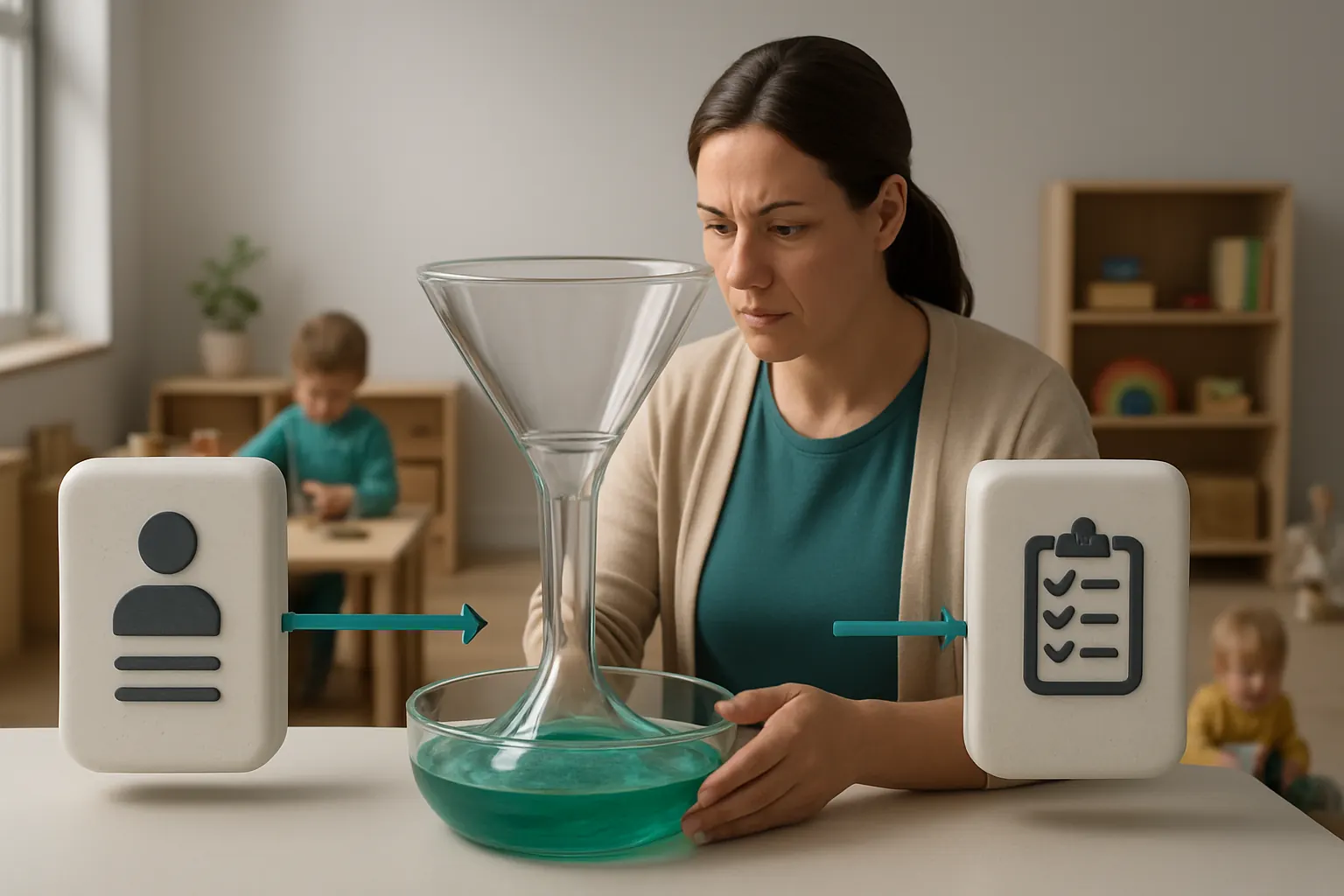
Streamlining Enquiries to Enrolment with a Connected Record
Managing the Enquiry Bottleneck
Enquiries typically come through various channels—phone, email, online forms—and then must be entered manually into disparate spreadsheets or CRM products. Staff often duplicate data entry or lose track of follow-ups.
Unified Enquiry and Application Workflow
A single enquiry record built around your existing processes centralises all communication histories, visits, and documentation. This record integrates with bookings and admissions modules you own—reducing reliance on multiple external subscriptions.
Integrating Existing Systems
You can keep your existing website enquiry forms by connecting them with your enquiry record. Payment gateways (e.g., Stripe or GoCardless) remain external but integrated for deposits or registration fees. Email notifications and SMS alerts use specialist communication tools seamlessly linked.
Example Scenario
A parent fills in an online enquiry form, which automatically creates a prospect record in your system. Staff receive an alert to follow up, and once a visit is booked and payment made, the enrolment status updates without manual intervention.
Controls to Maintain Accuracy and Privacy
Access controls limit who can view or edit enquiry data. Automated reminders ensure no enquiry goes uncontacted. All data recordings comply with ICO guidance on personal data handling and retention.

Automating Attendance Recording to Improve Accuracy
Challenges of Paper and Manual Check-ins
Attendance is vital for safeguarding, funding claims, and insurance. Manual registers are error-prone, and staff often spend time chasing missing sign-ins or correcting mistakes.
Enabling Real-Time Attendance Tracking
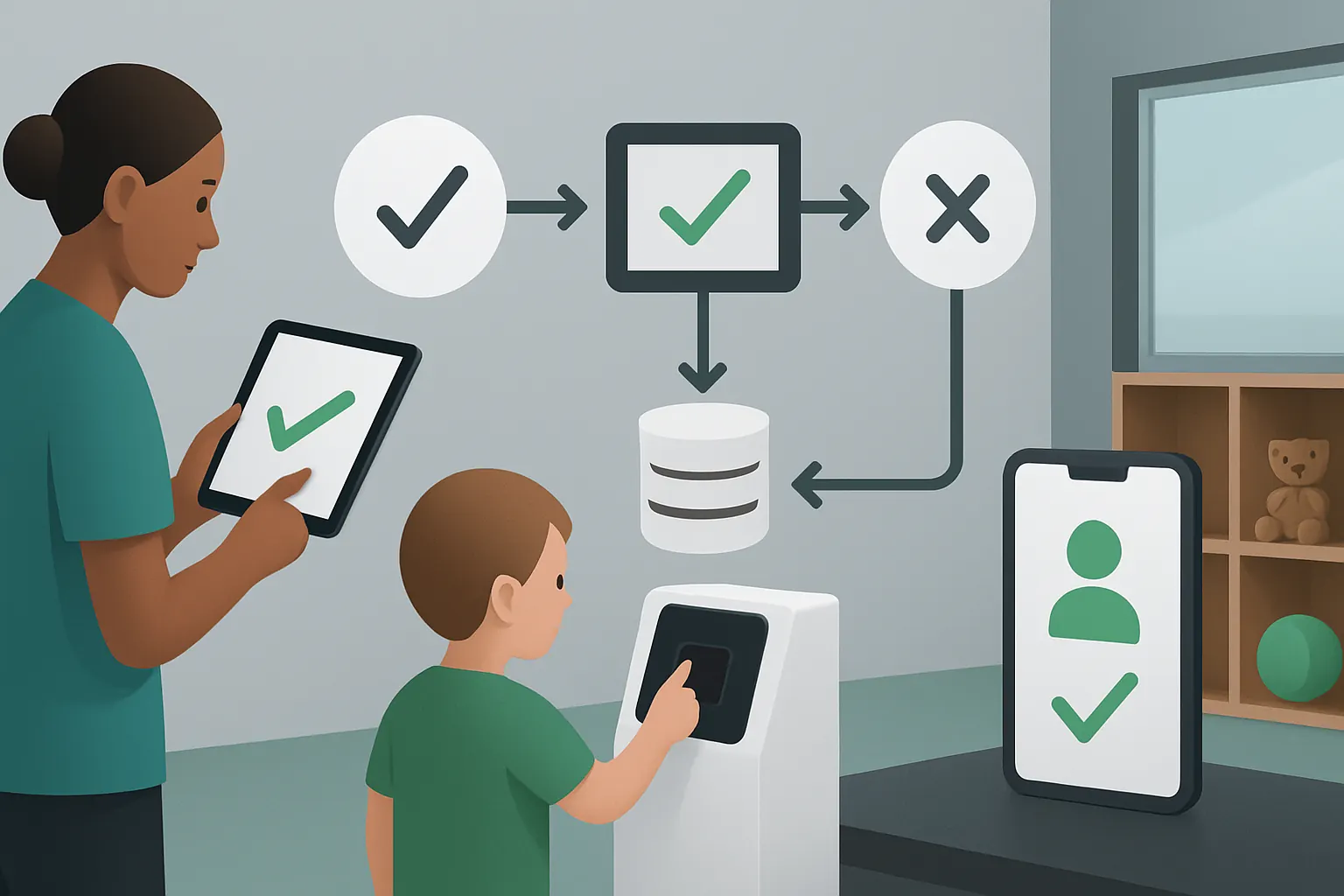
A connected attendance module captures sign-in and out times via tablets or smartphones, synchronising data automatically with the child’s profile and group register.
Leveraging Existing Hardware and Systems
You can integrate barcode scanners or RFID systems you already use. The attendance data also feeds reporting dashboards to monitor ratios and group sizes in real time.
Example Workflow
Parents sign their child in using a tablet at reception; the attendance record updates instantly in the nursery’s main system. Alerts notify staff if a child is missing expected attendance.
Governance and Review
All attendance entries require audit trails and timestamping. Exceptions trigger notifications for staff review to ensure safeguarding policies are upheld rigorously.
Parent Communication Tailored and Timely
The Daily Communication Overload
Nurseries often use several apps or platforms for communicating with parents, resulting in inconsistent messaging and missed updates on activities, incidents or reminders.
One Channel for All Parent Interaction
Combine messaging, daily activity feeds, photo and video sharing inside your secure, owned system. Integration with email and SMS gateways allows broad or targeted broadcasts without additional subscriptions.
Integrations That Add Value
Specialist services such as Twilio or Mailchimp can be linked for transactional messages or newsletters, while day-to-day communications remain inside your controlled environment.
Practical Example
A keyworker uploads photos and notes from the day within the system, which instantly alerts parents via app notifications or email. Payment reminders for trips or term fees are sent automatically.
Privacy and Consent
Opt-in controls and parental permissions for photo sharing are configurable, supporting compliance work with GDPR and safeguarding guidelines.

Automating Fee Billing and Payment Reconciliation
The Pitfalls of Manual Billing
Billing errors, delayed invoicing, and chasing payments cause cashflow issues and require substantial administrative effort.
Tailored Fee Calculation Modules
Automate fee schedules based on attendance records, funded hours, and additional services. The system generates invoices and reconciles payments using integrated payment engines where fees and discounts are applied consistently.
Working With Trusted Payment Providers
Using specialist payment services (e.g., GoCardless or Stripe) integrated into this module streamlines direct debits or card payments, without adding multiple standalone systems.
Concrete Example
Attendance data from the registration module populates monthly invoices, and when payments arrive via the integrated payment gateway, the balance reconciles automatically in your financial overview.
Controls Over Financial Accuracy
Finance teams have dashboards flagging overdue accounts and mismatches between billed and paid amounts, supporting credit control and safeguarding financial compliance.

Simplifying Staff Rotas and Deployment
Staff Scheduling Bottlenecks
Manual rota creation is time-consuming and struggles to adapt to last-minute absences or changes in child numbers.
Linked Staff and Child Ratios
A rota module connected to attendance and bookings data automatically suggests staffing levels meeting ratio requirements. Managers can approve or adjust and publish rotas within a few clicks.
Keeping Existing Payroll Systems
You retain your current payroll or HR software, linking the rota module for time reporting and absence management without replacing them entirely.
Example Process
When extra children are booked for ad hoc days, the rota automatically flags if more staff are needed, prompting managers to schedule cover or request shift swaps.
Oversight and Auditability
Approval workflows involving multiple managers ensure rota accuracy and compliance with working time and safeguarding regulations.

Digitally Managing Learning and Assessment Records
Paper-Based Learning Logs Limit Insight
Keeping learning evidence, assessment results and EYFS progress reports on paper or separate apps causes data loss and hindered curriculum oversight.
Centralised Digital Learning Journals
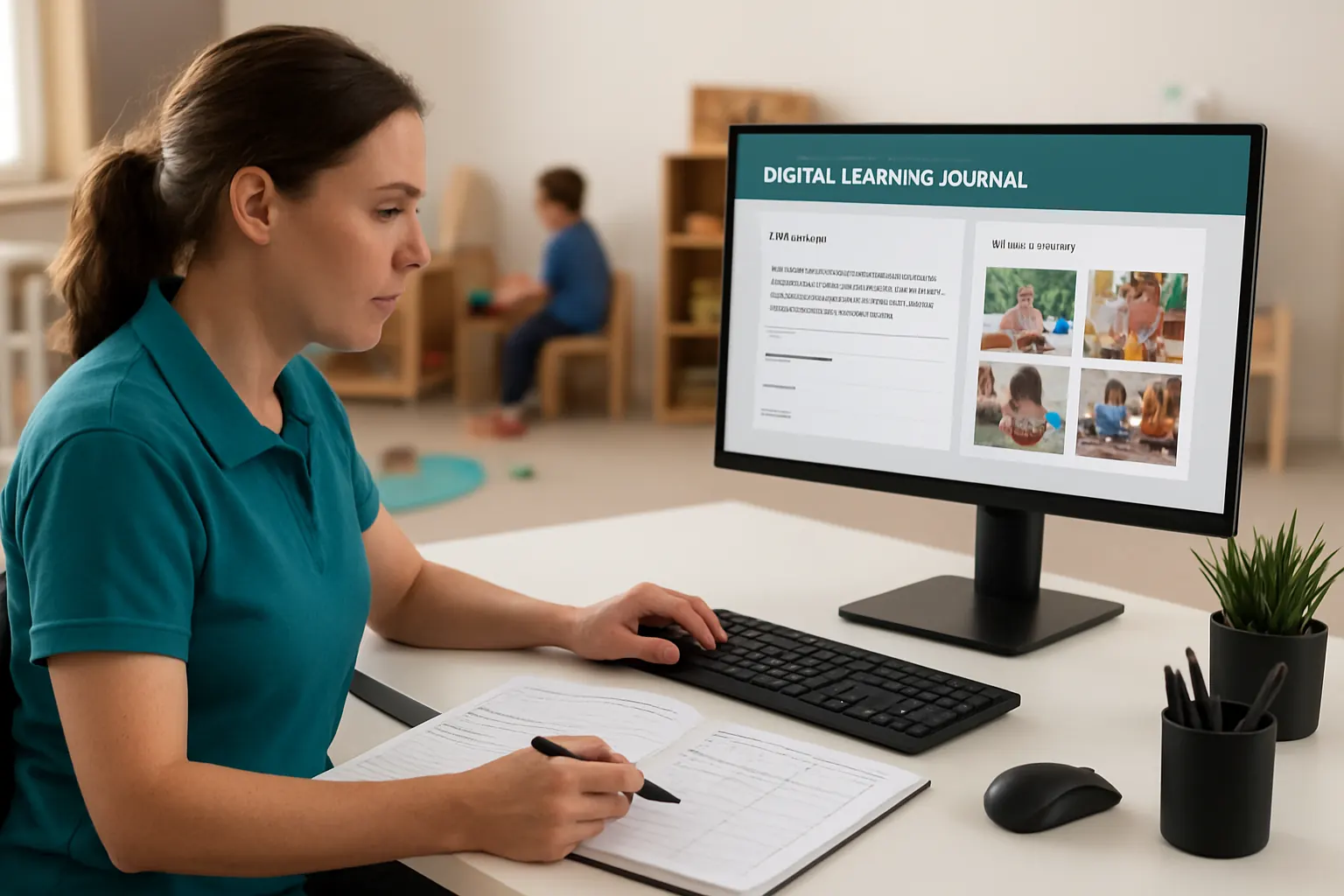
The system securely stores observation notes, children’s work samples, and assessment outcomes linked to individual child profiles.
Specialist Integration Where Needed
For detailed EYFS reporting, the platform connects with assessment tools (e.g., Tapestry) via APIs, maintaining data integrity within your owned system.
Scenario
A keyworker adds an observation and photo evidence after a learning activity; the system updates the child’s development summary dashboard accessible to parents and Ofsted.
Safeguarding and Data Control
Role-based access limits who can view or edit educational records, with logging for audit trails and parental consent recorded systematically.
Enhancing Enrolment Compliance and Safeguarding Checks
Manual Compliance Checks Are Risky
Collecting documents such as ID, proof of address and medical information often involve paper copies or emails, increasing the chance of oversight.
Automating Document Collection and Monitoring
The system prompts families to upload required documents securely, validates file types, and flags missing or expired items ahead of deadlines.
Integrations for Verification
Links to government databases for eligibility (e.g., childcare funding) can be connected where available, reducing manual checking effort.
Example Workflow
Before confirming enrolment, staff receive reminders to verify safeguarding records, immunisations, and funding criteria all in one place.
Compliance Controls
Alerts notify designated safeguarding leads (DSLs) when documents are missing or require review, preserving audit compliance for inspections.

Streamlining Incident Reporting and Follow-up
Paper Logging Hinders Incident Follow-through
Incidents related to health, behaviour or safeguarding are often logged on paper and passed around, increasing response time and record loss risks.
Digitised Incident Workflows
The incident module captures reports securely, automatically notifies the relevant staff and parents as per policy, and tracks follow-up actions.
Compatible with Email and SMS Notifications
Integrated communication tools ensure critical incident updates reach necessary parties promptly without manual chasing.
Practical Example
A minor accident report is entered by staff, triggers an automated notification to parents, and schedules a staff review meeting—all tracked in the system.
Controls and Accountability
Electronic signature or acknowledgement by staff and parents confirm incident handling, supporting compliance and safeguarding review processes.

Generating Real-Time Dashboards for Operational Insight
Lack of Live Data Clouds Decision-Making
Without consolidated data, management decisions rely on outdated or incomplete information, impacting resource allocation and quality assurance.
Unified Dashboards Bring Clarity
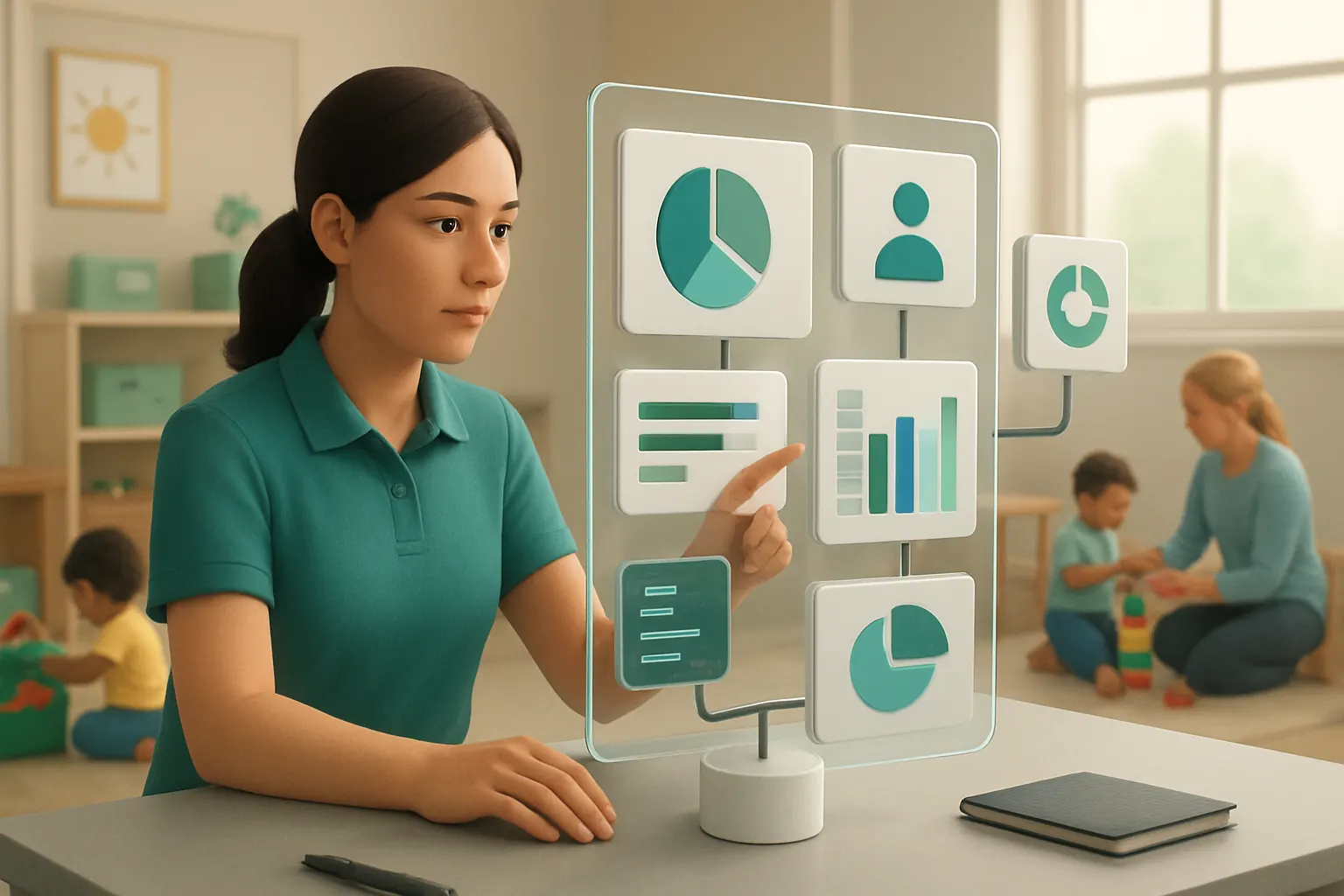
Dashboards aggregate data from attendance, enrolment, billing, staff deployment, and learning outcomes into visual reports tailored to user roles.
Integrating External Reports Without Duplication
Where necessary, export functions allow sharing standard reports with funding bodies or auditors without creating data redundancies.
Example Use Case
Managers monitor daily attendance trends, spot funding eligibility issues, and track staff presence—all in one snapshot updated live.
Data Governance
Role-based views restrict sensitive information to authorised users, in line with ICO guidelines for personal data security.
Supporting Human Decisions with Selective AI Assistance
The Limitations of Full Automation
Key decisions on safeguarding, learning assessments, or admissions require professional judgement and human approval.
Using AI for Classification and Summarisation
AI tools selectively classify routine data, summarise reports, prioritise tasks (such as overdue follow-ups), and provide decision support suggestions within workflows you control.
Deterministic Rules Where Predictability Exists
Repeatable processes (e.g., fee calculations or attendance alerts) run on clear rules, reducing errors but flagging exceptions for human review.
Concrete Example
AI pre-filters new enquiries by urgency or funding eligibility, presenting staff with a ranked list for action while highlighting edge cases requiring manual checks.
Controls and Oversight
All AI outputs are transparent and reviewable. Critical decisions must be approved by authorised staff, preserving compliance with safeguarding and assessment integrity standards.

A 90-Day Rollout Plan for Automation in Nurseries and Preschools
Weeks 1–2: Discovery and Mapping Workflows
- Conduct detailed interviews with staff to map existing workflows for enrolment, attendance, billing and communications.
- Identify existing systems and software subscriptions enabling integration.
- Agree target workflows and data privacy requirements.
- Plan phased capability introduction aligned with immediate pain points.
Weeks 3–6: Building Core Connected Records
- Develop central enquiry and enrolment record tailored to your process.
- Enable automated communication channels for parental updates.
- Integrate payment gateways for registration fees.
- Train staff on enquiry tracking and communication handling.
Weeks 7–12: Expanding Automation and Reporting
- Deploy attendance recording connected to bookings and staff rota.
- Introduce digital learning journals linked to child profiles.
- Automate billing and payment reconciliation.
- Install dashboards for operational-monitoring and alerting.
- Rollout selective AI tools for task prioritisation and summarisation.
- Conduct compliance reviews and formalise approval workflows.

How AI Implementation UK Can Connect, Replace, and Automate Your Nursery Operations
AI Implementation UK offers one connected operating environment designed around how your nursery or preschool really works. Our approach focuses on building owned systems that integrate your existing useful software—avoiding unnecessary subscriptions and data silos. We enable you to replace multiple standalone tools with tailored modules that connect seamlessly, centralising childcare data in a reliable, transparent record.
We treat AI as a practical assistant, automating routine classification, priority sorting, and summarisation while leaving important safeguarding and educational decisions firmly in human hands. Our platform supports compliance by making data auditable and workflows controlled through clear escalation and approval routes.
The result is reduced manual work hours, fewer errors, improved parent communication, and timely, accurate financial processes. You retain full ownership and control over your system, enabling continuous adaptation and compliance assurance.
Learn more about our process automation and RPA services, explore our approach to data infrastructure preparation, or start planning your platform upgrade with us at AI Implementation UK.
By modernising your nursery’s workflows with a single, owned system designed for your world, you can focus on what matters most—delivering early years care and education efficiently, confidently, and compliantly.