Learn how web design agencies can connect systems, reduce manual admin and automate lead to project with one tailored operating platform the business owns.
Daily Friction Slowing Web-Design Agencies
Web-design agency workflow automation should connect bookings, people, communications and reporting in one reliable operating flow.
Web-design agencies juggle multiple moving parts daily, from client lead capture through project delivery. Fragmented tools, duplicated effort, and scattered information cause delays, miscommunication, and costly errors. Sales teams often waste time chasing low-quality leads. Designers struggle with inconsistent content versions and unclear client feedback. Project managers spend hours gathering status updates rather than focusing on delivery. Compliance with client data security and intellectual property requirements adds complexity.
Breaking workflows impact service quality and client satisfaction. Agencies ready to take control look beyond piecemeal apps towards one connected operating system that aligns with how they work rather than forcing process re-engineering.

Manual Work Costs Beyond Time
Manual and disconnected operation inflates costs in multiple ways:
- Wasted staff hours: Repetitive admin tasks add overhead and delay billable work.
- Errors and rework: Lost emails, missed approvals, or version conflicts affect quality.
- Cashflow delays: Slow lead follow-up and invoicing push out payments.
- Compliance risks: Poor data separation and approval tracking create vulnerability.
A consistent workflow, tailored for web-design agencies, cuts admin waste yet keeps useful tools and ensures robust controls. It´s key for competitive project turnaround and predictable revenue.

Lead Capture & Qualification Integrated Seamlessly
Real-world lead handling challenges
Leads enter from email, web forms, social or events in varied formats. Without integration, qualification is manual and slow, losing prospects. Agencies need automated lead scoring tuned to project scope and budget.
Linking lead sources to a single lead record
Connecting CRM input with website enquiry forms and communication channels stops data loss and duplicates. This also brings each lead into one visible workspace for sales handoff.
Useful specialist integrations
Keep Salesforce, HubSpot or Pipedrive for detailed contacts if already embedded. Replace multiple lead qualification tools with owned scoring modules customised to your agency’s criteria.
Example: Smart lead triage and prioritisation
Incoming leads automatically tagged and scored by AI classification and deterministic rules according to project size and service required. Only qualified leads prompt direct sales outreach.
Safeguards and client data handling
Data segmentation controls keep each client’s details separate. Human review gates approvals before pipeline stage changes. This respects privacy and maintains accuracy.

Content Collection & Version Control Streamlined
Common bottlenecks in client content submission
Clients submit logos, copy, and images via email or messaging, often in inconsistent formats causing back-and-forth clarifications. Lost or outdated content breeds mistakes downstream.
A central content repository with user-friendly uploads
An owned workspace for secure, consistent content submission reduces email clutter. Automated reminders prompt clients for missing assets before approvals.
Interoperability with cloud storage and design apps
Synchronise owned content modules with Dropbox, Google Drive, or Sketch cloud storage. This avoids replicating large files yet keeps metadata unified.
Example: Automated content checklist and approval
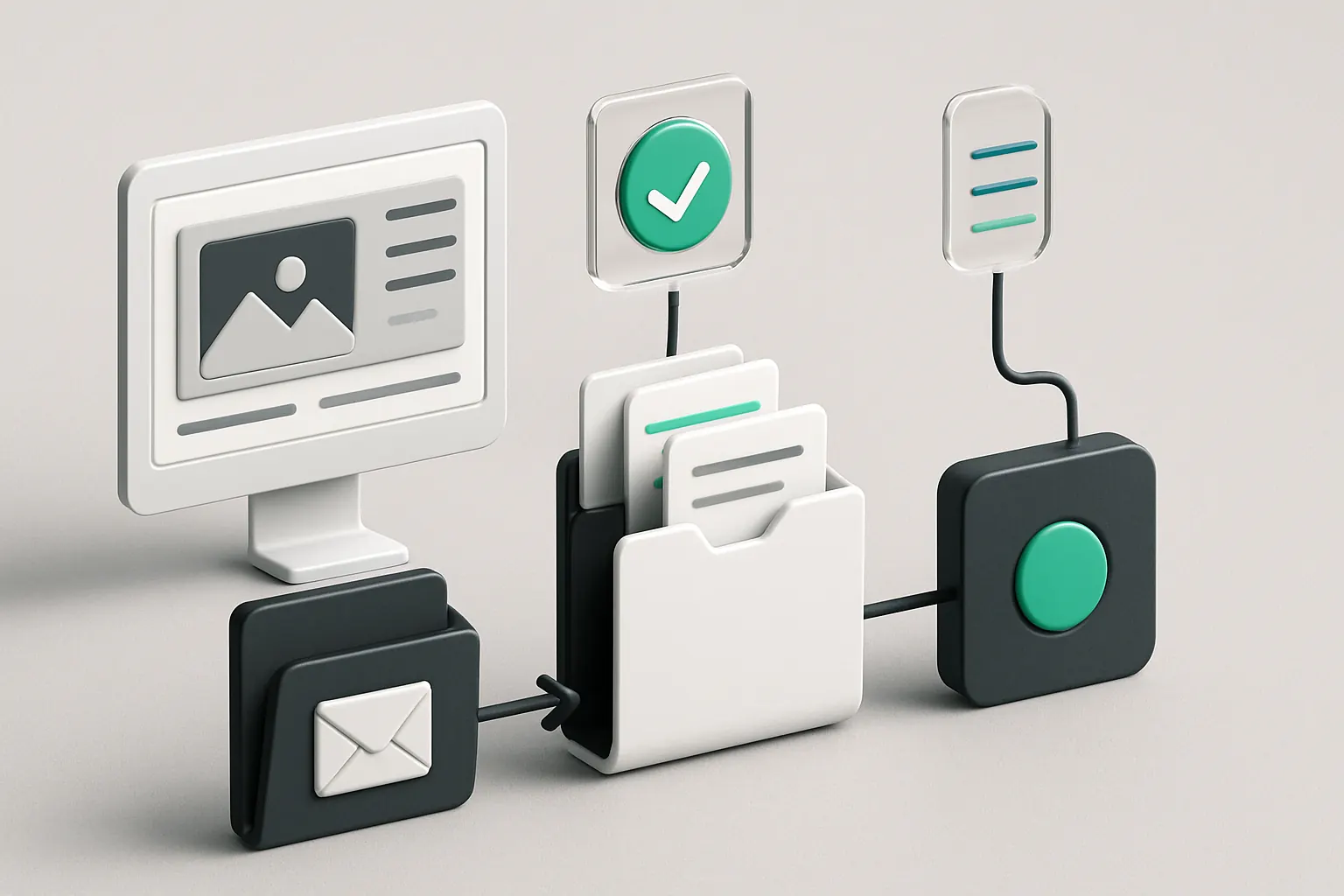
Clients upload draft assets to a portal where automated completeness checks and version history reduce manual chasing. Designers confirm final versions ready for implementation.
Intellectual property controls embedded
Client access is authenticated and fragmented by project to protect IP. Approval workflows ensure release only after client sign-off, preserving audit trails.
Project Status Reporting in One Connected View
The challenge of scattered project updates
Status updates spread across chat, spreadsheets, and kanban boards cause confusion and misaligned expectations. Project managers spend hours chasing progress.
A consolidated dashboard tailored for agencies
An owned dashboard aggregates project milestones, tasks, and deadlines linked to each client job. This visibility accelerates team coordination and transparency.
Integrations with specialist task tools
Connect Asana or Jira where needed for detailed task tracking without losing the single source of truth. Avoid duplicated notifications by porting status updates via APIs.
Example: Real-time client and internal status views
Project teams and clients access role-specific dashboards. Automated alerts highlight overdue tasks or blocked stages. Progress reporting is time-stamped and controlled with approvals.
Approval controls and compliance logging
Every project milestone change triggers confirmation workflows visible for audit. Separation of client and internal notes enforces confidentiality.

Automated Approval Workflows with Human Oversight
Approval delays erode client trust and timing
Design and content approvals by clients often stall in email. Missing or ambiguous feedback risks rework. Manually coordinating approvals is inefficient.
Custom workflows built around agency process
Approval sequences mapped to specific stages enable task assignment for each reviewer or stakeholder. Escalation triggers prompt for overdue responses.
Integration with specialist tools
Email and Slack notifications keep stakeholders informed, but actions recorded in owned modules maintain a single authoritative record.
Example: Multi-stage release workflow
Design proofs move through automated client review, internal QA, and project manager sign-off steps. AI-powered summarisation highlights client comments for quick decision-making.
Controls to retain final human decision rights
Approval modules require explicit confirmation from authorised persons before deployment. Exception reports flag discrepancies for team resolution.
Lead to Project Automation Without Silos
Bridging the gap from sales to delivery
Typically, lead data needs re-entry into project systems, causing duplication and data loss. Misaligned information leads to scope creep.
One record evolving from lead to live project job
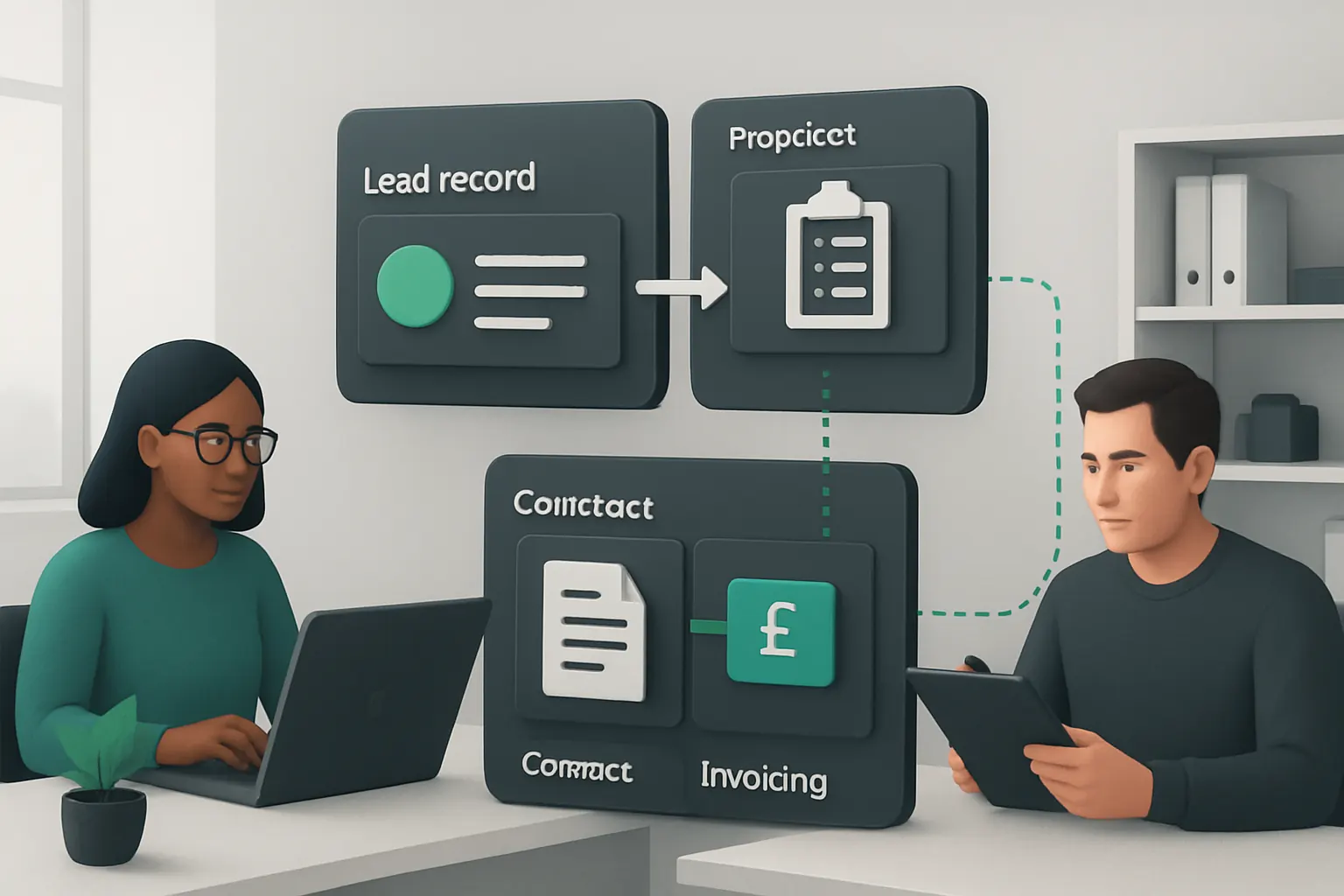
Data flows automatically from lead qualification to project setup, task creation, and budget tracking modules owned by the agency.
Connecting accounting and resource planning
Link with payment gateways like Stripe and team scheduling apps while keeping core project data owned. Avoid subscription bloat by using integrated modules.
Example: Auto-generate project mandates from qualified leads
Upon lead conversion, contract templates populate client details and project scope, requiring minimal manual edits. Invoicing and resource allocation kick off automatically.
Compliance and auditability
Contracts and change approvals are version controlled with access permissions, maintaining records for client and regulatory review.

Ticket Triage and Support Workflow Automation
Managing after-sales support efficiently
Support requests submitted inconsistently cause delays and overlooked tickets. Prioritising urgent issues manually wastes scarce team time.
Ticket capture linked to project records
Support requests automatically associate with related projects, client contacts, and SLA deadlines in one owned system.
Specialist integrations for communications
Secure email and chatbots feed tickets; support team collaboration tools remain connected to the workflow.
Example: AI-driven ticket prioritisation
Tickets classified by urgency and complexity with AI; routine inquiries routed to standard responses, complex cases flagged for human review.
Controls around privacy and escalation
Secure client data separation and clear escalation paths support compliance work with data protection expectations.

Reporting and Decision Support Consolidated
Difficulties in deriving actionable insights
Disparate data sources make accurate reporting time-consuming. Erroneous or incomplete reports impede strategic decision-making.
Unified operational data with tailored dashboards
All project, client, financial and support data brought into one reliable record with configurable metrics and KPIs.
Use of AI selectively for summarisation and prioritisation
AI summarises trends and flags anomalies while deterministic rules underpin forecast calculations. Human managers retain approval of key actions.
Example: Monthly performance and risk dashboards
Automated reports delivered to stakeholders highlight overdue projects, budget variances and client satisfaction scores.
Ensuring report integrity and security
Data access managed by role and project ownership. Audit trails confirm data changes and report generation.

Intellectual Property and Compliance Controls Embedded
Risks of weak IP management and compliance
Improper handling of client content and delayed approval workflows risk breaches and dispute.
Integrated rules for data separation and release approval
Data silos within the operating system prevent cross-client content leaks. All content releases require formal sign-offs.
Integrations with legal document management tools
Stored contracts and IP clauses link to project phases, supporting compliance work with client agreements.
Example: Client portal with secure content release tracking
Clients approve final product delivery online with sign-off tracking designed to protect agency and client interests.
Control mechanisms for regulatory conformance
Compliance workflows monitor requirements such as the ICO guidance on personal data handling (see ICO data protection guidancefor-organisations/guide-to-data-protection/) and retain records for audits.

A 90-Day Rollout Plan for Web-Design Agency Workflow Automation
Weeks 1–2: Discovery and Mapping
- Conduct workflow audits identifying current system gaps and pain points.
- Map lead generation, content, project, and support workflows.
- Capture compliance and IP protection needs specific to the agency.
Weeks 3–6: Platform Configuration and Integration
- Develop the core connected operating system tailored to mapped workflows.
- Integrate existing CRM, cloud storage, and specialist tools.
- Set up lead qualification and content workflows with automated checkpoints.
Weeks 7–12: Testing, Training and Transition
- Pilot workflows with selected projects and client accounts.
- Train teams in system use, controls, and approval processes.
- Roll out full operational dashboards and reporting.
- Implement staged decommissioning of redundant software subscriptions.

How AI Implementation UK Connects, Replaces, and Automates Your Agency’s Workflows
We deliver one connected operating platform built around your agency’s real-world business operations. Our approach connects the systems you find valuable and replaces avoidable software subscriptions with owned, customised modules. Operational data is unified into reliable records and dashboards you control.
Our selective use of AI powers variable work such as lead classification, content summarisation, ticket prioritisation and decision support. Predictable tasks run under deterministic rules while important approvals remain firmly within human judgement. This safeguards compliance with client data, intellectual property and release approvals.
We avoid recommending new collections of disconnected SaaS products that exacerbate fragmentation. Instead, specialist external tools remain integrated only when their function is critical and stable—for example payments via Stripe or communications through secure email gateways.
Ready to move from fragmented daily friction to streamlined productivity? Discover how your agency can cut admin and accelerate delivery with an owned, connected workflow system.
Learn more about how we tailor automation and integration for your team at AI Implementation UK - Plan My Platform.
For broader infrastructure support and automation strategy, explore Process Automation and RPA Services and Data Infrastructure Preparation.
References:
- ICO guide to data protection: ICO data protection guidancefor-organisations/guide-to-data-protection/
- Web design workflow best practices: https://atarim.io/web-design-workflow/
- How web design agencies use AI: https://fixnhour.com/blog/web-design-agencies-ai-workflows/
To turn these priorities into one coherent system, map the platform your business needs or explore our workflow automation approach.