Learn how roofing contractors can connect systems, reduce manual admin and automate enquiry to estimate with one tailored operating platform the business owns.
Roofing contractors survey evidence automation software: What Breaks Daily
Roofing contractors survey evidence automation software should connect bookings, people, communications and reporting in one reliable operating flow.
Roofing contractors face constant daily disruption from fragmented systems and manual processes. Survey evidence and job scheduling data lie scattered across disconnected software, spreadsheets, emails, and paper notes. Enquiries from potential customers come by phone, web forms, and text messages yet are processed inconsistently. This causes delays in generating estimates, missed customer follow-ups, and scheduling conflicts.
Contractors also wrestle with cumbersome job packs, delayed approvals, and delays in dispatching teams. Recording site evidence such as photos, damage reports, and safety checks often happens offline or on inadequate apps, risking data loss or errors. Meanwhile, slow access to up-to-date job status and certificates hampers cashflow and invoicing.
Above all, roofing contractors want to leverage automation without losing control or requiring numerous subscriptions to multiple SaaS products. They need one connected system that works around how their business operates while keeping legacy tools and specialist services in place.

Enquiry Capture and Qualification Automation
Handling Overwhelming Enquiries Efficiently
Roofing contractors often miss or delay responding to enquiries arriving through phone calls, web forms, or messaging apps. This leads to lost leads and opportunities for follow-up.
Connecting Workflow from Lead to Booking Record
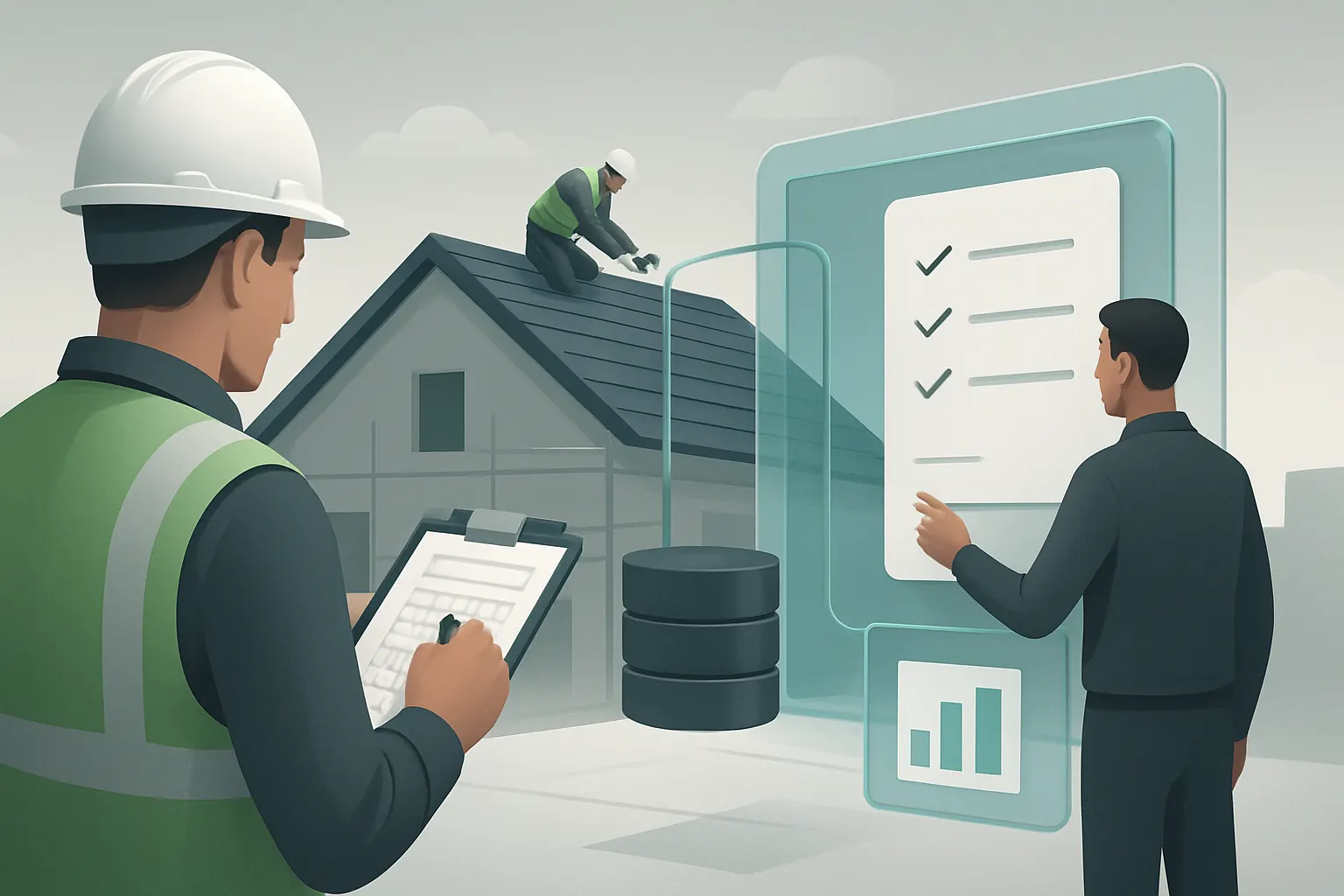
A single enquiry workspace captures all incoming leads in real time. AI selectively classifies and qualifies enquiries based on set rules — such as property type and urgency — routing valid requests directly to the survey scheduler.
Integrations That Preserve Existing Specialist Tools
Voice AI can answer calls 24/7, booking inspections in your owned scheduling module. Meanwhile, enquiries submitted online automatically feed into your CRM. These modules replace avoidable external subscriptions without disturbing legacy apps such as calendar systems or quotation builders.
Real Example: AI-Led Appointment Booking
An AI assistant answers calls out of hours, asks qualifying questions, and schedules an inspection on the engineer rota. This automation reduces no-shows by prompt reminders and expert follow-up workflows. Enquiries arriving outside office hours no longer pile up.
Configuration Controls for Accuracy and Approval
Rules are set to flag unusual enquiries for manual review. All appointments require confirmation before dispatch. Calls and chats are logged fully for audit and compliance with ICO guidance on data privacy.

Estimate Generation and Approval Streamlining
The Bottleneck of Manual Quote Drafting
Manually creating roofing estimates from survey data wastes valuable time and risks inconsistencies in pricing and discounting.
Workflow Integration from Survey Evidence to Estimate
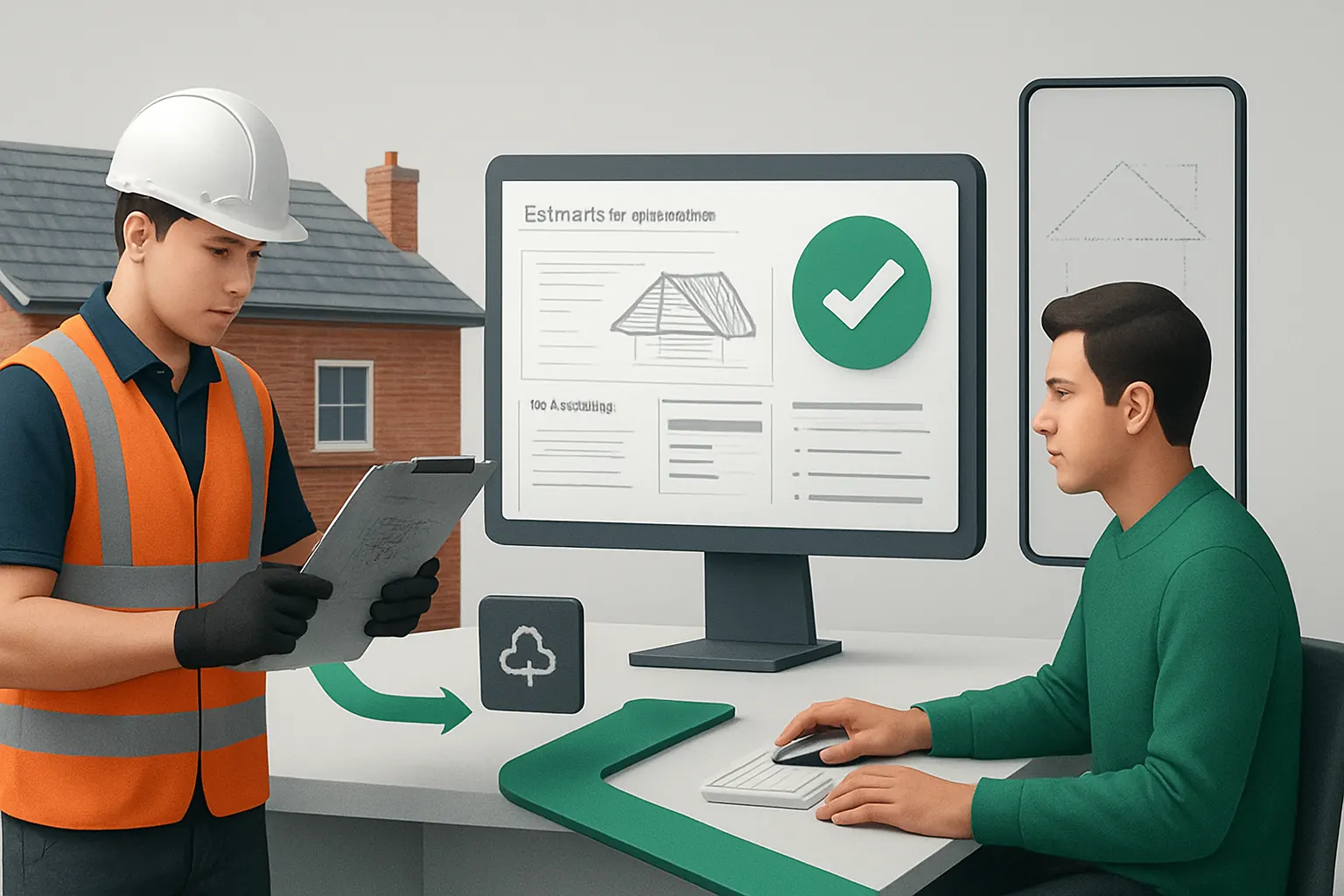
Survey site data, aerial roof measurements, and job specs are automatically collated into a structured estimate record ready for review by the estimator.
Useful Integration: Importing Aerial Roof Measurements
Specialist providers like EagleView supply high-resolution roof imagery and measurements directly imported into your module, avoiding rework.
Concrete Example: Automated Draft Quote with AI Summary
An AI summariser converts detailed survey reports into concise estimate inputs. The estimator confirms prices and adds customer-specific notes before sending a generated quote for client approval.
Robust Controls for Compliance and Cost Oversight
All price rules follow configured cost margins and discounts approved by management. Deviations raise alerts requiring additional authorisation before issuing estimates.
Job Scheduling and Engineer Dispatch Coordination
Daily Challenge of Efficient Job Assignments
Balancing engineer availability, skill sets, and customer preferences manually leads to scheduling conflicts and wasted journeys.
End-to-End Scheduling Workflow in One Owned System
The system integrates enquiry booking records, job packs, and engineer rotas. Automated dispatch rules assign the closest competent engineer, optimising routes and workload balance.
Integration with Mobile Workforce and Communications
Mobile apps sync data bidirectionally: engineers see jobs, safety requirements, and customer notes in real time. Integration with SMS or WhatsApp services keeps clients updated automatically.
Sample Scenario: Dynamic Reassignment on Weather Change
If rain forecast delays a job, the scheduler receives alerts and can reassign work immediately. The affected customer is notified via automated messages.
Controls for Safety and Competency Compliance
Each engineer’s assigned work matches their verified qualifications and insurance records. Job acceptance workflows ensure engineers confirm attendance before travel.

Site Survey Evidence Capture and Documentation
Common Problem with Fragmented Evidence Recording
Paper-based or stand-alone photo apps create risks of lost evidence, inconsistent data formats, and inaccessible site safety documentation.
Connected Evidence Workflow from Site to Job Folder
The system links photos, damage logs, drone images, and inspection notes into a secure, timestamped job folder. Data is accessible immediately for estimate refinement or compliance checks.
Supporting Integration: Drone Imaging and Cloud Storage
Automated uploading of high-res aerial damage images to cloud storage gets integrated into the survey record, reducing manual transfer.
Example: Real-Time Damage Evidence for Faster Estimate Updates
Field operatives upload photos and notes via mobile app which sync instantly to the office dashboard. Estimators update quotes based on confirmed site conditions during the same day.
Controls to Maintain Data Integrity and Privacy
Access rights limit editing to authorised personnel only. The system logs changes and enforces data retention policies aligned with ICO standards.

Certificate and Compliance Document Automation
Manual Assembly of Certificates Slows Invoicing
Searching for and completing compliance certificates after job completion delays inspections, customer sign-off, and invoicing.
End-to-End Compliance Documentation Workflow
Certificate templates auto-populate with job and engineer details. Safety checks completed onsite are recorded and validated before a digital certificate is generated and linked to the customer record.
Valuable Integration with Specialist Certification Templates
External regulatory templates or software specialising in safety certificates remain integrated within the system as owned modules, reducing external subscriptions.
Practical Example: Instant Certificate Delivery Post Completion
Once a job status updates to “Complete,” a certificate is generated and emailed securely to customers and stakeholders the same day, supporting faster payments.
Controls to Preserve Legal and Regulatory Quality
Certificate issuance requires sign-offs by authorised supervisors. The system tracks version history to support any audit without replacing legal responsibility for checking.

Customer Approvals and Follow-up Workflows
Missing or Delayed Approvals Impair Project Flow
Contractors waste time chasing approvals or changes manually. This causes rework or project hold-ups.
Digital Approval Workflow Integration with CRM
All quotes and amendments present interactive approval links to customers, stored as records in the CRM with timestamps and reminders managed automatically.
Useful Integration: E-Signature and SMS Reminders
Integration with electronic signature services and SMS keeps approvals on time without requiring paper or scans.
Example: Automated Follow-Up Reducing Approval Times
Reminders to approve quotes trigger follow-ups by AI chatbots or alerts to customer service reps for calls, shortening sales cycles.
Controls for Record Keeping and Dispute Handling
All approvals are logged for future reference. Exceptions generate alerts to flag when manual negotiation or escalation is necessary.

Job Pack Generation and Mobile Workforce Access
Fragmented Job Packs Lead to Dispatch Errors
Disjointed assembly of job packs increases the risk of missing information, causing engineers to arrive unprepared or unsafe.
Cohesive Job Pack Workflow Streamlining Dispatch Readiness
Job packs are assembled dynamically from survey findings, safety protocols, engineer assignments and client data into coherent documents accessible via mobile apps.
Integration Supporting Mobile Offline Access
Mobile workforce apps allow engineers to download job packs in advance, with updates synced when online, supporting remote sites with poor connectivity.
Real-World Application: Automatic Pack Updates on Job Changes
If a schedule or requirement changes last-minute, job packs update automatically and notify engineers instantly, reducing confusion.
Controls Assuring Version Control and Accuracy
Job pack versions are tracked and locked once dispatch confirms. Supervisors monitor engineer acknowledgments to ensure preparedness.

Operational Dashboards and Performance Metrics
Limited Insights from Separate Systems Slow Decisions
Management struggles to get timely, accurate views across estimates, site progress, safety incidents, and cashflow.
Unified Dashboard Workflow for Operational Overview
All key job performance and financial metrics aggregate into a real-time workspace tailored for decision-makers, pulling data from enquiry capture through completion.
Integration with Payment and Communication Services
Specialist external systems such as payment gateways and customer messaging integrate seamlessly, ensuring one reliable overview.
Example: Snapshot of Workload, Approvals & Outstanding Invoices
A site manager uses the dashboard to monitor active jobs, outstanding customer approvals, engineer adherence, and upcoming payments in one workspace.
Controls Supporting Data Reliability and Access Security
Data refresh schedules and user roles limit access to sensitive financial and safety information, maintaining data integrity and GDPR guidance.

90-Day Rollout Plan for Roofing Contractors Automation
Weeks 1–2: Assess Current Systems and Identify Integration Points
- Map existing software, processes, and pain points.
- Prioritise workflows critical for automation: enquiry capture, scheduling, survey evidence.
- Define ownership, access, and compliance needs.
Weeks 3–6: Develop Owned Modules and Connect Legacy Tools
- Build enquiry-to-estimate workflows within the owned system.
- Connect specialist apps for aerial measurement, certifications, and communication.
- Implement AI rules for enquiry qualification and quote automation.
Weeks 7–12: Pilot Mobile Workforce, Compliance Automation, and Dashboard
- Deploy job pack and evidence capture apps to field teams.
- Automate compliance document generation and approval workflows.
- Launch operational dashboards for management review and progress tracking.
- Train staff and adjust workflow rules based on feedback.

How AI Implementation UK Connects, Replaces and Automates Your Roofing Operations
At AI Implementation UK, we understand roofing contractors need a tailored, owned system that mirrors their unique ways of working. Our approach replaces avoidable software subscriptions with integrated modules you own, linking current tools that provide specialist services such as payments or communications.
Our expertise in process automation and data infrastructure preparation ensures your operational data flows seamlessly from enquiry through to invoicing and compliance. We treat AI as one capability among others: automating selective tasks like classification and summarisation, while deterministic rules handle predictable work, always preserving human review for critical decisions.
We help you move away from chaotic spreadsheets and disconnected SaaS apps to one reliable, connected workspace tailored exclusively for UK roofing contractors. Explore our case studies to see proven results and get started with a platform that scales precisely with your business.
References:
- ICO data protection advice: ICO data protection guidancefor-organisations/
- GOV.UK on construction safety documentation: https://www.gov.uk/government/collections/construction-safety
- PCI Security Standards Council general guidelines: PCI Security Standards Council guidance
- FCA regulation on UK financial services: https://www.fca.org.uk/
By adopting roofing contractors survey evidence automation software that consolidates your workflows into one owned system, your business achieves operational clarity, reduces manual labour, and unlocks better cashflow. Contact AI Implementation UK for a practical plan to automate and evolve your roofing business workflows cleanly and securely.