Learn how apprenticeship training providers can connect systems, reduce manual admin and automate enquiry to enrolment with one tailored operating platform the.
Apprenticeship training providers learner onboarding automation software: What Breaks Daily
Apprenticeship training providers learner onboarding automation software should connect bookings, people, communications and reporting in one reliable operating flow.
Apprenticeship training providers face persistent challenges in managing learner onboarding efficiently. The enquiry to enrolment journey is fragmented, reliant on multiple disconnected IT systems, and riddled with manual data entry. Staff waste hours chasing records, updating spreadsheets, and validating evidence, often duplicating effort. This fragmentation impacts learner experience, compliance deadlines, and employer reporting. The root cause is a patchwork of systems that neither talk to each other nor reflect the provider’s unique workflows. Despite investment in SaaS products, providers remain trapped in a cycle of subscriptions, integration headaches, and fractured data.

The Cost of Manual Work in Learner Onboarding
Manual administrative work consumes valuable time that could be better spent on supporting learners and improving outcomes. Errors arise from inconsistent or duplicated information across systems. Compliance risks escalate when learner safeguarding and assessment evidence are not centrally validated or controlled. Financially, slow enrolment and invoice delays hurt cash flow. Staff turnover exacerbates these inefficiencies as operational knowledge resides outside connected systems. Without a unified system, apprenticeship providers struggle to streamline activities like attendance monitoring, certification workflows and employer communications, impacting their ability to deliver quality education and meet regulatory expectations.

Automated Enquiry Capture and Qualification
Real Challenge in Managing Inquiries at Scale
Enquiries arrive through web forms, emails, telephone calls, and employer networks. Manually logging these into CRM or spreadsheets leads to delays, lost leads and inconsistent qualification.
Workflow Integration to Centralise Enquiries
A connected operating system captures enquiries from multiple channels in a single record owned by the provider. Automatic classification routes leads by apprenticeship framework, location, or funding scheme.
Keeping Useful CRM and Email Systems Connected
Instead of replacing existing CRM or email software, the enquiry record links to these systems. Automated notifications alert enrolment teams when a new enquiry qualifies.
Example: Auto-tagging AI Classifies Level 4 and Level 3 Apprenticeships
Natural language processing classifies enquiries by apprenticeship level and notifies the right admissions officer accordingly, while retaining full control for manual review.
Controls to Maintain Quality Lead Handling
In-built analytics report on enquiry status and backlog. Manual overrides and approval gates ensure sensitive leads receive personal follow-up when necessary.

Digital Document Collection and Evidence Management
Problems with Paper and Email Submissions
Learners and employers submit ID, eligibility, and employer contracts through multiple channels. Hard to track, often incomplete, and stored across emails or shared drives.
Connected Workflow for Centralised Document Upload
Learners and supervisors upload documents directly to the onboarding record via secure portals. The repository tags files by type and links to compliance checklists.
Integrations with Document Verification Tools
When third-party verification is needed (DBS checks, right to work), the system integrates with specialist APIs to update verification status automatically.
Example of Seamless Evidence Flow
A candidate uploads their eligibility proof; the platform flags missing elements and sends reminders. Verification completion triggers the next onboarding stage.
Controls Ensuring Document Safeguarding
Role-based access and audit trails monitor document access. Data handling aligns with ICO guidance on personal and sensitive data ICO Guide.
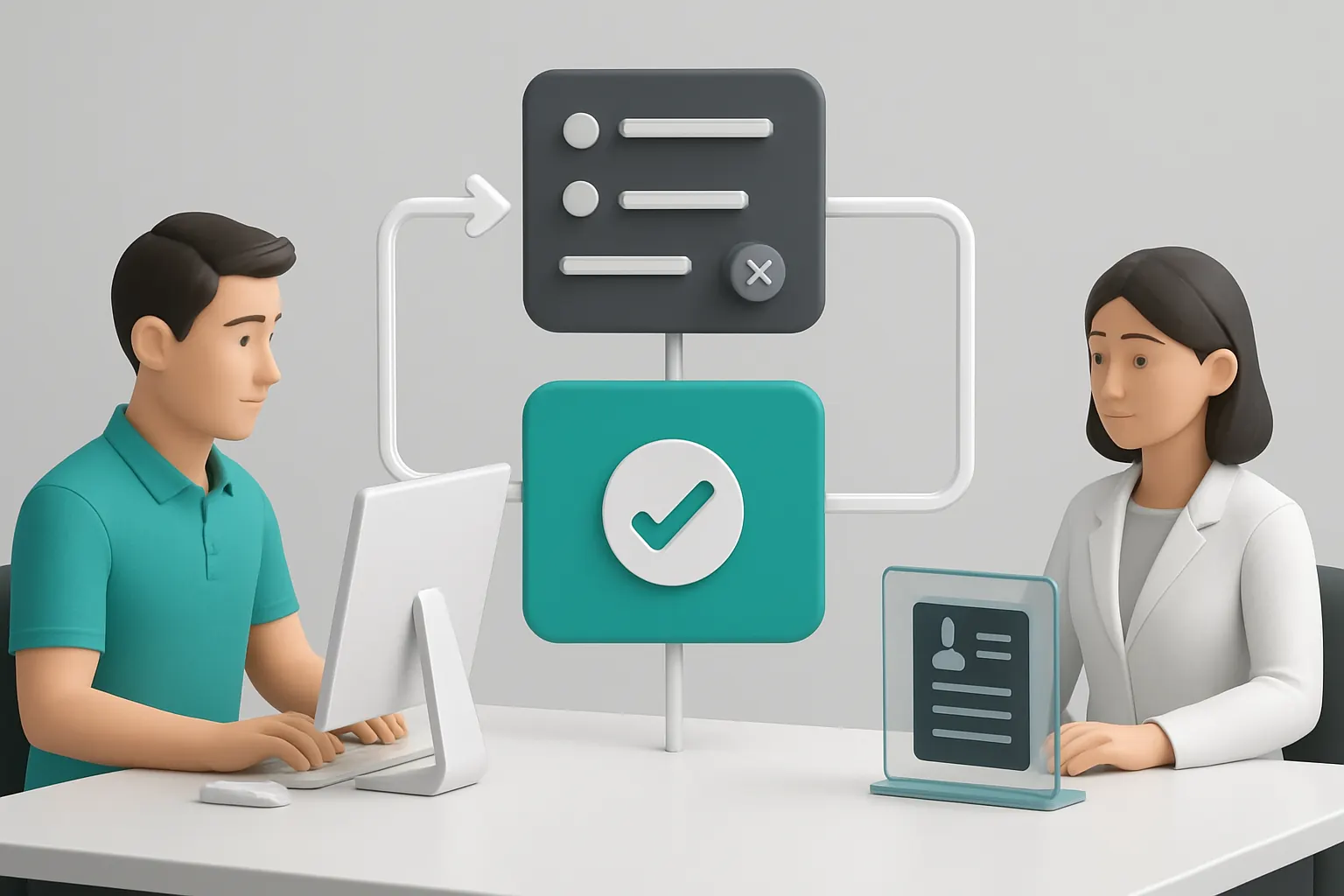
Automated Scheduling and Appointment Booking
Current Manual Scheduling Complexities
Coordinating induction sessions, assessments and site visits require juggling availability across learners, trainers and employer supervisors, often via email chains.
Workflow Links Learner Records to Rota and Rooms
Booking records are linked to learner onboarding, ensuring timing is visible throughout the learner journey and training manager dashboards.
Useful Integrations with Calendar Systems
The system syncs with Outlook or Google Calendar to send automatic invites, cancellations or reminders, ensuring appointments stick.
Practical Example: Auto-reminders Reduce No-shows
Learner induction sessions set with automated SMS and email reminders, reducing dropout rates and wasted trainer time.
Controls Over Booking Conflicts
Locked appointment slots and approval rules avoid double bookings. Supervisors retain control over last-minute changes and exceptions.

Streamlined Learner Induction with Guided Checklists
Overcoming Checklist Fragmentation
Induction steps spread across paper forms, emails and spreadsheets cause missed steps and audit failures.
Workflow-Oriented Digital Induction Progress
A structured sequence of tasks is assigned within the learner record, adaptable to each programme’s requirements.
Supporting Integration with E-learning and Identity Systems
The induction checklist connects to user accounts in LMS or identity systems for smooth access provision and learning path activation.
Real-World Use: Nurse Apprenticeship Induction
Completion of safeguarding forms, IT access and compliance policies all tracked in one workspace with escalation reminders.
Controls To Ensure Completion Meets Standards
Supervisors approve each step; incomplete inductions block course access. Audit logs support regulator inspections.

Automated Attendance and Engagement Tracking
Attendance recorded manually is error-prone and labour-intensive
Trainee attendance data feeding delivery and funding claims faces delays or inaccuracies, raising compliance questions.
Central Attendance Records Linked to Learner Profiles
Learner attendance data captured via check-ins, mobile apps or scanning links directly updates training session records.
Integration with Mobile Attendance Tools
Protect privacy and integrity by connecting with specialised attendance scanners or mobile check-in apps trusted for education NCSC Guidance.
Example: Daily Attendance Alerts on Exceptions
Automated alerts flag absences or irregular attendance for timely learner support interventions.
Controls to Maintain Assessment Integrity
Exceptions trigger manual review to ensure safeguarding and evidence requirements are met before certification.
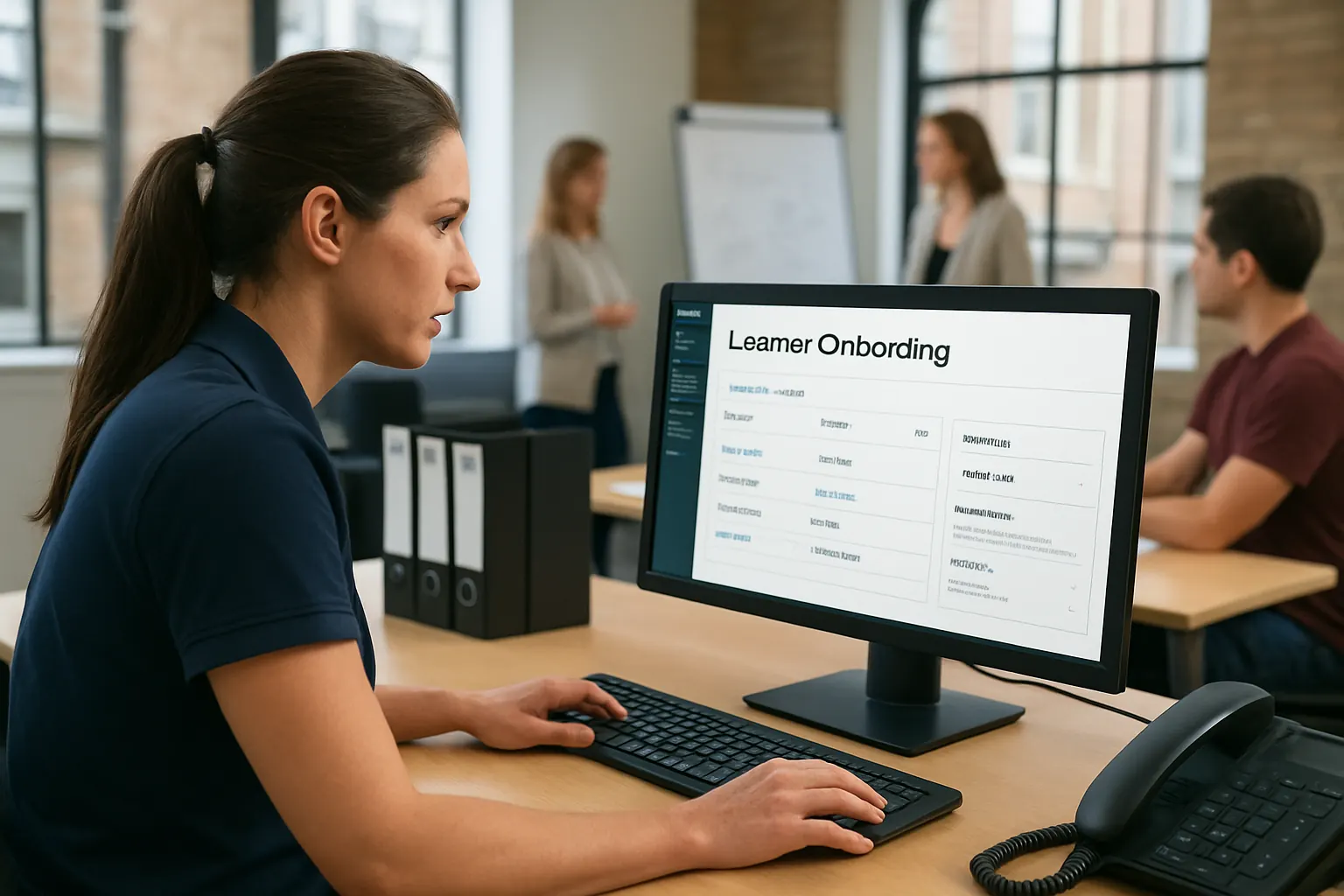
Automated Enrolment and Funding Eligibility Checks
Manual funding compliance checks cause bottlenecks
Verifying learner eligibility against funding criteria like apprenticeship standards or employer co-investment requires up-to-date data.
Workflow Brings Funding Rules into the Enrolment Journey
Funding conditions encoded into onboarding workflows automatically check uploaded evidence against eligibility requirements.
Integration with Funding Bodies and Employer Records
APIs connect to ESFA or employer HR systems for real-time eligibility validation when available.
Use Case: Automatic Apprenticeship Levy Accounting
The system helps finance teams track apprenticeship levy balances and employer contributions, updating enrolment records accordingly.
Controls to Support Audit and Reporting
Audit trails show eligibility evidence reviewed and approved by assigned staff, helping meet funding audit demands.
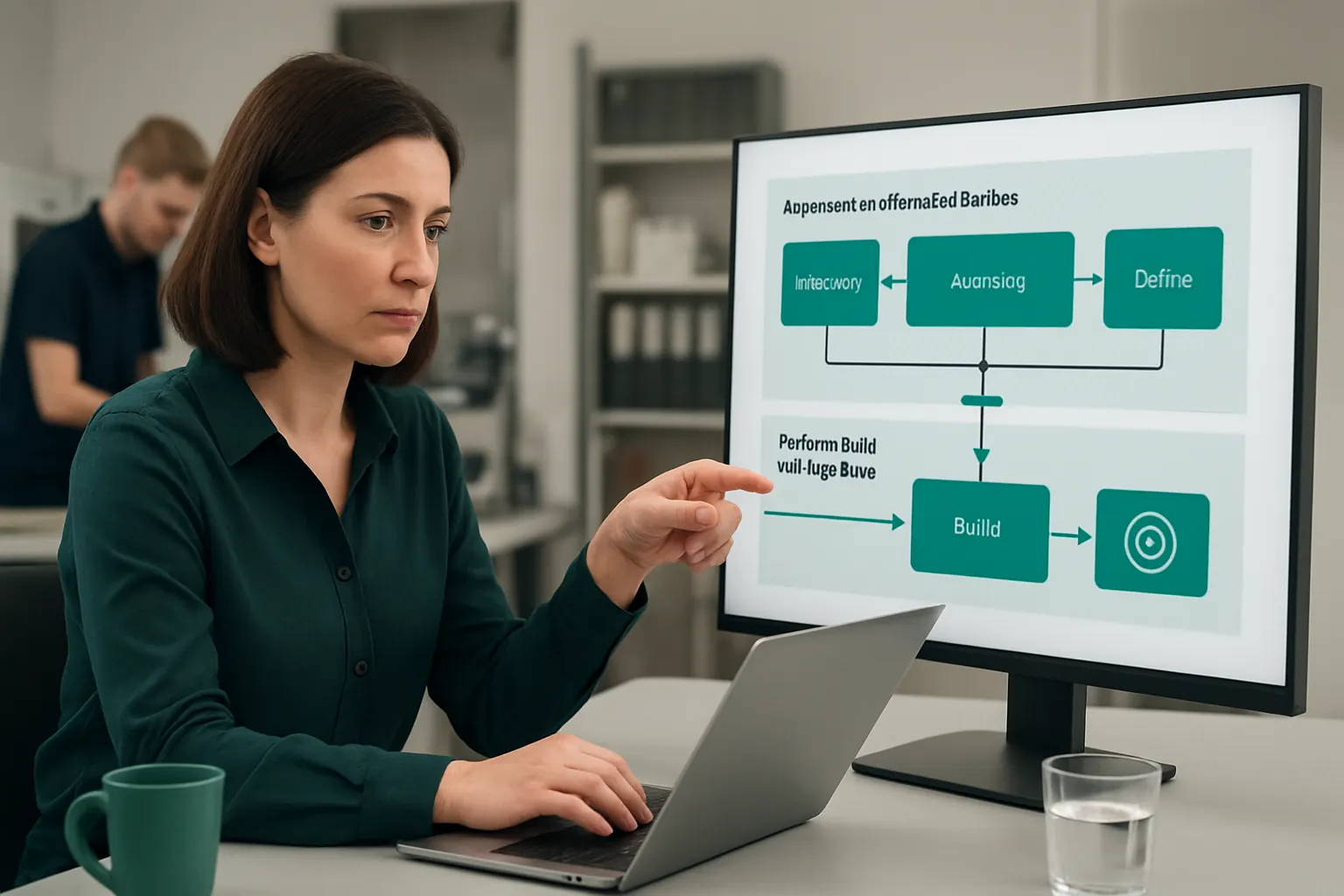
Tailored Dashboards for Operational Transparency
Managing multiple enrolments and compliance reporting without a unified view
Staff use multiple spreadsheets or reports, leading to inconsistent data and duplication.
Unified Dashboard Reflects Key Onboarding Metrics
A customisable workspace pulls live data on enquiries, enrolments, attendance, and compliance flags in one place.
Integration With BI Tools for Deeper Insights
Where needed, data exports connect to business intelligence tools for detailed trend analysis and forecasting.
Example: Real-Time KPI Monitoring for Training Managers
Daily dashboards track critical onboarding KPIs to prioritise resource allocation and compliance focus.
Controls to Personalise Data Access
Role-based dashboards show information relevant to specific teams or individuals, ensuring data security.

Intelligent AI-Assisted Prioritisation and Summarisation
Information overload without smart data triage
Teams struggle to prioritise which learner cases or employer enquiries need immediate action.
AI Capabilities Add Selective Classification and Alerting
Machine learning classifies urgent cases, summarises learner records, and ranks high-priority enquiries while maintaining a human approval step.
Integration with Email and Task Management
AI-driven task recommendations sync to Outlook or Microsoft Teams, promoting efficient team workflows.
Demonstration: AI Summarising New Learner Files
Summary notes help enrolment officers quickly understand learner status and required next steps.
Controls for Responsible AI Use
Deterministic rules govern predictable tasks; human review is mandatory for critical decisions to align with best practice ICO AI Guidelines.

Automatic Certificate and Evidence Workflows
Delays and manual work in gathering assessment certificates
Collecting certificates requires chasing assessors, verifying final assessments, and ensuring evidence is complete.
Embedded Workflow Automates Certificate Requests and Tracking
Assessment completion triggers certificate requests. Automatic follow-ups reduce delays.
Integration with Awarding Organisations
Direct integration with awarding bodies speeds up evidence verification and certificate retrieval.
Example of Smooth Certificate Delivery
Apprentices receive certificates digitally as soon as approval steps complete, ensuring learner satisfaction.
Controls to Uphold Certification Integrity
Certification release includes verification checkpoints and human sign-off to prevent premature or incorrect issue.

Simplified Employer Reporting and Communications
Employers expect timely and accurate reporting
Manual compilation from multiple systems means delays, errors, and missed deadlines jeopardise contract management.
Connected Workflow Creates Single Source for Employer Reports
Employers access up-to-date progress and attendance summaries directly from their portal linked to the learner record.
Integrations with Payment and Communication Tools
The system connects to specialist payment gateways for managing levy deductions and third-party messaging apps to streamline updates.
Example: Automated Monthly Reports with Learner KPIs
Employers receive scheduled reports on learner progress tailored to contract requirements without manual intervention.
Controls Ensure Data Privacy and Contract Compliance
Access controls ensure employers see only data aligned with contract and GDPR obligations GOV.UK Apprenticeship Funding Rules.

90-Day Rollout Plan for Learner Onboarding Automation
Weeks 1–2: Discovery and Process Mapping
Understand your current enquiry to enrolment workflows. Identify key systems, bottlenecks and compliance checks. Prioritise automation opportunities suited to your apprenticeship programmes.
Weeks 3–6: Platform Configuration and Integration
Design and build connected onboarding workflows tailored to your operations. Integrate existing CRM, email, calendar and document systems. Configure secure portals for learner evidence and employer reporting.
Weeks 7–12: Testing, Training and Launch
Run pilot onboarding cycles with selected programmes. Train staff on new system workflows and approvals. Fine-tune automation rules based on feedback. Perform data quality and security audits before full launch.

How AI Implementation UK Connects, Replaces and Automates Your Onboarding
AI Implementation UK specialises in delivering one connected operating system built around your provider's unique workflows. We help you link your best existing software and replace avoidable subscription services with owned modules. Our solution consolidates operational data into one reliable learner record with tailored dashboards for enrolment, attendance, certification, and employer reporting.
AI is applied selectively for variable work such as summarising learner records, prioritising enquiries and supporting decision making. Predictable back-office tasks run on deterministic rules while critical approvals remain in the hands of your team. We avoid adding disconnected SaaS products. Instead, we integrate specialist external tools only where necessary, such as payments or messaging, retaining full ownership of your core operating data and workflows.
This connected approach reduces manual admin, improves compliance controls and accelerates cash flow. It empowers apprenticeship training providers to modernise operations without losing control or incurring unnecessary software complexity. To explore a tailored automation roadmap or discuss integration options, visit our services pages on process automation or data infrastructure or schedule a consultation at plan my platform.
Harness automation that operates your apprenticeship learner onboarding exactly how you work—securely, efficiently, and with clear human oversight.
To turn these priorities into one coherent system, map the platform your business needs or explore our workflow automation approach.