Learn how architecture practices can connect systems, reduce manual admin and automate lead to engagement with one tailored operating platform the business owns.
Architecture practices project enquiries automation software: What Breaks Daily
Architecture practices project enquiries automation software should connect bookings, people, communications and reporting in one reliable operating flow.
Architecture practices in the UK face unique operational hurdles every day. Managing incoming project enquiries, navigating complex design workflows, and coordinating document preparation often spiral into bottlenecks. When lead details gather in multiple formats—email, phone notes, online forms—and become disconnected from project management and design documentation, it slows progress and fragments visibility.
Misalignment is frequent between business development, design, and project delivery teams. Simple tasks like routing enquiries to the right architect, supporting compliance work reviews happen, and tracking milestone approvals often require repetitive manual administration. This drains time from creative work and client engagement. Additionally, many firms juggle a collection of software subscriptions for CRM, project management, and communication that don’t speak to each other efficiently. Architecture practices need better automation solutions for project enquiries, tailored to their workflows, without fragmenting data or adding cost.


Connected Lead Capture and Qualification Workflow
Managing Unstructured Enquiries Without Data Loss
Project enquiries come via various channels: email, web forms, telephone calls. Manually capturing and qualifying these leads often leads to lost or incomplete information. Without connection to the practice's operational system, leads languish unprioritised.
Building a Unified Lead Record
By automating lead capture into an owned enquiry workspace, the practice creates a single reliable record for every prospective project. Existing enquiry capture systems can feed into this workspace via integrations, preserving current channels. Where subscriptions overlap, owned modules handle qualification rules, scoring, and routing—reducing recurring costs.
Example: Integration with Website Forms and Outlook Mailbox
Leads from website forms connect directly into the enquiry record module. Incoming emails with project questions are parsed, classified, and flagged for priority using AI summarisation and categorisation, while deterministic rules ensure predictable data points like contact details are always validated.
Controls: Permissions and Human Review
Automated classification flags priority leads but routing to architects or business developers requires manual approval. This safeguards professional privilege and ensures early human judgement. Audit trails record all lead changes and routing for compliance.

Streamlined Proposal Generation and Document Routing
The Administrative Overhead of Preparing Tailored Proposals
Architecture firms devote time to proposal drafting once projects are qualified. Each proposal requires customised scope definitions, fee schedules, and planning document checklists. Manual processes delay client engagement.
Integrating Proposal Workflows to Accelerate Engagement
Proposal creation becomes faster when built into the owned operating system, linked directly to lead records. Templates with configurable rules generate draft proposals for review. After human confirmation, proposals route automatically to clients with deadlines tracked within the same system.
Example: Automated Fee Schedules and Planning Document Preparation
The architecture practice’s historic data informs automatic fee range suggestions for given project types, complying with internal pricing policies. Planning document requirements checklist populates based on project specifics and local jurisdiction rules, updated in real-time.
Controls: Versioning and Approval Gates
No proposal is sent without authorised review. Change logs and approvals are stored in the system. This reduces errors and demonstrates fiduciary diligence, supporting compliance.
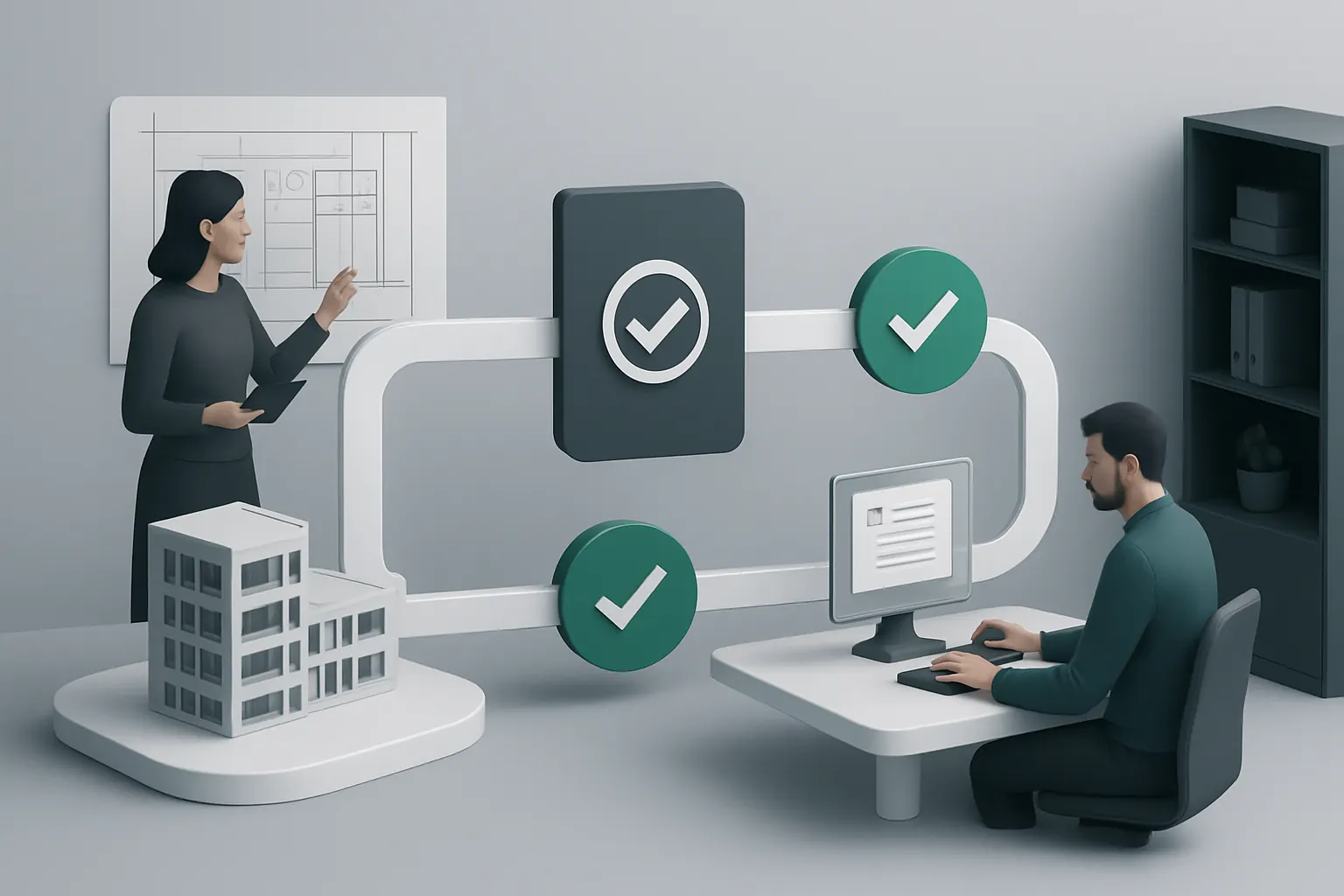
Centralised Project and Resource Dashboard
Visibility Gaps in Project and Utilisation Tracking
Commonly, project status, resource allocation, and milestone timelines are managed in multiple unconnected applications. This fragments reporting and strains coordination.
Bringing Operational Data into One Trusted View
Bringing project, resource, and utilization data into one dashboard within the owned environment gives partners and managers real-time insight. Current project phases, outstanding document approvals, schedule risks, and staff availability become visible in a single pane.
Example: Linking Scheduling, Timesheets, and Project Milestones
Timesheet entries feed utilisation statistics, enabling managers to compare planned versus actual hours per project stage. Deadlines for submission of planning documents or design approvals appear prominently. Automated reminders reduce missed deadlines.
Controls: Security and Role-Based Access
Dashboards show information tailored to user roles and confidentiality restrictions. Sensitive client information and privileged documents are restricted to authorised personnel only.

Selective AI Assistance for Classification and Prioritisation
Reducing Repetitive Cognitive Load by Automating Variable Tasks
AI does not replace expert judgement but supports it in discrete, variable work like classifying project types, summarising client emails, or prioritising enquiries.
Employing AI Functionality within Rigorous Controls
AI modules analyse incoming enquiries and summarise complex correspondence. They prioritise leads using criteria defined by deterministic business rules combined with machine learning predictions. Human agents get decision support notifications for next steps.
Example: Automatic Summarisation and Priority Flags
Incoming emails attaching large design files are automatically summarised into key points and flagged if urgent regulatory questions are raised. Priority classification algorithms signal that a lead fits the firm’s growth strategy.
Controls: Human Approval and Model Transparency
AI decisions are advisory, requiring human sign-off before actions. Interfaces provide explanations for AI suggestions, helping architects and managers validate results and maintain professional responsibility.
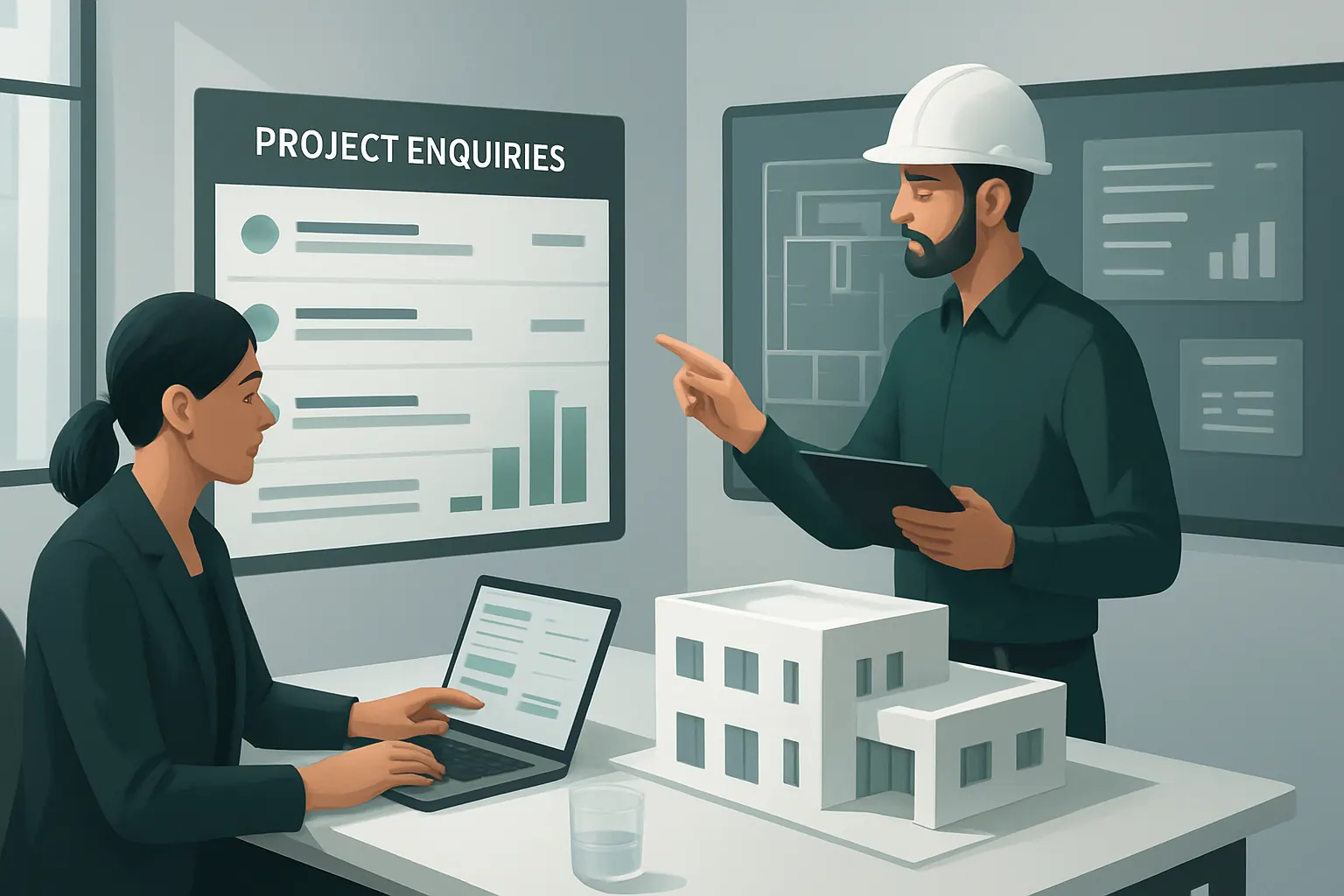
Maintaining Specialist Integrations for Payments and Communications
Avoiding Software Fragmentation While Leveraging Best-of-Breed Tools
The owned system replaces generic SaaS stacks but continues to connect specialised tools performing essential external functions unlikely to become redundant or integrated fully—such as payment processing and client communications platforms.
Seamless Integrations Preserve Efficiency and User Experience
Payment gateways handle invoice settlements securely, while communication channels like Teams or Zoom integrate for seamless meeting coordination without disrupting the owned workspace. APIs ensure operational data syncs regularly.
Example: Automated Meeting Scheduling and Payment Status Updates
Clients receive proposal acceptance forms linked with payment portals. Calendar invites auto-generate after payment confirmation. Communication logs are appended to project records within the platform.
Controls: Data Security and Regulatory Compliance
All payment processes comply with PCI DSS standards. Communication logs respect client confidentiality and data protection policies in line with ICO guidance, preserving professional privilege.

Planning a 90-Day Rollout for Automation Success
Weeks 1–2: Assessment and Foundations
- Conduct detailed workflow analysis and system capability audits.
- Identify key enquiry and project management pain points.
- Define data integration points for existing tools.
- Establish governance and user permission frameworks.
Weeks 3–6: Core System Build and Pilot Deployment
- Develop enquiry capture and qualification workspace.
- Automate proposal generation templates and workflow rules.
- Integrate AI classification and summarisation modules with oversight controls.
- Begin pilot testing with select project teams.
Weeks 7–12: Dashboard Rollout and Specialist Integrations
- Deploy centralised project and utilisation dashboards organisation-wide.
- Link external payment and communication tools securely.
- Train staff on approval processes and data handling policies.
- Monitor usage and adjust automation rules iteratively.

A Practical Next Step: Owned Automation with AI Implementation UK
UK architecture practices benefit most from automation when technology aligns with their actual workflows and ownership needs. AI Implementation UK specialises in building one connected operating environment that the practice owns and controls. We:
- Keep current systems working—integrating and connecting them to avoid unnecessary disruption.
- Replace duplicated or underused software subscriptions with tailored owned modules, lowering costs.
- Bring operational data into reliable single repositories with real-time dashboards tailored to practice roles.
- Apply AI selectively—to classify, summarise, prioritise, and inform decisions—while keeping humans in control for important approvals.
- Maintain specialist external tool integrations only where required for payments, communications, or other persistent functions.
Our approach removes the risk of fragmented SaaS stacks with poor data flow and multiple subscriptions. Instead, the architecture practice benefits from streamlined, compliant workflows and measurable efficiency gains.
For a tailored consultation and roadmap to transform your enquiry management and project delivery workflows, please explore our services on Process Automation & RPA and AI Strategy Roadmapping.
By owning the workflow automation and integrating AI selectively, architecture firms can transform project enquiries into client engagements faster and with fewer errors, preserving creativity and compliance every step of the way.
To turn these priorities into one coherent system, map the platform your business needs or explore our workflow automation approach.