Learn how hR consultancies can connect systems, reduce manual admin and automate lead to engagement with one tailored operating platform the business owns.
Hr consultancies client cases automation software: What Breaks Daily
Hr consultancies client cases automation software should connect bookings, people, communications and reporting in one reliable operating flow.
HR consultancies regularly manage complex client cases involving recruitment, employee relations, compliance, and advisory services. Yet, many firms still rely on a mix of spreadsheets, emails, document templates, and disconnected software for case handling. This fragmentation causes daily breakdowns: lost or duplicated information, delays in client responses, difficulty tracking approvals, and challenges in managing conflicts of interest.
Typical pain points include inconsistent use of document templates, manual follow-ups for advice implementation, and scattered client engagement records. These operational hiccups not only slow down workflows but also increase the risk of errors and compliance oversights — all while staffing pressure grows.
The consequence is clear: Without an integrated and tailored approach, HR consultancies struggle to maintain high-quality, timely service that clients expect.

Building One Connected Client Case Workspace
Understanding Fragmentation in Daily Case Management
HR consultancies often juggle multiple tools: CRM software, document repositories, task trackers, and email systems. These siloed solutions create duplication, force extra data entry, and obscure a single source of truth.
Creating a Tailored Workspace Aligned to Business Processes
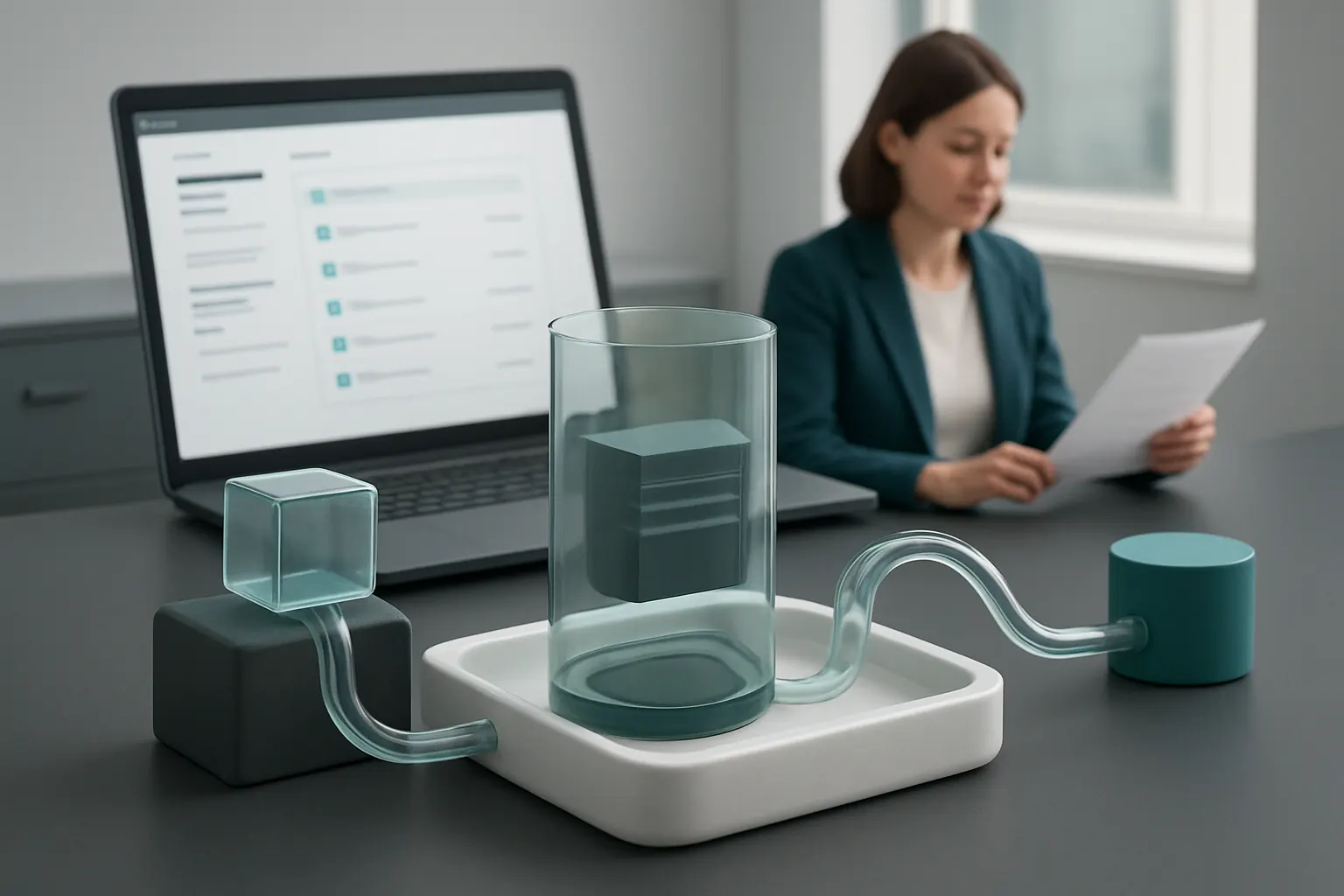
A custom operating system designed around your existing consultation model consolidates client details, document templates, engagement steps, and communication logs within one owned environment. This workspace integrates rather than replaces existing essential tools, such as specialist payment gateways or secure messaging platforms.
Example: Lead to Engagement Workflow in One Record
From initial contact, client lead details automatically populate proposal templates. Once approved, engagement terms and project milestones are tracked alongside time records and document versions — all visible on one dashboard. Notifications guide consultants when approvals or follow-ups are required.
Controls to Protect Sensitive Information
Built-in user permissions restrict access based on roles to maintain professional privilege. Conflict checks can trigger alerts before new cases are instigated or advice shared, guarding compliance with confidentiality boundaries.

Connecting Current Systems to Retain Value and Reduce Waste
Recognising the Value of Existing HR Tools
Many HR consultancies have invested in onboarding, time management, and payroll systems crucial to service delivery. The goal is not to discard these but to join them into a connected ecosystem.
Integration as a Workflow Automation Backbone
Through APIs and standard connectors, existing HR systems feed relevant operational data into the owned client case system. For example, employee details from onboarding software can auto-fill records in client case files, removing repetitive manual entry.
Practical Integration Example: Document Templates and Communication
Templates held in your document management system are linked directly to client records. Automated workflows route these documents for approval and deliver advice follow-ups via integrated email or Teams channels. Updates sync back automatically to maintain one reliable record.
Managing Control and Data Privacy
Connection points between systems use encrypted links. Audit trails log data movements and access to uphold GDPR obligations with controls supporting authorised human reviews where needed. For guidance on handling personal data securely, consult the ICO’s resources.
Automating Lead to Engagement for Faster Client Wins
Frequent Delays in Proposal and Engagement Processing
Manual task coordination often slows the sales cycle: gathering inputs, drafting proposals, securing approvals, and recording client agreements can take days longer than necessary.
Streamlined Proposal Generation and Approvals
Automation modules generate personalised proposals based on lead data merged with predefined modules for services and pricing. Automated routing sends these to the appropriate senior consultant for review, with reminders if no action occurs within set times.
Example Workflow: From Inquiry to Signed Engagement
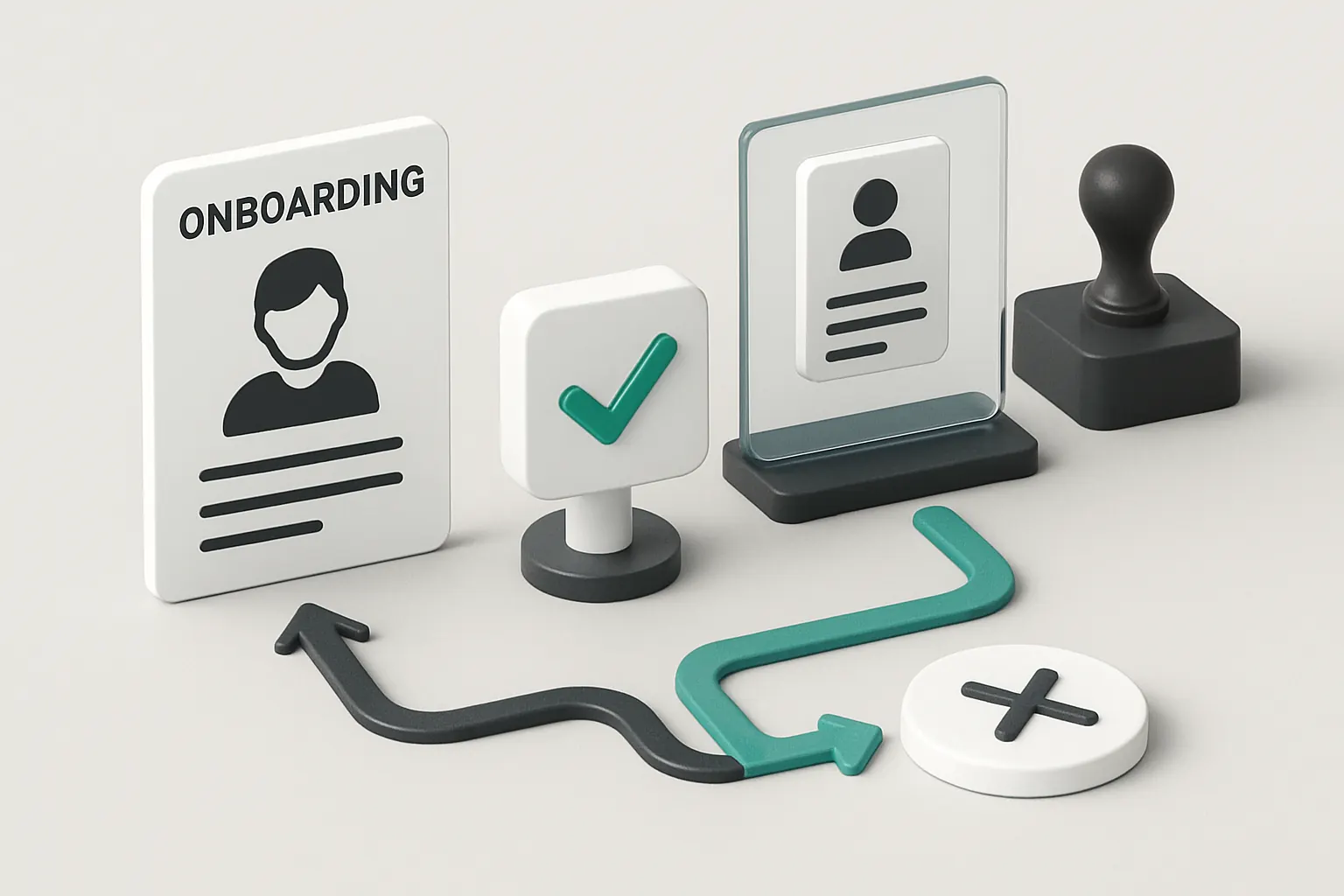
Once a lead completes an online form, the system drafts a quote and mails it automatically. Upon client acceptance, the engagement record is created, with project milestones and document packages pre-scheduled. Consultants receive task notifications for client onboarding steps.
Ensuring Human Oversight on Critical Decisions
While automation speeds proposal flows, senior experts retain control through approval gates on contract terms and conflict assessments. Such deterministic rules balance efficiency with professional judgement essential in HR consultancy.

Centralising Operational Data for Real-Time Insight
Difficulty in Tracking Project Status and Resource Utilisation
Without unified reporting, managers often scramble for updates on project progress, consultant workloads, and document status. This hinders forecasting and timely client communication.
Integrated Dashboards as Command Centres
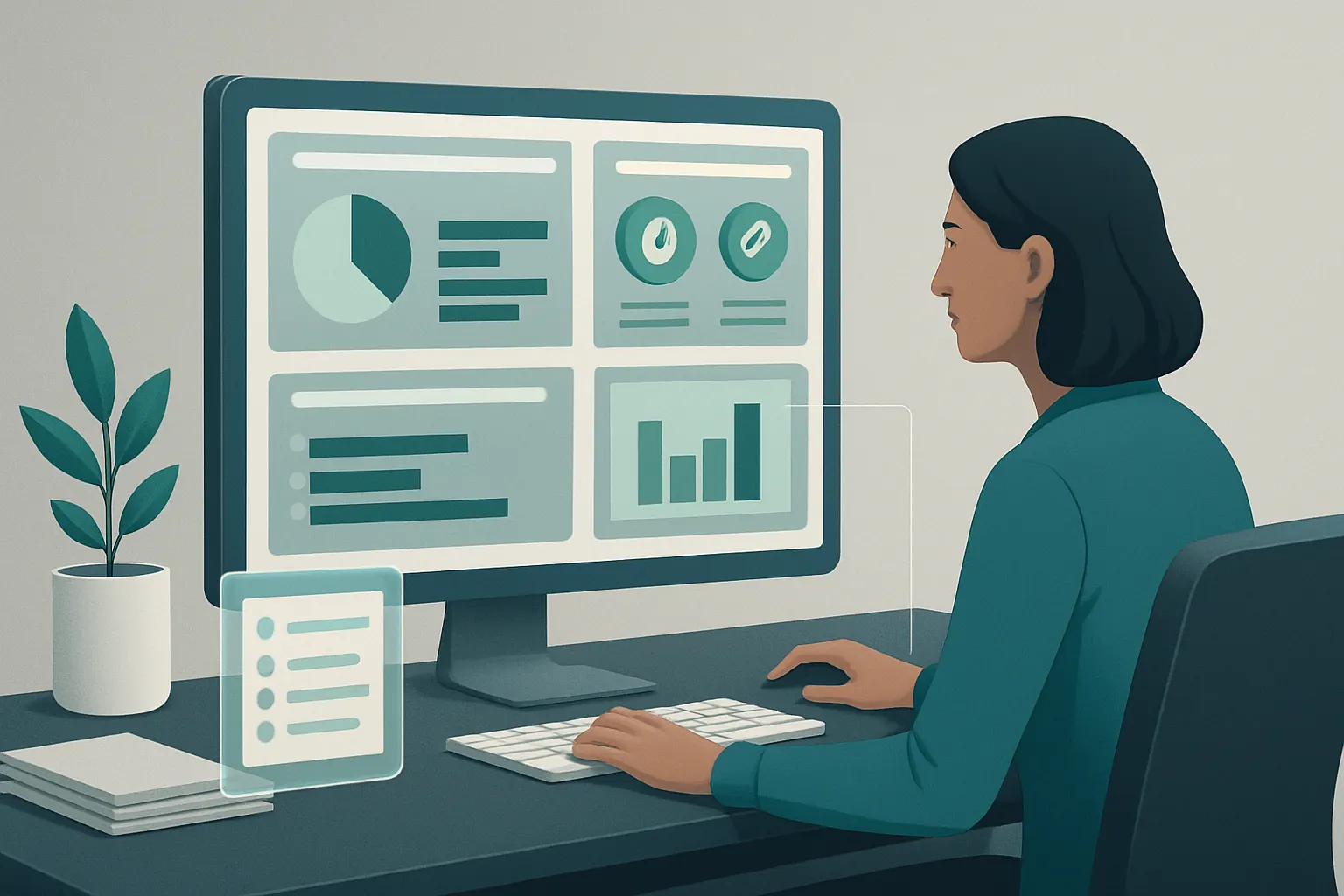
Consolidating data from client files, timesheets, document approvals, and communications into a tailored dashboard delivers at-a-glance visibility. Filters allow managers to drill down by client, consultant, or project phase.
Practical Example: Project and Utilisation Reporting
A dashboard highlights pending approvals, overdue advice follow-ups, consultant utilisation ratios, and upcoming milestones. Automated alerts support proactive workload balancing and billing schedules.
Control Layer to Secure Accuracy and Audit Trails
Data inputs use validation rules, and any exceptions generate flagged tasks for human review. Audit histories show document versions and changes to critical records maintaining compliance with documentation standards.
Selective AI Use for Flexible, Intelligent Workflow Support
Judicious Application of AI Capabilities in HR Consulting
Rather than treating AI as a panacea, the best practice is selecting AI functions that add measurable value—such as document classification, summarisation, task prioritisation, and decision support—without replacing professional oversight.
Examples of AI Enhancements
- Classification: Automatically tagging incoming client emails or documents by urgency or type, speeding triage.
- Summarisation: Creating concise reports from lengthy client notes to aid quick review before meetings.
- Prioritisation: Highlighting high-risk client cases based on preset criteria and recent inputs.
- Decision Support: Offering data-driven suggestions on client next steps, while requiring human approval for final implementation.
Integration into the Owned System
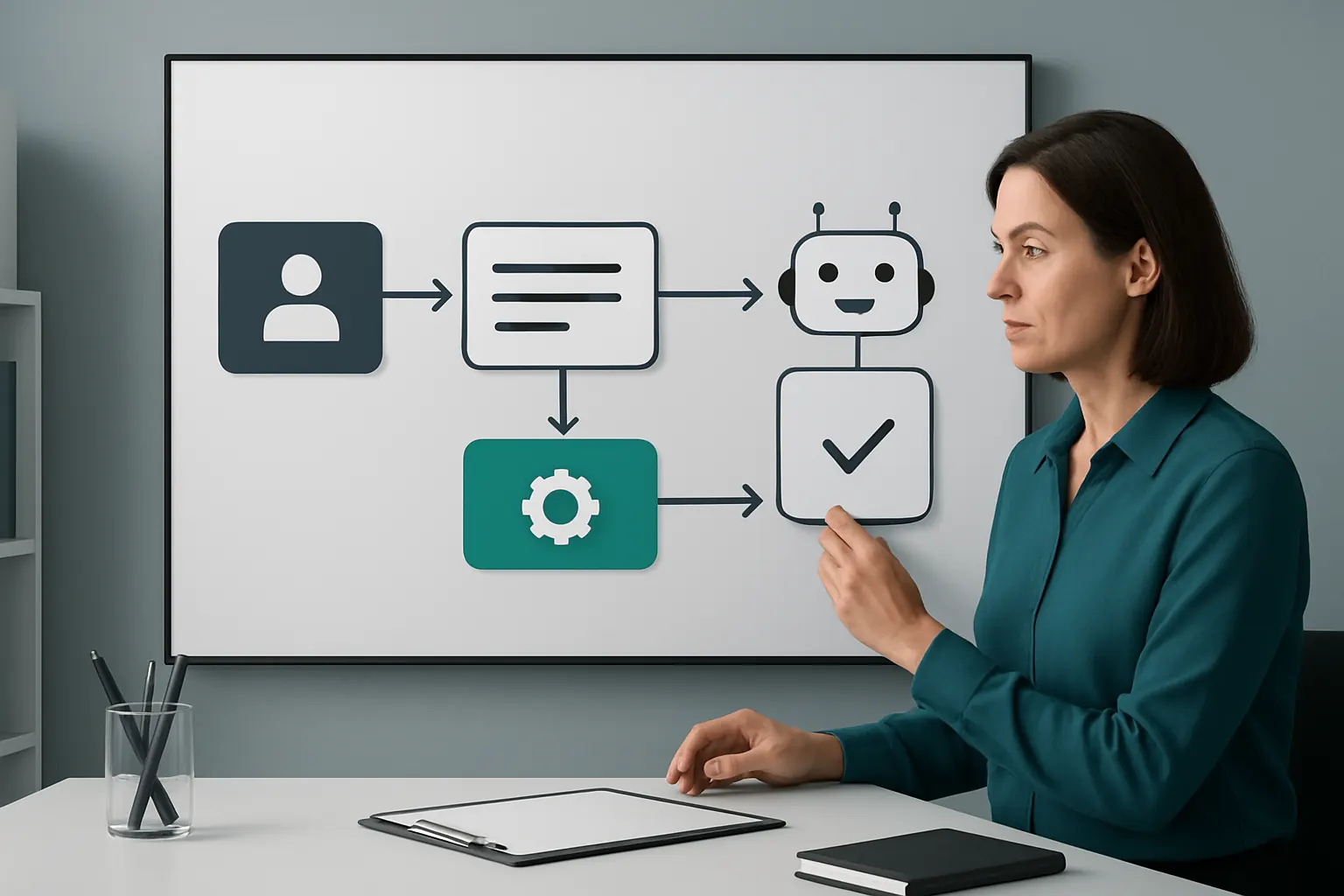
AI modules plug into the client case workspace and respect configured deterministic rules. Consultants retain final approval over advice delivery and sensitive client decisions, maintaining professional accountability.
Maintaining Compliance and Ethical Standards
AI outputs are transparent and auditable. They support human workflows rather than automate autonomously. For regulatory clarity around AI use in client-facing roles, organisations should refer to NCSC guidance on trustworthy AI.

A 90-Day Rollout Plan for HR Consultancy Automation Success
Weeks 1–2: Discovery and Process Mapping
- Interview consulting teams to document existing workflows and pain points.
- Define core operational data fields, required integrations, and key compliance controls.
- Identify essential external tools (payments, communications) for integration.
Weeks 3–6: Design and Development
- Configure a tailored client case workspace reflecting mapped workflows.
- Build integrations to existing HR, document, and communication systems.
- Develop automation for lead-to-engagement and document routing.
Weeks 7–12: Testing, Training, and Refinement
- Pilot workflows with selected cases; collect feedback on usability and controls.
- Train consultants on using the new unified system and dashboards.
- Refine AI assistance functions and approval processes.
- Roll out organisation-wide with ongoing support.
Unlocking Connected HR Consultancy Automation with AI Implementation UK
Understanding the constraints of disconnected SaaS subscriptions, AI Implementation UK delivers one owned operating workspace crafted around your HR consultancy’s unique processes. Our approach preserves valuable existing systems by integration and replaces avoidable software subscriptions with bespoke, owned modules.
We centralise your operational data into consistent, reliable client case records and tailored dashboards—giving you full control and visibility. Selective AI capabilities enhance workflows for classification, summarisation, prioritisation, and decision support while deterministic rules and visible human approvals safeguard compliance and professional standards.
Together, we tailor automation that genuinely frees your consulting teams to focus on strategic business value, not manual tasks. Discover how our structured approach to process automation, data infrastructure preparation, and AI strategy roadmapping can create a future-proof, streamlined operation. Visit our case studies to see real-world results and start planning your transformation with AI Implementation UK.
For further guidance on data protection and compliance in automation, consider the ICO’s GDPR toolkit and operational cybersecurity advice from the NCSC. Ensuring robust controls and authorised human review remains essential to maintaining your HR consultancy’s integrity and client trust.
To turn these priorities into one coherent system, map the platform your business needs or explore our workflow automation approach.